Simple Terminal
- エキスパート
- バージョン: 1.32
- アップデート済み: 22 9月 2026
- アクティベーション: 20

SimpleTerminal — manual trading panel for MetaTrader 5
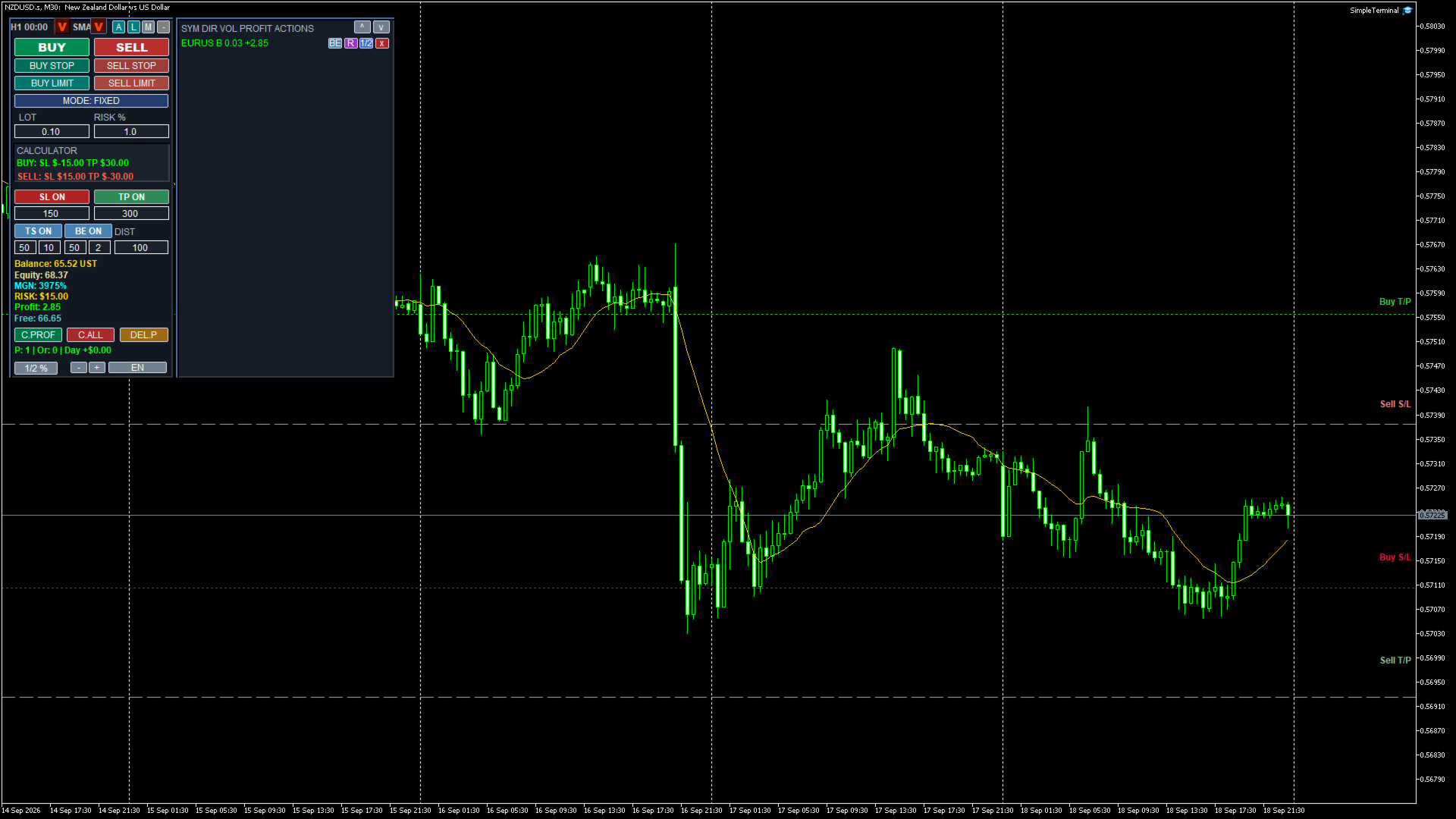
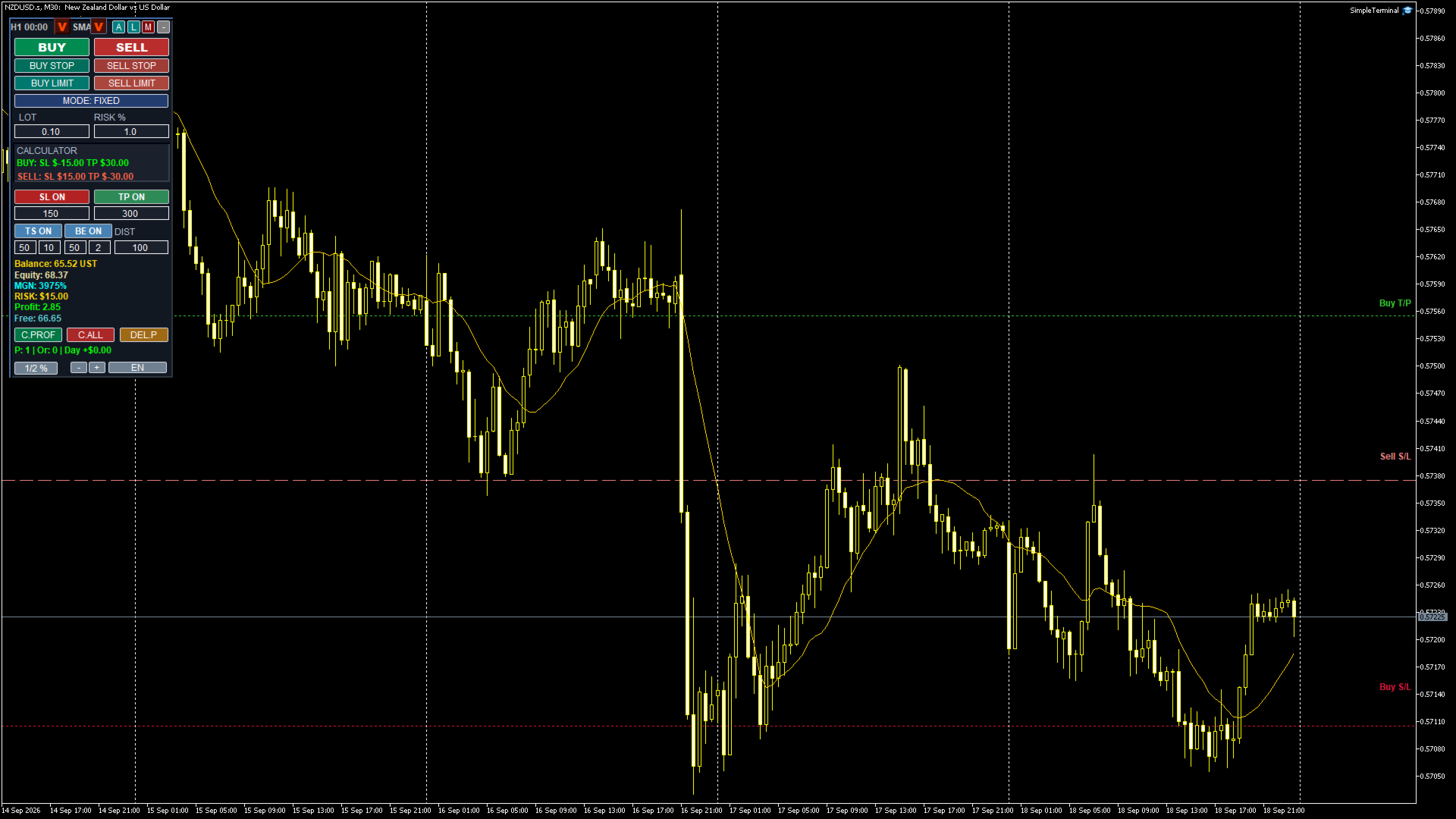
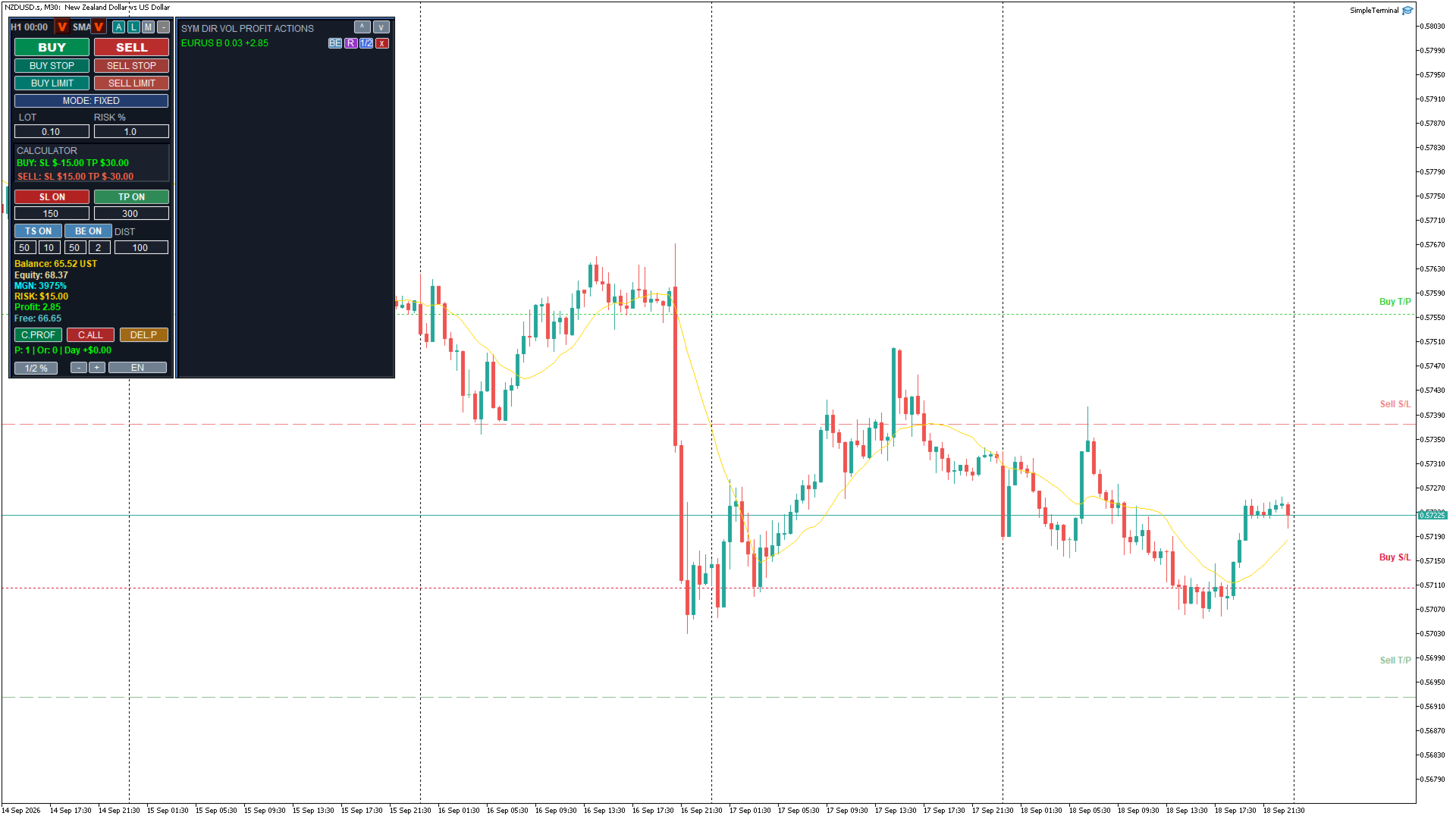
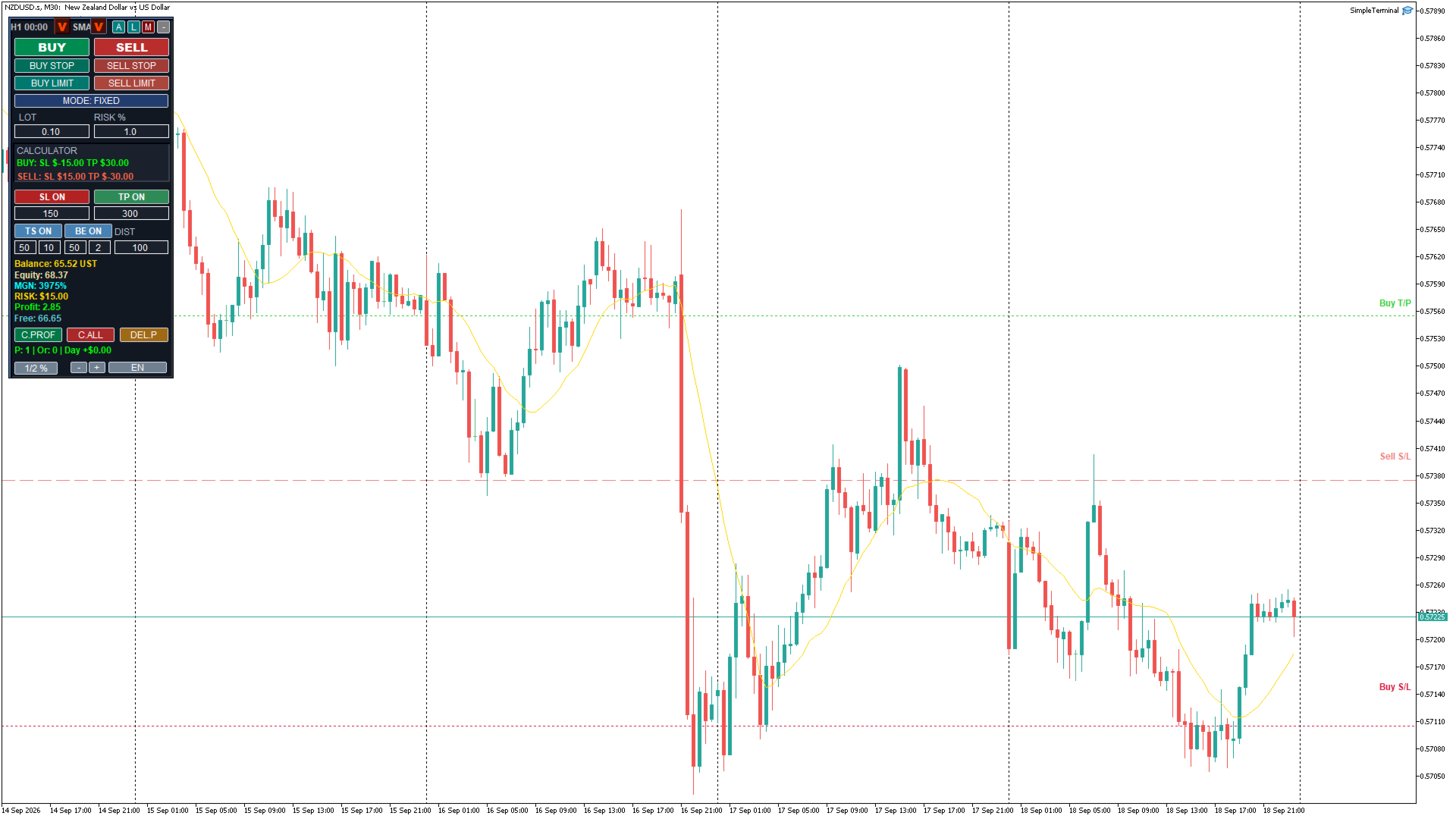
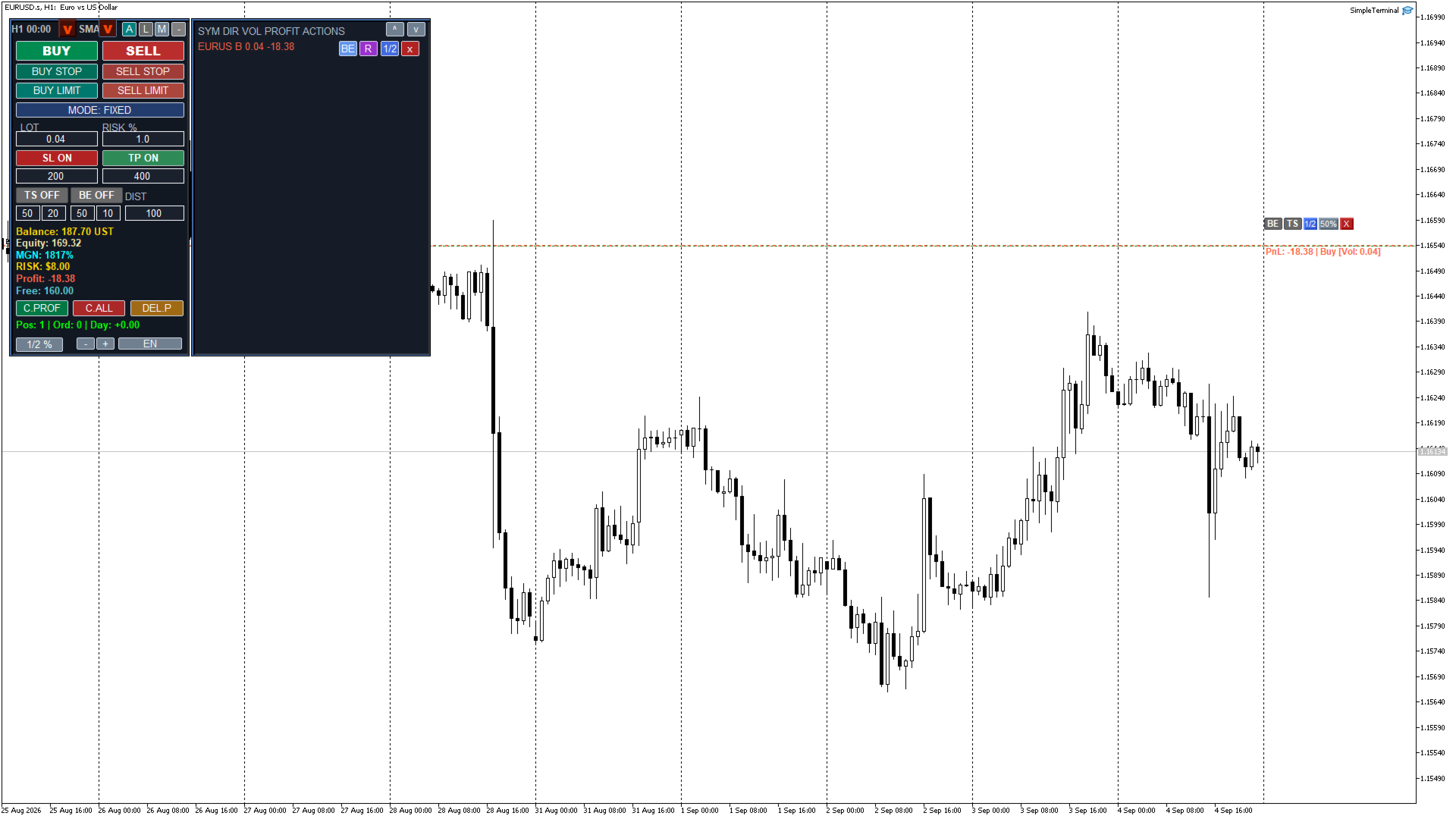
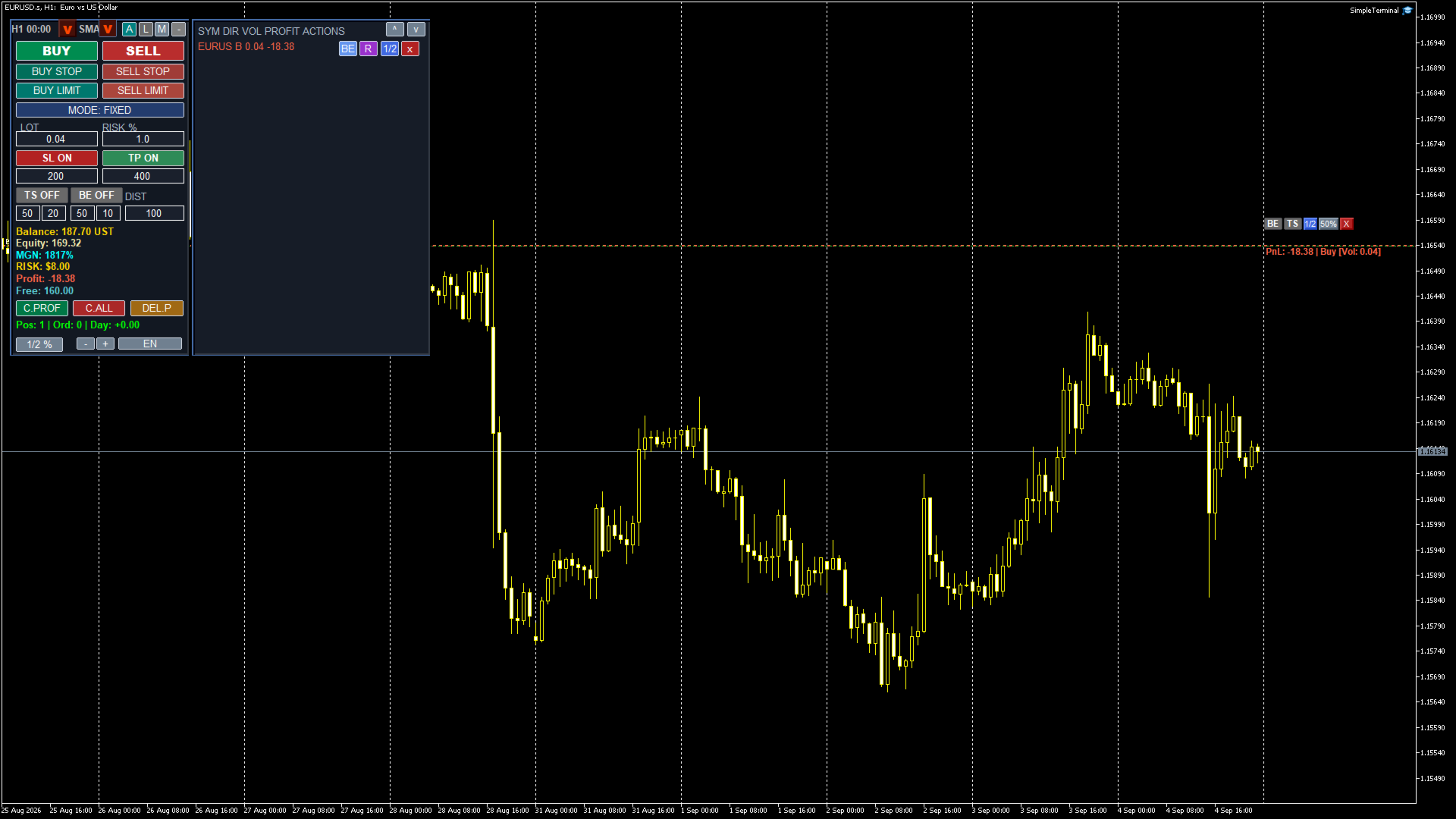
SimpleTerminal is a convenient expert advisor for manual trading directly on the chart. The panel always stays on top of other chart objects, can be dragged by its background with the mouse, and all its settings are saved separately for each symbol. The interface is available in English and Ukrainian, including tooltips.
Instant trade entry
One click opens BUY and SELL market orders, as well as BUY STOP, SELL STOP, BUY LIMIT and SELL LIMIT pending orders placed at a configurable DIST distance from the current price. The lot is either fixed (FIXED mode) or calculated automatically as a risk percentage of the balance for the given Stop Loss (PERCENT mode).
Built-in P/L calculator
Before opening a trade the panel shows the projected net profit or loss for BUY and SELL at the current SL and TP levels, taking the spread and commission into account. Commission comes from the setting (per lot) or is auto-estimated from the last 60 days of deal history.
Stop Loss and Take Profit
SL and TP levels are set in points and can be enabled or disabled independently. Future SL/TP levels for Buy and Sell are drawn on the chart as dashed colored lines with projected P/L amounts in the account currency, so you can see the expected result before entering the trade.
Trailing stop (TS)
Moves the Stop Loss behind the price as the position accumulates profit. Both the distance and the step are set in points. The stop is only moved in the direction that improves protection.
Break-even (BE)
As soon as a position's profit reaches the configured trigger, the Stop Loss is automatically moved into the break-even zone. The calculation accounts for the accumulated swap and commission, the current spread and the server's minimum stop distance, so the stop is never placed closer to the market than the broker allows.
Average price lines
Average entry price lines are drawn for open Buy and Sell positions. The lines have action buttons: close all Buy positions, close all Sell positions, partial close by percent (window with 25/50/75/100 % presets and a custom value), and TS/BE toggles right on the line. The lines can cover all positions of the symbol or only the advisor's own positions (by Magic).
Position and order monitor
On the right side of the panel there is a scrollable list with SYM, DIR, VOL, PROFIT columns and per-row actions: close a position, delete a pending order, move a position to break-even immediately, close a percentage of the volume, and reverse a position (close and reopen in the opposite direction).
Pending order pick line
Double-click the chart to place a price line for a future order. Use the buttons on the line to select the type — BL, BS, SL, SS — and drag the line with the mouse; the price snaps to the tick. Press OK to place the pending order exactly at the line price.
Trend references
The panel shows a countdown to the close of the current candle on the senior timeframe and a direction arrow for that candle (green up / red down). Optionally it also shows an arrow comparing the price with a moving average (SMA/EMA) on the selected senior timeframe.
Risk control and statistics
The panel displays: balance, equity, margin level (%), free margin, total profit of open positions (including swap and commission), the monetary risk for the selected lot and SL, and daily statistics — number of positions, orders and the day P/L.
Safety and server compatibility
The advisor uses the CTrade library with a unique Magic number; all operations are filtered by symbol and Magic. Before trading it validates volume min/max/step, free margin (the lot is automatically reduced when margin is insufficient), stops level, spread and tick size. OCO mode: as soon as a position exists, all pending orders for the same symbol are deleted
For validation in MQL5 Market, the advisor can make small demonstration trades in the tester - this can be turned off in the parameters