Auto Close Manager EA
- ユーティリティ
- バージョン: 1.3
- アップデート済み: 11 3月 2026
- アクティベーション: 7

Overview
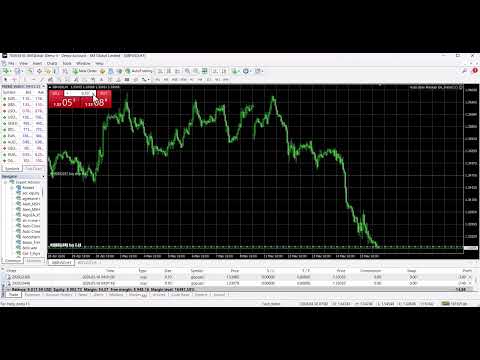
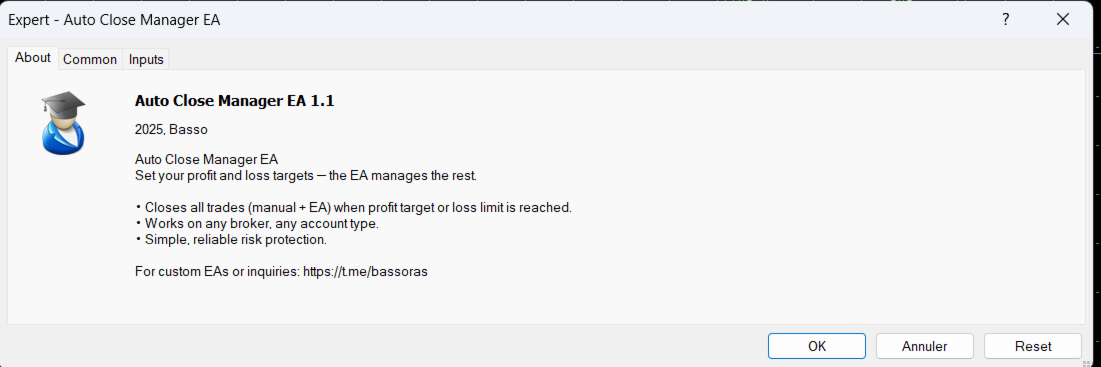
Auto Close Manager EA is a risk management utility for MetaTrader 4 designed to automatically close all open positions when a predefined floating profit or floating loss level is reached.
This Expert Advisor does NOT open trades.
It only monitors account equity and manages existing positions.
The EA works with manual trades and can optionally include trades opened by other Expert Advisors.
How It Works
The EA continuously monitors:
Floating Profit/Loss = Equity – Balance
When one of the defined thresholds is reached:
• If floating profit reaches the Profit Target → All trades are closed
• If floating loss reaches the Max Loss limit → All trades are closed
The EA executes a full position close to protect capital or lock in gains.
Key Features
• Automatic equity-based trade closure
• Profit target protection
• Maximum loss protection
• Option to include or exclude trades opened by other EAs
• Optional notification when positions are closed
• Works on all symbols and timeframes
• Compatible with any broker and account type
Input Parameters
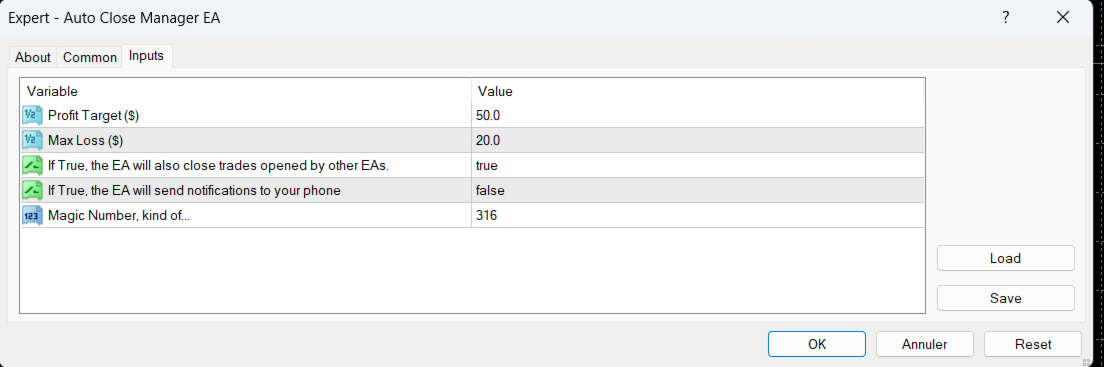
Profit Target ($)
When floating profit (Equity – Balance) reaches this amount, the EA closes all open trades.
Max Loss ($)
When floating loss (Equity – Balance) reaches this amount, the EA closes all open trades.
Include Other EAs (true/false)
True – Closes all trades (manual + other EAs)
False – Closes only manual trades
Send Notifications (true/false)
If enabled, a notification is sent when positions are closed.
Installation & Usage
-
Attach the EA to one chart only.
-
Enable AutoTrading.
-
Set your desired profit and loss thresholds.
-
The EA will monitor the account continuously.
No additional configuration is required.
Recommended Use Cases
• Protecting funded or prop firm accounts
• Locking daily profit targets
• Preventing excessive drawdown
• Managing manual trading sessions
• Adding equity protection to automated systems
Important Notes
• The EA must remain attached to a chart to function.
• AutoTrading must be enabled.
• Execution speed depends on broker conditions.
This tool is designed for account risk control and capital protection.
For support or custom development, please contact via private message.