Vladislav Andruschenko / Profilo
- Informazioni
|
14+ anni
esperienza
|
44
prodotti
|
2318
versioni demo
|
|
93
lavori
|
0
segnali
|
0
iscritti
|
Sono Vladislav, sviluppatore professionale MQL4/MQL5. Dal 2007 creo strumenti per MetaTrader.
Expforex sviluppa soluzioni pratiche di trading per MetaTrader 4 e MetaTrader 5:
Expert Advisor, pannelli di trading, copiatori di operazioni, strumenti di controllo del rischio, report del conto, strumenti di test e sistemi di automazione.
✅ Sviluppo per MetaTrader dal 2007
✅ Strumenti per MT4 e MT5
✅ Documentazione, video guide e supporto ai prodotti
✅ Utility professionali per trader, sviluppatori e gestori di conti
━━━━━━━━━━━━━━━━━━━━
⭐ VirtualTradePad PRO SE — Area di lavoro premium per il trading su MetaTrader
Pannello professionale per il trading manuale su MT4 e MT5 con controllo dal grafico, gestione delle posizioni, strumenti per gli ordini, chiusura parziale, mediazione, area segnali, preparazione ai test e moduli di trading avanzati.
https://expforex.com/it/vtpprosehero/
━━━━━━━━━━━━━━━━━━━━
🌐 Sito ufficiale Expforex
https://www.expforex.com/it/
🚀 Hub completo dei prodotti Expforex
https://www.mql5.com/it/blogs/post/760826
🛒 Tutti i prodotti su MQL5 Market
https://www.mql5.com/it/users/vladon/seller#products
📘 Tutte le guide MQL5
https://www.mql5.com/it/users/vladon/blog
━━━━━━━━━━━━━━━━━━━━
💬 Domande, idee o hai bisogno di aiuto?
Consiglio sempre di iniziare dalla guida completa e dalla documentazione del prodotto. La maggior parte delle risposte, degli esempi di configurazione e dei dettagli importanti è già spiegata lì.
Se hai bisogno di assistenza personale per un prodotto, scrivi la tua domanda nella sezione Comments della pagina esatta del prodotto che stai utilizzando. In questo modo è più facile verificare la versione del prodotto, le impostazioni, gli screenshot e i log, e fornire una risposta più precisa.
I tuoi feedback, le tue idee e i tuoi scenari reali di trading aiutano anche a migliorare i prodotti Expforex.
━━━━━━━━━━━━━━━━━━━━
🔗 Link social
📢 Canale MQL5
https://www.mql5.com/it/channels/expforex
▶️ YouTube
https://www.youtube.com/Expforex
https://www.facebook.com/ExpForex/
𝕏 X / Twitter
https://x.com/expforex
🎵 TikTok
https://www.tiktok.com/@expforex
📧 Contatto
https://expforex.com/it/contacts/
🔛 COPYLOT: MT4: https://www.mql5.com/en/market/product/6226
🔛 COPYLOT: MT5: https://www.mql5.com/en/market/product/11953
Copylot MetaTrader 5:
Бета тестирование: Добавлена возможность копировать отложенные ордера (PendingOrdersCopy).
Внимание: Отложенные ордера можно копировать только с счета, типа ХЕДЖ.
Внимание: Функция PendingOrdersCopy по умолчанию отключена!
Если Вы обнаружили ошибку ,просьба сообщить нам в разделе обсуждения с прикреплением полных лог файлов и описанием Ваших действий.
Спасибо за понимание.
Copylot MetaTrader 5:
Beta testing: Added the ability to copy pending orders (PendingOrdersCopy ).
Note: Pending orders can be copied only from an account HEDGE.
Note: PendingOrdersCopy is disabled by default!
If you find an error, please let us know in the discussion section with the attachment of full log files and a description of your actions.
Thank you for understanding.
https://youtu.be/hKIs_T19rAk
Профессиональный отчет вашего счета БЕСПЛАТНО
📖 ExtraReportPad MT4: https://www.mql5.com/ru/market/product/15056
📖 ExtraReportPad MT5: https://www.mql5.com/ru/market/product/36730
Traders Diary: questo è un pannello di statistiche che fornisce l'analisi del tuo conto di trading per MetaTrader 5. I risultati dell'analisi vengono visualizzati sul grafico in tempo reale. Il trading multivaluta è molto popolare. Versione MT4 Descrizione completa +PDF Come comprare Come installare Come ottenere i file di registro Come testare e ottimizzare Tutti i prodotti di Expforex Tuttavia, maggiore è la quantità di operazioni, più difficile è
📖 ExtraReportPad https://www.mql5.com/en/market/product/15056
Averager, grid, additional opening of positions on Trend and against Trend:
➕ Averager: МТ4: https://www.mql5.com/ru/market/product/1289
➕ Averager: МТ5: https://www.mql5.com/ru/market/product/1112
📹 https://www.youtube.com/watch?v=17qRLxQ-ylM
🆕 The xCustomEA MetaTrader 4: https://www.mql5.com/ru/market/product/32115
🆕 The xCustomEA MetaTrader 5: https://www.mql5.com/ru/market/product/32116
➕ Averager: MT4: https://www.mql5.com/en/market/product/1289
➕ Averager: MT5: https://www.mql5.com/en/market/product/1112
- Добавлен мультимагик:
MagicNumber Магический номер позиций (сделок) для сопровождения и учета.
MagicNumber Магические номера можно указать через запятую:
0 - ордера открытый вручную;
123,345,147 - все позиции с MagicNumber номерами 123,345,147;
-1 - все MagicNumber, без исключения.
- Добавлены новые переменные:
CloseAveragingAfterCloseMainDeals - Закрывать позиции усреднения (открытые против тренда), когда главные позиции были закрыты.
Функция будет закрывать позиции усреднения только тогда, когда все главные позиции (по текущему символу и магическому номеру) будут закрыты!
Внимание: Новая функция работает отдельно для направлений BUY и SELL !
CloseAdditionalAfterCloseMainDeals - Закрывать позиции дополнительного открытия (открытые по тренду), когда главные позиции были закрыты.
Функция будет закрывать позиции дополнительного открытия только тогда, когда все главные позиции (по текущему символу и магическому номеру) будут закрыты!
Внимание: Новая функция работает отдельно для направлений BUY и SELL !
DistanceDifferent/ADDITIONALDistanceDifferent: Дистанция новых позиций усреднения (против тренда) или дополнительного открытия (по тренду), заданных через запятую!
Вы можете указать нужные значения дистанции в формате xx,yy,zz,aa
где:
xx - Дистанция в пунктах для открытия первой позиции усреднения / дополнительного открытия;
yy - Дистанция в пунктах для открытия второй позиции усреднения / дополнительного открытия;
zz - Дистанция в пунктах для открытия третей позиции усреднения / дополнительного открытия;
aa - Дистанция в пунктах для открытия четвертой и остальных позиций усреднения / дополнительного открытия;
Вы можете задать любое количество дистанций.
- Added multi magic:
MagicNumber Magic number of positions (transactions) for tracking and accounting.
MagicNumber Magic numbers can be specified separated by commas:
0 - orders opened manually;
123,345,147 - all positions with MagicNumber numbers 123,345,147;
-1 - all MagicNumber, without exception.
- Added new variables:
CloseAveragingAfterCloseMainDeals - Close averaging positions (open against the trend) when the main positions are closed.
The function will close the averaging positions only when all the main positions (according to the current symbol and magic number) are closed!
Attention: The new function works separately for the BUY and SELL directions!
CloseAdditionalAfterCloseMainDeals - Close additional open positions (opened with the trend) when the main positions were closed.
The function will close the position of the additional opening only when all the main positions (according to the current symbol and magic number) are closed!
Attention: The new function works separately for the BUY and SELL directions!
DistanceDifferent / ADDITIONALDistanceDifferent: Distance of new positions of averaging (against the trend) or additional opening (to the trend), separated by commas!
You can specify distance values in the format xx, yy, zz, aa
Where:
xx - Distance in points for opening the first position of averaging / additional opening;
yy - distance in points for opening the second position of averaging / additional opening;
zz - Distance in points for opening the third position of averaging / additional opening;
aa - Distance in points for opening the fourth and other positions of averaging / additional opening;
You can set any number of distances.


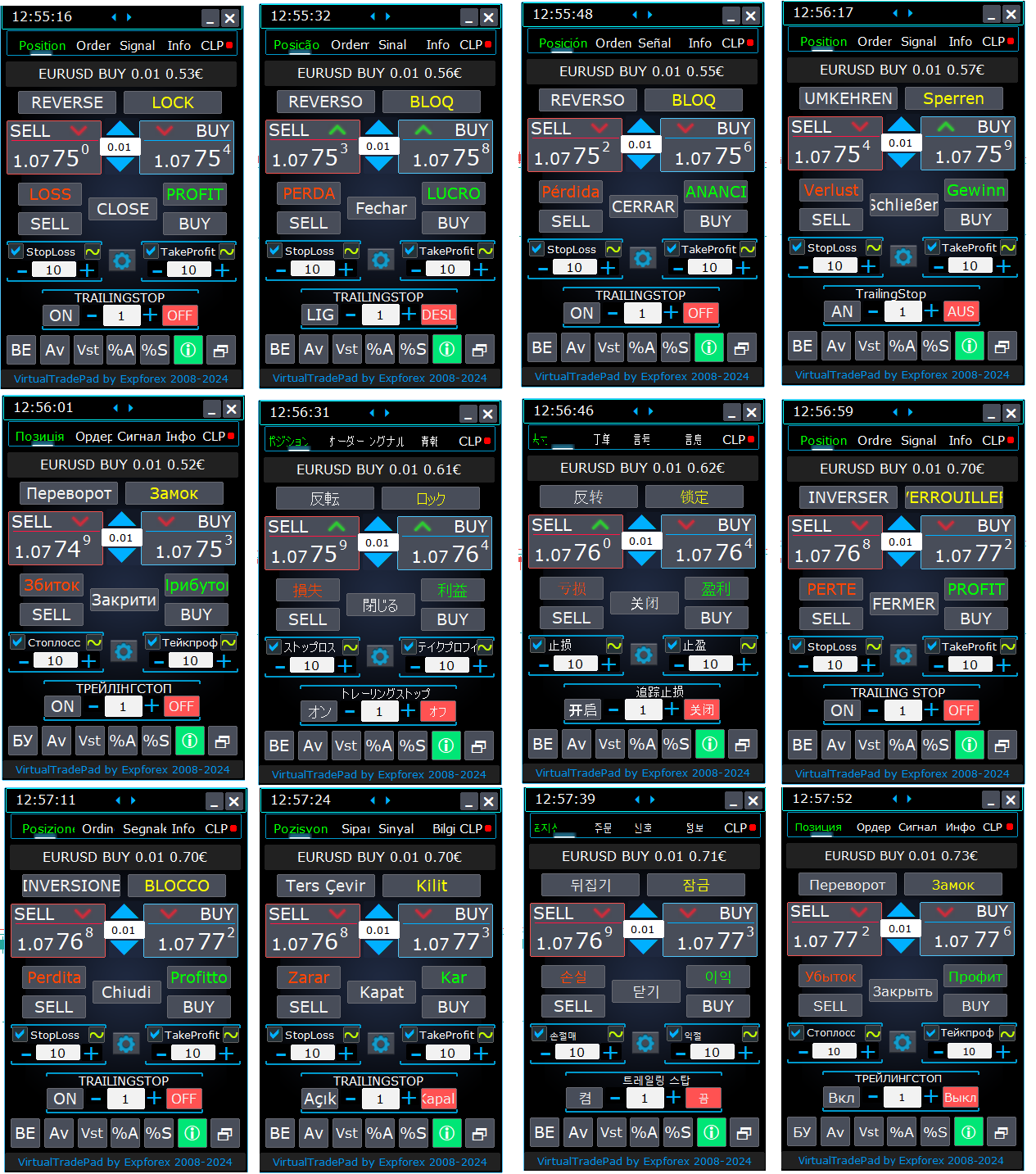
⌨️ VIRTUALTRADEPAD: MT4: https://www.mql5.com/en/market/product/2892
⌨️ VIRTUALTRADEPAD: MT5: https://www.mql5.com/en/market/product/167
Глобальное обновление 2019
- Улучшение графической части панели. Ре-дизайн отдельных элементов;
- Добавлена возможность изменять размеры панели: GeneralSize!
- GeneralSize по умолчанию = 12, Увеличение размера панели.
- Прошлый размер панели при GeneralSize = 10!
- Текстовые метки открытых позиций оптимизированы. Исправлена ошибка, когда текстовые метки рисовались поверх панели VirtualTradePad;
- В блоки Стоплосс и тейкпрофит добавлен элемент управления: Установка StopLoss/TakeProfit всех позиций/ордеров на указанный уровень на графике:
При нажатии на кнопку, у Вас появится линия уровня StopLoss/TakeProfit.
Вы можете указать цену, по которой будут модифицироваться все StopLoss/TakeProfit позиций/ордеров!
Если Вы работаете с вкладкой Positions, тогда StopLoss/TakeProfit будет установлен на позиции!
Если Вы работаете с вкладкой Orders, тогда StopLoss/TakeProfit будет установлен на отложенные ордера!
Внимание! советник может установить StopLoss/TakeProfit , только на ту цену, которая удовлетворяет правилам установки StopLoss/TakeProfit!
Global Update 2019
- Improved graphics part of the panel. Re-design of individual elements;
- Added the ability to resize the panel: GeneralSize!
- GeneralSize default = 12, Increasing the size of the panel.
- Last panel size with GeneralSize = 10!
- Text labels of open positions optimized. Fixed error when text labels were drawn on top of the VirtualTradePad panel;
- The following control has been added to the Stoploss and Take Profit blocks: Setting StopLoss / TakeProfit for all positions/orders on the instructions level on the chart:
When you click on the button, you will have a line level StopLoss / TakeProfit.
You can specify the price at which all StopLoss/TakeProfit positions/orders will be modified!
If you are working with the Positions tab, then StopLoss / TakeProfit will be set to the position!
If you are working with the Orders tab, then StopLoss / TakeProfit will be placed on pending orders!
Attention! The Expert Adviser can set StopLoss / TakeProfit, only on the price that meets the rules for setting StopLoss / TakeProfit!
https://www.youtube.com/watch?v=nXP0hdr2a9U&feature=youtu.be
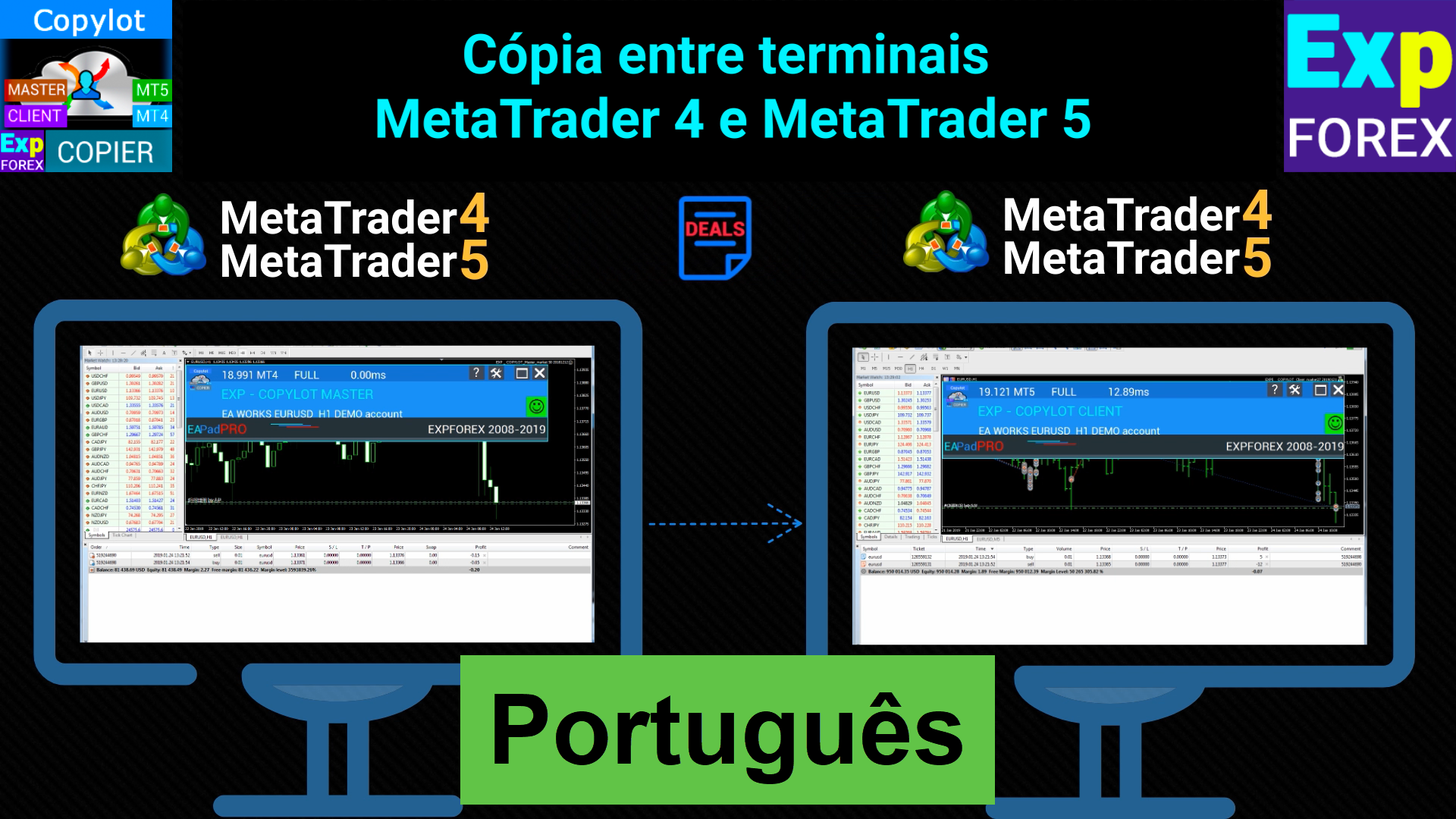
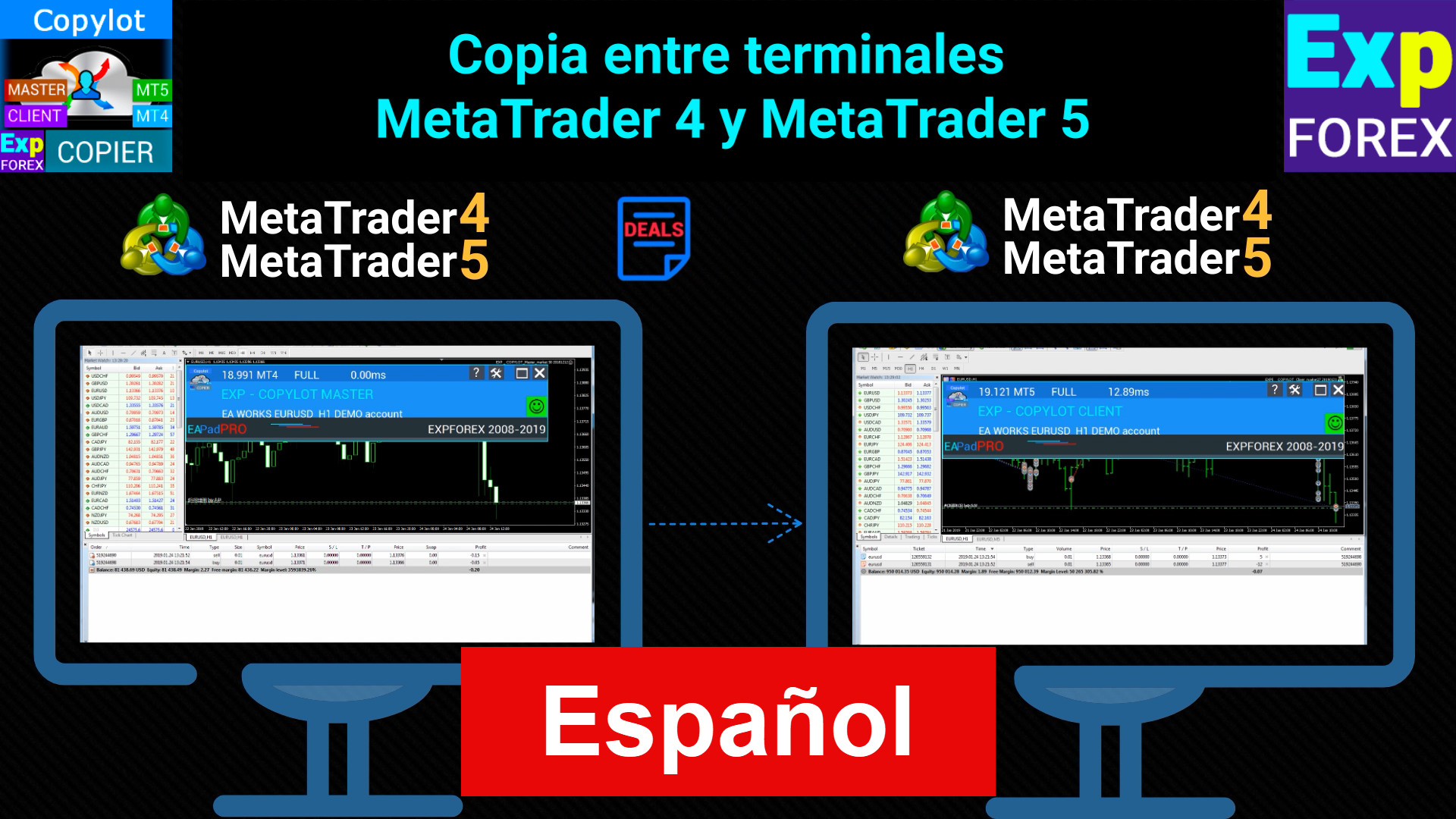
Копировщик сделок и позиций между терминалами
🔛 COPYLOT: МТ4: https://www.mql5.com/ru/market/product/6226
🔛 COPYLOT: МТ5: https://www.mql5.com/ru/market/product/11953
Надеюсь, Вам понравится!
Спасибо за просмотры и лайки!
Универсальный советник на пользовательских индикаторах
🆕 The xCustomEA MetaTrader 4: https://www.mql5.com/ru/market/product/32115
🆕 The xCustomEA MetaTrader 5: https://www.mql5.com/ru/market/product/32116
================================================================================
Только сейчас обнаружил, что индикатор Pipfinite врет!!!! показывает стрелку и ALERT на предыдущем баре!!!
Т.е. проверяет текущий бар - будет ли он прибыльный, и только потом ставит стрелку!!
Намучился с этим вопросом!
================================================================================
xCustomEA allowed me to reveal a big mistake in the Pipfinite indicator!
Universal Expert Advisor on Custom Indicators
🆕 The xCustomEA MetaTrader 4: https://www.mql5.com/en/market/product/32115
🆕 The xCustomEA MetaTrader 5: https://www.mql5.com/en/market/product/32116
================================================================================
Only now I realized that the Pipfinite indicator is lying !!!!
shows an arrow and ALERT on the previous bar !!!
Those. checks the current bar - whether it will be profitable, and only then puts the arrow !!
Worn out with this question!
Оптимизация функции вызова истории сделок для ускорения работы копировщика снижения нагрузки на ресурсы компьютера.
Important update for Copylot Client MT5:
Optimization of the deals history function to speed up the work of the copyist to reduce the load on computer resources.
Copiatore professionale di trade per MetaTrader 5 Un copiatore di trade veloce, professionale e affidabile per MetaTrader . COPYLOT consente di copiare operazioni Forex tra terminali MT4 e MT5 con supporto per conti Hedge e Netting . La versione MT5 di COPYLOT supporta: - MT5 Hedge → MT5 Hedge - MT5 Hedge → MT5 Netting - MT5 Netting → MT5 Hedge - MT5 Netting → MT5 Netting - MT4 → MT5 Hedge - MT4 → MT5 Netting Versione MT4 Descrizione completa + DEMO + PDF Come acquistare Come installare Come
INFOPad è un pannello informativo che crea informazioni sulla coppia di valute selezionata nel terminale MetaTrader 4. Ci sono 5 funzioni di questo indicatore: Mostra le informazioni principali e principali sul simbolo selezionato: Ask BID, Spread, Stop Level, Swap, Tick value, Commissioni; Mostra gli obiettivi futuri del target SL e del target TP (il numero di punti dello stop loss e del take profit stabiliti, l'importo in dollari); Mostra il profitto ricevuto per i periodi: Oggi, Settimana
INFOPad è un pannello informativo che crea informazioni sulla coppia di valute selezionata nel terminale MetaTrader 5. Ci sono 5 funzioni di questo indicatore: Mostra le informazioni principali e principali sul simbolo selezionato: Ask BID, Spread, Stop Level, Swap, Tick value, Commissioni; Mostra gli obiettivi futuri del target SL e del target TP (il numero di punti dello stop loss e del take profit stabiliti, l'importo in dollari); Mostra il profitto ricevuto per i periodi: Oggi, Settimana