Telegram to MT4 using AI

What is Telegram to MT4 using AI?

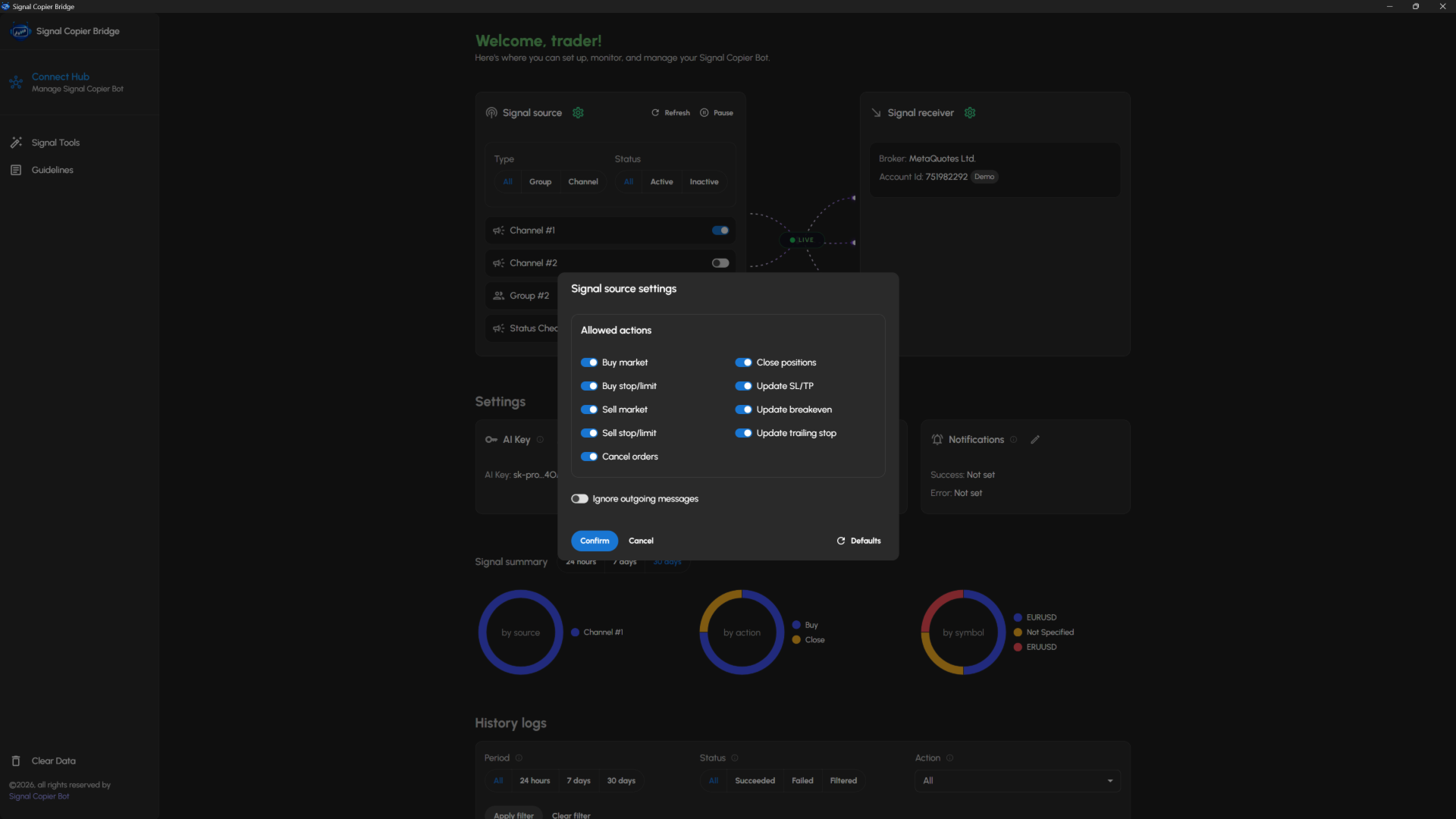
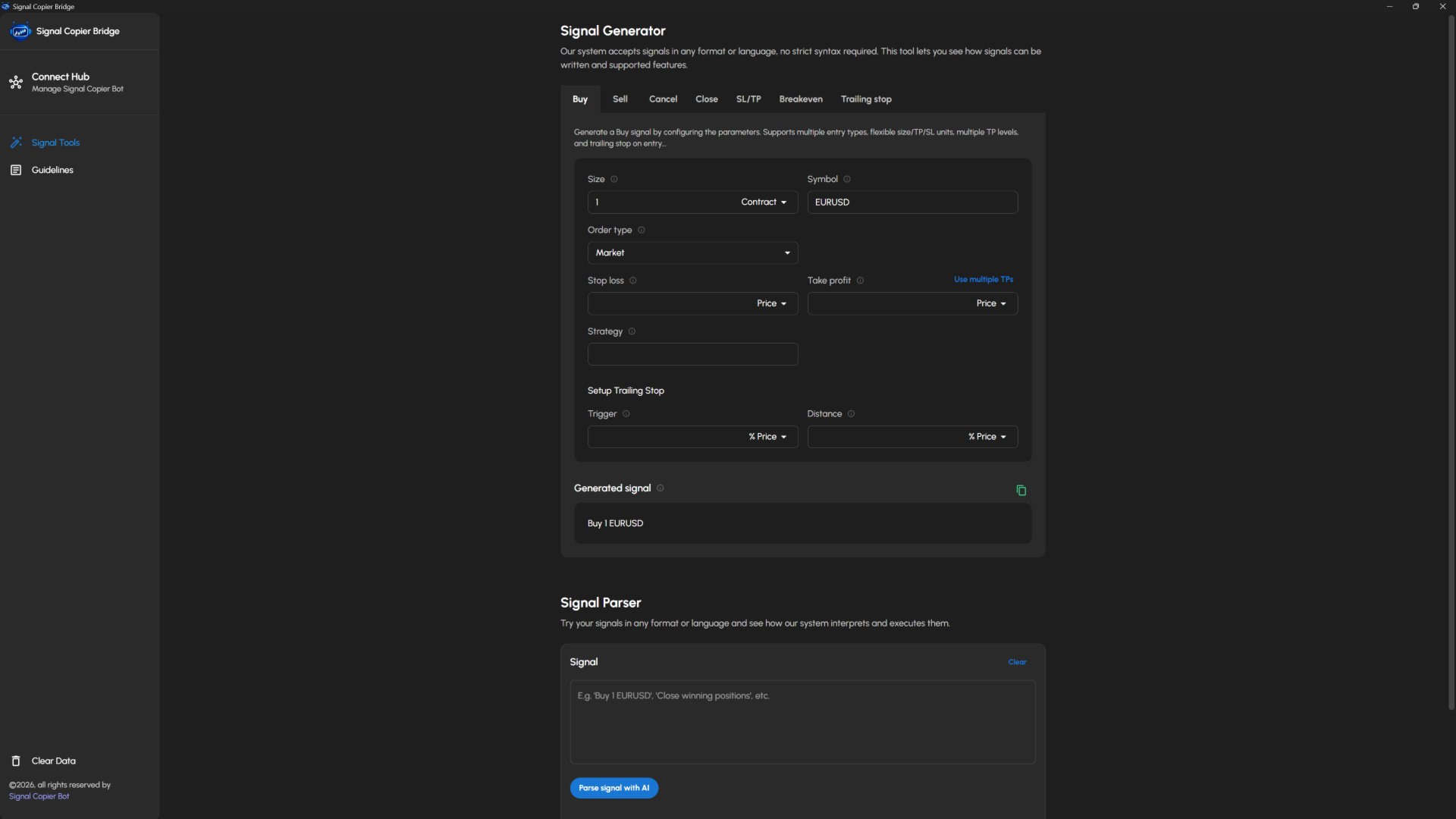
Telegram to MT4 using AI is a Signal Copier that automatically receives trading signals from Telegram groups and channels, then executes them instantly on your MT4 trading account. This fully self-hosted solution uses AI to understand trading signals.

Our solution is the ideal choice if you're looking for:

  • A fully self-hosted solution that gives you complete control over your data, privacy, and automation—with no monthly subscription.
  • AI-powered signal parsing that eliminates the need for templates, custom parsers, or complex rule-based configurations.
  • A true signal copier capable of processing trading signals in virtually any language and format.
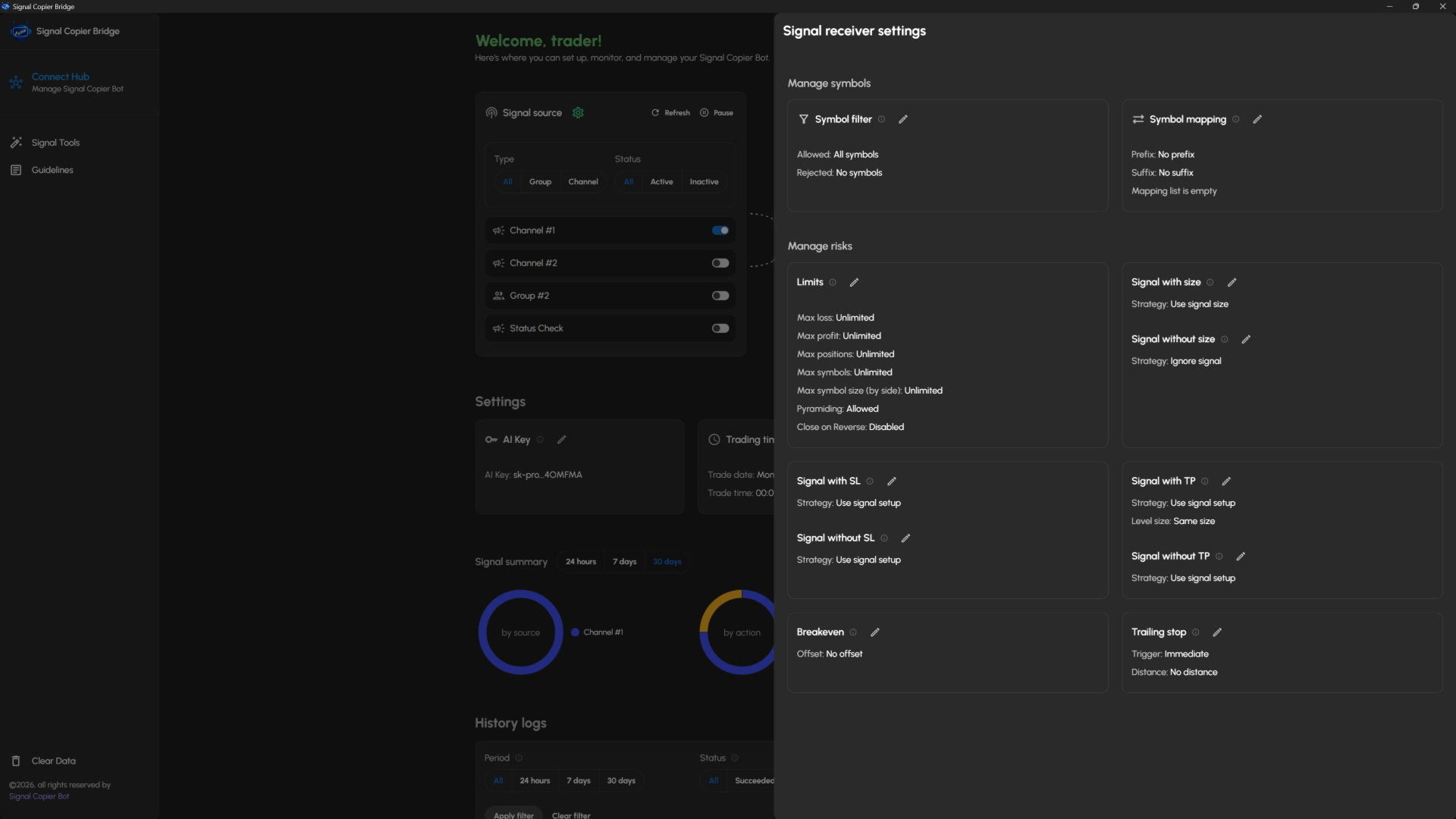
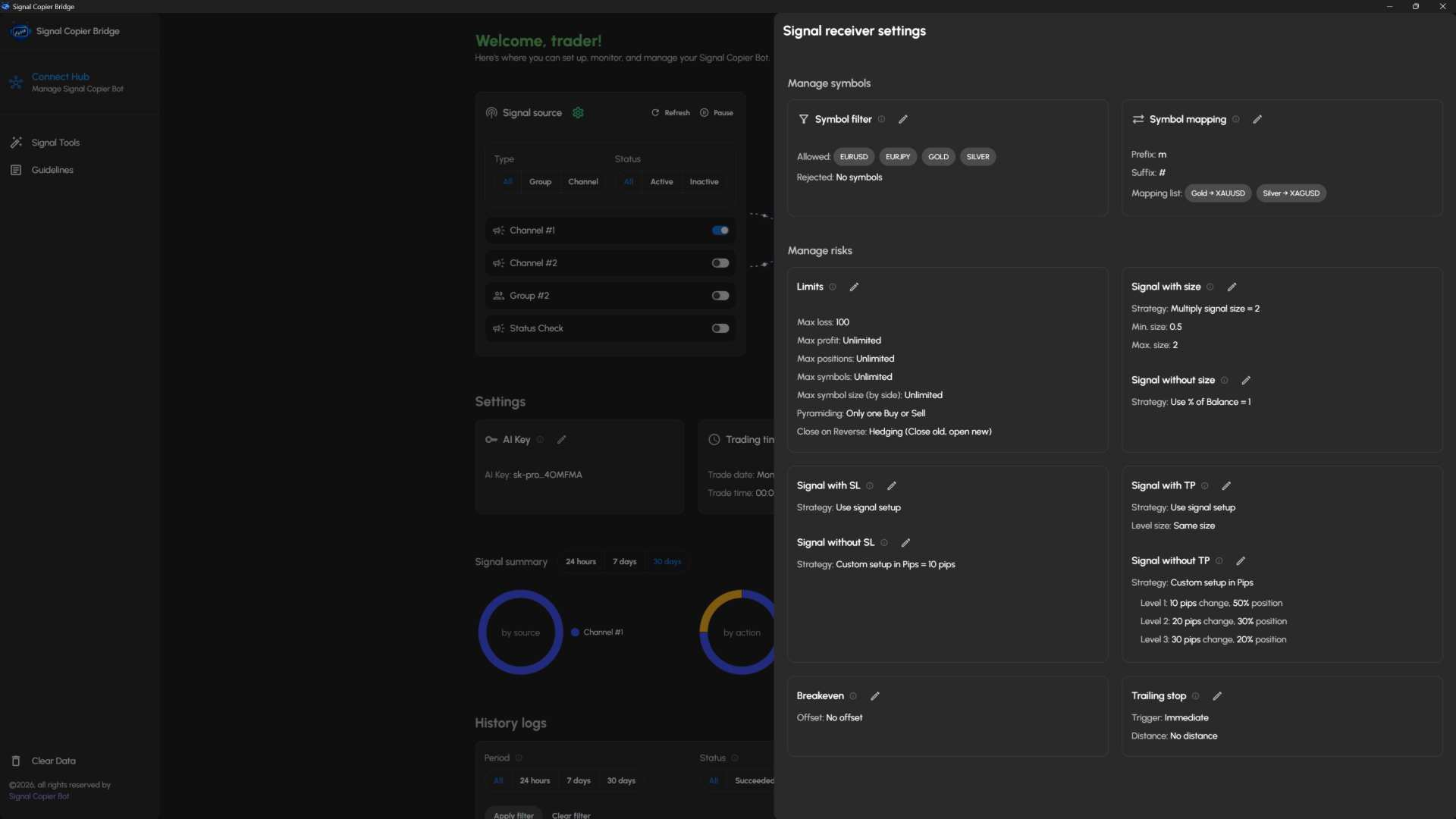
  • An advanced automation system with powerful customization options, including symbol mapping, risk management, signal customization, trade filters, and much more.
Please Read the setup guides for more details


How Telegram to MT4 using AI works

Step 1: Receive a Telegram trading signal

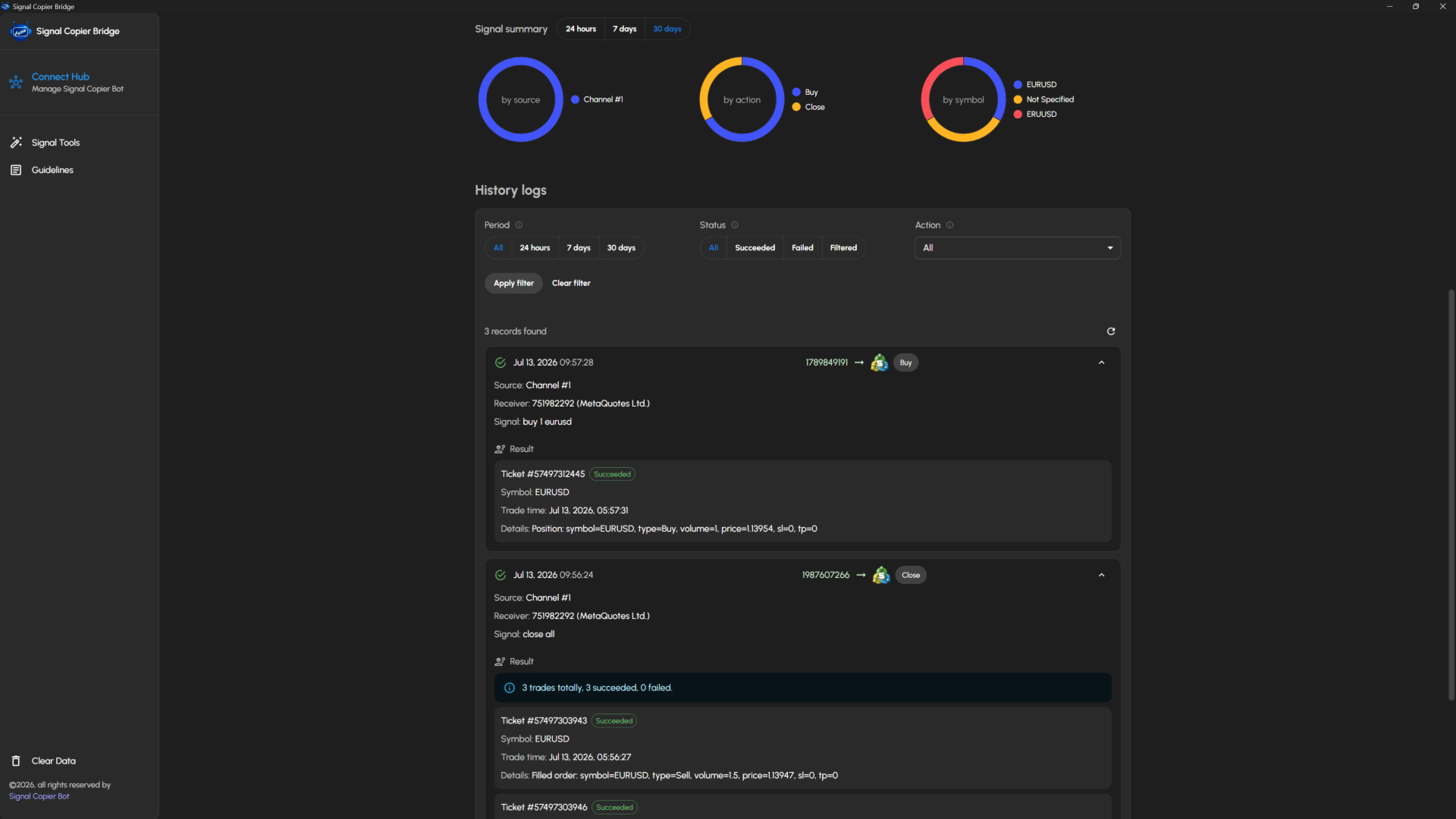
Whenever a new trading signal is posted in a Telegram group or channel connected to your Telegram account, it is detected and captured automatically.

Step 2: AI analyzes the trading signal

Our AI analyzes and interprets the trading signal, understanding different formats, writing styles, and languages without requiring predefined templates or parsing rules.

Step 3: Apply your trading preferences

Before the trade is executed, your receiver settings are applied automatically to match your trading strategy, including:

  • Risk management
  • Symbol filtering and symbol mapping
  • Position size limits
  • Stop Loss and Take Profit strategies
  • Breakeven settings
  • Trailing stop settings
  • And many more advanced options...

Step 4: Execute the trade in MT4

Once all customizations have been applied, the final trading signal is executed instantly on your MT4 trading account.


Requirements

1. Signal Copier Bridge

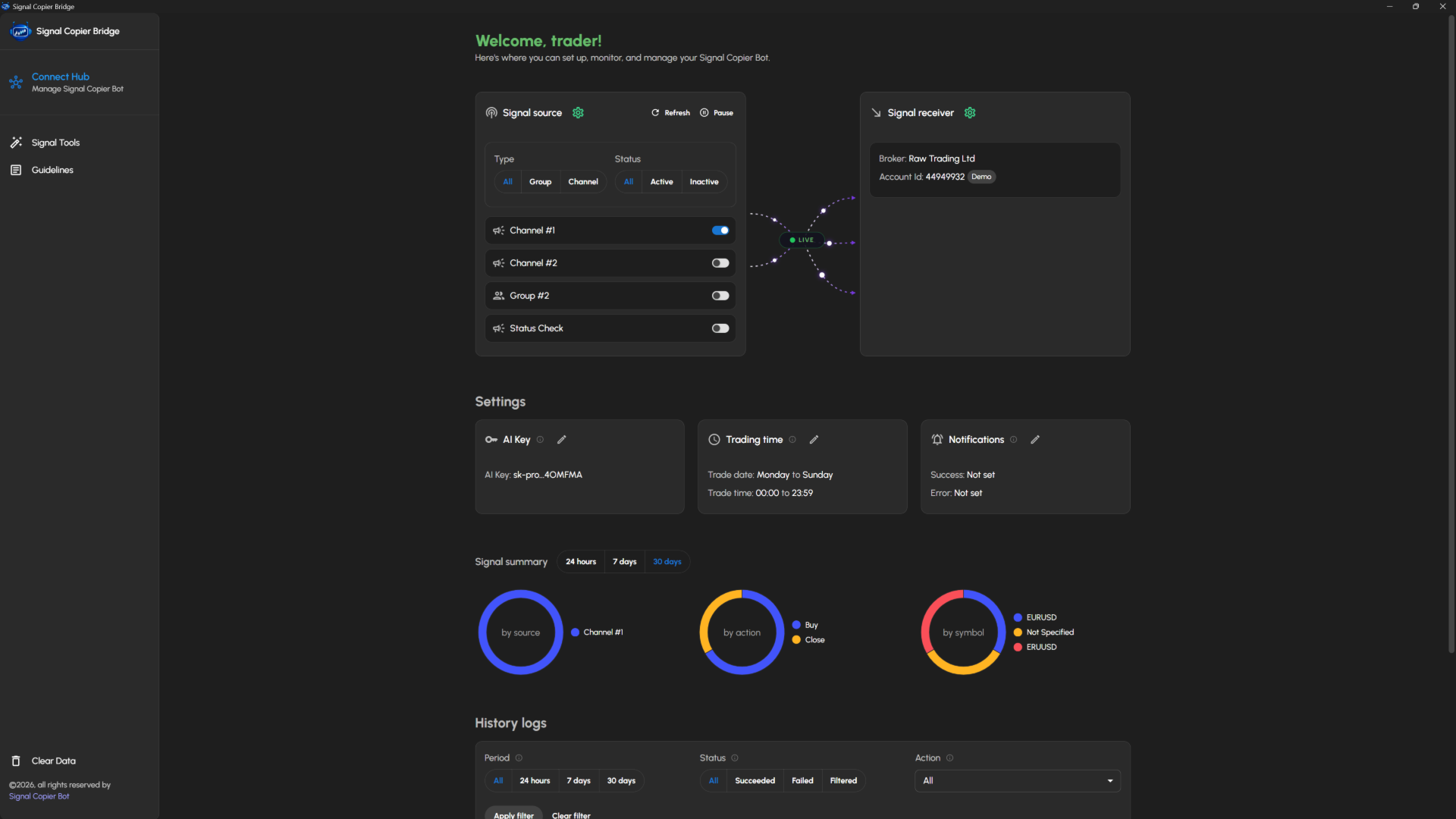
Due to MetaTrader's platform limitations, the Signal Copier Bridge desktop application is required. It securely connects your Telegram signals to your MT4 terminal and provides a central place to configure and manage your automation. Read the setup guide to download and install the application.

2. OpenAI API Key

Because the application is fully self-hosted and uses AI to understand your trading signals, you will need your own OpenAI (ChatGPT) API key to enable AI-powered signal parsing.


Supported trading signals

Your trading signals can be written in any format or language. They can contain complete trade instructions or only partial information. Missing details can be filled in automatically, and existing instructions can be modified or overridden using your receiver settings.

1. Buy/Sell actions

  • Position sizing using lots, account balance percentage, or margin amount
  • Market, Limit, and Stop orders
  • Stop Loss and Take Profit using price, pips, or percentage change
  • Multiple Take Profit targets
  • Strategy ID support
  • Trailing stop included in Buy/Sell signals

2. Cancel pending orders

  • Cancel pending orders by order type
  • Cancel pending orders by Strategy ID
  • Cancel pending orders by symbol

3. Close open positions

  • Partially close positions
  • Close positions by order type
  • Close positions by symbol
  • Close positions using profit filters
  • Close positions by Strategy ID

4. Set Stop Loss / Take Profit

  • Set Stop Loss and Take Profit using price, pips, or percentage change
  • Filter positions by order type, symbol, profit, and more

5. Set breakeven

  • Move positions to breakeven automatically
  • Configure a custom breakeven level
  • Filter positions by order type, symbol, profit, and more

6. Set trailing stop

  • Configure trailing stop trigger and distance using price, pips, or percentage change
  • Filter positions by order type, symbol, profit, and more
Altri dall’autore
Auto Fibonacci Retracement Indicator — Flexible and Reliable This isn’t just another Auto Fibonacci Retracement indicator. It’s one of the most flexible and dependable tools available . If you find it useful, please consider leaving a review or comment — your feedback means a lot! Check out my other helpful tools below: Telegram to MT5 using AI   - AI-Powered Signal Copier Bot Smart Alert Manager   - Set up advanced alerts and send them to Mobile, Telegram, Discord, Webhook... Timeframes Trend
FREE
Auto Fibo Retracement MT4
Nguyen Tuan Son
3.75 (4)
Auto Fibonacci Retracement Indicator — Flexible and Reliable This is not just another Auto Fibonacci Retracement indicator — it’s one of the most flexible and dependable tools available . If you find it useful, please leave a review or comment to support the project. Check out my other helpful tools below: Telegram to MT4 using AI   - AI-Powered Signal Copier Bot Timeframes Trend Scanner    - Scan the trend of assets in difference timeframes with multiple indicators Market Trend Scanner   - Scan
FREE
What Is the Currency Strength Meter? The Currency Strength Meter is an advanced yet easy-to-use indicator that measures the relative strength of 8 major currencies by analyzing their real-time performance across 28 currency pairs . It visually ranks currencies from strongest to weakest, helping you: Spot high-probability trading opportunities Match strong currencies against weak ones Trade with confidence and precision With just a glance at the dashboard, you'll know which currencies to trade –
Easy Toolbar MT4
Nguyen Tuan Son
5 (1)
Easy Toolbar is a user-friendly toolkit that provides fundamental tools and utilities which can helps you analyze market , get notifications and calculate trade factors faster, more accurate and much easier. Easy Toolbar is born with the mission to make analysis tools of MT4 really work & provide more useful utilities . If you are not fully depend on EAs and do your own work to analyze market, this tool is for you! Main features New way to use market analysis tools Introduce new important object

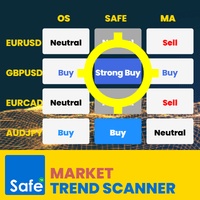
Market Trend Scanner   is a trend analyzer or trend screener indicator that helps you know the trend in   selected timeframe of all symbols you're watching . This indicator provides clear & detailed analysis results on a beautiful dashboard, let you able to use this result right away without need   to do any additional analysis. How it works Step 1: Calculate values of 23 selected & trusted technical indicators (Oscillator & Moving Average indicators) Step 2: Analyze all indicators using best pr
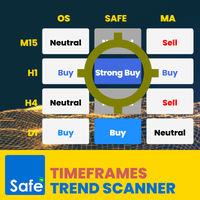
Timeframes Trend Scanner is a trend analyzer or trend screener indicator that helps you know the trend in all timeframes of selected symbol you are watching . This indicator provides clear & detailed analysis results on a beautiful dashboard, let you able to use this result right away without need to do any additional analysis. How it works Step 1: Calculate values of 23 selected & trusted technical indicators (Oscillator & Moving Average indicators) Step 2: Analyze all indicators using best pra
Easy Toolbar MT5
Nguyen Tuan Son
5 (1)
Easy Toolbar is a user-friendly toolkit that provides fundamental tools and utilities which can helps you analyze market , get notifications and calculate trade factors faster, more accurate and much easier. Easy Toolbar is born with the mission to make analysis tools of MT5 really work & provide more useful utilities . If you are not fully depend on EAs and do your own work to analyze market, this tool is for you! Main features New way to use market analysis tools Introduce new important object


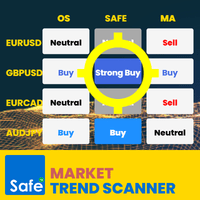
Market Trend Scanner   is a trend analyzer or trend screener indicator that helps you know the trend in   selected timeframe of all symbols you're watching . This indicator provides clear & detailed analysis results on a beautiful dashboard, let you able to use this result right away without need to do any additional analysis. How it works Step 1: Calculate values of 23 selected & trusted technical indicators (Oscillator & Moving Average indicators) Step 2: Analyze all indicators using best prac
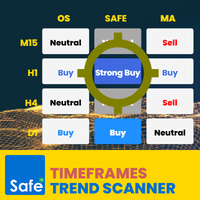
Timeframes Trend Scanner   is a trend analyzer or trend screener indicator that helps you know the trend in   all timeframes of selected symbol you are watching . This indicator provides clear & detailed analysis results on a beautiful dashboard, let you able to use this result right away without need to do any additional analysis. How it works Step 1: Calculate values of 23 selected & trusted technical indicators (Oscillator & Moving Average indicators) Step 2: Analyze all indicators using bes
What Is the Currency Strength Meter? The Currency Strength Meter is an advanced yet easy-to-use indicator that measures the relative strength of 8 major currencies by analyzing their real-time performance across 28 currency pairs . It visually ranks currencies from strongest to weakest, helping you: Spot high-probability trading opportunities Match strong currencies against weak ones Trade with confidence and precision With just a glance at the dashboard, you'll know which currencies to trade –
Create custom alerts and advanced alerts based on price and indicator data, setup dynamic alert messages, and send these MT5 alerts to Telegram, Discord, webhooks, mobile, and more. Stay in control of your trades with Smart Alert Manager , a powerful utility for MT5 that lets you create fully customizable alerts. Whether you’re tracking price action or monitoring indicator signals, this tool ensures you never miss an opportunity. It’s easy to set up, flexible to customize, and sending alerts acr
What is Telegram to MT5 using AI? Telegram to MT5 using AI is a Signal Copier that automatically receives trading signals from Telegram groups and channels, then executes them instantly on your MT5 trading account. This fully self-hosted solution uses AI to understand trading signals. Our solution is the ideal choice if you're looking for: A fully self-hosted solution that gives you complete control over your data, privacy, and automation—with no monthly subscription. AI-powered signal parsing t
Filtro:
Nessuna recensione
Rispondi alla recensione