Smart zona ZST EA
- Experts
- Versione: 1.7
- Attivazioni: 10

SMART ZONAS ZST EA
is not a fully automatic “set and forget” robot.
It is a hybrid semi-automatic Expert Advisor designed for traders who want to combine their own market analysis with fast execution and smart zone-based trading assistance.
The main purpose of this EA is to help the trader identify important reaction areas on the chart using multi-timeframe smart zones and then decide when to activate the automatic execution for the next valid zone.
This means the trader stays in control.
You analyze the market, evaluate the zone, and if your analysis confirms that the area is valid, you can activate the Trade Next Zone function from the EA panel. When price reaches the next qualified zone, the EA can execute the trade automatically according to the configured risk, lot size, stop loss, take profit, spread filter, and zone logic.
How the EA Works
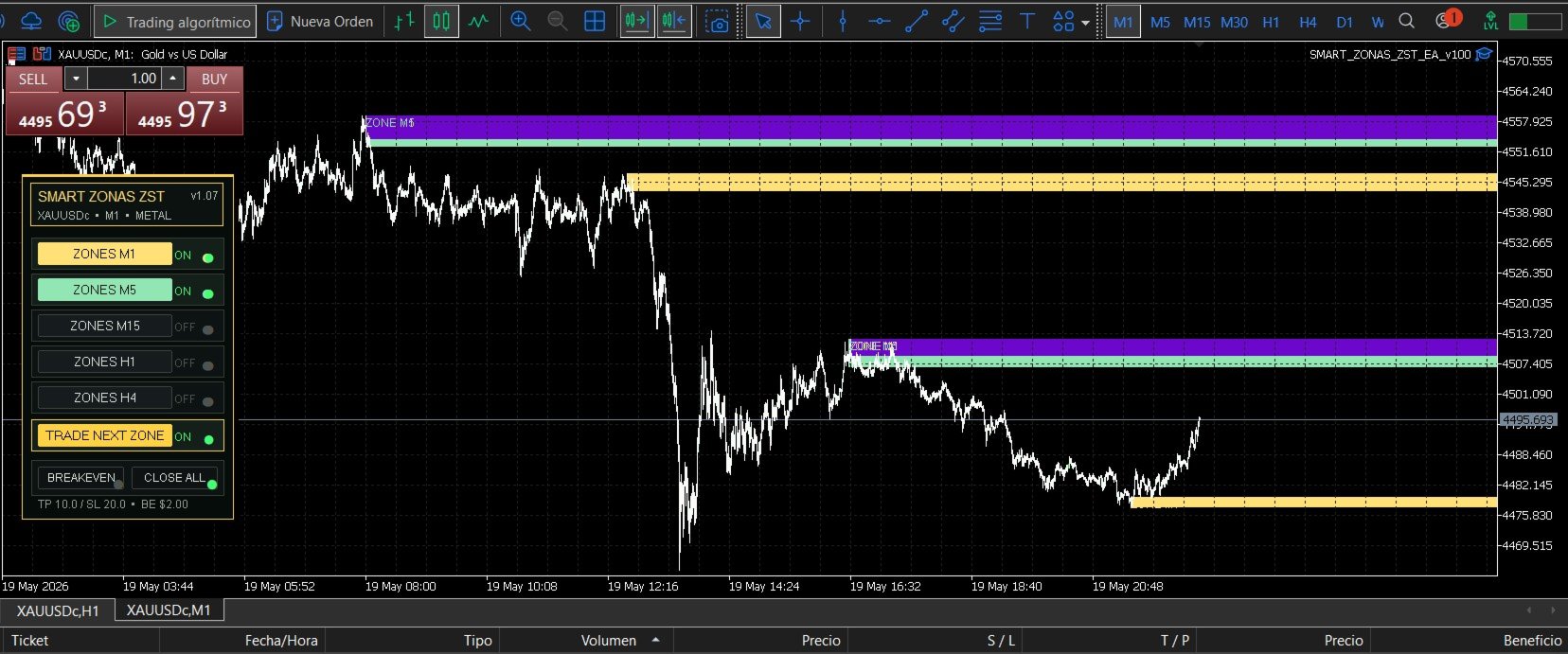
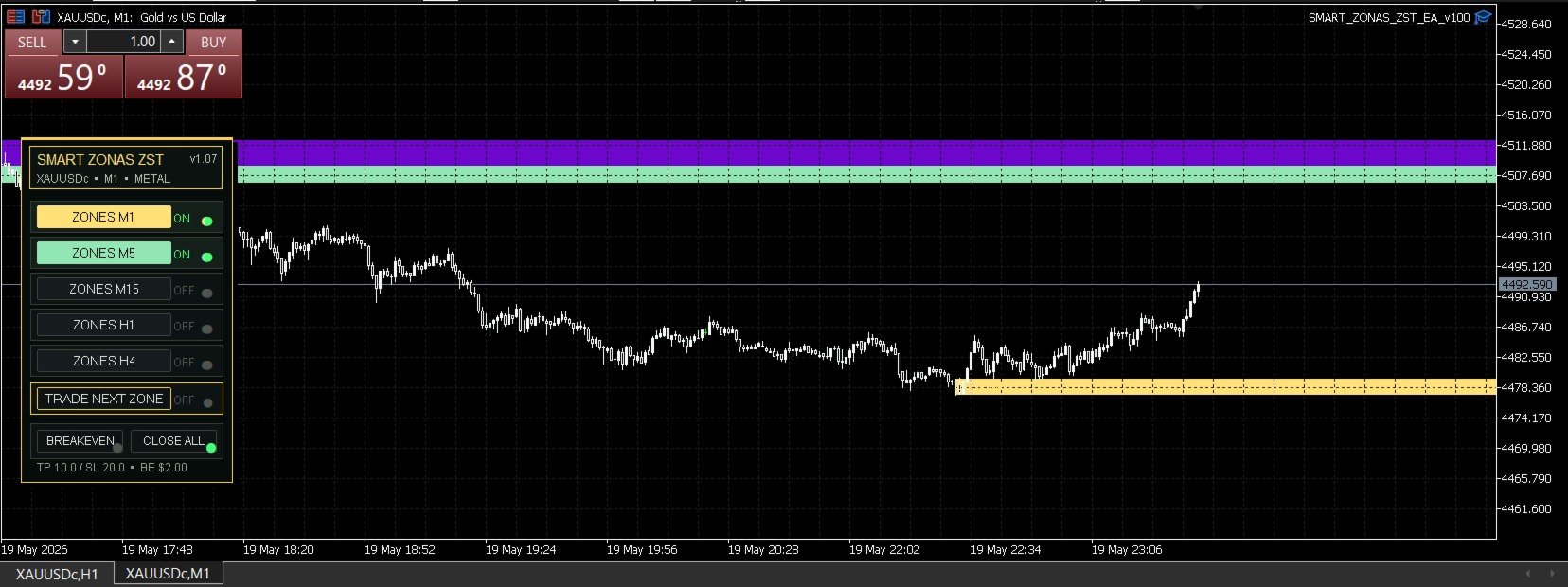
SMART ZONAS ZST EA detects and displays smart market zones from multiple timeframes directly on the chart.
Supported zone timeframes include:
- M1
- M5
- M15
- H1
- H4
These zones remain visible on the chart regardless of the timeframe you are currently viewing. This allows the trader to maintain a clear market structure perspective at all times.
The trader can enable or disable each timeframe directly from the left-side panel.
Semi-Automatic Trading Concept
This EA was created for traders who prefer to watch the chart and make the final decision.
The workflow is simple:
- Analyze the current market condition.
- Wait for price to approach an important smart zone.
- Decide if the zone is valid based on your own analysis.
- Activate Trade Next Zone from the panel.
- Let the EA execute when price reaches the next qualified zone.
- Manage the position with automatic breakeven, manual entries, or fast close tools.
This approach allows the trader to combine automation with human discretion.
Manual + Automatic Hybrid Execution
SMART ZONAS ZST EA gives the trader multiple execution options:
- Activate automatic execution for the next valid zone.
- Open manual trades based on the zone reaction.
- Use the zone direction as confirmation.
- Add manual entries when the market confirms the move.
- Manage risk using the automatic breakeven button.
- Close all positions quickly with the Close All button.
This makes the EA useful for traders who do not want to fully depend on a black-box algorithm, but still want automation, speed, and structure.
Professional Trading Panel
The EA includes a clean professional control panel with:
- Timeframe zone buttons.
- M1 / M5 / M15 / H1 / H4 zone controls.
- Trade Next Zone button.
- Breakeven button.
- Close All button.
- Active/inactive visual indicators.
- Customizable panel position.
- Customizable colors.
- Smart dark chart interface.
The panel is designed to make execution fast, simple, and visual.
Smart Zone Logic
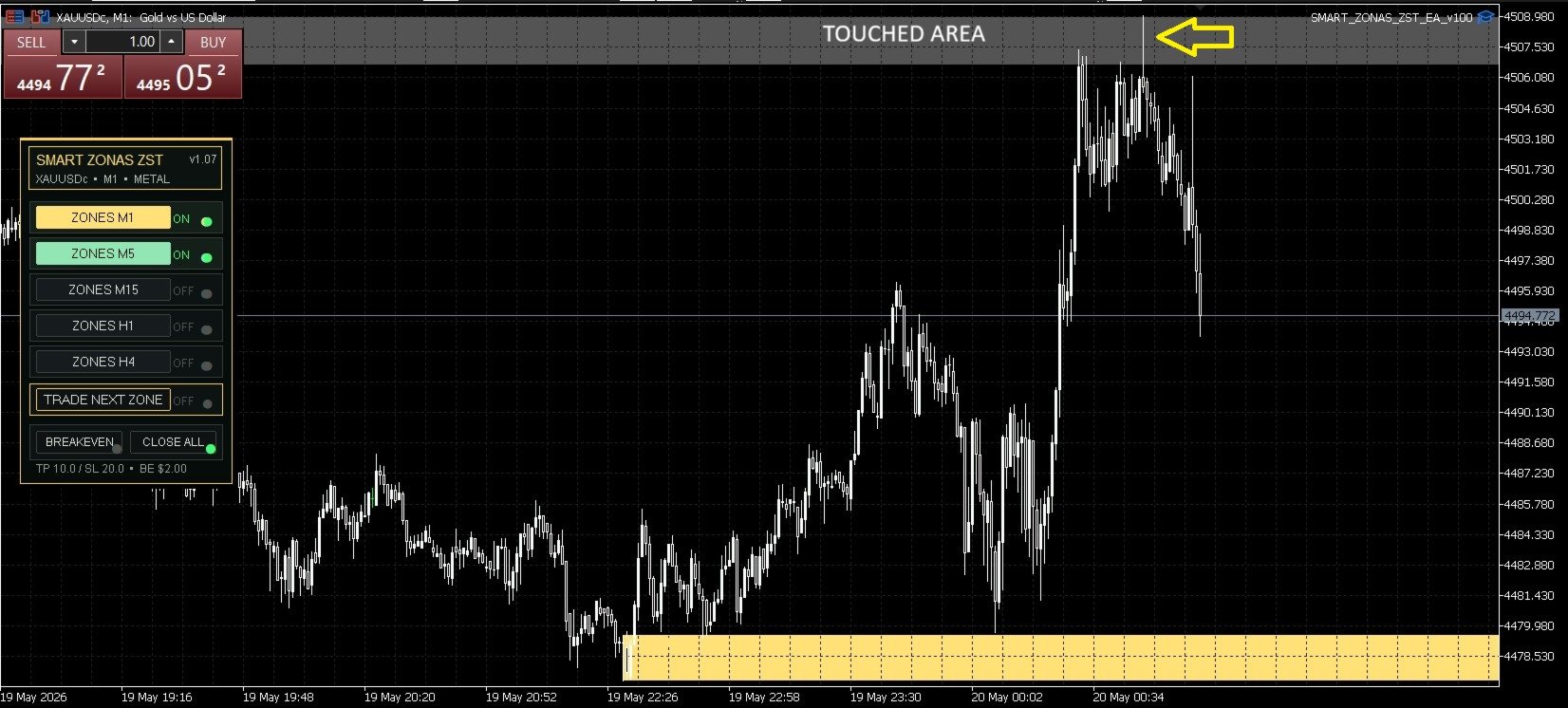
The zones are designed to help identify areas where price may react, retrace, reject, or break with continuation.
Based on my personal trading experience using this zone concept for more than 3 years, price commonly behaves around these areas in different ways:
- It may touch the zone and react immediately.
- It may break the zone temporarily and then react after a retest.
- It may break the zone strongly and continue in the same direction.
The goal of the EA is not to predict the future, but to help the trader visualize important market areas and make better execution decisions.
Video Demonstration
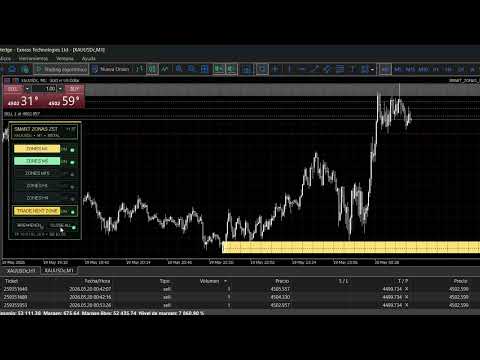
In the product video, you will see a real example of how the EA can be used in a live market scenario.
The video shows price approaching an important zone, reacting from that area, and how the trader can use the panel to combine manual analysis with semi-automatic execution.
You will also see how manual positions can be added in the direction of the zone reaction and how the EA tools can help manage the trade with breakeven and fast close options.
This demonstrates the main purpose of SMART ZONAS ZST EA:
to help the trader identify important areas, execute faster, and manage trades more efficiently.
Main Features
- Multi-timeframe smart zones.
- Zones from M1, M5, M15, H1, and H4.
- Zones remain visible across chart timeframes.
- Semi-automatic Trade Next Zone execution.
- Manual + automatic hybrid trading workflow.
- Fast Close All button.
- Automatic breakeven protection.
- Fixed lot size configuration.
- Configurable take profit and stop loss.
- Configurable maximum positions.
- Spread filter.
- Slippage control.
- Option to delete broken zones.
- Option to show only nearest zones.
- Support for mitigated zone behavior.
- Customizable zone colors by timeframe.
- Professional left-side trading panel.
- Works with forex, metals, indices, and crypto.
- Auto-detection for different symbol types.
- Designed especially for active traders and scalpers.
Markets
SMART ZONAS ZST EA can be used on different instruments, including:
- Forex pairs
- Gold / XAUUSD
- Indices
- Cryptocurrencies
- Metals
- Other CFD symbols supported by your broker
Personally, I use this zone concept mainly on XAUUSD / Gold, but the tool is designed to work on multiple symbols.
Important Notes
SMART ZONAS ZST EA is a trading assistant, not a guaranteed profit system.
It is recommended to use it with the chart in front of you, analyze the market manually, and activate the automatic zone execution only when your own trading plan confirms the setup.
The EA does not replace risk management, market understanding, or trader experience.
Always test the EA on a demo account before using it on a live account.
Recommended For
This EA is ideal for traders who:
- Trade using supply and demand concepts.
- Want to see important market zones clearly.
- Prefer semi-automatic execution instead of full automation.
- Trade actively with the chart open.
- Want a professional execution panel.
- Need fast breakeven and close-all tools.
- Want to combine manual analysis with automation.
- Trade XAUUSD, forex, indices, or crypto.