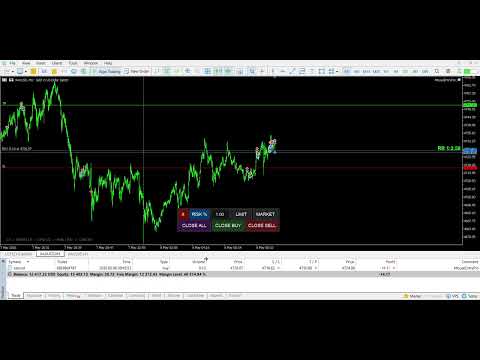
Mouse Entry Pro MT4
- Utilità
- Versione: 1.50
- Aggiornato: 28 maggio 2026
- Attivazioni: 10

MouseEntryPro — Visual Trade Manager for MetaTrader 4
Take full control of your trading with MouseEntlyPro, a professional utility
designed for fast and precise order execution. Place LIMIT and MARKET orders
directly on the chart using your mouse — ensuring every trade follows your
risk management rules.
─────────────────────────────────────────
Key Features
─────────────────────────────────────────
1. Intuitive Visual Order Placement
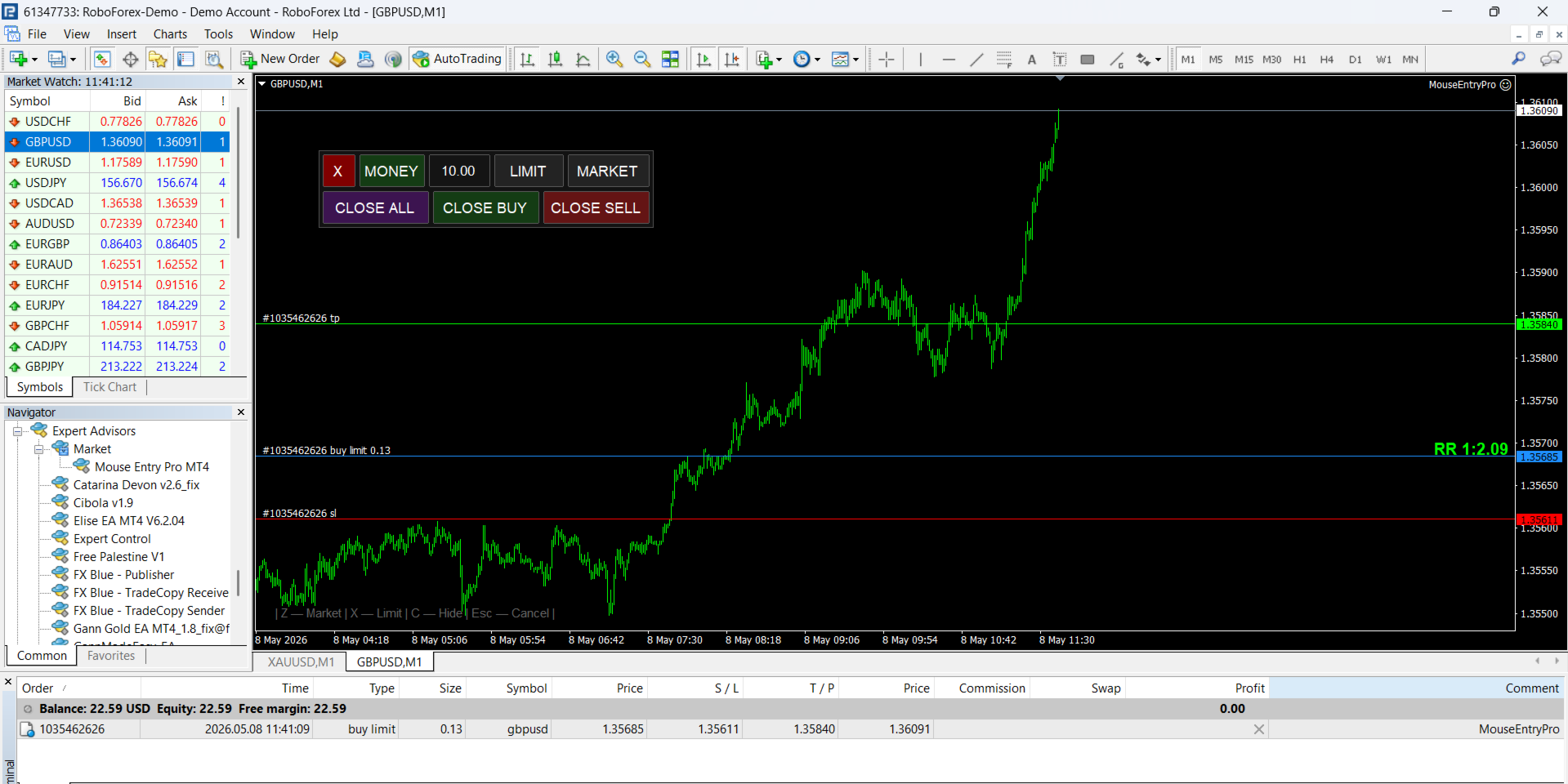
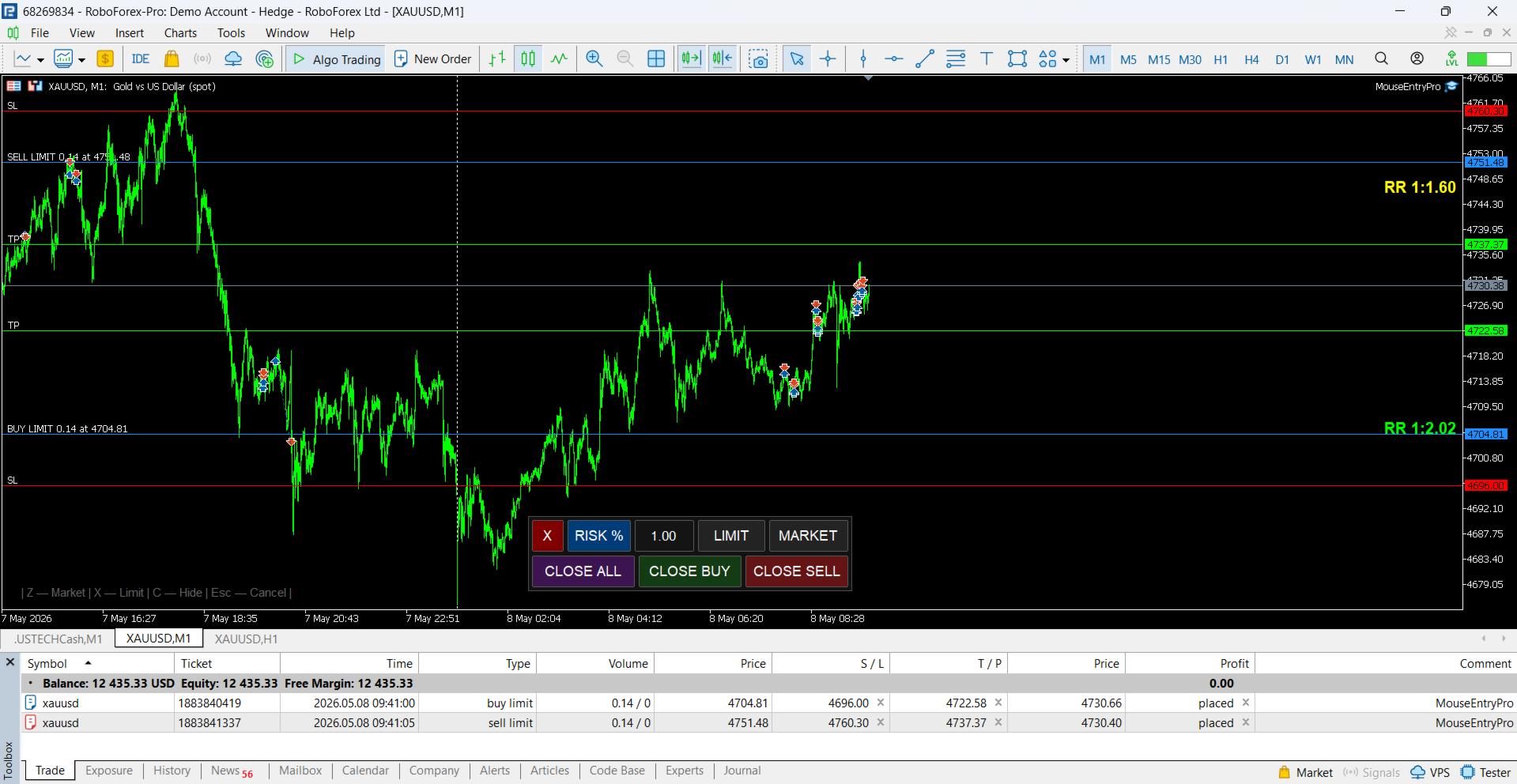
- LIMIT Orders: Define your Entry, Stop Loss, and Take Profit levels with
three simple clicks.
- MARKET Orders: Execute at the current price by selecting your SL level
directly on the chart.
- Smart Logic: Automatically detects trade direction (BUY/SELL) and order
type (LIMIT/STOP) based on your cursor position.
- Quick Execution: Right-click during the TP selection step to place an order
immediately without a Take Profit.
- Spread Correction: Entry price and SL are automatically adjusted for the
current spread before order placement.
- StopsLevel Validation: Orders are checked against broker minimum stop
distance before being sent — no more rejected orders.
2. Advanced Risk Management (3 Modes)
- FIXED LOT: Trade with a predefined volume.
- RISK %: Automatically calculates lot size based on a percentage of your
account balance.
- CASH AMOUNT: Calculates lot size based on a fixed amount in your deposit
currency.
- Accurate Sizing: Lot calculation uses standard rounding for precise
position sizing across all modes.
3. Real-Time Risk/Reward Analysis
- Live R:R Ratio displayed while hovering to set your TP.
- Color-coded visual cues: Green (≥ 2:1), Yellow (≥ 1:1), Red (< 1:1).
- SL and TP labels show exact distance in points and estimated USD value
in real time — both during order placement and for open positions.
4. Auto Take Profit
- AutoTP mode automatically sets your TP at a defined Risk/Reward ratio
(AutoTP_RR parameter) the moment your SL is placed — no extra click needed.
5. Interactive Position Management
- Drag SL, TP, and Entry lines directly on the chart to modify open
positions and pending orders instantly.
- Moving a pending order's Entry line shifts SL and TP together, preserving
your original setup.
- For market positions without a TP, drag the Entry line to set a new TP
on the fly.
- All changes are applied to the broker immediately on mouse release.
6. One-Click Position Management
- Instant Close All, Close Buy, or Close Sell buttons to manage your
exposure quickly.
- CloseAllSymbols option — close positions across all symbols or current
symbol only.
7. Professional GUI & Hotkeys
- Draggable Panel: Position and visibility are automatically saved between
sessions.
- Hotkeys for Speed:
[Q] — Activate LIMIT mode
[A] — Activate MARKET mode
[Z] — Toggle panel visibility
[Esc] — Cancel current action
─────────────────────────────────────────
Settings & Customization
─────────────────────────────────────────
- Trading: Default Lot, Risk %, Cash Amount, Slippage, Magic Number,
Order Comment.
- Auto TP: Enable/disable AutoTP and set the R:R multiplier.
- Visuals: Fully customizable colors and line widths for Entry, SL, and TP.
- Close: Option to close positions on current symbol only or all symbols.
- Hotkeys: All three hotkeys are fully configurable.
─────────────────────────────────────────
Requirements
─────────────────────────────────────────
- Platform: MetaTrader 4
- Assets: Works on all symbols — Forex, Crypto, Stocks, Indices, Futures.
- Timeframes: Compatible with any chart period.
- No DLL imports required.
─────────────────────────────────────────
Tags
─────────────────────────────────────────
trade manager, risk manager, lot calculator, visual trading, order panel,
mt4 utility, click and trade, auto tp, drag and drop, sl tp labels,
risk reward, position manager.