
Pivot RPS
- Indicatori
- Versione: 1.3
- Aggiornato: 26 marzo 2026

Pivot Point Multi-Method with Dashboard
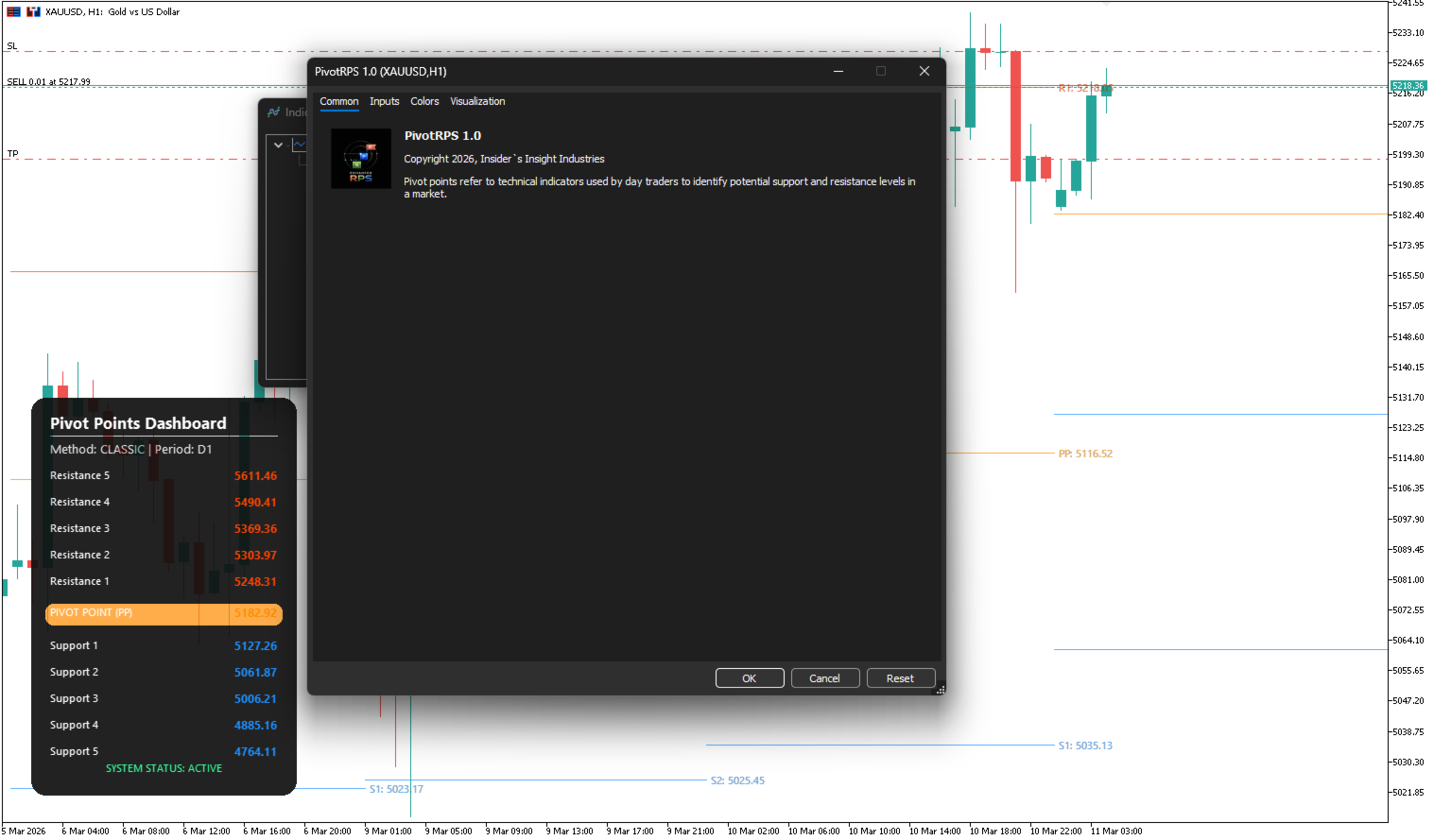
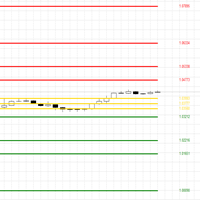
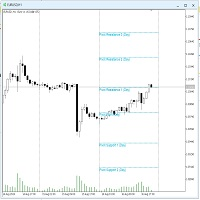
This indicator is a technical analysis tool designed to calculate and display horizontal support and resistance levels based on various Pivot Point methodologies. It is built using the MQL5 Canvas library, ensuring efficient performance and a clean visual presentation on the chart.
The tool calculates levels using the data from the previous completed candle of a user-defined reference timeframe. This ensures that the levels remain fixed for the duration of the current period, providing consistent points of reference for market analysis.
Calculation Methodologies
The indicator includes five standard mathematical models for pivot point calculation:
-
Classic/Traditional: The standard formula using High, Low, and Close.
-
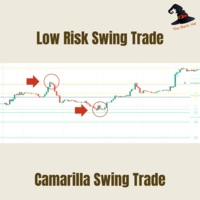
Camarilla: Focuses on a range-based approach with specific coefficients for R1-R5 and S1-S5.
-
Woodie: Places additional weight on the opening price of the current period.
-
DeMark: Provides a different approach based on the relationship between the open and close prices.
-
Fibonacci: Uses the range multiplied by specific Fibonacci ratios (0.382, 0.618, etc.).
-
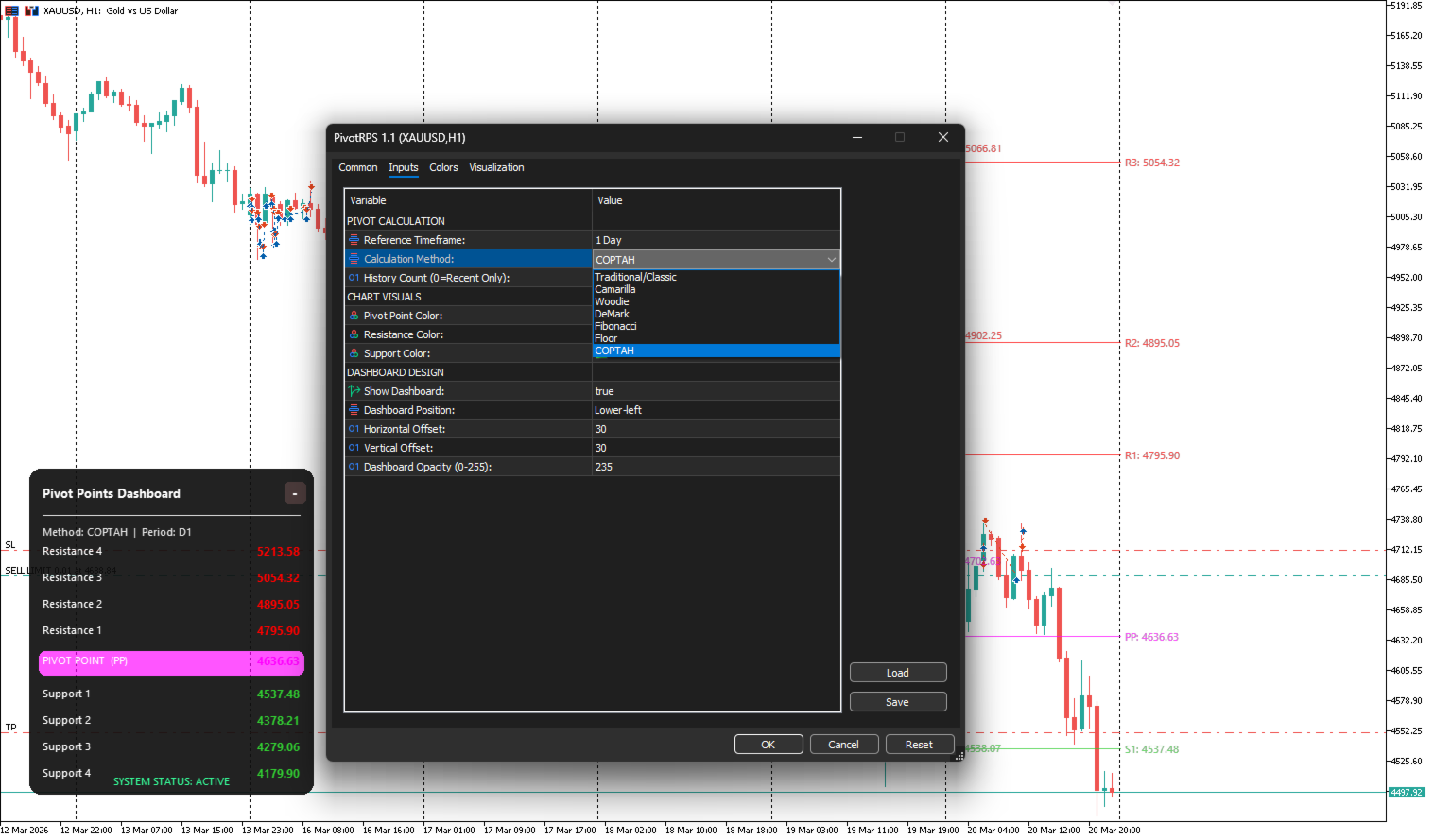
Floor: to identify potential support and resistance levels based on the prior period's high, low, and closing prices. They represent a "pivot" or turning point for market sentiment, helping to determine potential reversals or breakouts for the current trading day.
-
COPTAH pivot
Key Features
-
Multi-Timeframe Integration: Users can choose a reference timeframe (e.g., Daily, Weekly, Monthly) regardless of the timeframe currently applied to the chart.
-
Automated Visibility Logic: To maintain chart clarity, the indicator automatically hides its visual elements if the chart timeframe is equal to or higher than the selected reference timeframe.
-
Historical Data Display: The indicator allows the display of a user-defined number of past pivot periods. Each period is drawn within its respective timeframe boundary to avoid overlapping and visual clutter.
-
Native Canvas Rendering: Instead of using thousands of standard chart objects, the indicator renders all lines and text onto a single bitmap layer. This significantly reduces CPU and GPU load, especially when viewing extensive historical data.
-
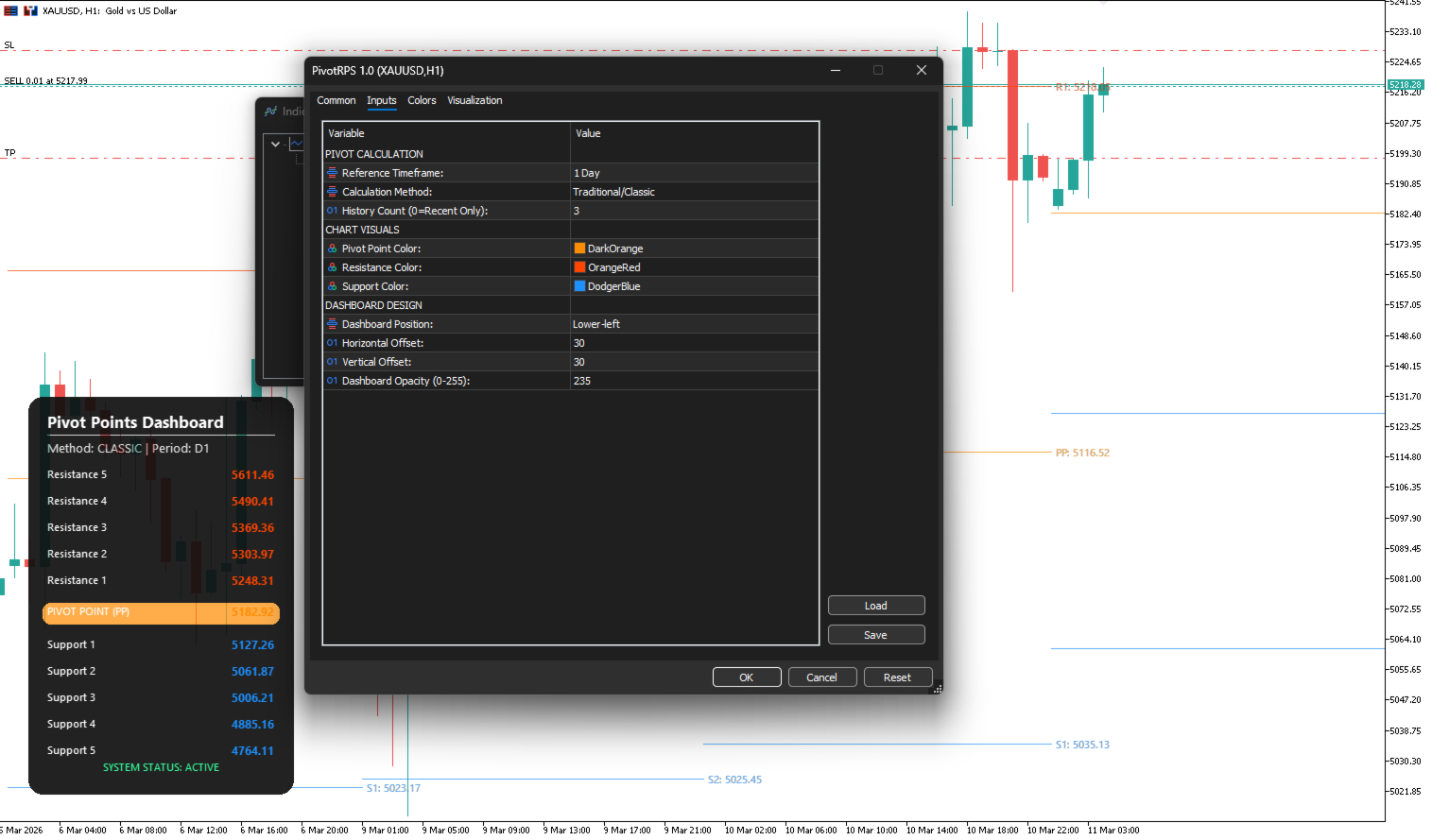
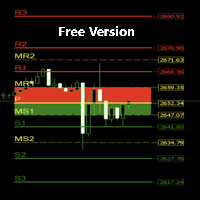
Interactive Dashboard: A professional graphical interface displays the current level prices in real-time. The dashboard features a modern "cardboard" design with rounded corners and semi-transparent backgrounds.
-
Dynamic Placement: The dashboard can be moved to any of the four corners of the chart window with adjustable horizontal and vertical offsets to suit individual workspace layouts.
User Settings and Customization
-
Pivot Settings: Select the calculation method and the reference timeframe.
-
History Limit: Choose how many previous periods to visualize on the chart history.
-
Color Configuration: Separate color inputs for Pivot Point (PP), Resistance levels (R1-R5), and Support levels (S1-S5).
-
Interface Customization: Adjust the dashboard's corner position, X/Y offsets, and opacity levels.
-
Label Precision: All prices are displayed according to the instrument's digit precision.
Performance Optimization
The use of the CCanvas class ensures that the terminal remains responsive even during high market volatility or when multiple instances of the indicator are applied. By utilizing bitmap rendering, the indicator manages complex drawings while maintaining a low resource footprint.
Parameters
-
Reference Timeframe: Timeframe used as the basis for calculation (e.g., PERIOD_D1).
-
Calculation Method: Choice between Classic, Camarilla, Woodie, DeMark, or Fibonacci.
-
History Count: Number of historical periods to show (0 = current only).
-
Dashboard Position: Corner placement (Upper Left, Upper Right, Lower Left, Lower Right).
-
Opacity: Transparency level for the graphical dashboard background.












































Good indicator, thank you