Volume Above Average
- Indicatori
- Versione: 1.0

Volume Above Average Indicator - MQL5
Introduction
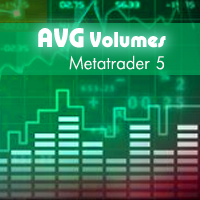
The Volume Above Average Indicator is a custom indicator for the MetaTrader 5 (MQL5) platform that helps traders identify the current trading volume compared to the historical average. The indicator uses three different sensitivity levels to classify volume into weak, medium, and strong, providing a clear visualization of market momentum.
Key Features
- Displays trading volume in a separate window.
- Compares the current volume with the historical average.
- Adjustable sensitivity with three levels: Weak, Medium, and Strong.
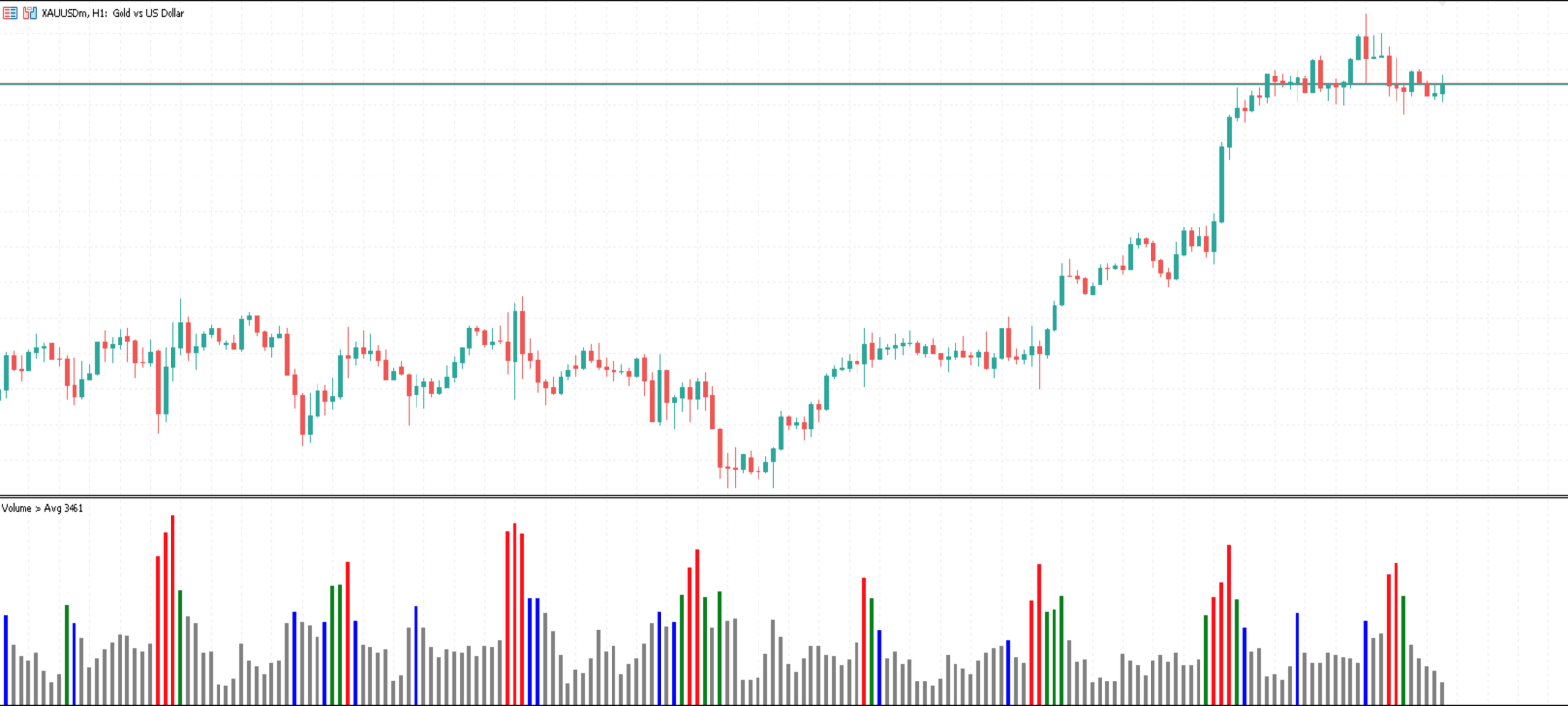
- Color-coded volume intensity:
- Light Blue (Weak): Slightly above average volume.
- Blue (Medium): Significantly increased volume.
- Dark Blue (Strong): A sharp volume spike.
- Gray: Volume below average.
How to Use
-
Installation on MetaTrader 5
- Open MetaTrader 5.
- Go to File > Open Data Folder.
- Navigate to MQL5 > Indicators.
- Copy the VolumeAboveAverage.mq5 file into this folder.
- Restart MetaTrader 5.
- Open a chart and add the indicator from Navigator > Indicators > Custom.
-
Input Parameters
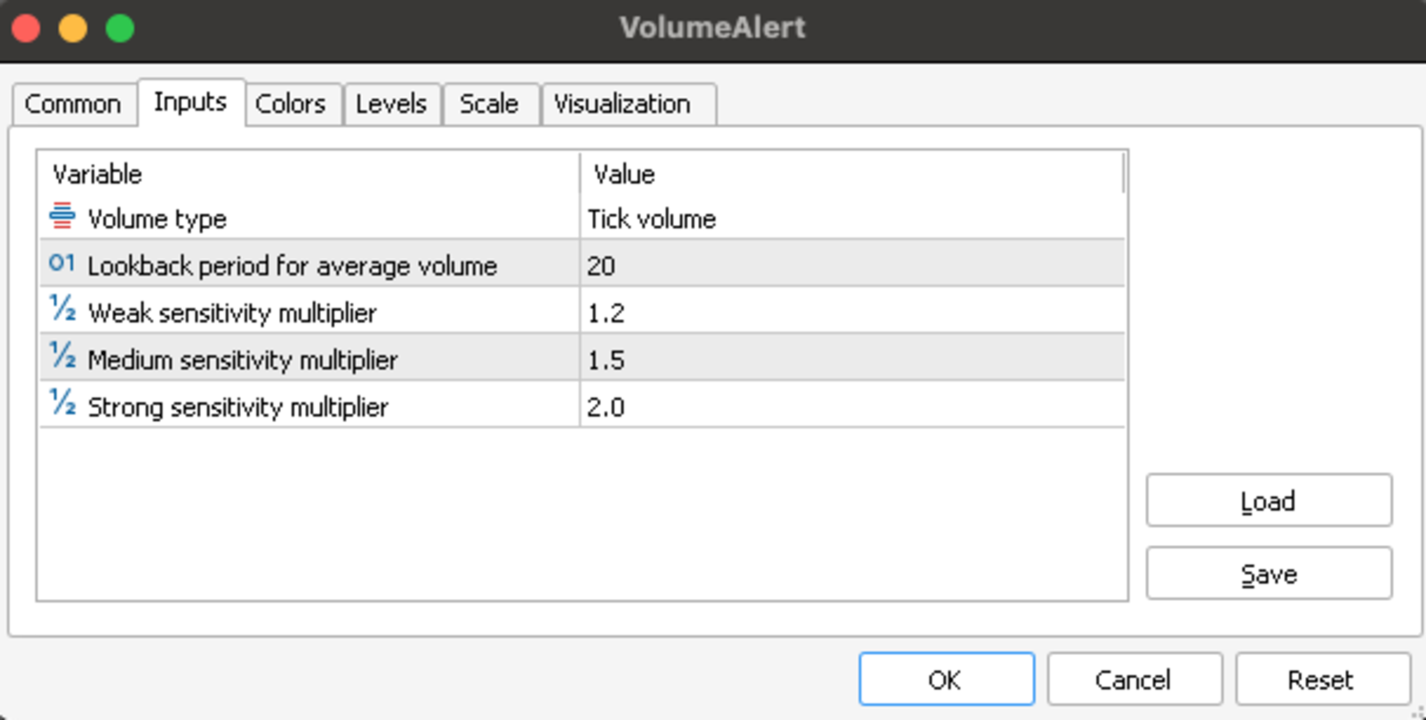
- Period (Default: 20) - Number of periods for calculating average volume.
- SensitivityWeak (Default: 1.2) - Multiplier for the weak level.
- SensitivityMedium (Default: 1.5) - Multiplier for the medium level.
- SensitivityStrong (Default: 2.0) - Multiplier for the strong level.
-
How to Read the Indicator
- When the histogram turns dark blue, the market is experiencing high volatility.
- If the histogram is light blue or blue, volume is increasing moderately.
- If the histogram is gray, market activity is low.
Benefits
- Helps identify high-volatility zones for better trade entries.
- Useful for volume-based trading strategies.
- Easily customizable to fit your trading style.
Download & Purchase
The indicator is available on MQL5 Market. Download now to enhance your volume-based trading strategy!