
Amazing Brain MT5
- Experts
-
Amazing Traders
 We are a startup that innovates in algorithmic trading, offering traders a simple and profitable trading system.
With an 87.55% success rate, we help companies and individuals manage their portfolios and accounts. - Versione: 8.7
- Aggiornato: 7 settembre 2026
- Attivazioni: 12
Real monitoring : EA Amazing Brain MT5
Real monitoring : EA Amazing Brain & EA Miracolo
Recommended pair : XAUUSD / Timeframe M30/ M15 / M12/ M10/ M6
IMPORTANT! After the purchase please send me a private message to receive the installation manual and the setup instructions.
For any other information, please contact us by private message or in the mql5 group.
Breakout based strategy, generates market entry signals when the price crosses a border of a certain price range.
To create the strategy, we have used the history data with 99,9% quality for the last 15 years. The best signals had been selected and the false signals have been filtered out. The Expert Advisor performs technical analysis and considers only the breakouts that show the best result.
It uses a system of filtering false signals. The EA uses adaptive trailing stop. The EA uses a very small SL so the account is always protected from equity drawdown with a very low risk-per-trade.
The EA does not use Martingale, Grid, or other strategies with an increase in the lot.
Requirements and Recommendations
- Low spreads and high quality execution are important when choosing a broker.
- We recommend using a VPS with minimal ping to your broker.
- The PC processor should not be overloaded with other programs or advisors ( otherwise, the adviser will not be able to process all the ticks and this is bad for the adviser ).
- It is recommended to run the adviser on one account (one account is one adviser).
- Leverage of 1: 200 or more is recommended.
- if you use several advisors on the same account, make sure that all the advisors have different Magic numbers.
- You need to check with your broker that the broker allows you to trade scalping strategies by holding a position for less than a minute.
- EA Comment— Comment to order.
- Max Spread — Maximum Spread allowed before pending order triggers.
- ticks average spread — collect average spread ticks.
- ticks for deleting pending orders — collect average spread ticks for deleting pending orders when the average spread exceeds Max_Spread.
- Order Type — select trade direction.
- disable trade if spread high — disable trading for a certain time (from 5 minutes to 24 hours), if the spread exceeds Max_Spread.
-
Order Type — type of trade buy/sell.
- Use_Risk_MM — If this is true, the lot size will increase when account balance grows (Risk Management).
- Percentage_Risk — Lot size increase based on the balance value (Risk Management in %).
- Fixed_Lot — Fixed lot (if Use_Risk_MM - false).
- Visibility Order _ manage how much of a large trade is displayed on the public order book
- VOLUME_Level_1 (0=off)
- VOLUME_Level_1 (0=off)
- VOLUME_Level_1 (0=off)
- Take_Profit — Take profit in points.
- Stop_Loss — Stop loss in points.
- Breakeven_Target_PipsInp — When price is above this value, breakeven triggers. (-1 = off).
- Breakeven_Jump_PipsInp — Stop Loss is moved using this value to breakeven.
- Trailing_Stop — Trailing points when position is in profit. (-1 = off, 0 = Stop_Loss ).
- Trailing_Step — Trailing step when the position is in profit.
- Slippage — Allowable slippage before an order triggers.
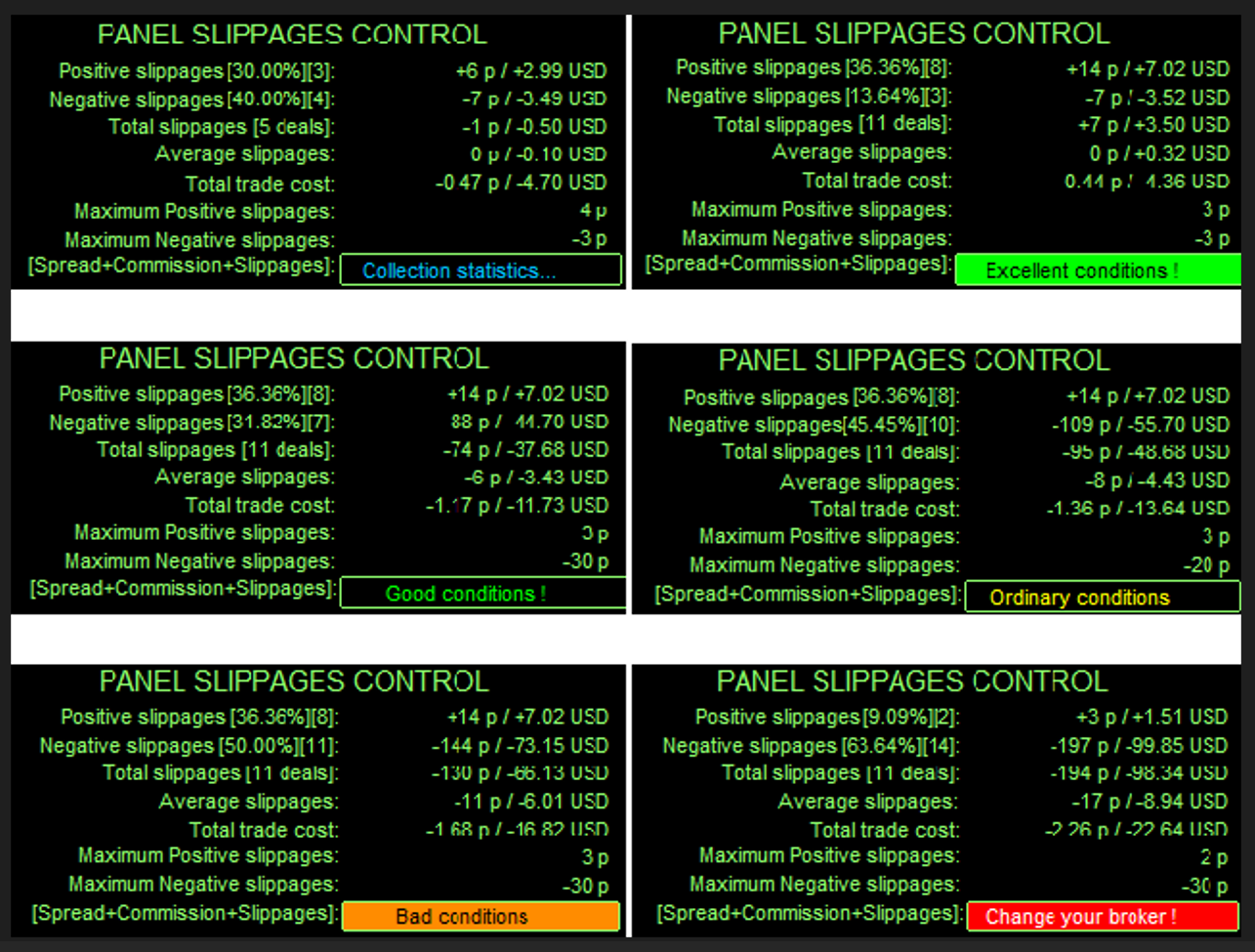
- Risk_Protection_on_slippages — If true, the EA also applies position closure in case of a slippage.
- Adaptive_Trailing_to_slippages — If true - adaptive trailing stop.
- Change_correction_coefficient — Trailing sensitivity coefficient.
- Adaptive_by_Time — Algorithm of adaptive trailing by time.
- Time_Scale — time interval for price analysis.
Intraday trading by time:
- Use time — If true trading will be performed by time.
- GMT_mode — GMT offset of the broker server time; (0 - not used).
- Every_Day_Start — Operation start time (hh:mm).
- Every_Day_End — Operation end time (hh:mm).
Operation end time on Friday:
- Use time — If true, trades at a certain time.
- Disable_in_Friday — Operation end time on Friday (hh:mm)
- Magic — Identifier for trades.

















































An excellent EA. Performance has been actually amazing. The author is extremely responsive and helpful. This EA does not overtrade, it does not handle risk recklessly, it risks very little compared to the potential profit and makes quite a bit of return on your initial investment. A consistent money-making machine. Overall extremely happy with the performance of the EA and with how helpful the author has been. Totally worth the money, glad I purchased it!