Lisek Levels EA
- Experts
-
Darius Hans Lischka
 I am a professional software developer in Germany and Switzerland with over 30 years of experience.
My focus is the hardware-related programming of embedded systems, robots and machine control.
Very good knowledge of C / C ++ / C # and .NET, Python, Java and others. - Version: 1.0
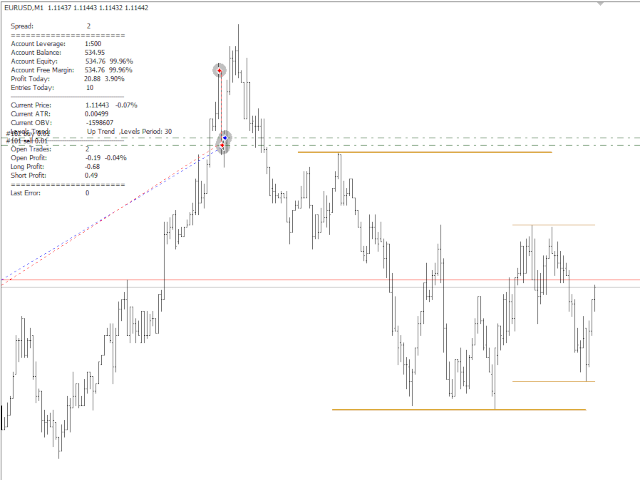
Simple but powerfull Trend and Hedge EA for Lisek Levels and Channels Indicator.
1. Download Lisek Levels and Channels Indicator.
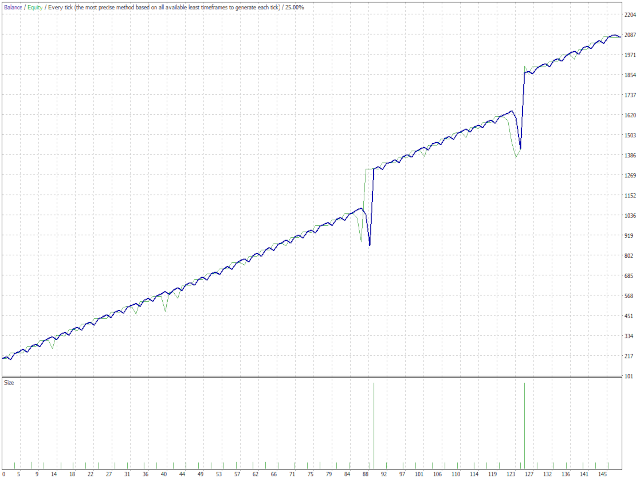
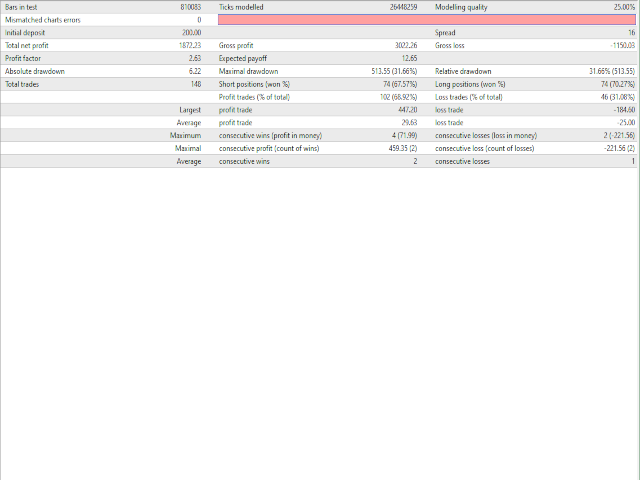
2. Backtest and optimize in Strategy Tester.
3. For Agressive Tick Mode set your Chart to M1 Time Frame.
4. To speed up Strategy Tester, set "Show Info" to false !
5. After backtesting, it’s important to analyse the test results (best profit and smallest drawdown).
6. Test your EA settings on Demo Account.
Happy Trading !!!















































Não consigo configurar o mesmo para aumentar a quantidade de lotes. Tem essa opção de aumentar os lotes para ele fazer as entradas ?