Auto Scroll
- Utilitaires
- Version: 1.0

Scrolling far back in history on a low timeframe with the mouse wheel is slow and tiring. Middle Mouse AutoScroll adds the autoscroll you know from web browsers to your MetaTrader 5 charts.
How it works
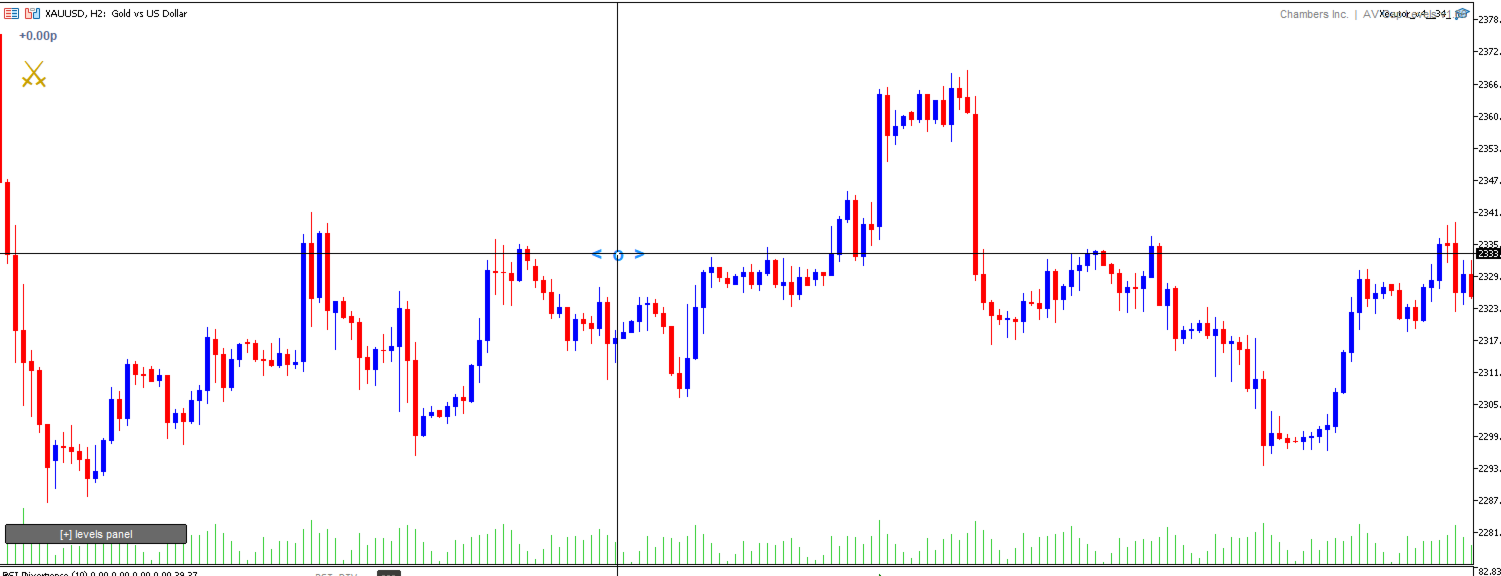
- Click the middle mouse button (wheel click) anywhere on the chart. A marker appears at that point.
- Move the mouse left or right of the marker. The chart scrolls in that direction.
- The further you move from the marker, the faster it scrolls.
- Click again or press Esc to stop.
Hold mode: hold the middle button, move the mouse, and release to stop, like Chrome and Firefox.
Features
- Smooth, variable-speed horizontal scrolling through chart history
- Speed grows with distance from the anchor point, so you can go from slow, precise scrolling to fast travel in one gesture
- Works on every timeframe and every symbol
- Visual anchor marker, which can be turned off
- Lightweight and does not trade, so it runs alongside your EAs and chart panels
- No DLLs and no external connections
Inputs
- Sensitivity: overall scroll speed
- Exponent: acceleration curve (1.0 = linear)
- DeadZonePx: neutral zone around the anchor, in pixels
- HoldMs: press length that activates hold mode
- TimerMs: update interval
- InvertDirection: flips the scroll direction
- ShowAnchor and AnchorColor: marker appearance
Installation: attach the indicator to a chart. To use it on several charts, add it to each one or save it in a template.
Requirements: MetaTrader 5 and a mouse with a clickable middle button or wheel.