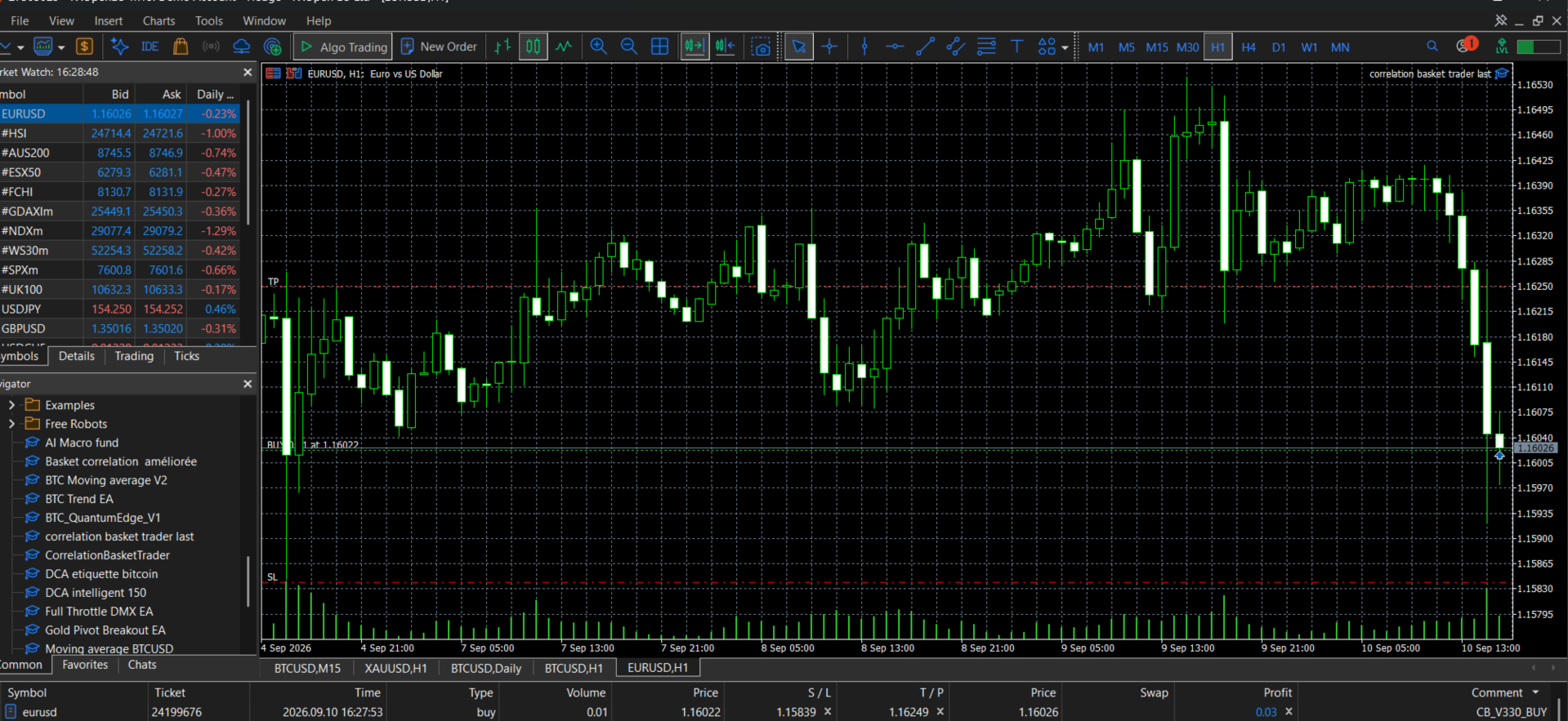
Correlation basket
- Experts
- Version: 3.30
- Activations: 5

Correlation basket is an automated MetaTrader 5 Expert Advisor designed to identify Forex market trends and execute systematic trades using EMA trend analysis and ATR-based volatility management.
The EA uses the relationship between a fast EMA and a slow EMA to determine the prevailing market direction. When the fast EMA is above the slow EMA, the EA identifies a bullish environment and looks for buy opportunities. When the fast EMA is below the slow EMA, it identifies a bearish environment and looks for sell opportunities.
To adapt its risk levels to changing market conditions, the EA uses the Average True Range (ATR) to calculate dynamic Stop Loss and Take Profit distances.
Key Features
-
Fully automated Forex trading
-
Fast and Slow EMA trend analysis
-
ATR-based dynamic Stop Loss
-
ATR-based dynamic Take Profit
-
Adjustable fixed lot size
-
One-position mode
-
New-bar trading option
-
Automatic broker volume normalization
-
Margin availability check before trading
-
Broker stop-distance protection
-
Designed for major Forex pairs and selected Forex crosses
-
No external indicators required
-
No DLL files required
-
Native MetaTrader 5 trading functions
Supported Forex Symbols
The EA is designed for the following Forex instruments:
-
EURUSD
-
GBPUSD
-
AUDUSD
-
NZDUSD
-
USDCHF
-
USDJPY
-
EURJPY
-
GBPJPY
The EA does not trade commodities such as Gold/XAUUSD.
Default Parameters
Fast EMA: 20
Slow EMA: 50
ATR Period: 14
Stop Loss: 2.0 × ATR
Take Profit: 2.5 × ATR
Fixed Lot: 0.01
One Position: Enabled
New Bar Only: Enabled
All major parameters can be adjusted according to the trader's preferred risk profile and trading timeframe.
How It Works
The strategy continuously evaluates the relationship between the fast and slow exponential moving averages.
Bullish condition:
Fast EMA > Slow EMA → Buy signal
Bearish condition:
Fast EMA < Slow EMA → Sell signal
Once a trading signal is identified, the EA calculates Stop Loss and Take Profit levels according to current ATR volatility before sending the order.
This approach allows the EA to use wider protection during periods of higher volatility and tighter levels during quieter market conditions.
Risk Management
Adaptive Forex Trend Trader includes several built-in safeguards:
-
Configurable position size
-
Automatic volume adjustment according to broker specifications
-
Margin availability verification
-
Dynamic ATR-based protection
-
Broker minimum stop-distance verification
-
Optional one-position mode
Proper risk management remains essential when using any automated trading system.
Installation
-
Open MetaTrader 5.
-
Install the Expert Advisor in the MQL5/Experts folder.
-
Restart MetaTrader 5 or refresh the Navigator.
-
Attach the EA to a supported Forex chart.
-
Configure the parameters according to your trading preferences.
-
Enable Algo Trading.
The EA can be tested and optimized using the MetaTrader 5 Strategy Tester before being used on a live account.
Important Risk Disclaimer
Forex trading involves substantial risk and may result in the loss of invested capital.
Strategy Tester results and past performance do not guarantee future results. Always test the EA on a demo account and use appropriate risk management before trading with real funds.
Adaptive Forex Trend Trader is a trading tool, not a guarantee of profits.