Advanced Patterns Master Pro
- Indicateurs
- Version: 4.49
- Mise à jour: 28 octobre 2026
- Activations: 20

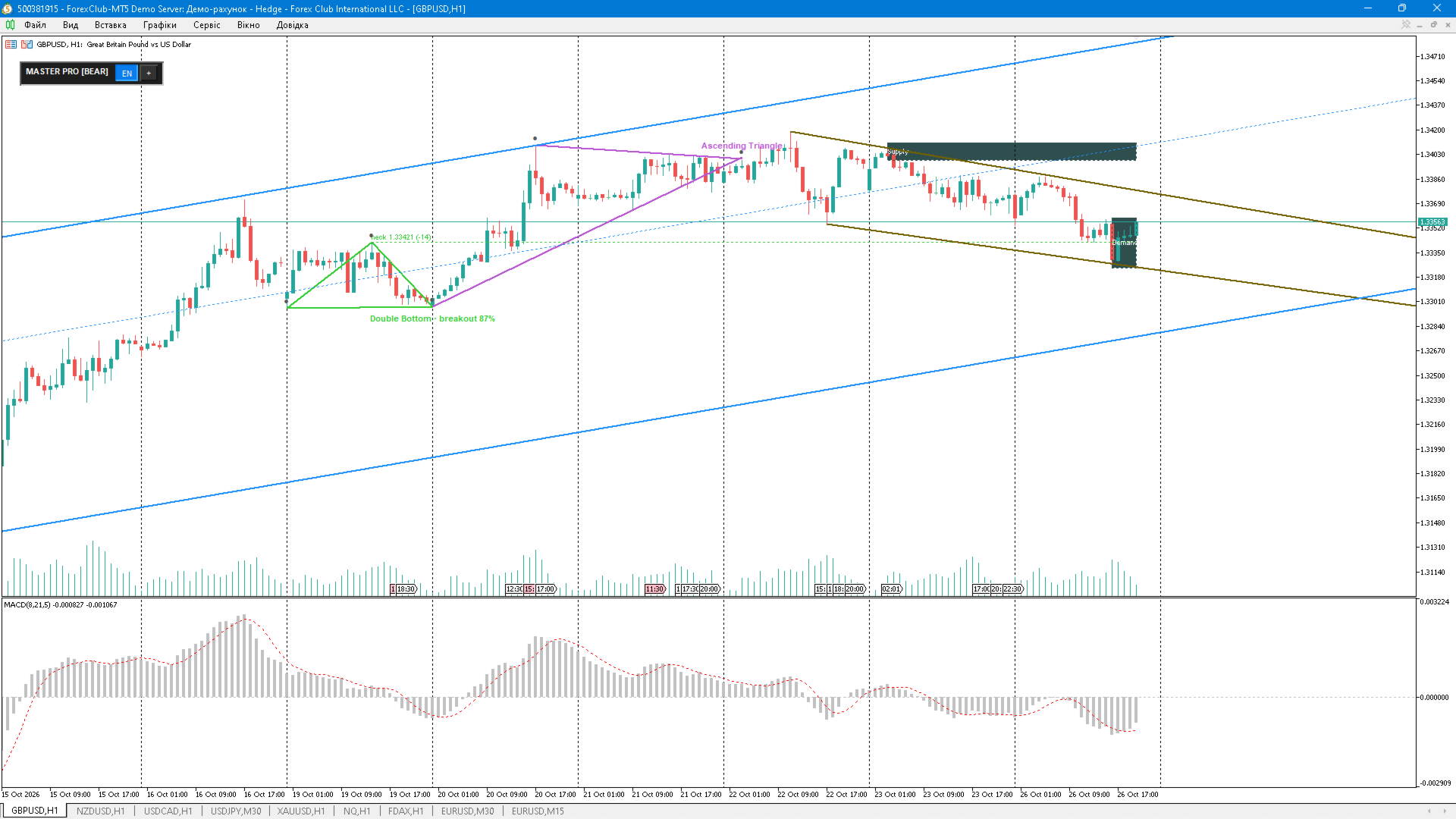
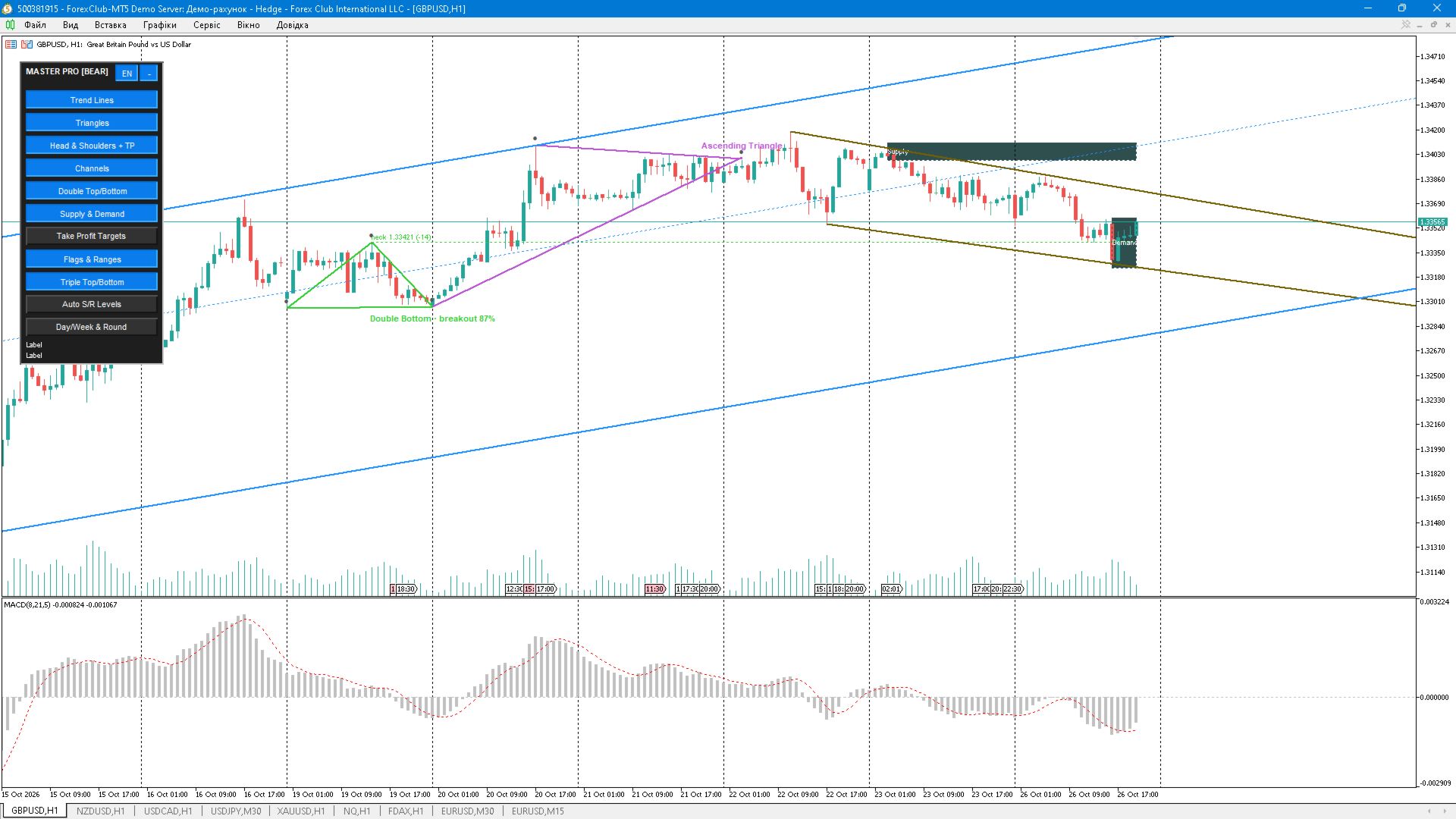
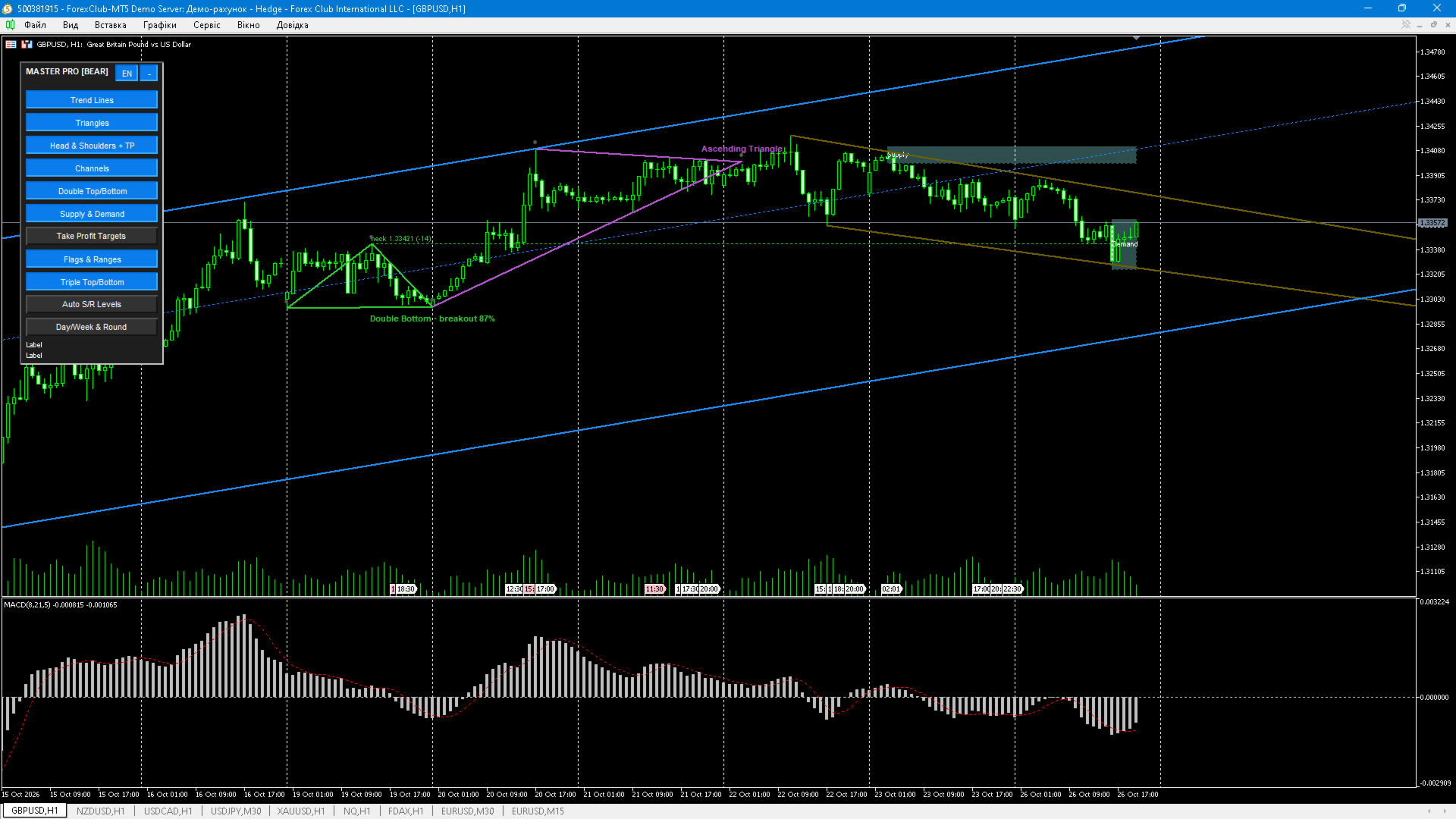
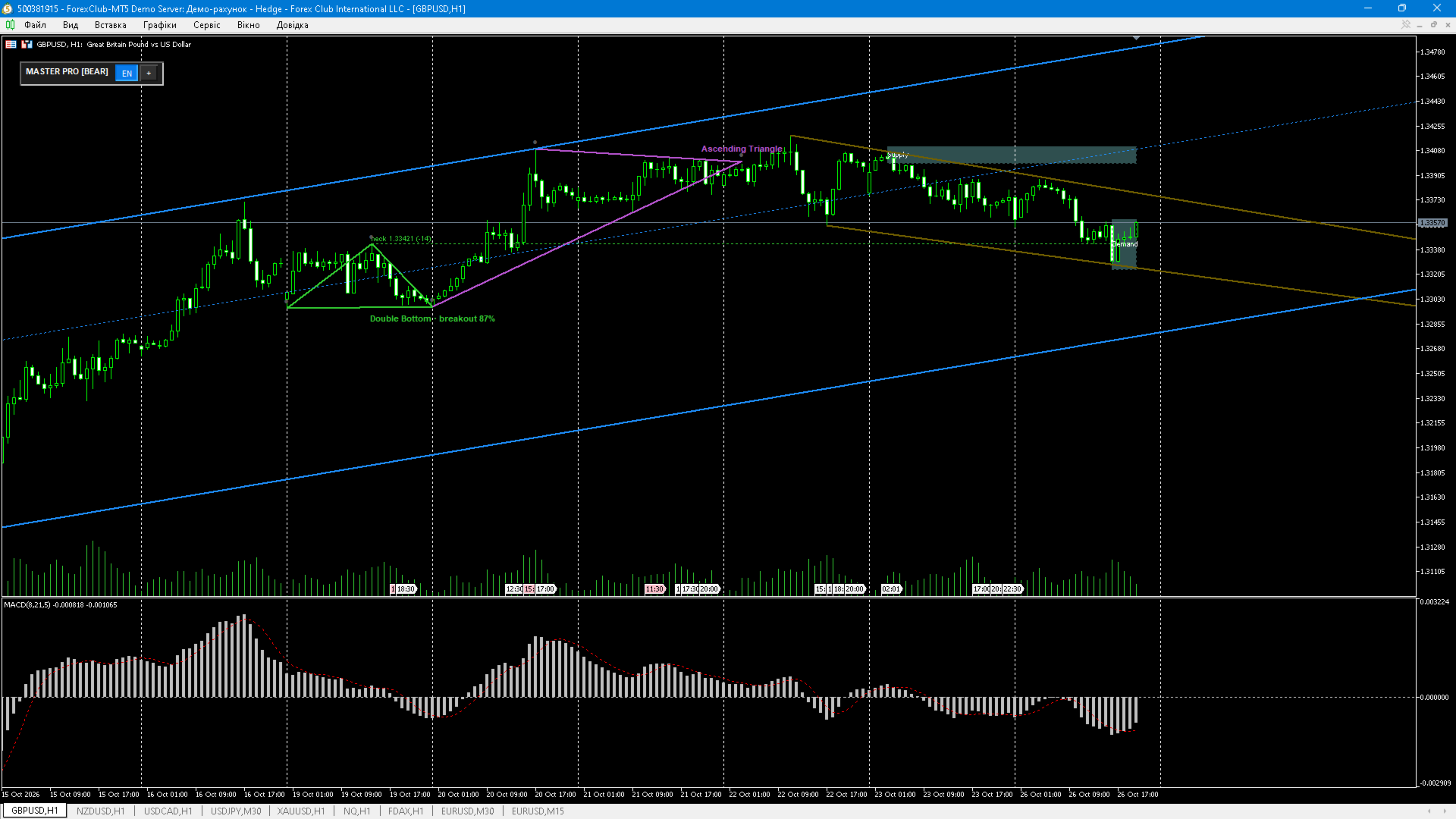
Advanced Patterns Master Pro — chart pattern scanner for MetaTrader 5 OVERVIEW Advanced Patterns Master Pro is a chart-window indicator that finds classical reversal and continuation patterns on the loaded symbol and timeframe, marks them with necklines, captions and price levels, and shows the resulting trading context in a compact control panel. Every layer is switched on and off with one click, so the chart stays readable on any timeframe. PATTERNS • Head & Shoulders and inverse Head & Shoulders (neckline, height, confirmation) • Double top / double bottom • Triple top / triple bottom • Triangles (symmetrical, ascending, descending) with edge extension • Wedges and trend lines built from confirmed swing pivots • Flags and narrow ranges after an impulse • Linear-regression channel with configurable sigma and extremum fitting TARGETS AND QUALITY • TP1, TP2 and TP3 levels calculated from the pattern height with configurable Fibonacci multipliers (0.618 / 1.0 / 1.618 by default) • Optional target zone between the levels • Pattern quality score and figures state: forming, confirmed, breakout, cancelled • Distance to the level in points/pips, shown next to the caption • Minimum pattern height filter in ATR units, maximum pattern age and width filters LEVELS AND ZONES • Automatic support/resistance levels from clustered swing pivots • Supply and demand zones with ATR-based filtering (no far-away zones) • Context levels: previous day/week high-low and round levels with configurable step • Smart tooltips on every line, level and zone CONTROL PANEL • Layer buttons: trend lines, triangles, H&S + TP, channels, double, supply/demand, Take Profit targets, flags, triple, auto S/R, day/week & round • Panel legend with the number of found figures and the channel half-width • Dragging by the title bar, automatic upward expansion near the bottom edge, minimize button, the position is remembered per symbol • Interface language button EN / UA / RU (panel captions and tooltips) • Automatic light/dark theme following the chart background ALERTS • New figure alerts, neckline/target breakout alerts • Alert window, push notification and sound, configurable per-event • Duplicate suppression: same figure/same level is not announced twice • Cooldown in bars between alerts INPUTS (MAIN) • Detection: pivot depth, bars to scan, extremum tolerance, minimum bars between extrema, forming-pattern confirmation bars, breakout requirement • Filters: minimum height in ATR, zone width, zone distance in ATR, pattern age/width • Appearance: colors and line widths for each layer, caption and level font sizes • Targets: Fibonacci multipliers, target zone on/off • Alerts: enable, push, sound file, cooldown, same-figure ATR tolerance, level alerts • MTF scanner: timeframe, MA period and method for the trend status in the panel title • Interface: language, colors, corner and offsets, auto theme HOW TO USE 1. Attach the indicator to a chart. The panel appears in the chosen corner. 2. Switch off the layers you do not need; the chart is recalculated at once. 3. Use the neckline and TP levels as reference points, not as a trading system. 4. Enable alerts to be notified when a new figure appears or a watched level breaks. NOTES • The indicator does not trade; it only analyses and draws. • Forming patterns may change or disappear until the confirmation bars are complete. Confirmed and breakout figures do not repaint on closed bars. • Take Profit levels are built from Head & Shoulders and double top/bottom figures; if those layers are switched off, there is no figure to compute targets from.