Risk Control Mgr
- 实用工具
-
Stefano Frisetti
 1993年至1996年,我曾在香港的对冲基金怡和集团工作。
自2001年起,我以交易为生。
自2021年起,我开始进行实盘交易。
2024年,我开设了一个交易室,至今为止,我们每周的盈利率高达95%。
2025年,我的平均每周盈利达到交易账户余额的5%。
2026年,从1月12日至6月30日,不到6个月的时间,我的交易账户资金就从10万欧元增长到了104万欧元。
所有这些都是在TRADING ROOM PRO交易室中实现的,这里汇聚了数十位经验丰富的交易员和新手,我们欢迎所有交易员加入。
您可以每天在我的YouTube频道上关注这项挑战的进展。 - 版本: 1.0
- 激活: 10
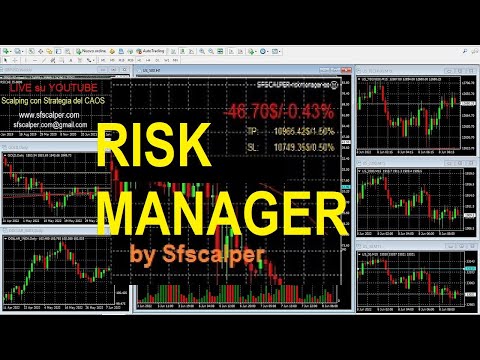
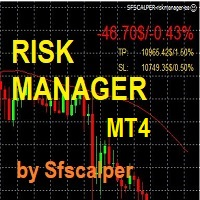
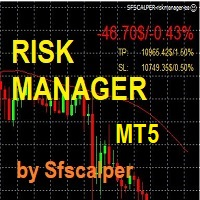
RISK CONTROL MANAGER
Now You can have the same control over risk management as big trading rooms, institutional investors and hedge funds.
Managing risk is a fundamental operation for your brokerage.
Choose your maximum desired risk exposure in percentage to Your account, set it on the RISK CONTROL MANAGER, the EA will check and make sure that You'll never exceed that.
When You ignore the trading risk, and you leave your operations open, that potentially could lead to catastrophic trade exposure.
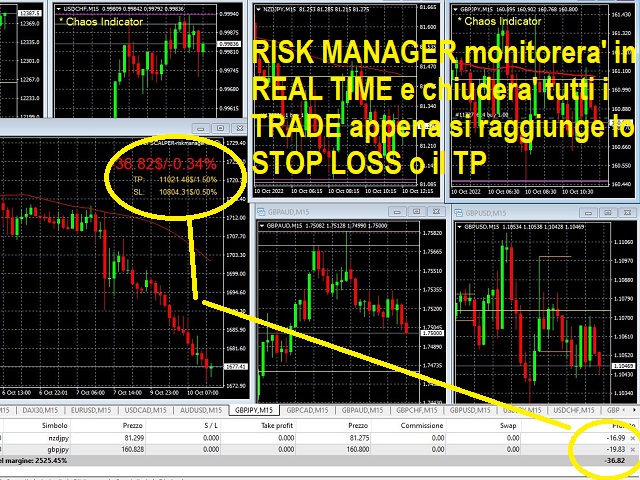
RISK CONTROL MANAGER easily resolve trade exposure and control in real time the draw down and also the profit of your trading account.
How it works:
1) downoad the full version
2) go to EA folder of Yout METATRADER platform and put the RISK CONTROL MANAGER on any open asset graph
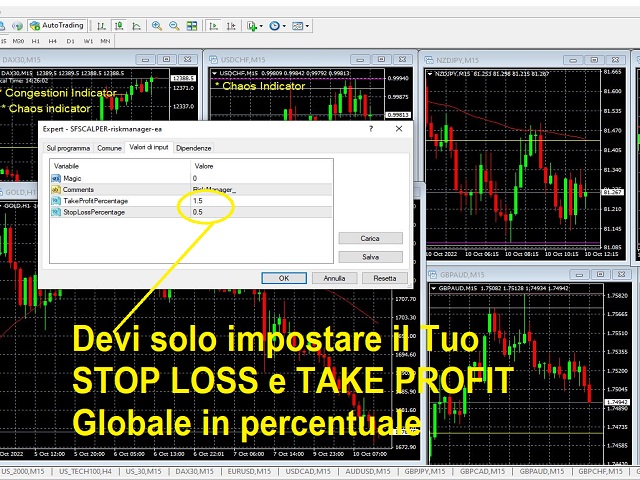
3) set You total stop loss acceptable percentage and take profit percentage
4) activate real time expert advisor trading on Your platform
5) the RISK MANAGER Ea will start working when you have zero trade open, at firs topen TRADE it will check Your performance and report an the window.
6) it will take account of every TRADE you open, on any asset; Forex, Commodities, Stocks, Indexes, even crypto.
7) when reached the STOP LOSS or TAKE PROFIT , the RISK CONTROL MANAGER will automatically close all open TRADES.
How to Use:
a) control Your account, never let losses run, accept losses, close trading and start again next day.
b) very usefull during prop firm challenges and real accounts
c) we suggest to put your acceptable max daily loss at 5% to 10% and your Take Profit at 10% to 15% in order to avoid repent price oscillations.
- DEMO only works on STRATEGY TESTER
- versions for METATRADER 4 and METATRADER 5
- 10 activation available per each license
- no time limit for re-download on your new pcs/laptops/workstations.
- Works on any account type and broker.
- Works with all times frames and currencies
- It works on many account at same time, just remember if You're using the same MT4 or MT5 platform, when switching from one account to other AUTOTRADING button goes OFF, You have to put ON manually again.
contact me on MQL5.com : send a message