Botkrit Multi Timeframe Frame Grid
- Uzmanlar
- Sürüm: 1.2
- Etkinleştirmeler: 10

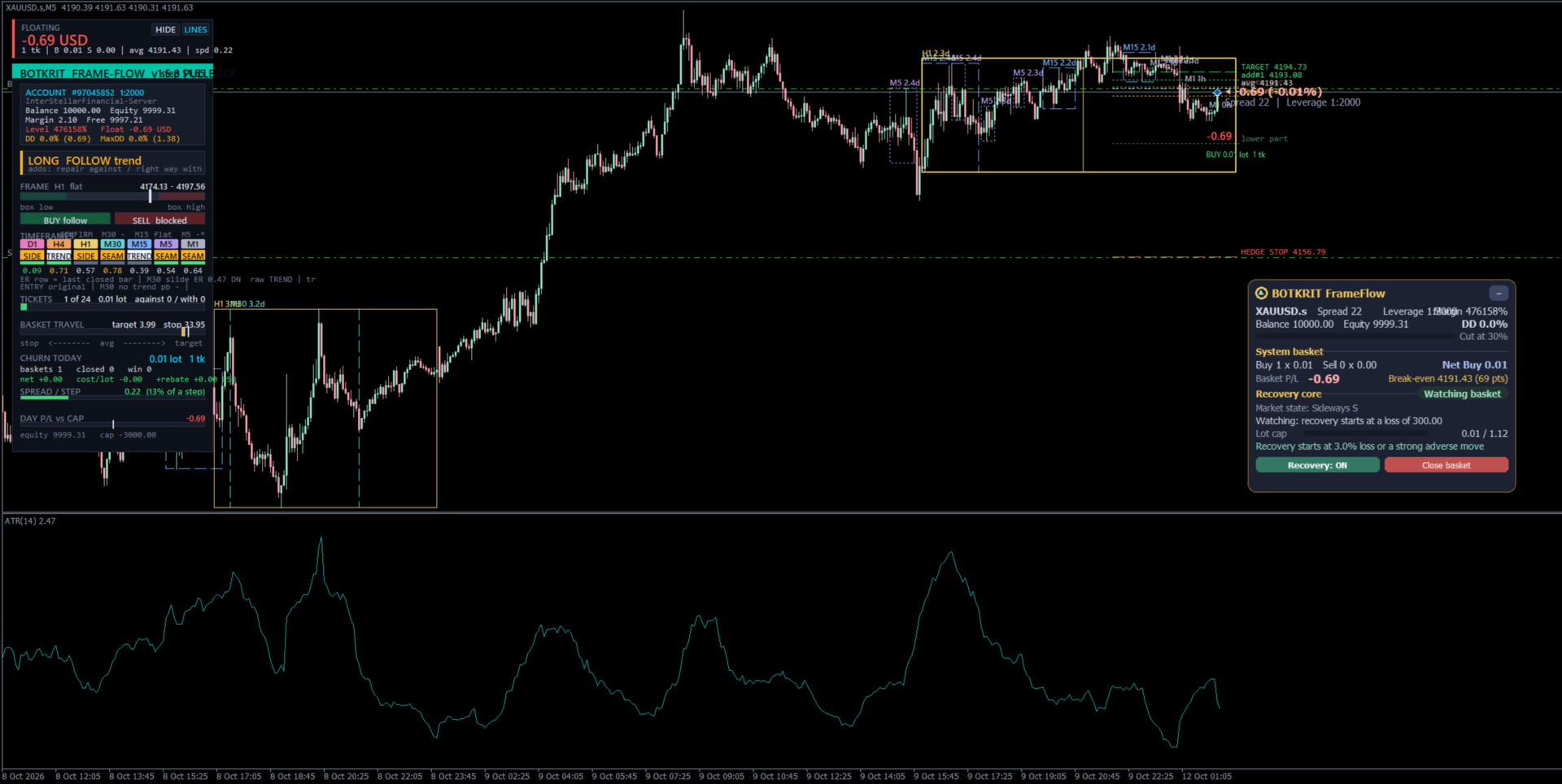
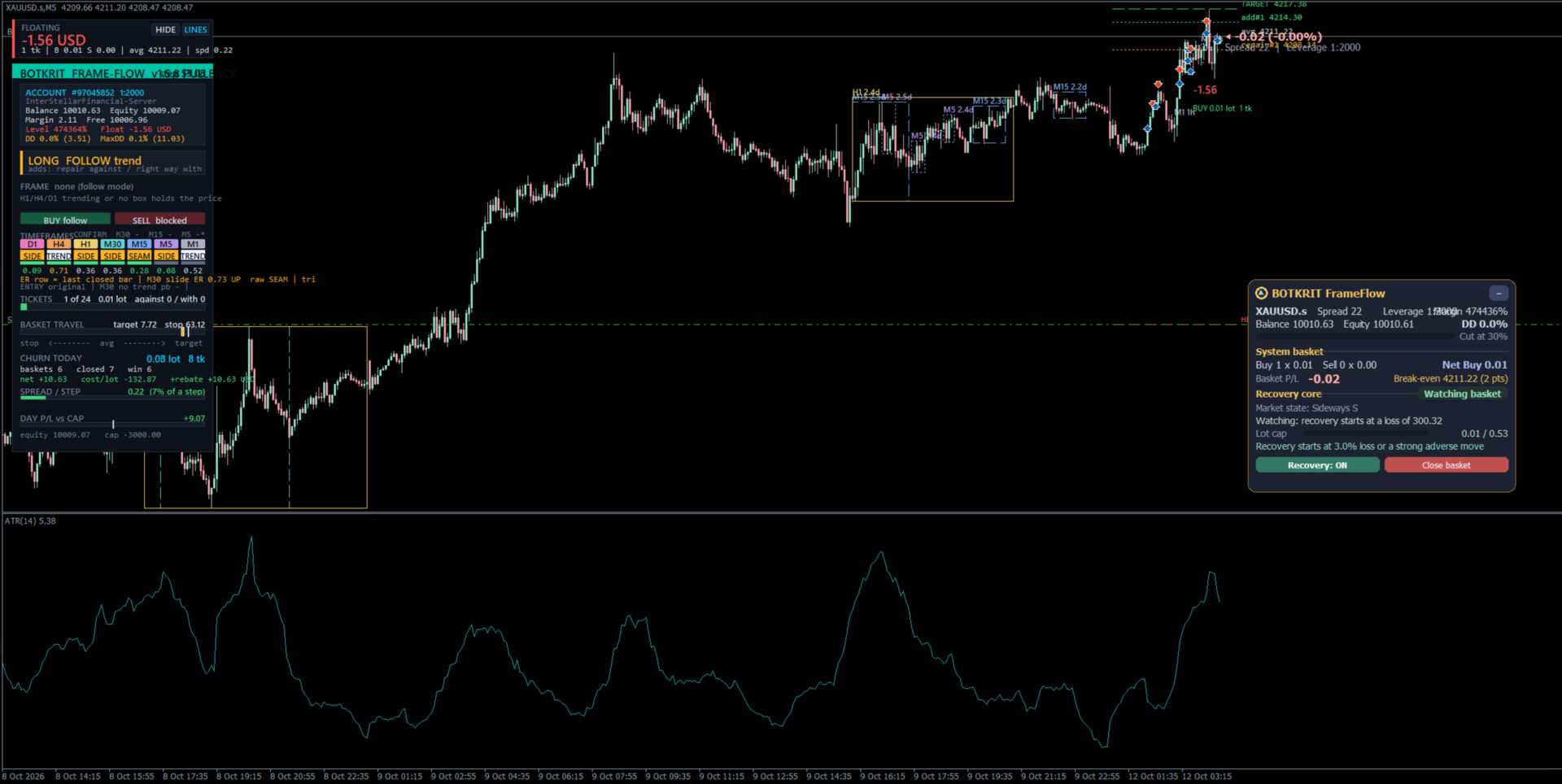
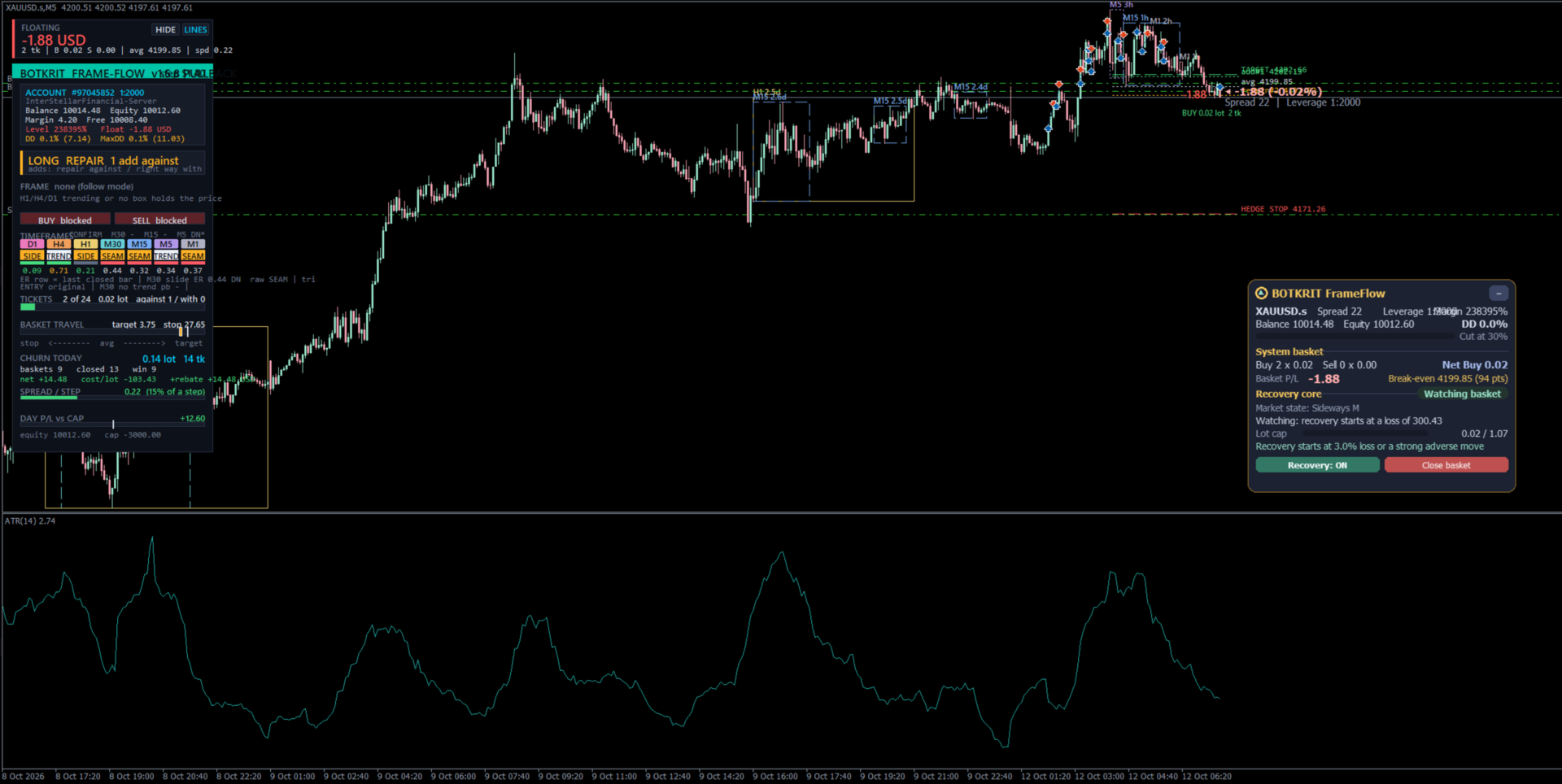
Multi-timeframe grid EA: reads the state (sideways, seam, trend) of seven timeframes, opens one basket at a time, adds tickets against or with the move and closes the basket with a trail, a target or a break-even exit.
Botkrit Multi-Timeframe Frame Grid is an automated Expert Advisor for MetaTrader 5. Multi-timeframe grid EA: reads the state (sideways, seam, trend) of seven timeframes, opens one basket at a time, adds tickets against or with the move and closes the basket with a trail, a target or a break-even exit.
Risk notice. This Expert Advisor uses a grid technique and does not place a fixed stop loss on every trade. Losing trades can stay open and the number of open trades can grow while the system works. A basket can show a large floating loss. Simulated or past results do not guarantee future results. Test on a demo account first and risk only money you can afford to lose.
How it works
- A state engine classifies M1, M5, M15, M30, H1, H4 and D1 as sideways, seam or trend using an efficiency ratio, choppiness and box breakouts. Higher-timeframe boxes are remembered as frames.
- The smallest enabled timeframe gives the trigger. In pullback mode the EA waits for an M30 trend, a retrace of a set size and no M15 trend against it.
- One basket at a time: a first ticket at market, repair tickets one step against the first fill and a limited number of add tickets with the move.
- Instead of a stop loss the EA can place an opposite stop order that locks the basket as a hedge; while locked it can add a few tickets with the lower-timeframe trend and closes the locked pair when the net profit target is reached.
- Exit: profit lock, trailing, frame target, follow target or a break-even exit when the story fails.
- Risk controls: worst-case basket loss limit, daily loss limit, maximum baskets per day, Friday close, spread limit and margin-level check.
- A built-in recovery core watches the basket and, if it loses more than a threshold, stops new tickets and opens balancing trades until the basket can be closed.
- All requests are checked for lot step, margin, stops level, freeze level, trade mode, session and order limit before they are sent.
Features
- Lot normalised to the symbol volume step, minimum and maximum; margin check before every order
- Stops level, freeze level, trade mode, trading session, filling mode and order limit checked before every request
- Built-in recovery core (basket watch and balancing trades) that can be switched off
- On-chart panel with spread, leverage, basket profit and recovery status
- No DLL, no web requests, no file logging
Inputs (main)
- BKG_MinMarginLevel (default 250): Min margin level % kept after a new order; the lot is reduced to fit (0 = off)
- InpLot (default 0.01): Lot per ticket
- InpStepPts (default 100): Minimum step between tickets (points)
- InpStepATRMult (default 0.5): Step = this x ATR(M5)
- InpMaxRepair (default 20): Maximum repair tickets
- InpMaxRight (default 3): Maximum add tickets with the move
- InpUseHedgeStop (default true): Use the opposite stop order as a hedge stop
- InpEntryMode (default 0): 0 trigger entry, 1 pullback entry
- InpBasketRiskPct (default 15): Worst-case basket loss limit (% of equity)
- InpDailyLossPct (default 30): Stop new baskets after this daily loss (%)
- InpMagic (default 880161): Magic number
- InpRKOn and the other recovery inputs (default on): Recovery core on / off, start threshold, cut level, margin floor
Recommended setup
- Do not run several copies on the same symbol with the same magic number; do not change inputs while trades are open.
Tags
grid, hedging, multi-timeframe, expert advisor, EURUSD, XAUUSD