Mapper
- Uzmanlar
- Sürüm: 2.0
- Etkinleştirmeler: 5

Mapper M.A.R.T.H.A.
Multi-timeframe Expert Advisor for MetaTrader 5
Rent from 999 USD per month.
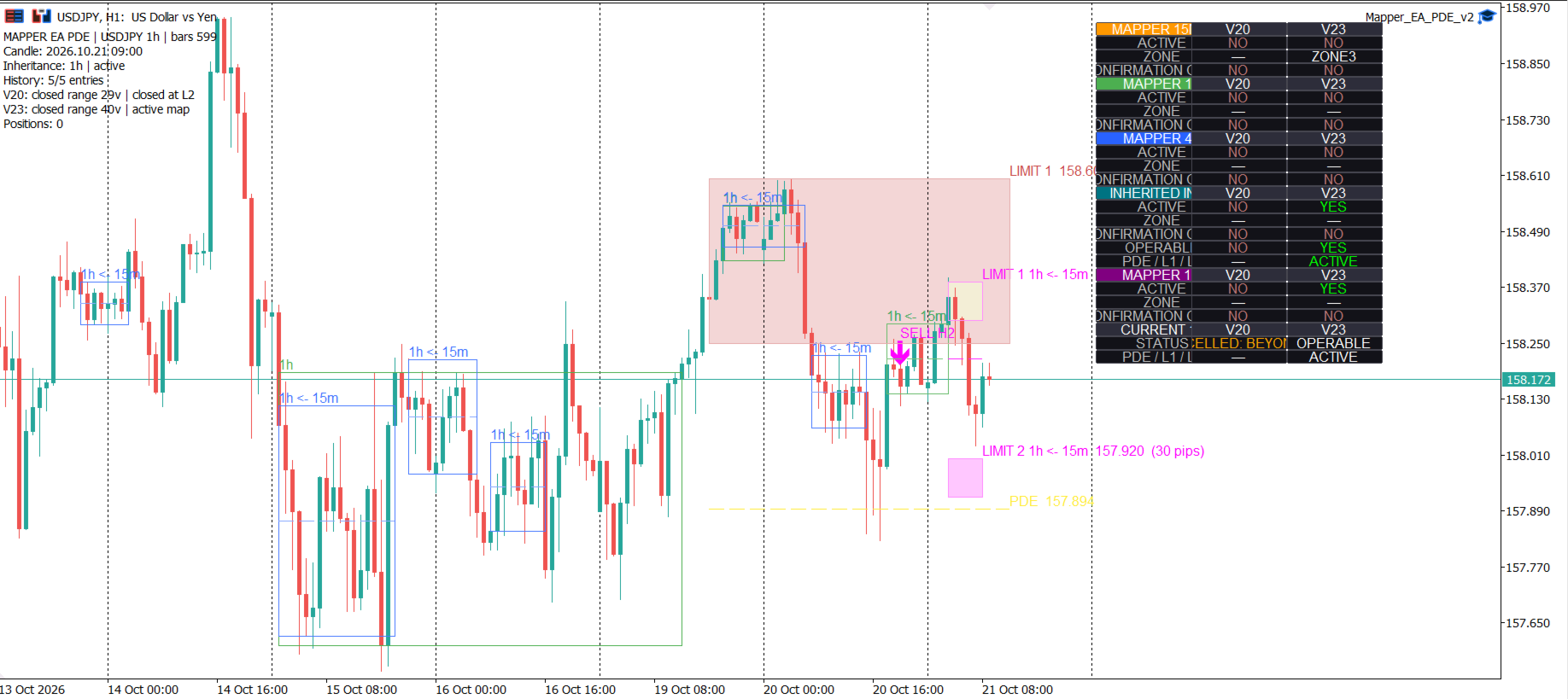
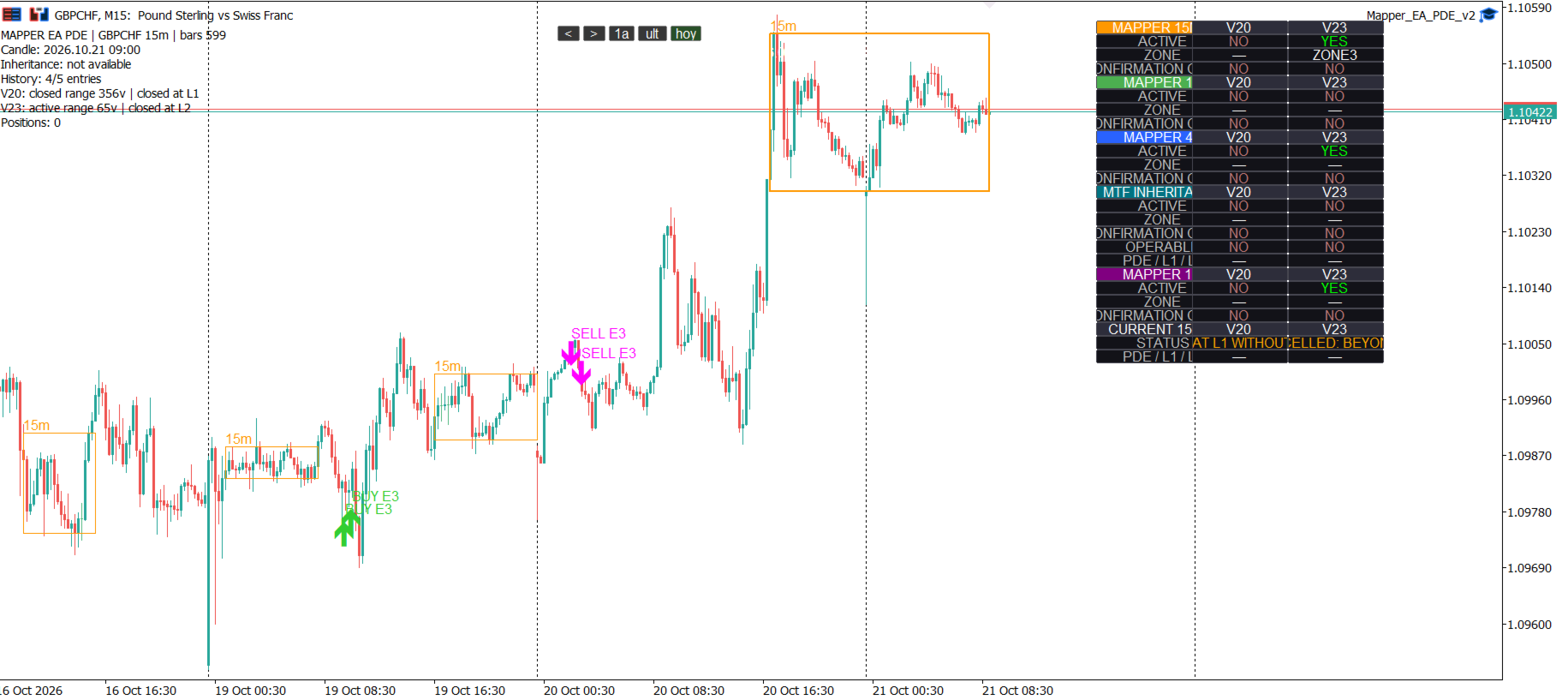
Mapper M.A.R.T.H.A. is an Expert Advisor for MetaTrader 5 that provides concentration maps, PDE-based map levels, candle confirmation and integrated position management.
The EA can trade local setups, inherited setups, or both according to the selected inputs and supported timeframe configuration.
Trading involves risk. This product does not guarantee profits or future results.
Main features
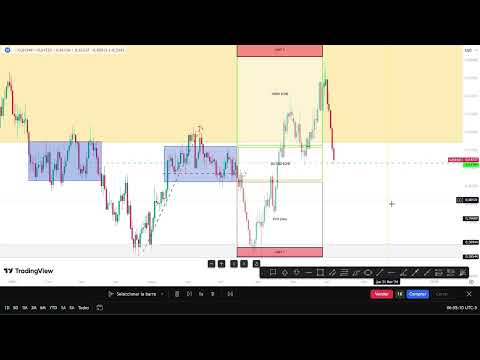
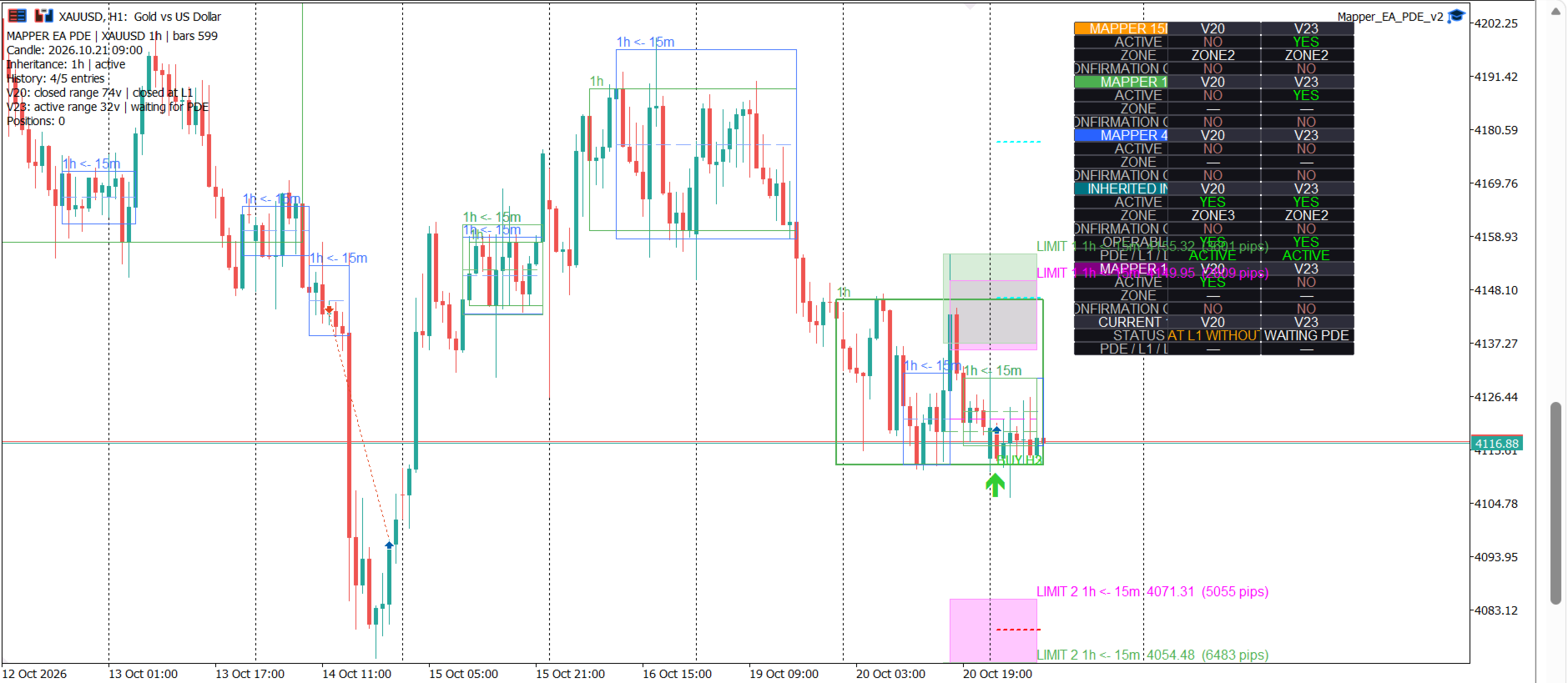
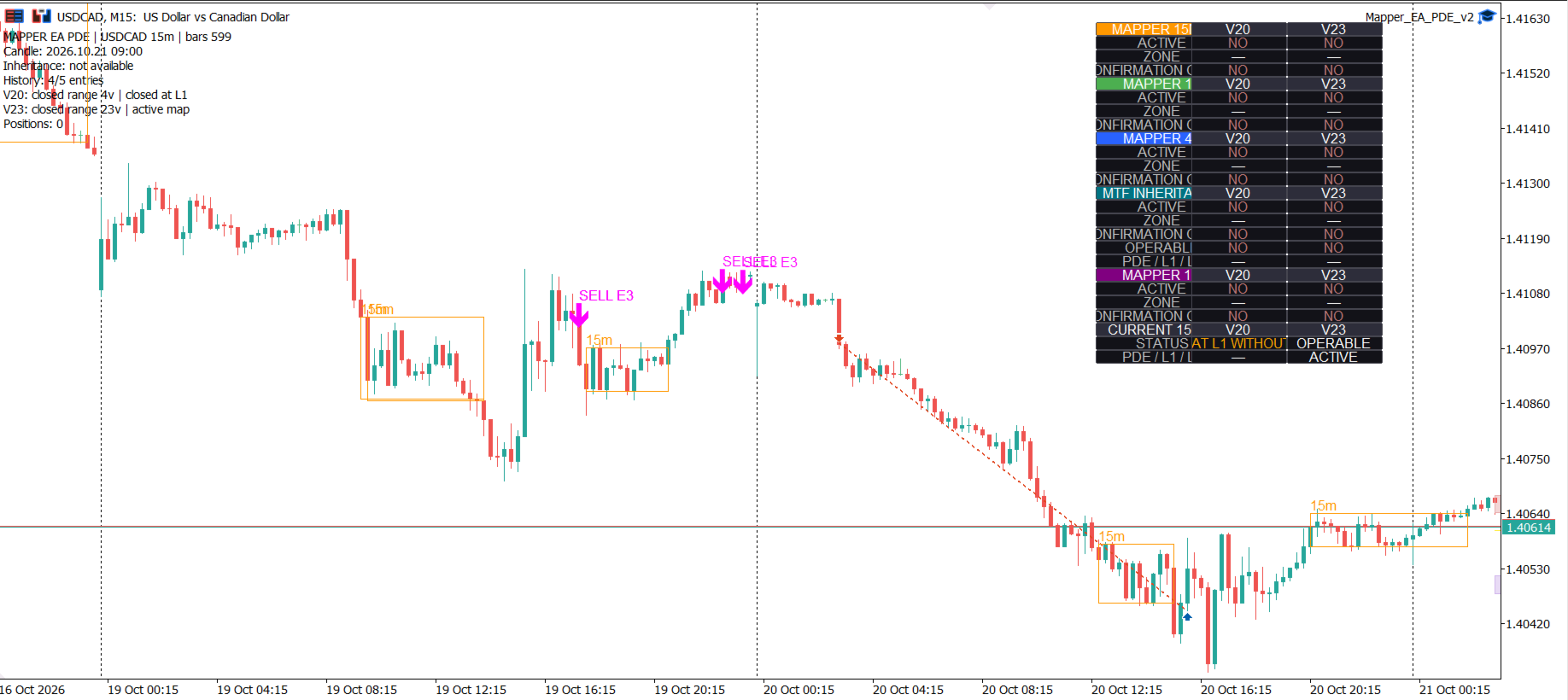
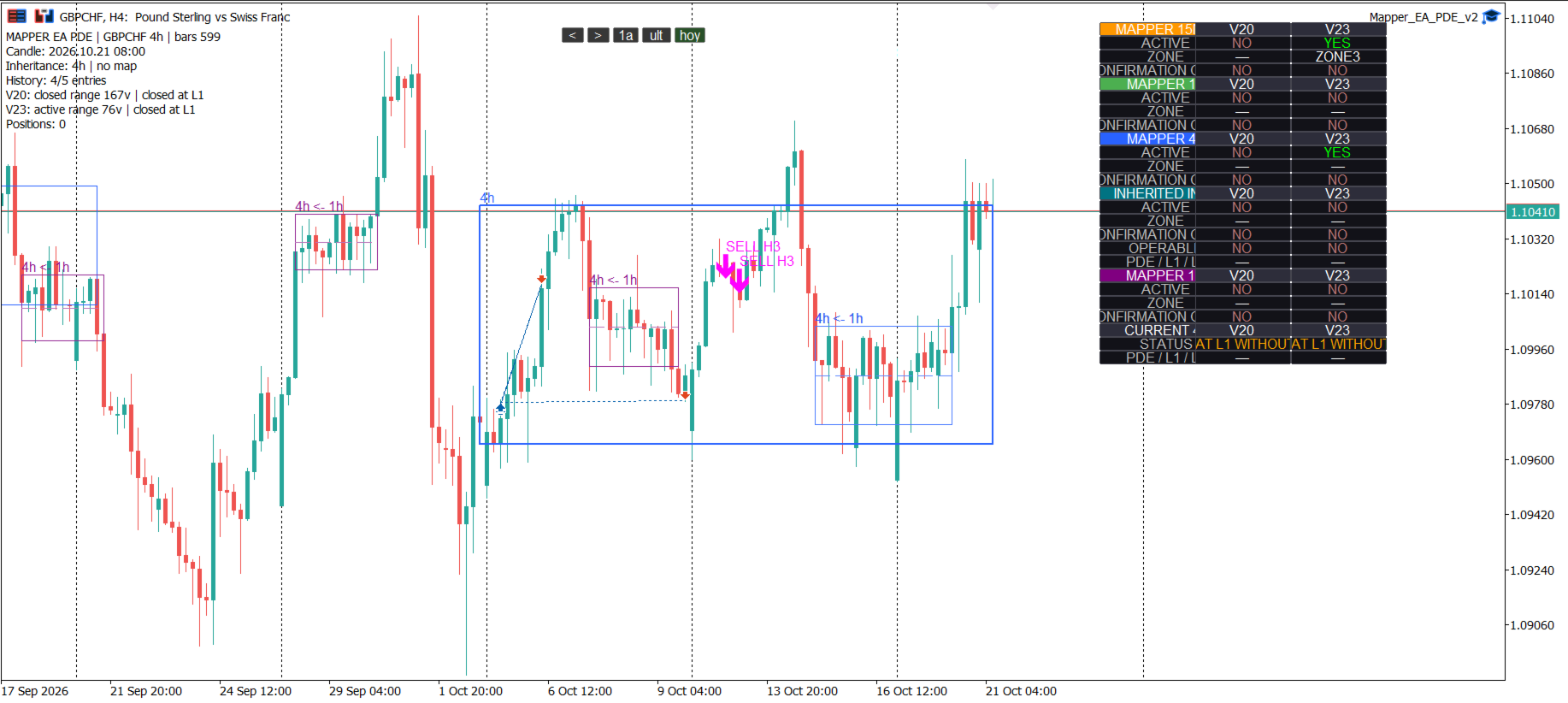
- Concentration maps with PDE, LIMIT 1 and LIMIT 2 levels.
- Zone-based entry logic.
- Directional candle validation:
- close > open : buy direction.
- close < open : sell direction.
- open == close : neutral candle.
- Multi-timeframe context across M15, H1, H4 and D1.
- Optional inherited setups from M15 to H1, H1 to H4 and H4 to D1.
- Risk-based or fixed-lot sizing.
- Daily risk limit and position limits.
- Spread and slippage filters.
- Broker stop-distance checks.
- Configurable Stop Loss and Take Profit modes.
- Break-even and zone-based risk management.
- Trading-session and server-time closing controls.
- Historical entry markers and chart visualization.
Multi-timeframe inheritance
An inherited map uses the source timeframe for its structure and levels, but the destination timeframe for signal validation and execution.
Examples:
- An M15 map inherited to H1 is validated by a closed H1 candle and can be executed at the open of the next H1 candle.
- An H1 map inherited to H4 is validated by a closed H4 candle and can be executed at the open of the next H4 candle.
- An H4 map inherited to D1 is validated by a closed D1 candle and can be executed at the open of the next D1 candle.
A lower-timeframe candle does not directly trigger an inherited entry on the higher timeframe.
Local and inherited operation
The EA can work with local setups on the current timeframe and with optional setups inherited from a lower timeframe. These modes can be enabled or disabled from the inputs according to the user's operating plan.
The following inputs control this behavior:
- ea_tradeLocal : allow local setups.
- ea_tradeInherited : allow inherited setups.
- pm_inherit : enable multi-timeframe inheritance.
- pm_on : enable map and entry logic.
The product description focuses on user-visible behavior and configuration. Internal implementation details are not required for operation.
Risk and position management
The EA supports fixed lots or percentage-based sizing. The risk calculation considers the distance to the calculated Stop Loss, the symbol properties and the selected lot mode.
The product includes controls for:
- risk per trade;
- maximum daily risk;
- maximum positions;
- one position per symbol;
- maximum spread;
- maximum slippage;
- minimum Stop Loss distance;
- trading sessions;
- daily and weekly closing windows.
Zone management can reduce risk after the selected PDE or L1 level is reached. Stop Loss and Take Profit rules are configurable through the MAP inputs.
Supported timeframes and installation
- Open MetaTrader 5.
- Open the Navigator and locate the Expert Advisor.
- Attach one instance to the desired symbol chart.
- Enable Algo Trading.
- Review the risk, schedule, inheritance and display inputs before activation.
- Use a demo account and the Strategy Tester before using the product on a live account.
Use one instance per symbol that you want to manage. Review the selected timeframe and all risk inputs before activation.
Important limitations
- M1 and M5 are not operational timeframes for this EA.
- The EA does not open historical trades when it is attached to a chart.
- Trading depends on broker sessions, symbol specifications, available history, spread and execution conditions.
- The Market demo version is tested through the MetaTrader 5 Strategy Tester according to Market rules.
Risk notice
Financial markets can cause losses. No indicator or Expert Advisor can guarantee a positive result. Test the product on a demo account, understand every input and use a position size appropriate for your account and risk tolerance.
Product support and updates are provided through the MQL5 Market product page and MQL5 messaging tools.