Convert server time to user local time
- Göstergeler
- Sürüm: 1.2

TimeZone Clock is a tiny MT4 indicator that answers one question at a glance: what is the broker time converted to my local time?
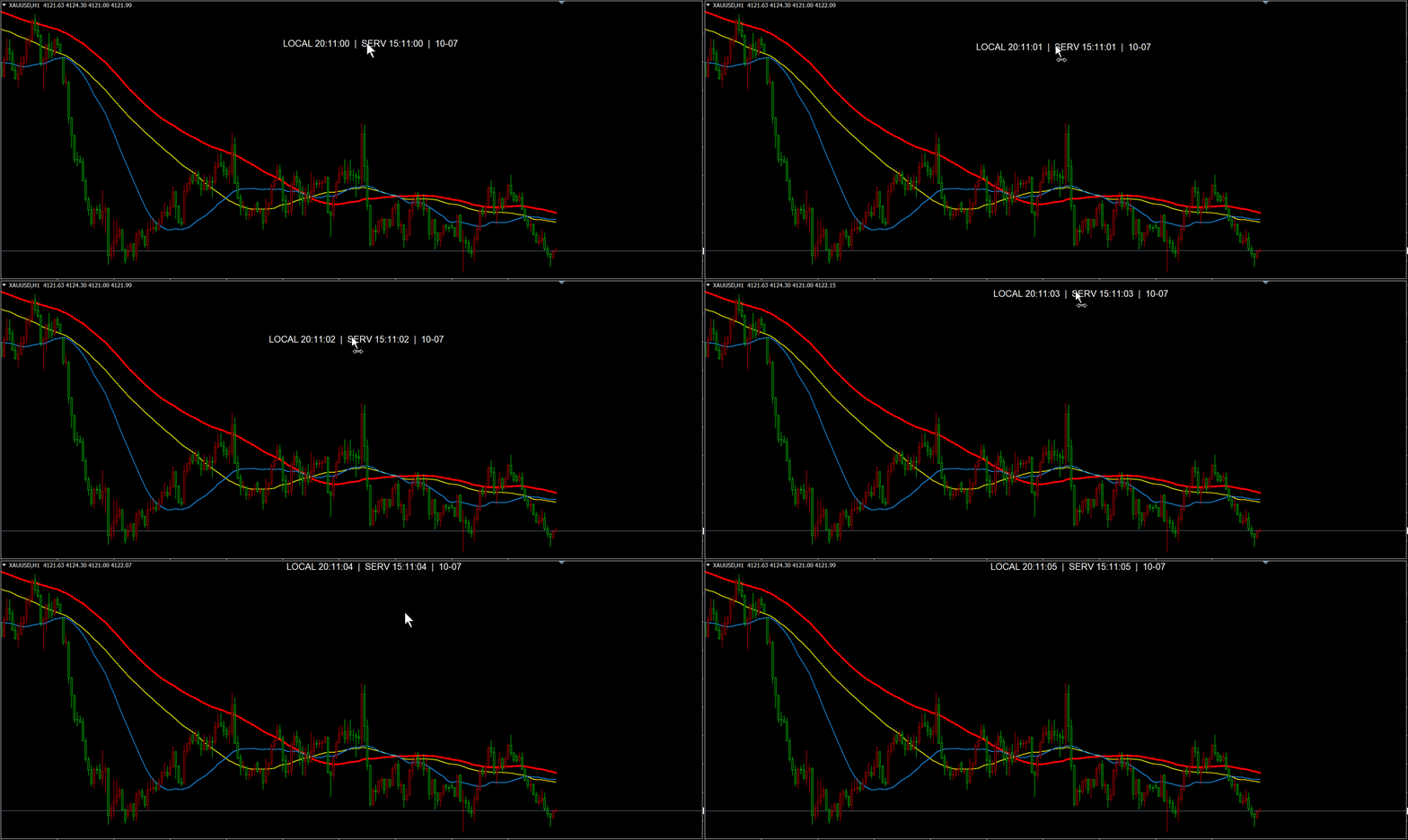
On the chart it looks like this:
LOCAL 23:58:43 | SERV 15:58:43 | 10-02
SERV is the terminal server time, LOCAL is your own clock, and the trailing MM-DD is the server date. This little tool is useful when you want to describe trades or choose a time period to trade in terms of your local time.
Features
Local time, server time, server date
Time accurate to the second
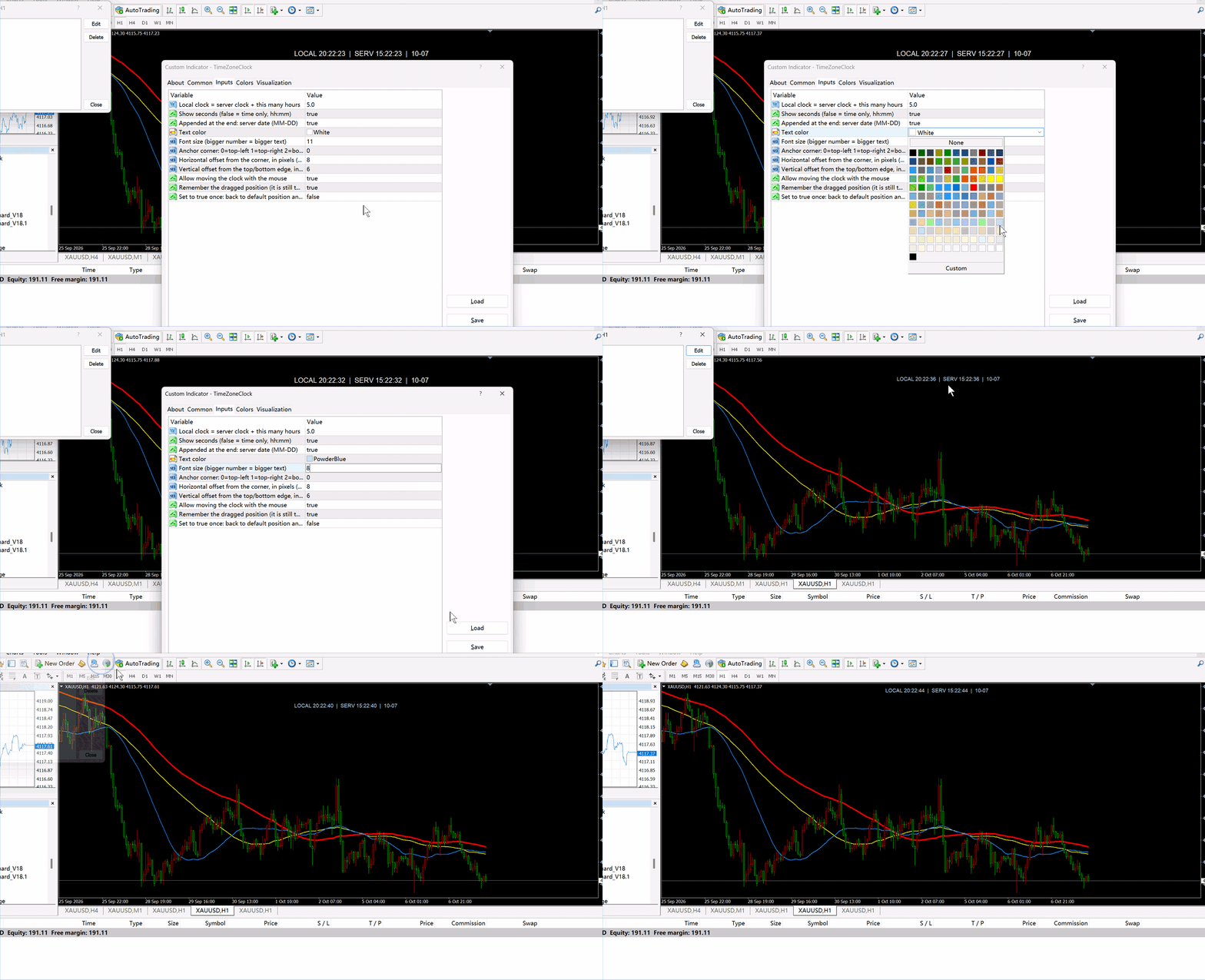
Text color and font size can both be adjusted to your preference
The displayed clock can be grabbed with the left mouse button and moved anywhere
Parameters
LocalOffsetHours - hours to add to the server time to get local time
ShowSeconds - true shows hh:mm:ss, false shows hh:mm
ShowDate - append the server date as MM-DD at the end
TextColor - text color (clrWhite)
FontSize - font size in points (11)
ScreenCorner - 0 top-left, 1 top-right, 2 bottom-left, 3 bottom-right
X_Distance - horizontal offset from the corner in pixels
Y_Distance - vertical offset from the top/bottom edge in pixels
EnableDrag - allow mouse dragging
RememberPos - remember the dragged position per chart
ResetPos - set to true once to return to the default position and clear the memory
How to use
After adding it to MT4, adjust the parameters in the edit panel. The time zone is under "lock clock"; double-click the value after it to change it. If you know your time zone, enter it directly. If you don't know your time zone, you can try several times until it matches your local time.