Quantora Level Break EA MT5
- Uzmanlar
- Sürüm: 1.15
- Etkinleştirmeler: 12

Quantora Level Break EA
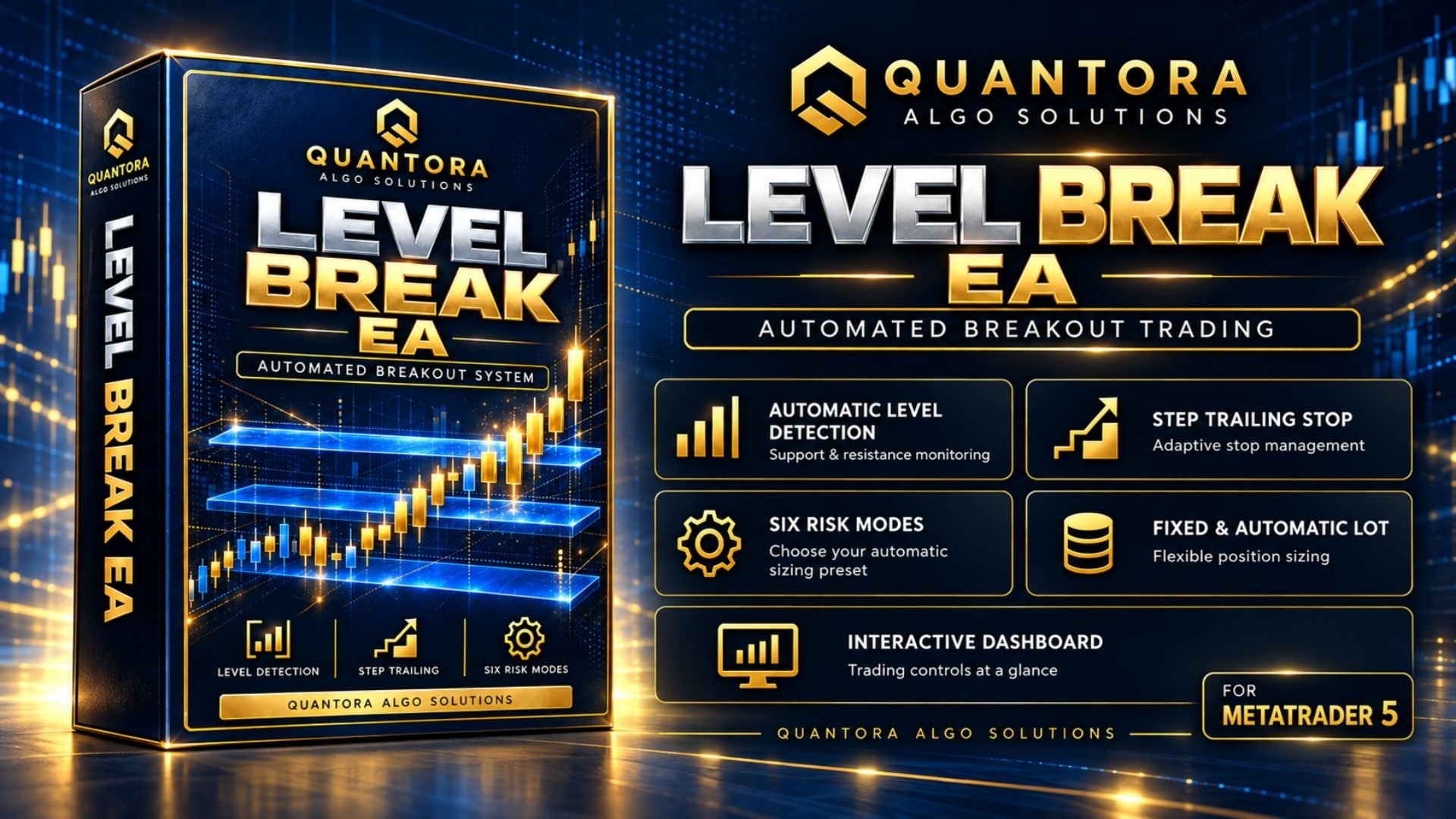
Automated Breakout Trading for MetaTrader 5
Quantora Level Break EA combines automatic support and resistance detection, breakout order placement, and position management in one integrated trading system. Its interactive dashboard provides direct access to trading activity and lot management.
Automatic Level Detection
The EA evaluates completed candles to identify qualifying support and resistance levels. It places Buy Stop and Sell Stop orders at eligible levels, allowing price movement to trigger entries.
As market structure changes, pending orders associated with invalidated levels are removed automatically. Built-in spread and broker-distance checks are applied before new orders are placed.
- Automatic support and resistance monitoring.
- Pending orders for bullish and bearish breakouts.
- Automatic removal of outdated pending orders.
- Embedded strategy parameters for simplified configuration.
Stop Loss, Take Profit and Step Trailing
Each entry is submitted with a Stop Loss and Take Profit. When price moves favorably, the step-based trailing system progressively adjusts the protective stop.
Virtual trailing management is available when a desired trailing level cannot be applied to the broker's server. Virtual protection requires MetaTrader 5 and the EA to remain running and connected.
Fixed and Automatic Lot Management
Quantora Level Break EA supports two position-sizing modes.
- Fixed: Uses the selected lot size, subject to internal and broker volume limits.
- Automatic: Calculates volume using current account equity, the selected risk preset, and the trade's Stop Loss distance.
Automatic mode includes six selectable presets:
- Very Low
- Low
- Moderate
- Balanced
- High
- Aggressive
Each preset has an embedded maximum lot limit. This limit is an upper boundary rather than a fixed opening volume. The calculated lot size may be lower depending on account equity and estimated trade risk.
Additional controls check combined Stop Loss exposure and order affordability before new entries are submitted. These controls do not eliminate trading risk or guarantee a maximum realized loss.
Interactive Trading Dashboard
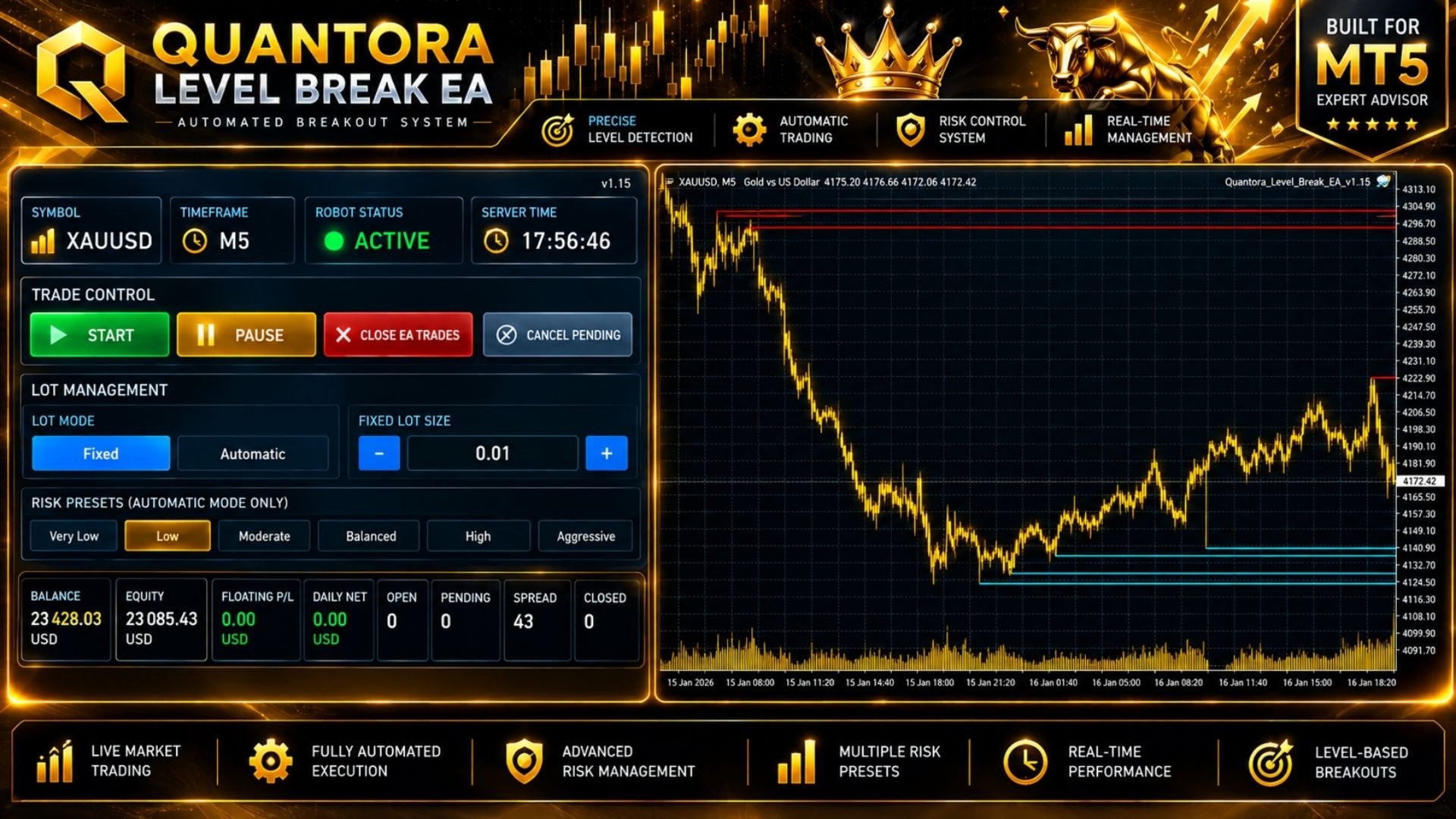
The integrated dashboard provides direct access to the EA's main trading controls and account information.
- Start: Resume automatic trading.
- Pause: Suspend new entries and request cancellation of pending orders while open-position protection continues.
- Close EA Trades: Request closure of positions managed by the EA for the current symbol and Magic Number.
- Cancel Pending: Request cancellation of the EA's pending orders.
- Lot Controls: Switch between Fixed and Automatic modes, adjust fixed lot size, and select an Automatic risk preset.
- Live Statistics: Monitor balance, equity, floating profit or loss, daily net results, open positions, pending orders, and spread.
Lot-setting changes apply to future entries. Existing positions retain their protection and management.
Dashboard selections apply to the current operating session. When the EA is reinitialized, the values configured in the Inputs section are loaded again.
Dashboard commands are subject to terminal connectivity, market availability, and broker execution.
Instrument-Aware Distance Handling
The EA includes distance handling for XAUUSD and Forex pairs. Forex distances use pip-based scaling, while XAUUSD uses its dedicated price-distance configuration.
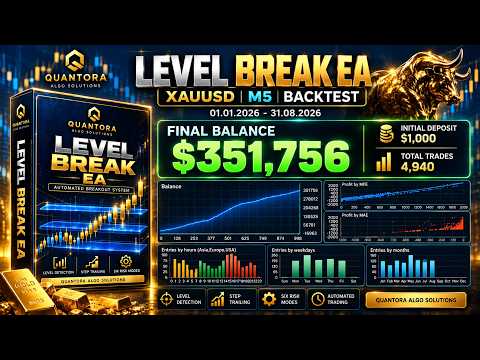
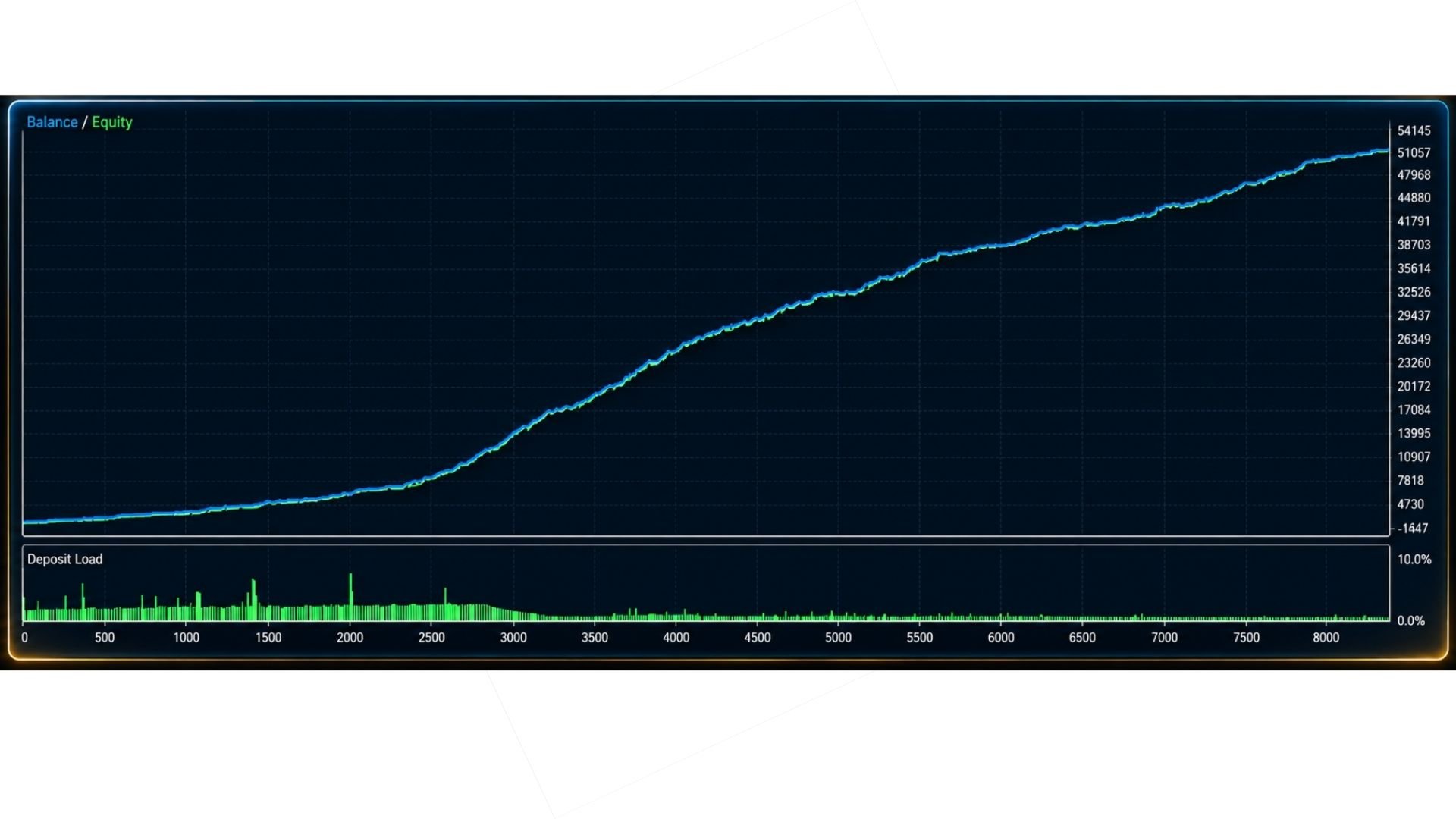
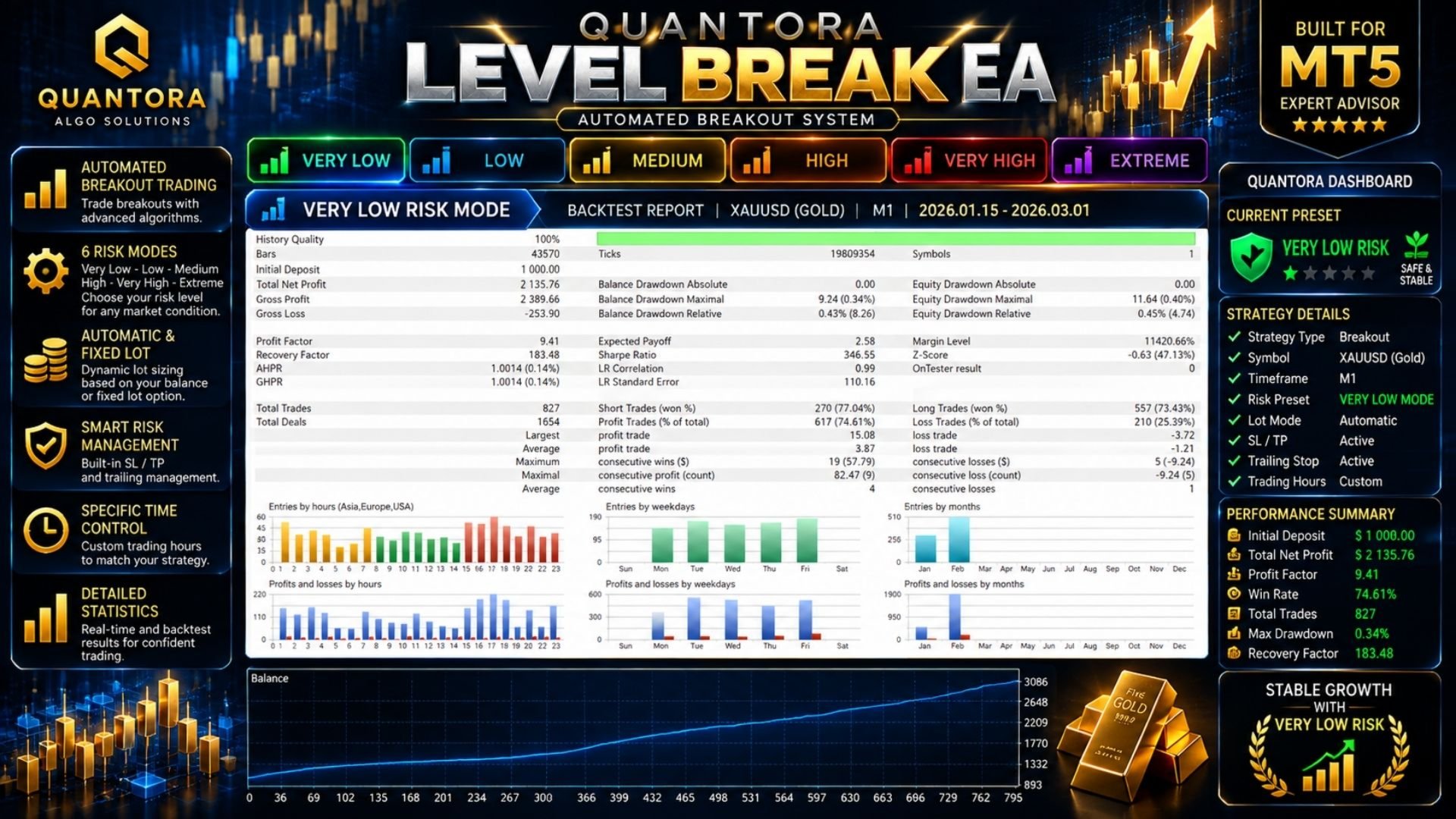
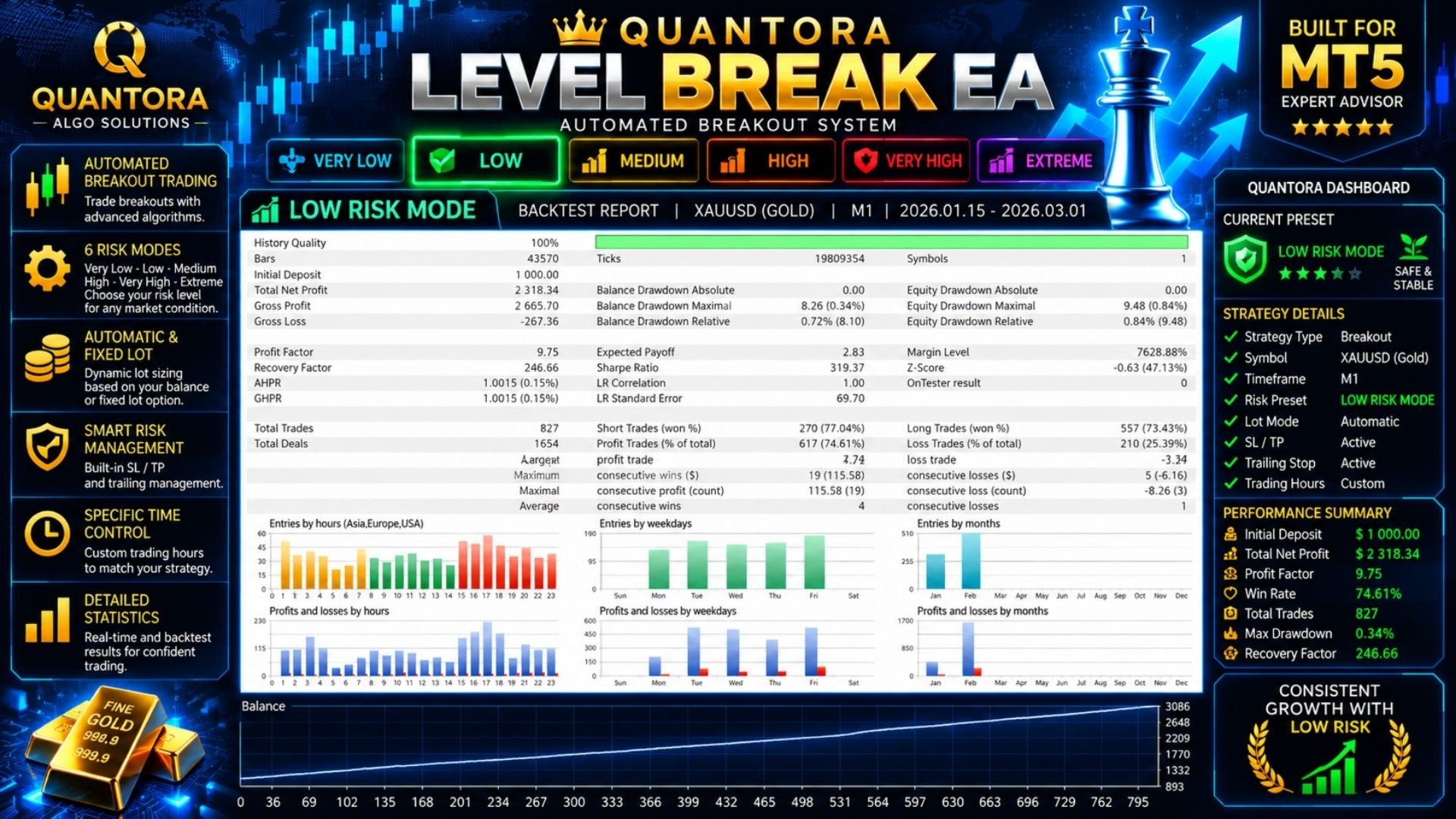
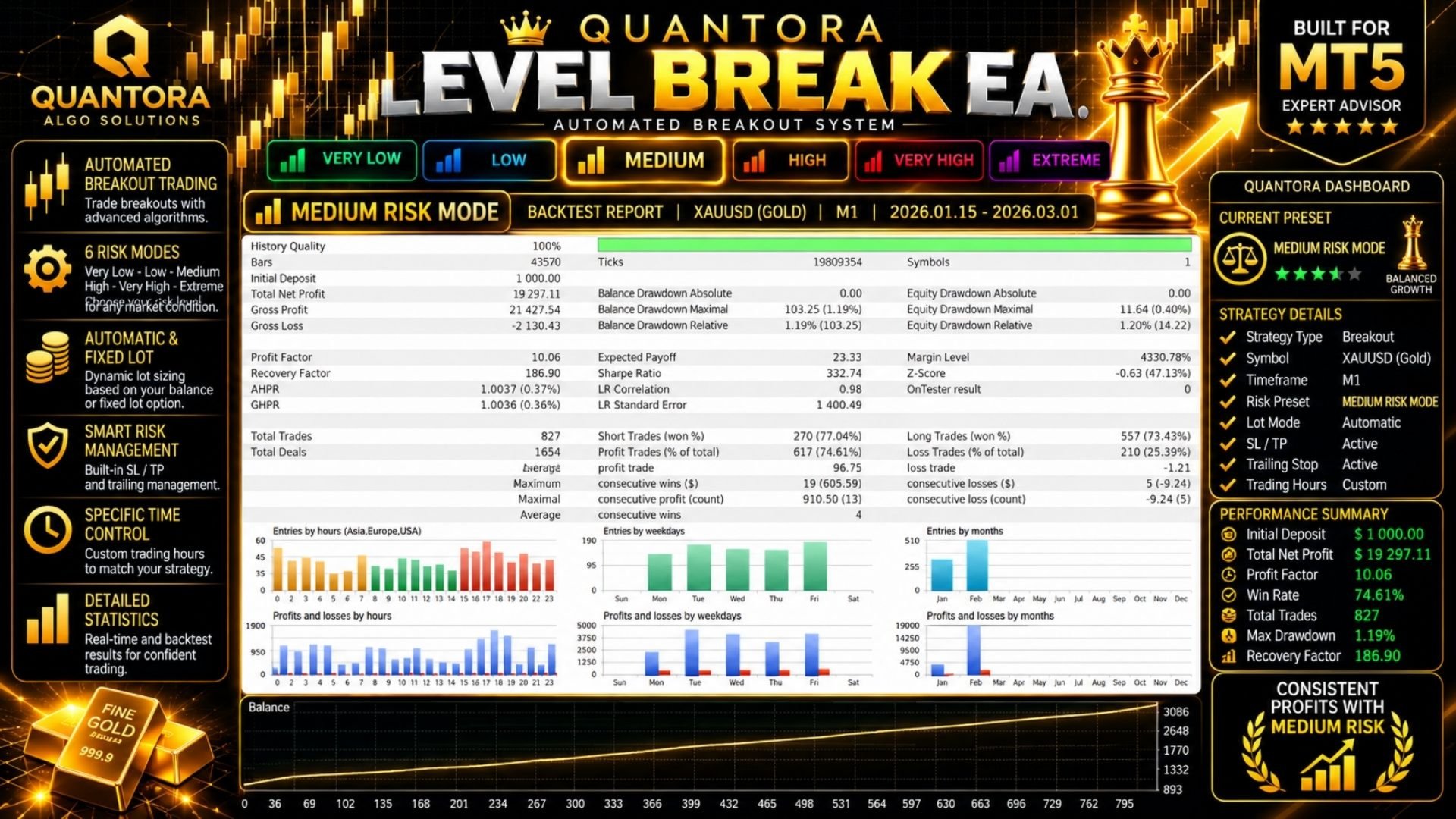
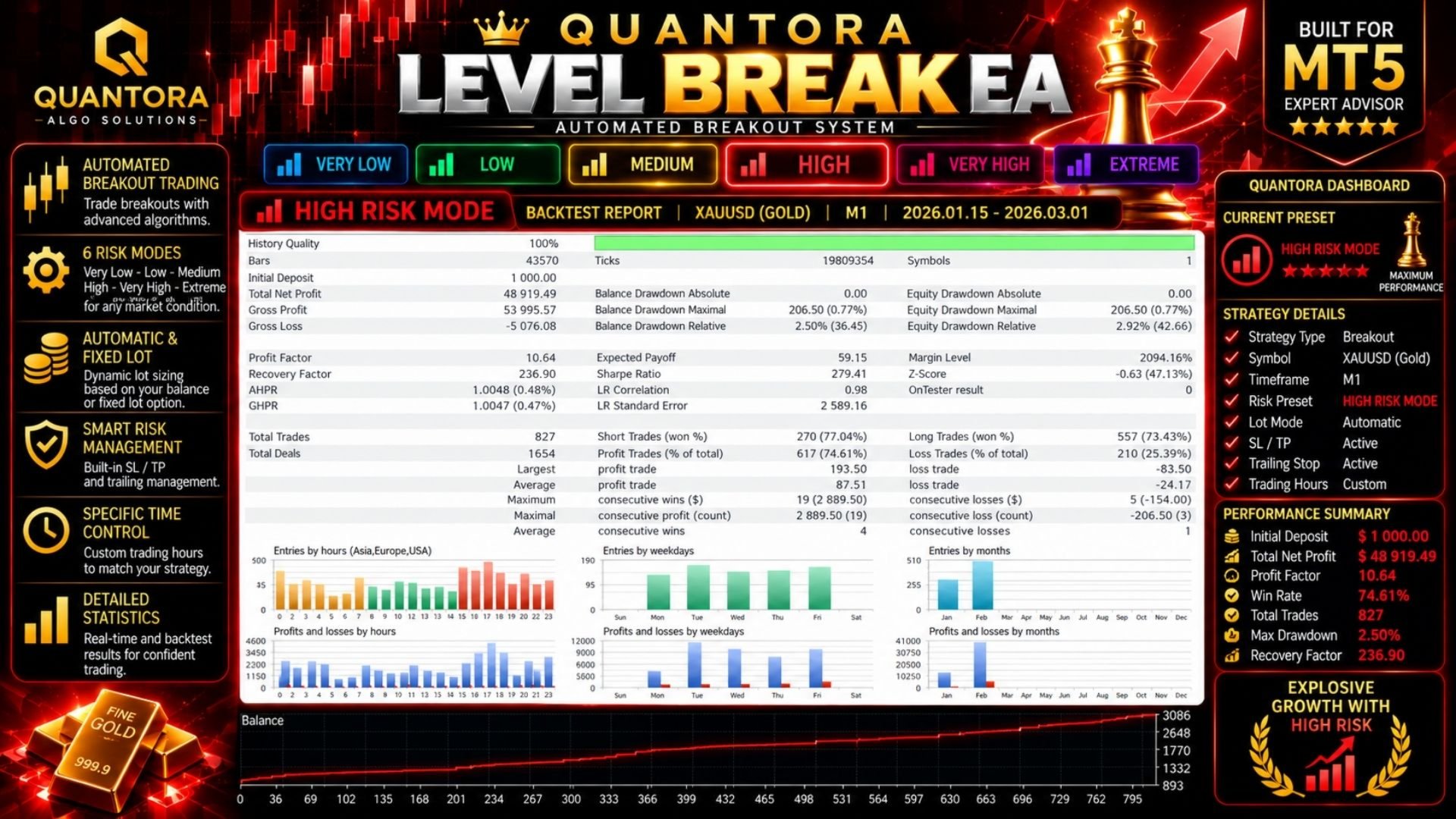
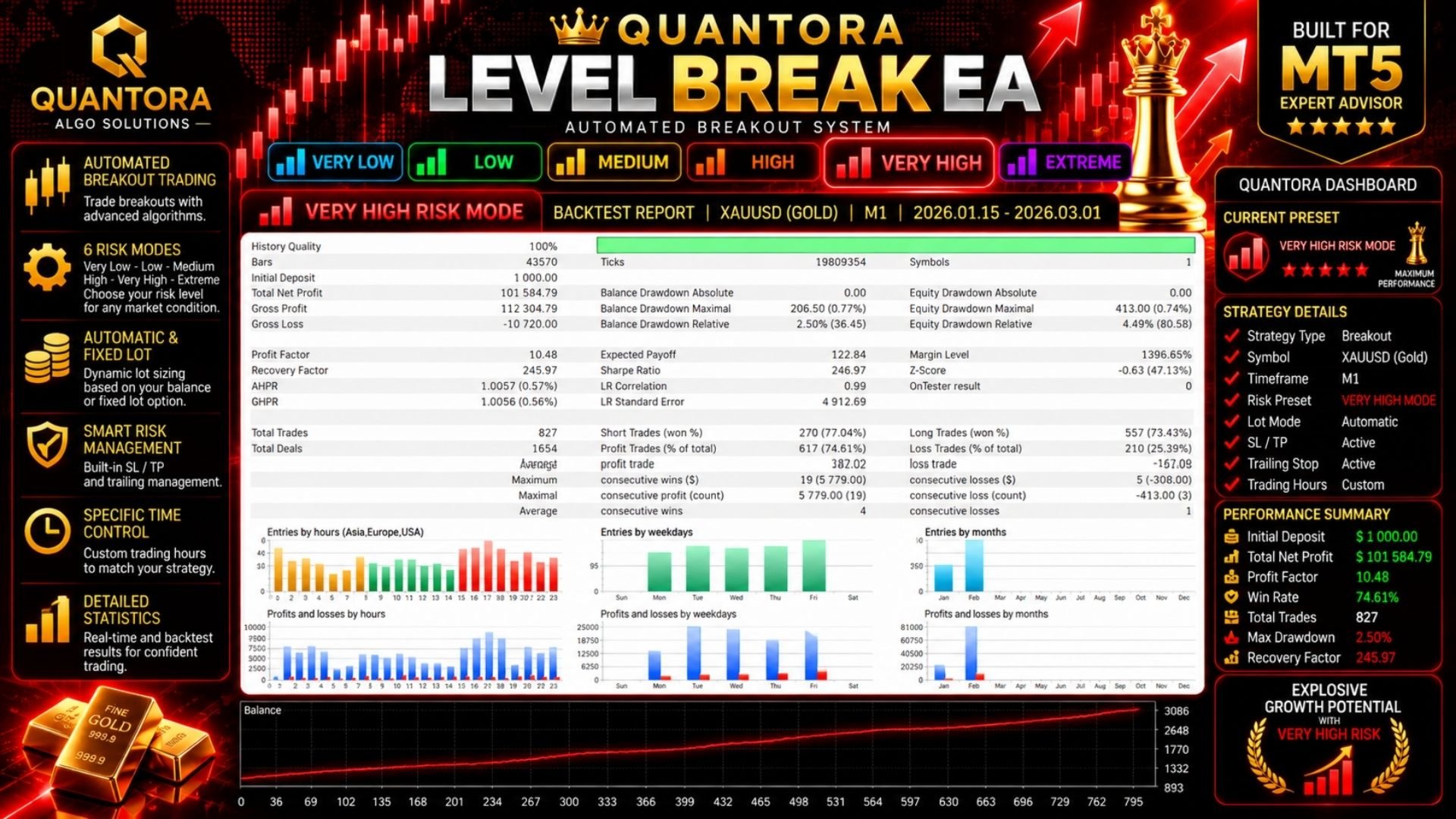
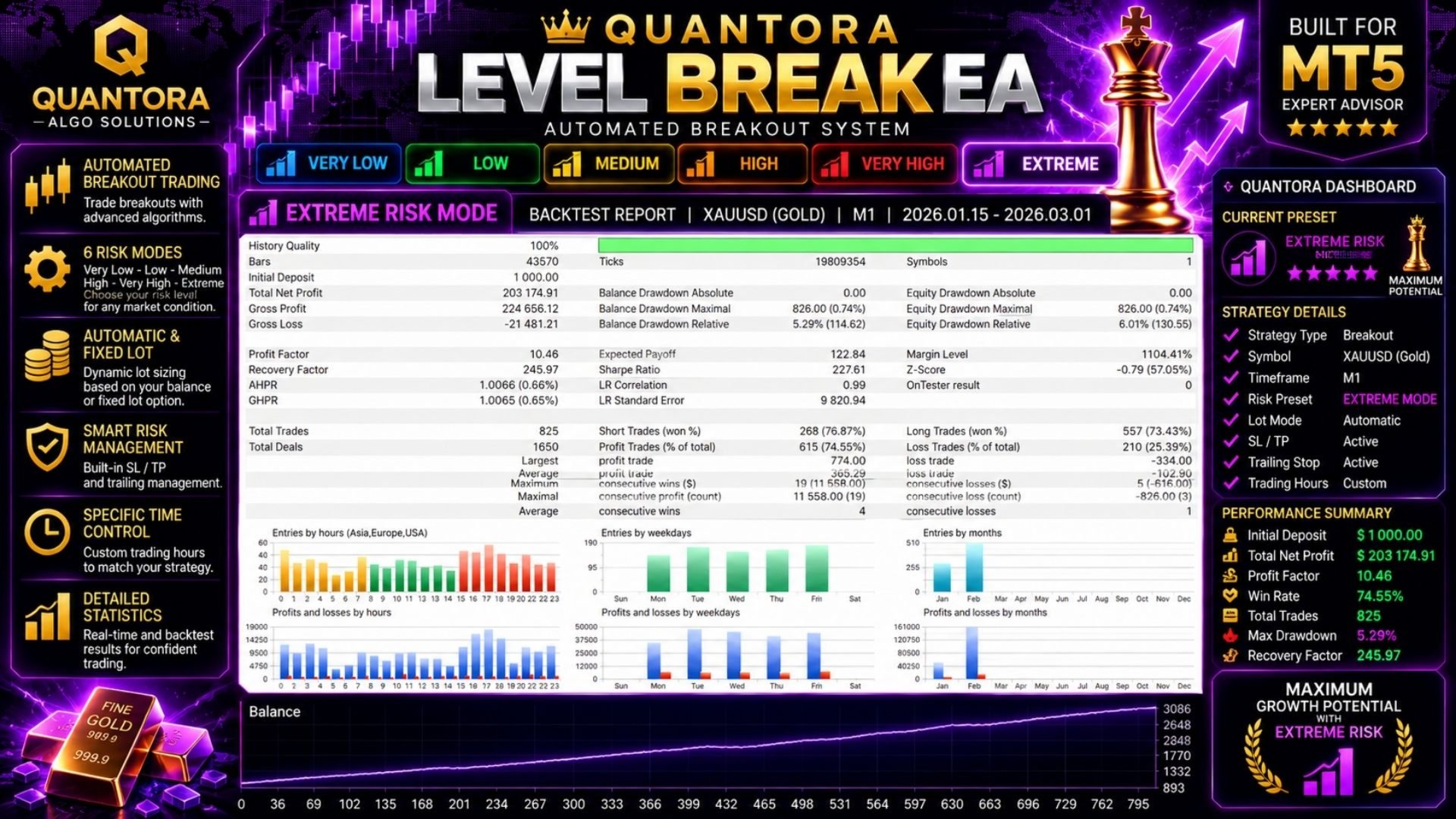
The EA operates on the attached chart's timeframe. Published XAUUSD backtest examples use M1. Results on other instruments, timeframes, and brokers should be evaluated separately.
Getting Started
- Attach the EA to your chosen symbol and timeframe.
- Select Fixed or Automatic lot management.
- Enter the fixed lot size or choose an Automatic risk preset.
- Enable Algo Trading in MetaTrader 5 and monitor the dashboard.
Test the EA under your broker's trading conditions before live use. Keep MetaTrader 5 running and connected, or use a suitable VPS, for continuous operation.
Important Information
Quantora Level Break EA is an automated trading tool that places and manages orders according to its internal logic and selected settings.
Backtest results describe historical simulations and do not guarantee future performance. Actual results may vary with market conditions, spread, commissions, slippage, and broker execution.
Trading financial instruments involves risk and may result in the loss of capital. Always evaluate the EA under realistic conditions before using it on a live account.
Quantora Algo Solutions