See Scanner RR
- Uzmanlar
- Sürüm: 2.50
- Etkinleştirmeler: 5

Smart Adaptive Grid Trading with Automatic Risk Management
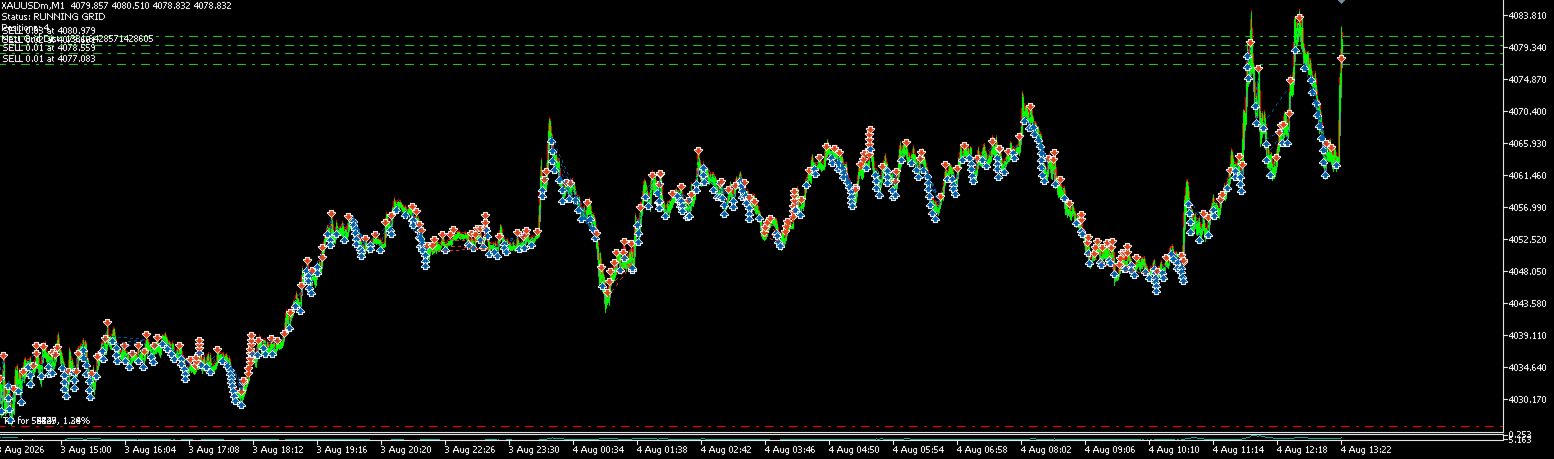
AI Adaptive Grid Auto RR is an automated trading system designed to combine adaptive grid recovery with dynamic market analysis and automated risk management.
Instead of using a fixed grid distance, the EA monitors market volatility using ATR and automatically adjusts the grid distance according to current market conditions.
The system also uses ADX and MACD as part of its market scanning logic to determine the initial trading direction.
Key Features
Adaptive Grid System
The EA automatically manages additional positions when the market moves against the current trade.
Grid distance is dynamically calculated using market volatility, allowing the system to adapt to changing market conditions.
The minimum grid distance is also controlled to prevent excessively tight entries.
Dynamic Lot Management
The lot size for additional grid positions is calculated using a configurable multiplier:
Next Lot = Start Lot × Lot Multiplier
This allows traders to control how aggressively the recovery system increases position size.
ATR-Based Automatic SL & TP
The EA automatically calculates Stop Loss and Take Profit using the current ATR value.
This allows protection levels to adapt to market volatility instead of relying only on fixed distances.
The Risk/Reward ratio can also be customized by the user.
Basket Management
All positions opened by the EA can be managed as a single trading basket.
The system can automatically close all positions when:
-
The Basket Profit target is reached
-
The Basket Loss limit is reached
This provides an additional layer of risk control for grid trading.
Daily Risk Protection
AI Adaptive Grid Auto RR includes daily profit and loss protection.
When the configured Daily Profit Target or Daily Loss Limit is reached, the EA closes its positions and pauses trading until the next trading day.
Trailing Stop
The EA includes an ATR-based trailing stop system.
Once the market moves sufficiently in the profitable direction, the Stop Loss can automatically follow the price to help protect accumulated profit.
Time & Day Filters
Control when the EA is allowed to start new trading cycles.
Users can configure:
-
Trading start hour
-
Trading end hour
-
Friday trading
-
Friday stop hour
The EA also avoids starting new trading cycles during weekends.
Main Features
-
Adaptive Grid Trading
-
Dynamic Grid Distance
-
ADX + MACD Market Scanner
-
ATR-Based Market Volatility Analysis
-
Automatic Risk/Reward Calculation
-
Automatic Stop Loss
-
Automatic Take Profit
-
Basket Profit Target
-
Basket Loss Protection
-
Daily Profit Target
-
Daily Loss Limit
-
ATR-Based Trailing Stop
-
Time Filter
-
Friday Trading Control
-
Automatic Margin Check
-
Broker Volume Validation
-
Cooldown Between Trading Cycles
How It Works
-
The EA waits for the allowed trading session.
-
ADX, MACD, and ATR market data are analyzed.
-
The EA opens an initial Buy or Sell position according to its trading logic.
-
If the market moves against the position, the Adaptive Grid system may open additional positions at dynamically calculated distances.
-
The EA calculates the average entry price of the basket.
-
Stop Loss and Take Profit are automatically updated using ATR and the selected Risk/Reward ratio.
-
The basket can be closed automatically by TP, SL, Basket Profit, Basket Loss, or Daily Protection rules.
-
After a trading cycle is completed, the EA waits for the configured cooldown period before starting a new cycle.
Important Settings
Grid & Lot Settings
Start Lot
The lot size used for the first position.
Lot Multiplier
Controls the size of additional grid positions.
Auto RR & TP/SL
ATR SL Multiplier
Controls the Stop Loss distance based on market volatility.
Risk:Reward Ratio
Controls the relationship between potential risk and reward.
Trailing Stop
Enables automatic Stop Loss adjustment when the market moves into profit.
Basket Protection
Basket Profit
Closes all EA positions when the total basket profit reaches the selected amount.
Basket Loss
Closes all EA positions when the maximum basket loss is reached.
Daily Protection
Daily Profit
Stops trading after the daily profit target is reached.
Daily Loss
Stops trading after the maximum daily loss limit is reached.
Recommended Usage
The EA can be used on symbols supported by your broker.
Before using the EA on a live trading account, it is strongly recommended to:
-
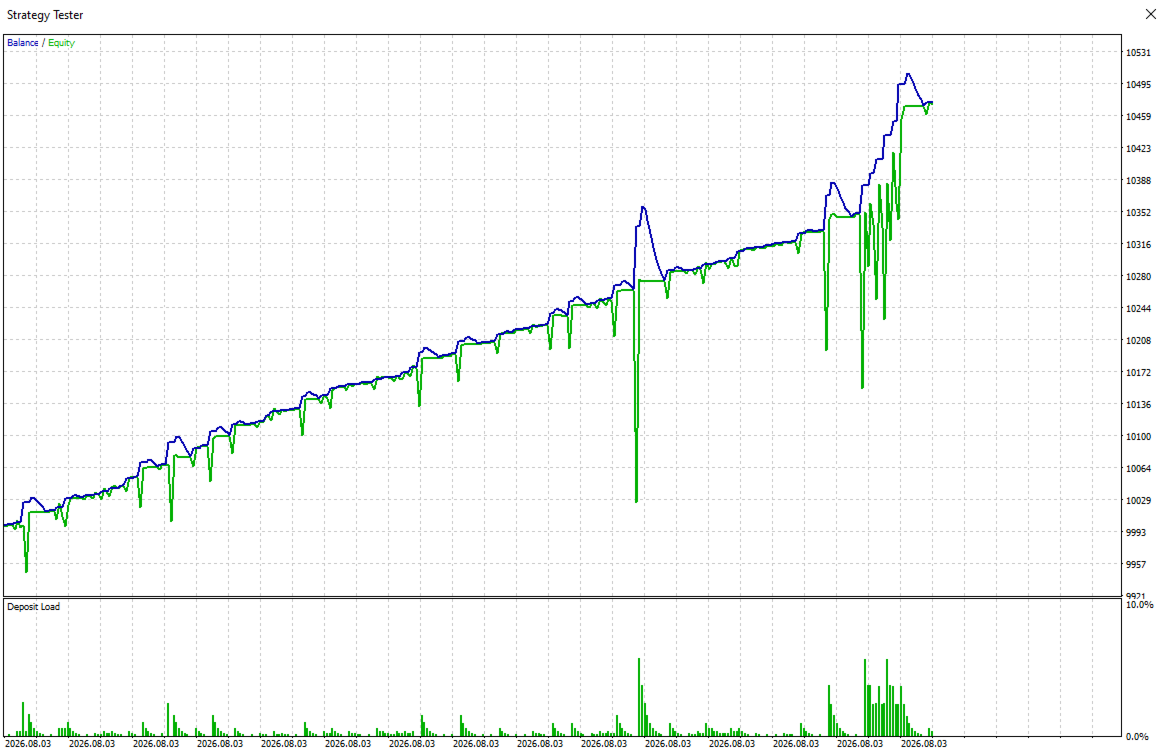
Test the EA in the Strategy Tester
-
Use appropriate lot sizes for your account balance
-
Understand the risks associated with grid trading
-
Adjust Basket Loss and Daily Loss according to your personal risk tolerance
-
Test the selected symbol and timeframe with your broker's trading conditions
Risk Warning
Trading involves risk.
This Expert Advisor uses a grid-based recovery approach. During strong one-directional market movements, multiple positions may be opened and drawdown can increase.
Past performance does not guarantee future results.
Always test the EA carefully on a demo account or in the Strategy Tester before using it on a real account.
Use appropriate risk management and only trade with money you can afford to lose.