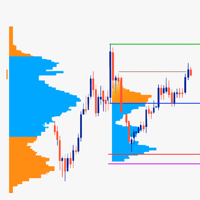
Volume Peak Zone
- Göstergeler
- Sürüm: 1.0
- Etkinleştirmeler: 5

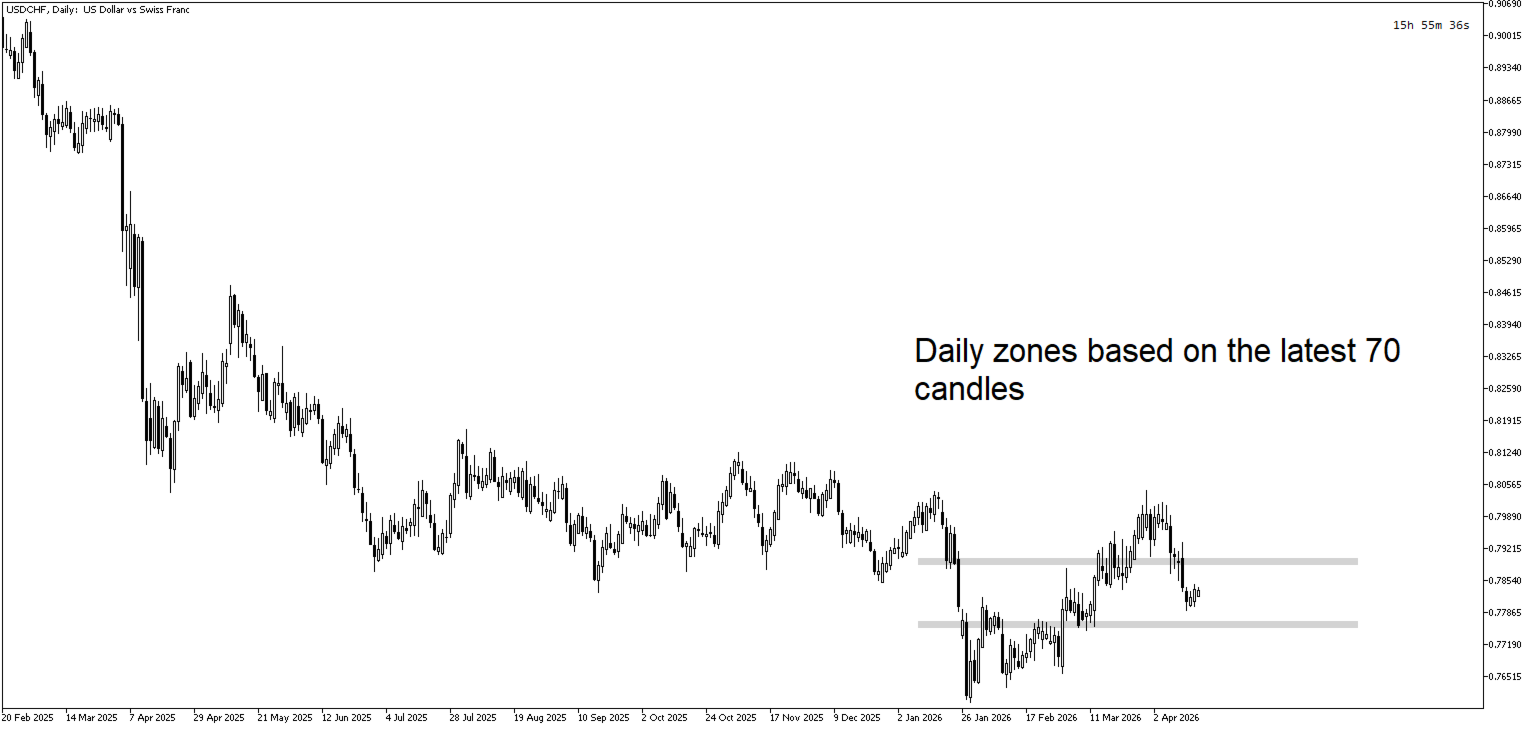
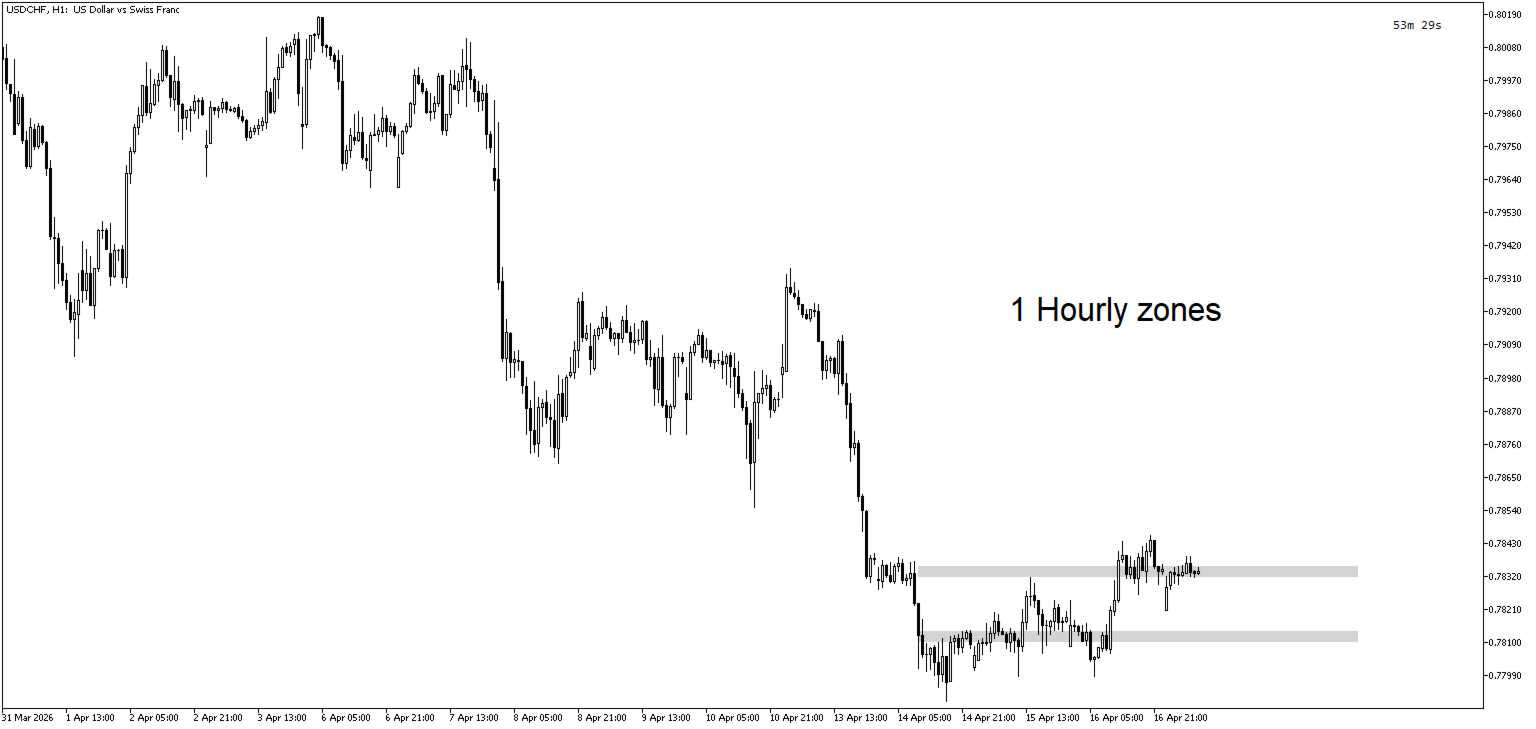
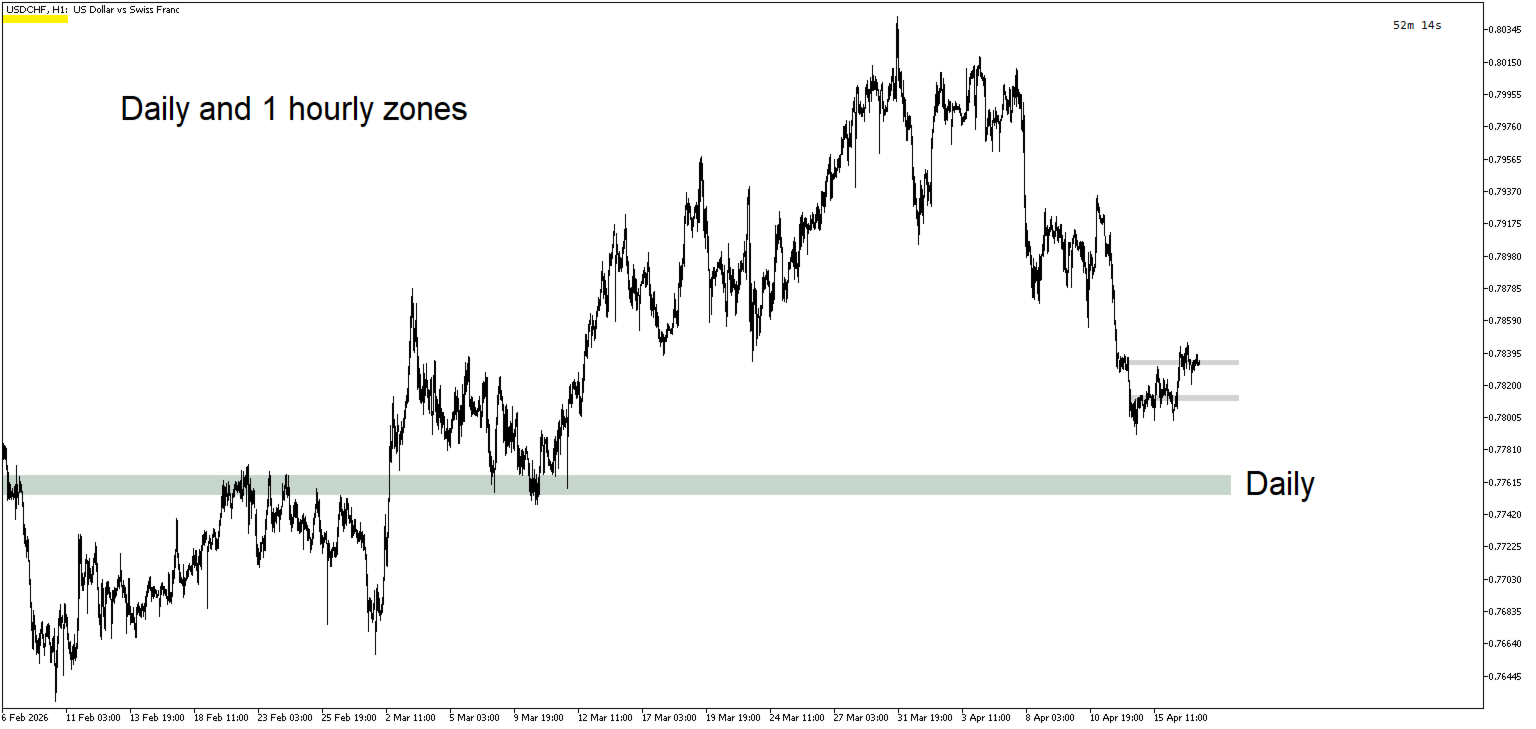
Volume Peak Zone is a professional MetaTrader 5 indicator that automatically identifies and visualizes high-volume price zones based on volume profile analysis. The indicator calculates volume distribution across specified price levels and highlights the zones with the highest trading activity, helping traders identify key support and resistance areas / Supply and Demand.
Key Features:
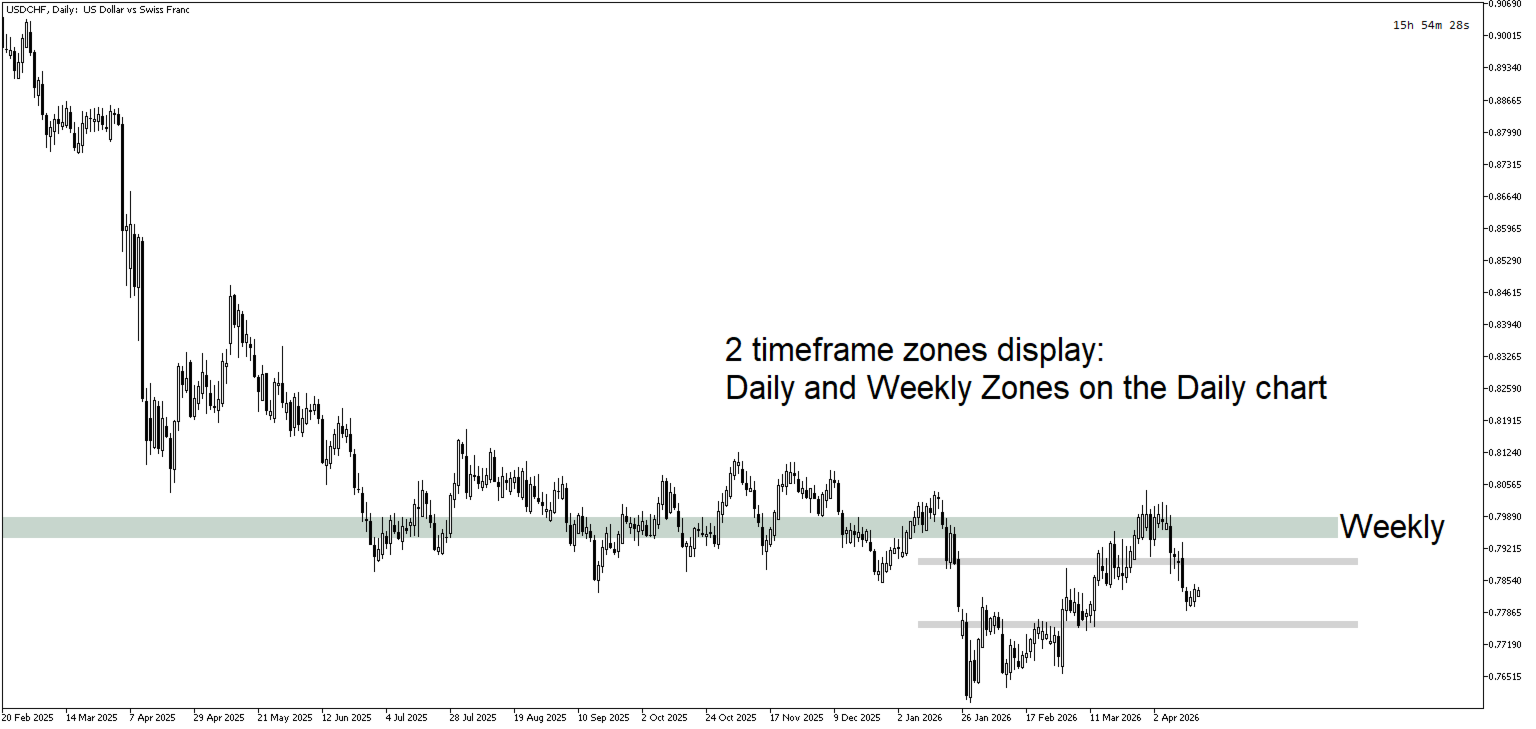
- Dual Timeframe Support — Analyze volume zones from two independent timeframes simultaneously
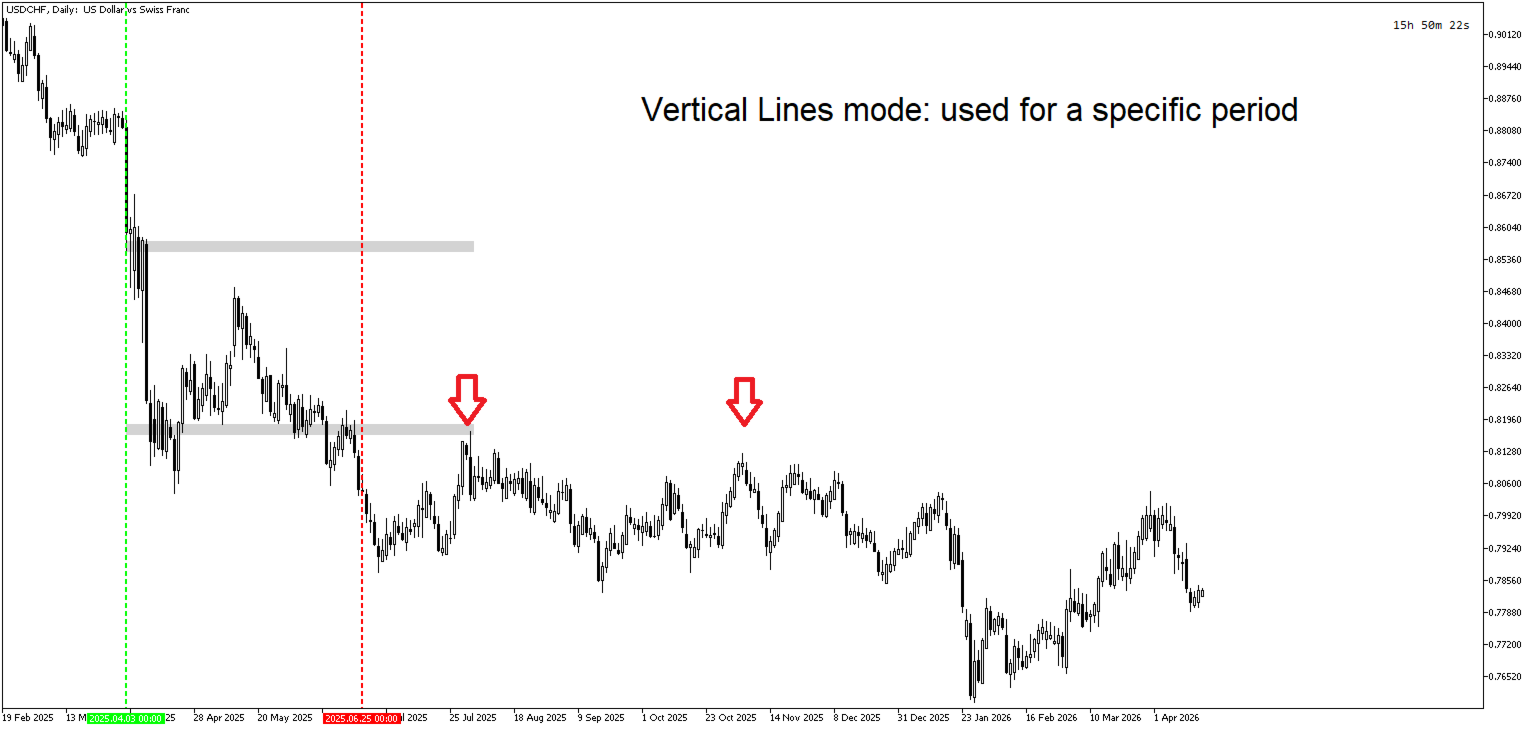
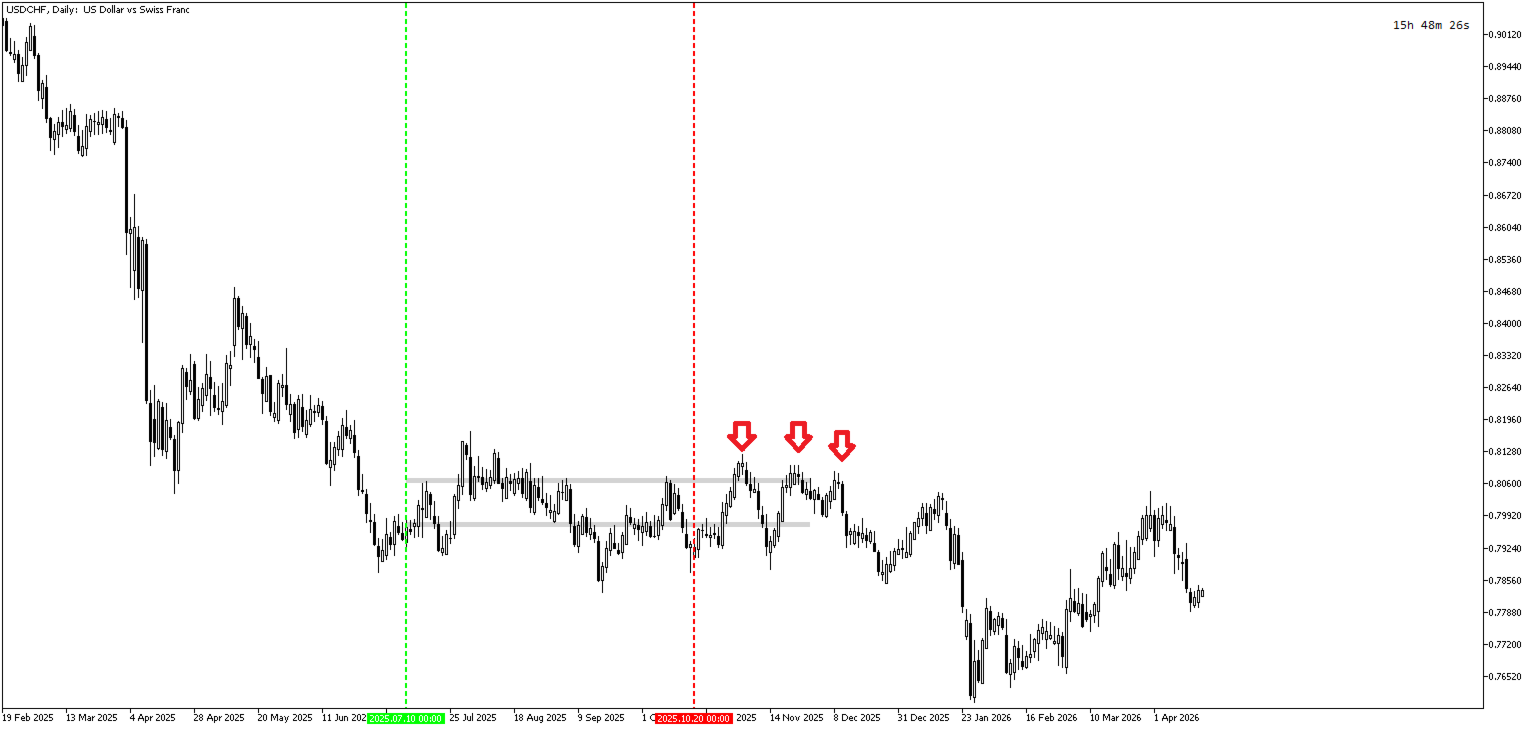
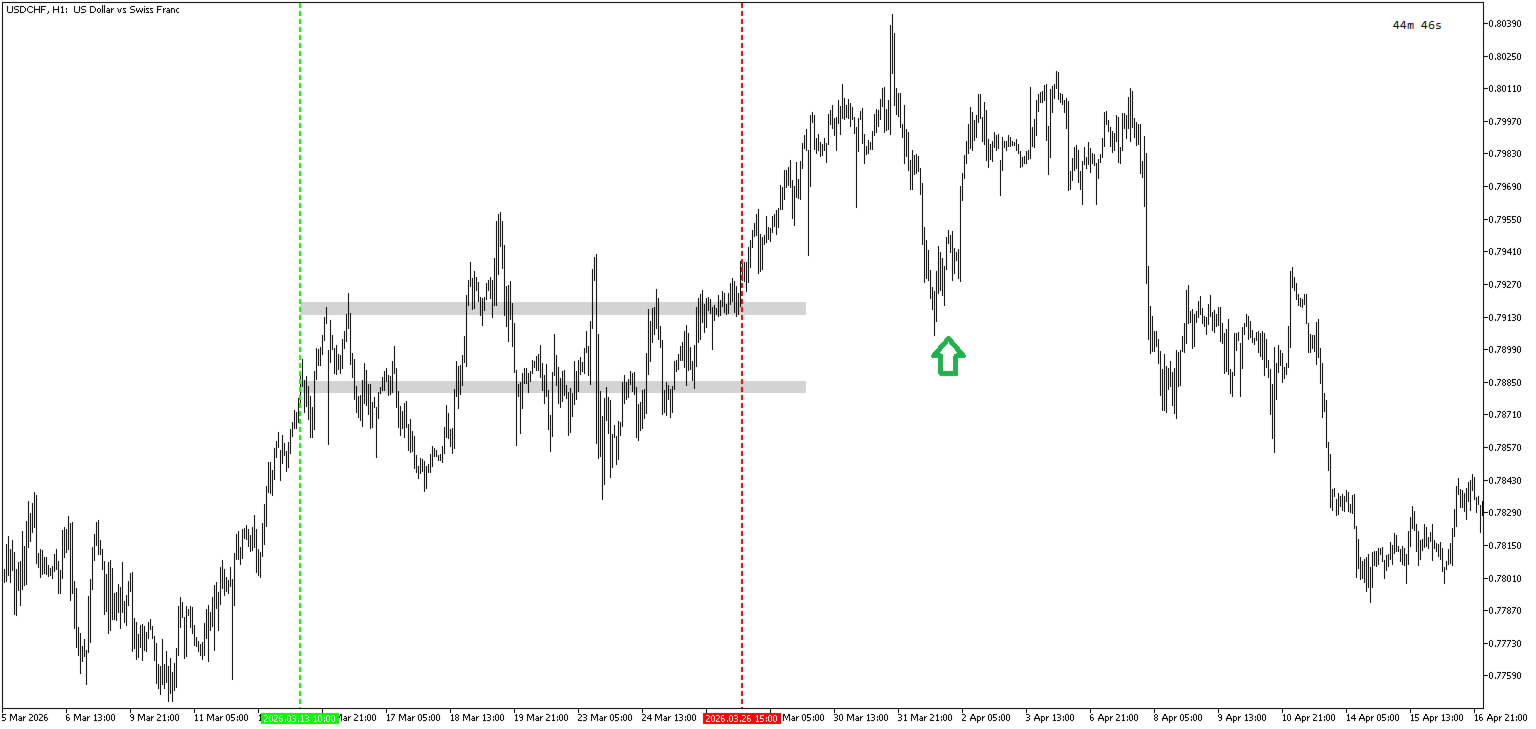
- Flexible Range Selection — Choose between automatic lookback periods or manual vertical line placement
- Multiple Zone Detection — Configure up to multiple volume peak zones per timeframe with minimum gap enforcement to prevent overlapping
- Real-Time Updates — Zones automatically recalculate when new candles form or parameters change
- Visual Customization — Adjustable zone colors, padding, line width, and extension for personalized chart appearance
- Non-Repainting Display — Historical zones remain fixed while current zones update in real-time
How It Works:
The indicator builds a volume profile by distributing tick volume across price rows within the specified time range. Each price row receives a proportional share of volume based on the overlap between the bar's price range and the row's price boundaries. The algorithm then identifies the highest volume zones and draws rectangles extending from the range start with configurable forward projection.
Use Cases:
- Identify key support and resistance levels based on volume concentration
- Spot institutional activity zones where large players have executed trades
- Combine with price action analysis for high-probability entry and exit points
- Validate breakout levels by confirming volume presence at price zones
Input Parameters Documentation
Range Mode Settings
- Range Mode — Selects the method for defining the analysis range: RANGE_LOOKBACK uses a fixed number of bars from the specified timeframe, while RANGE_VERT_LINES allows manual placement of start and end vertical lines on the chart for custom range selection.
Timeframe 1 Settings
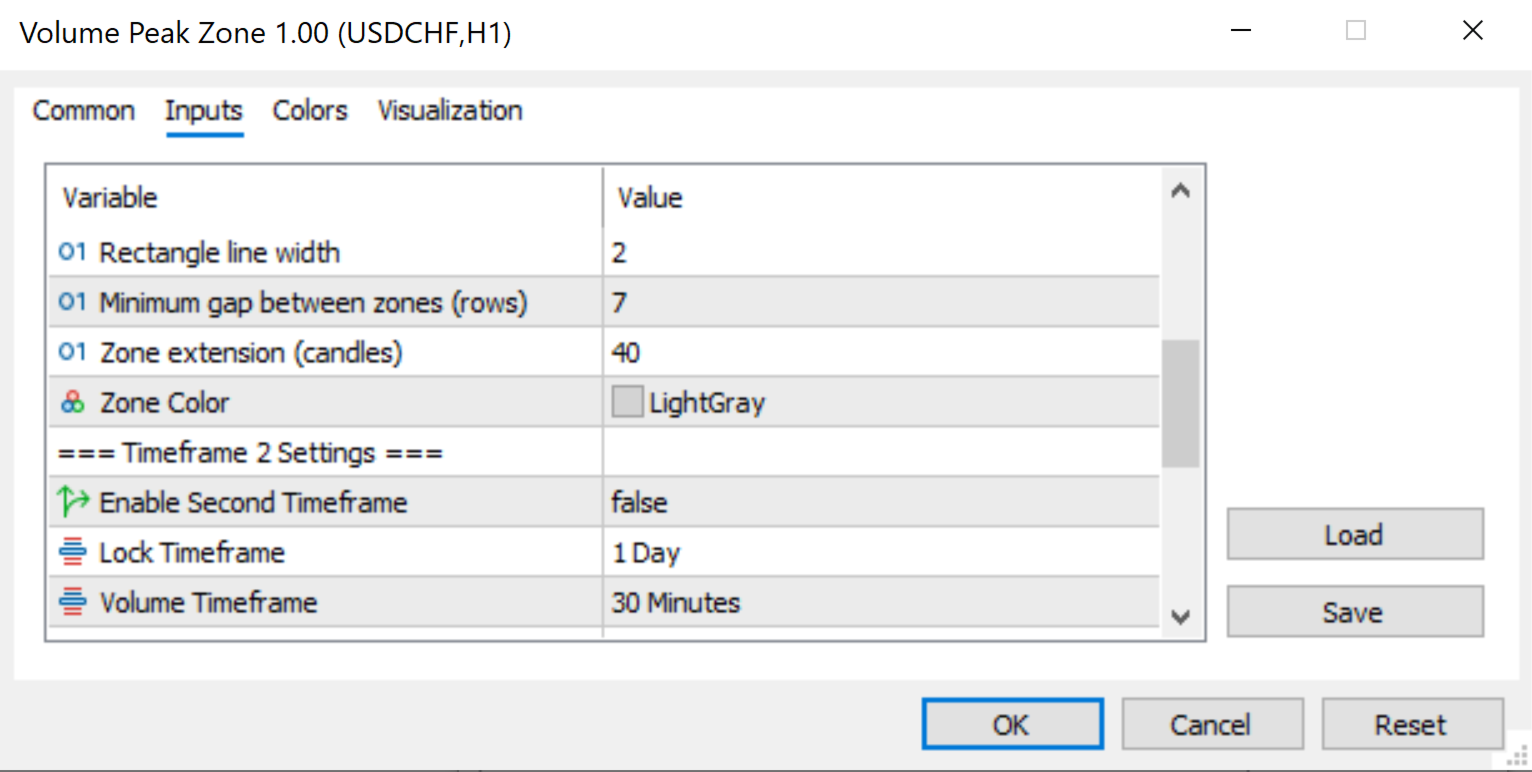
- LockTimeframe1 — The timeframe used to determine the analysis range boundaries. When set to PERIOD_CURRENT , the indicator uses the chart's active timeframe. This affects how the lookback period is interpreted.
- VolumeTF1 — The timeframe used for volume profile calculation. This can differ from the lock timeframe, allowing analysis of volume from a different timeframe than the range definition.
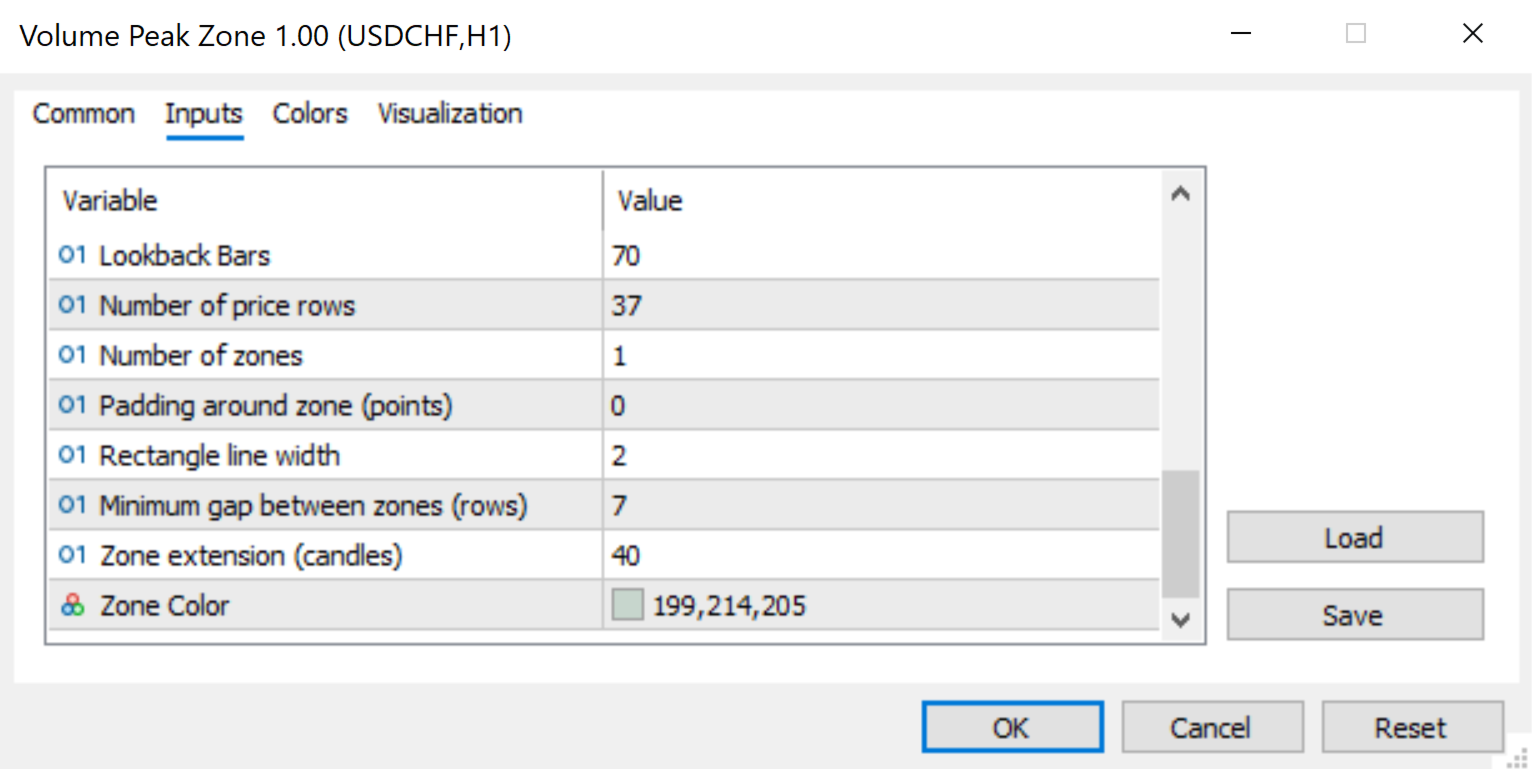
- LookbackBars1 — Number of bars to analyze when RangeMode is set to RANGE_LOOKBACK . Higher values analyze more historical data but require more computation.
- VolumeRows1 — Number of price rows used to build the volume profile. More rows provide finer granularity but may create noise; fewer rows provide smoother results.
- ZoneCount1 — Number of top volume zones to display. The indicator identifies and marks this many highest-volume price levels.
- ZonePadding1 — Additional padding around each zone in points. Expands the rectangle slightly beyond the detected volume boundaries for better visibility.
- ZoneWidth1 — Line width of the rectangle borders. Higher values create thicker zone outlines.
- MinZoneGap1 — Minimum distance (in price rows) between detected zones. Prevents zones from clustering too close together, ensuring distinct support/resistance levels.
- ZoneExtension1 — Number of candles to extend the zone rectangles forward from the range end. Allows zones to project into future price action.
- ZoneColor1 — Fill color for Timeframe 1 volume zones.
Timeframe 2 Settings
- EnableSecondTF — Enables or disables the second timeframe analysis. When disabled, only Timeframe 1 zones are displayed.
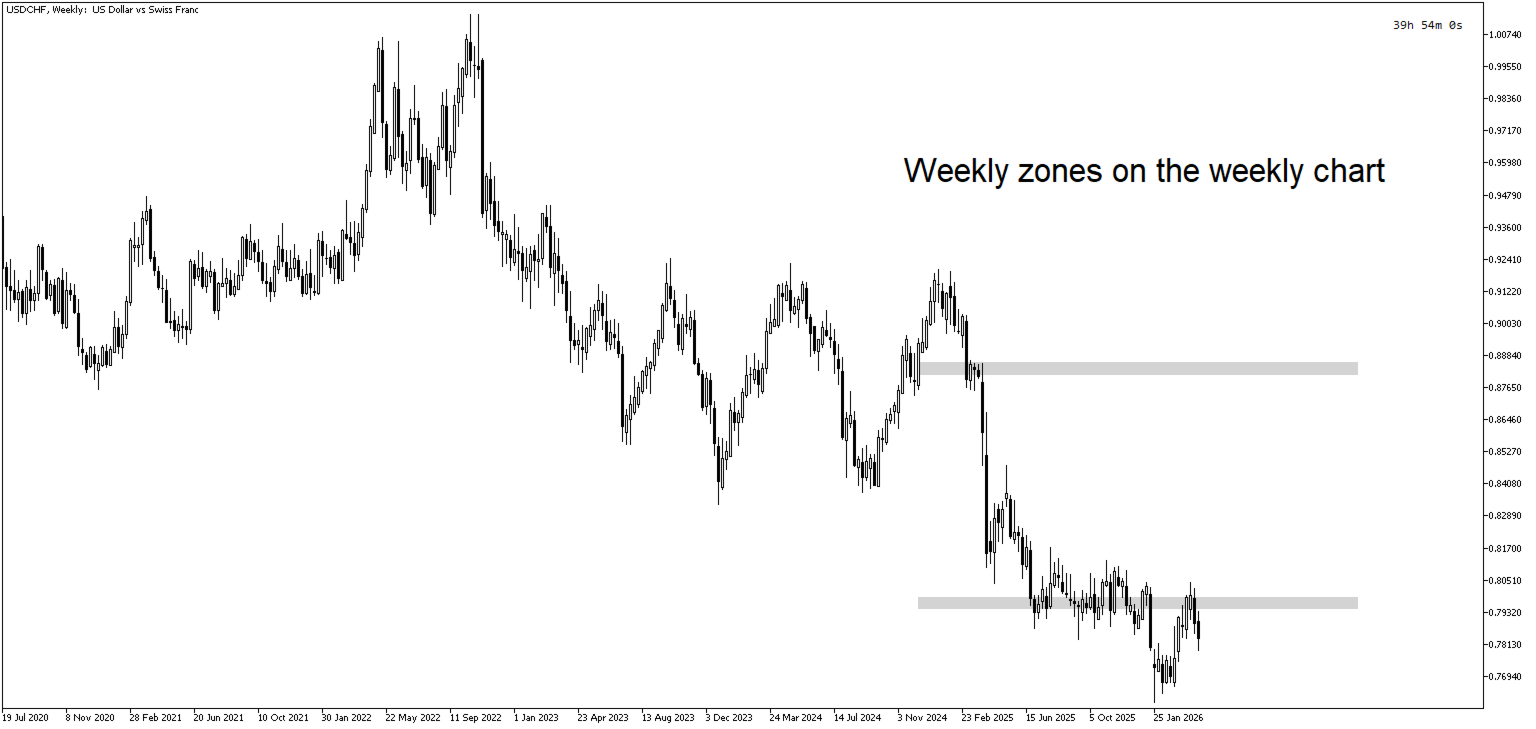
- LockTimeframe2 — Lock timeframe for the second analysis range. Useful for combining different timeframe perspectives (e.g., weekly zones with daily zones).
- VolumeTF2 — Volume calculation timeframe for the second zone set.
- LookbackBars2 — Lookback period for Timeframe 2 analysis.
- VolumeRows2 — Number of price rows for Timeframe 2 volume profile.
- ZoneCount2 — Number of zones to display for Timeframe 2.
- ZonePadding2 — Padding in points for Timeframe 2 zones.
- ZoneWidth2 — Line width for Timeframe 2 zone rectangles.
- MinZoneGap2 — Minimum gap between Timeframe 2 zones.
- ZoneExtension2 — Forward extension for Timeframe 2 zones in candles.
- ZoneColor2 — Fill color for Timeframe 2 volume zones.
Technical Highlights
- Zero indicator buffers — uses graphical objects for display
- Efficient calculation with change detection — only rebuilds when necessary
- Automatic duplicate prevention — Timeframe 2 disables if it matches Timeframe 1 configuration
- Clean object management — all graphical objects are properly removed on deinitialization