Alien Hunter
- Индикаторы
- Версия: 1.0
- Активации: 5

Short description
A confirmed trend-change alerts and an ATR-based take-profit level. H1 is the recommended timeframe.
## Full description
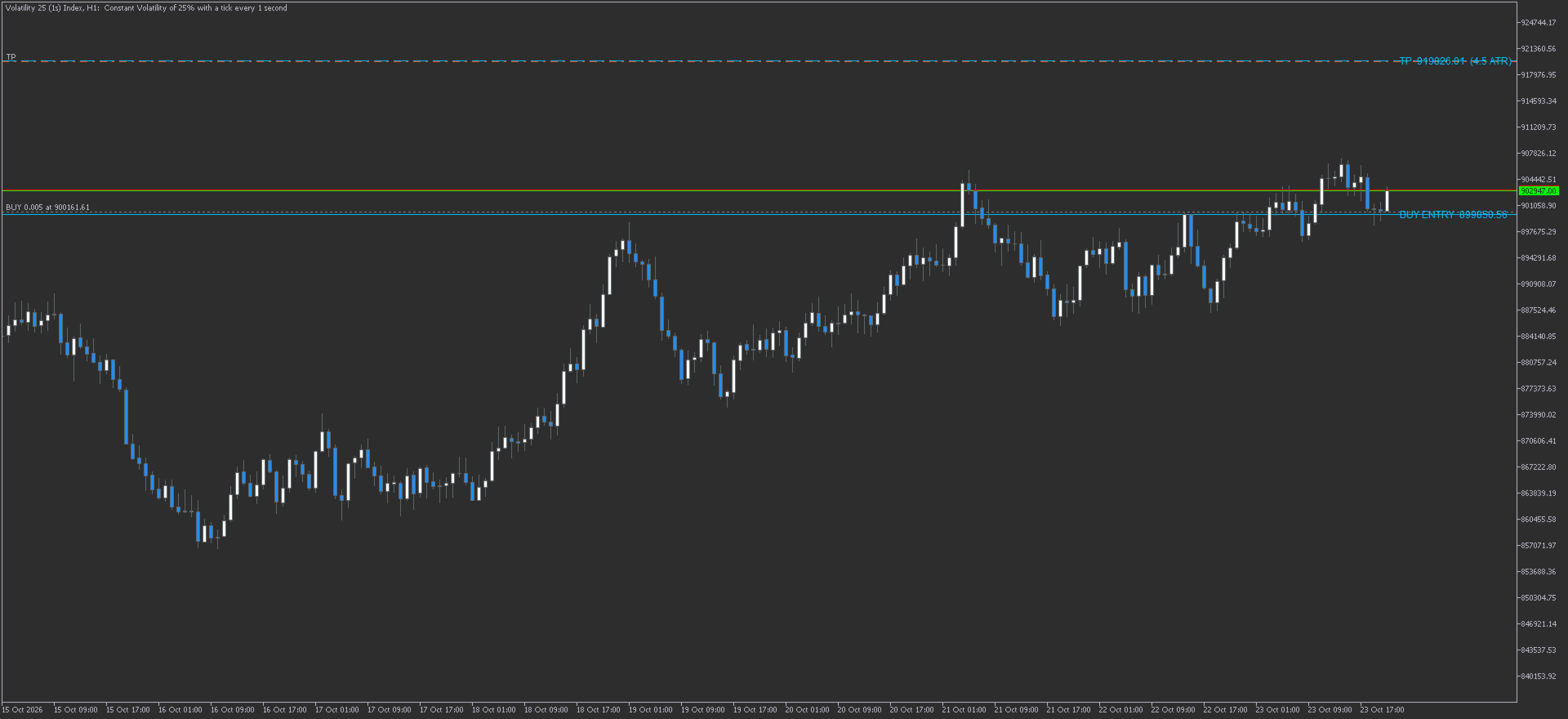
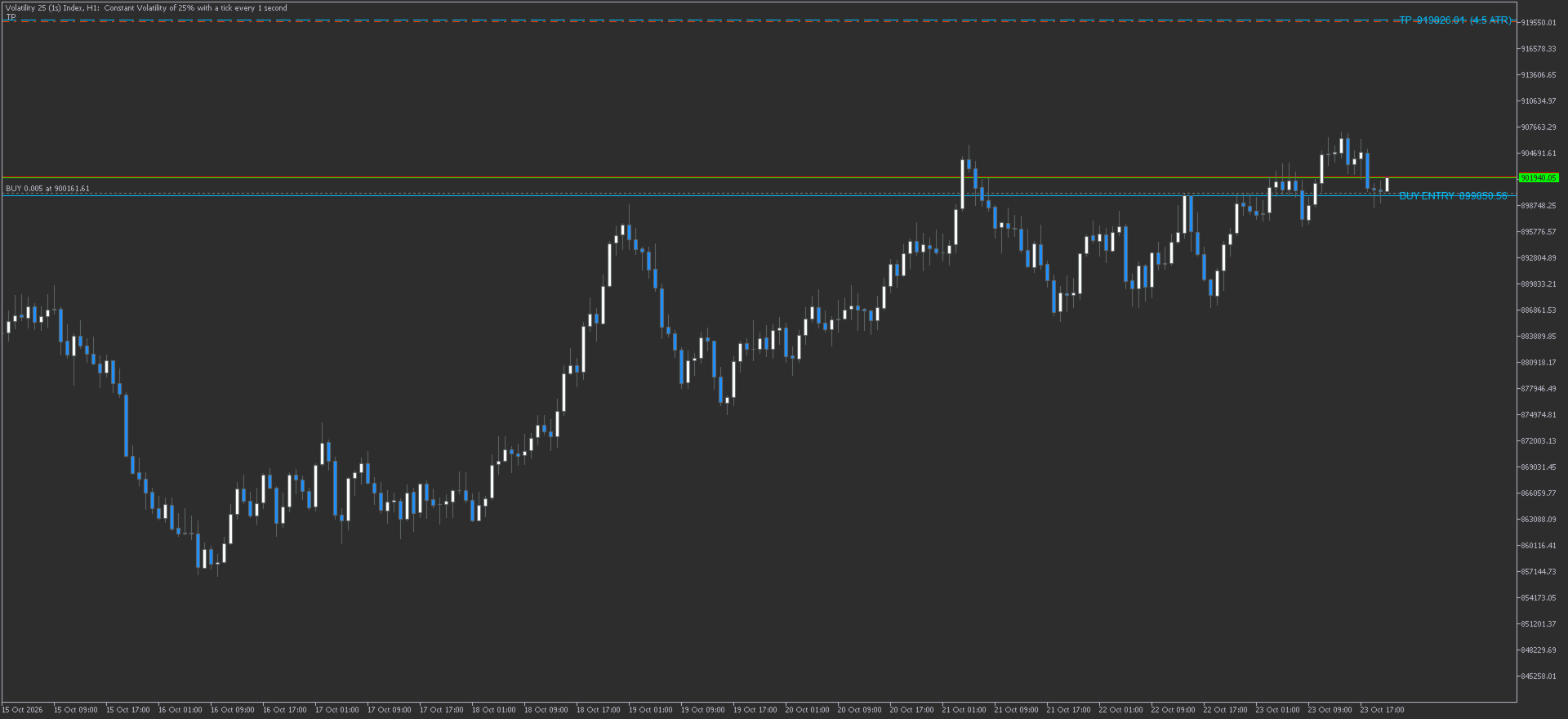
Alien Hunter displays a Trend line and identifies the latest confirmed change in trend. It can be used on any chart timeframe; H1 is the recommended timeframe. A signal is confirmed after the candle closes. The indicator draws an entry level and a take-profit level at a configurable multiple of ATR from the entry price. The default distance is 4.5 ATR. A chart box shows live progress toward the latest signal's take-profit level. Progress can be negative when price moves against the setup or exceed 100% after price passes the target.
When a new signal is confirmed, Alien Hunter can send a terminal popup alert. Push notifications, email alerts, and sound alerts are optional. Push notifications and email require the corresponding MetaTrader terminal settings to be configured.
The indicator does not open or manage trades. It is designed for analysis and should be evaluated alongside your own risk management.
## Main inputs
- `InpATRPeriod`: ATR period used by SuperTrend.
- `InpSTMultiplier`: SuperTrend ATR multiplier.
- `InpTP_ATRMultiple`: take-profit distance as a multiple of ATR. Default: 4.5 OR you could change it to 1.5 for a quick take profit
- `InpSignalScanBars`: number of closed bars scanned to draw the latest signal levels.
- `InpEnableAlerts`: enables or disables signal alerts.
- `InpPopupAlert`: shows a terminal popup for a new confirmed signal.
- `InpPushNotification`: sends a MetaTrader push notification.
- `InpEmailAlert`: sends an email through the configured terminal.
- `InpSoundAlert`: plays the selected sound for a new signal.
## Product details to set in Market
- Program type: Indicator
- Platform: MetaTrader 5
- Recommended timeframe: H1 (the indicator works on other chart timeframes)
- Product file: `Alien_Hunter.ex5