KChrono Timer
- Утилиты
-
Okechukwu Maxwell Okeke
KitosDigitalwares develops high-quality MetaTrader 5 Expert Advisors and indicators focused on reliability, efficiency, and practical trading solutions. - Версия: 2.0
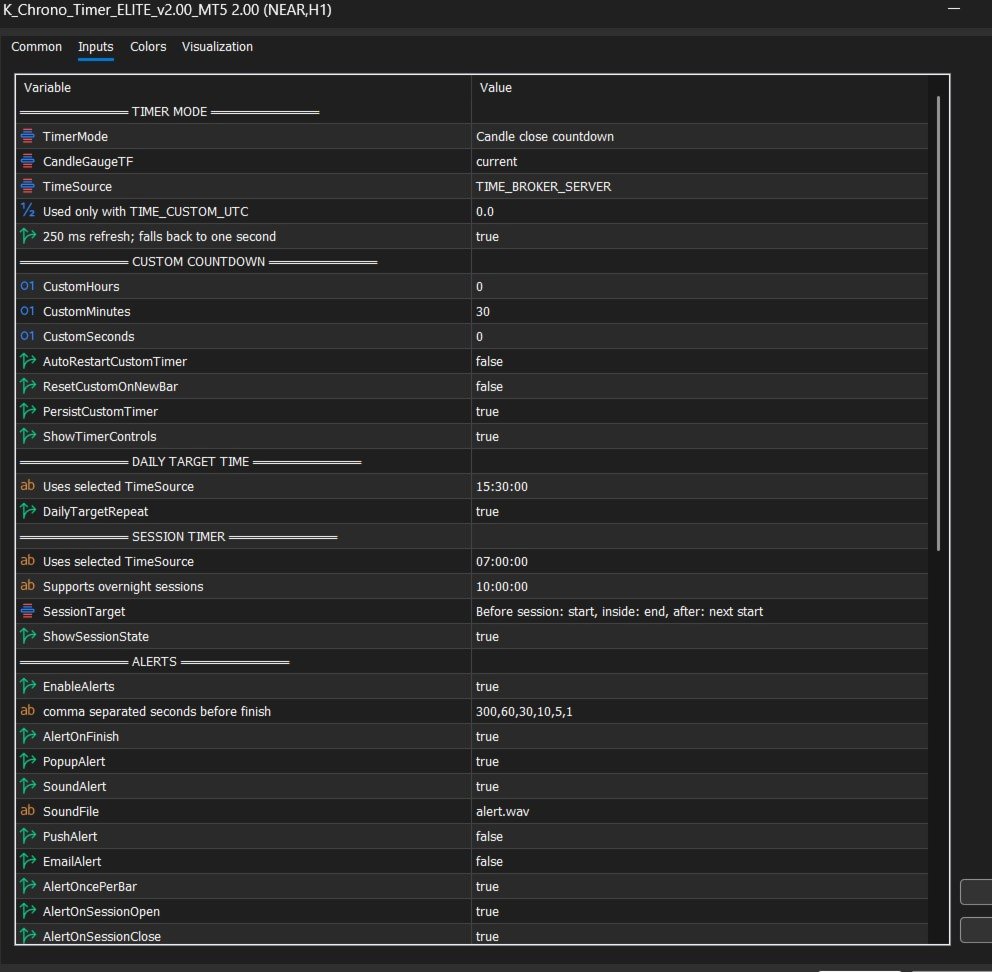
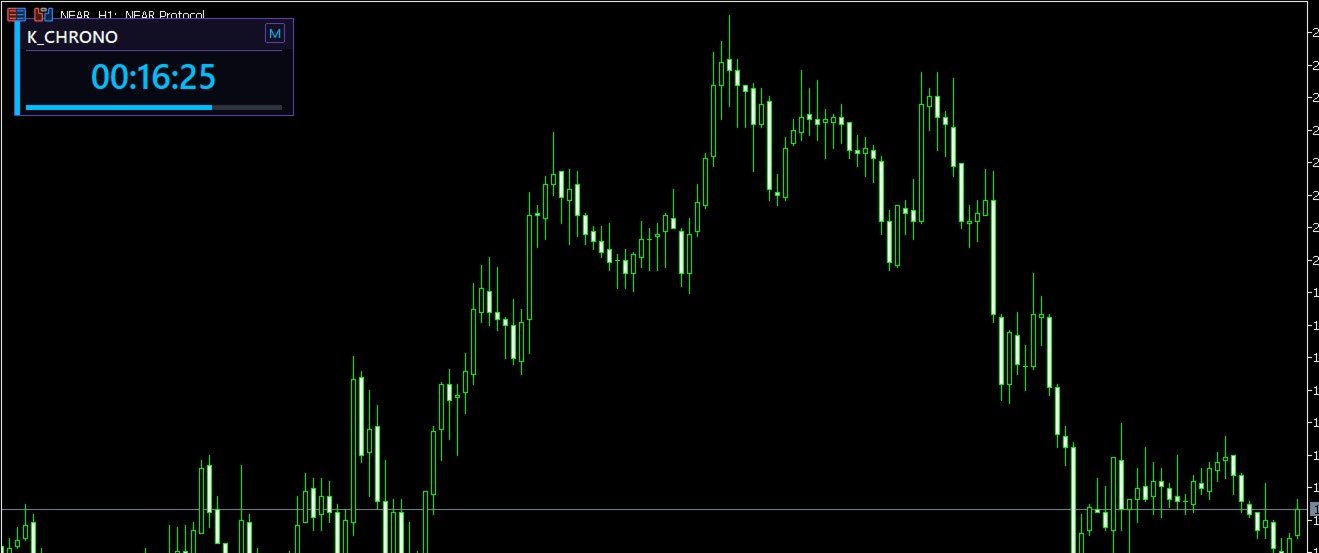
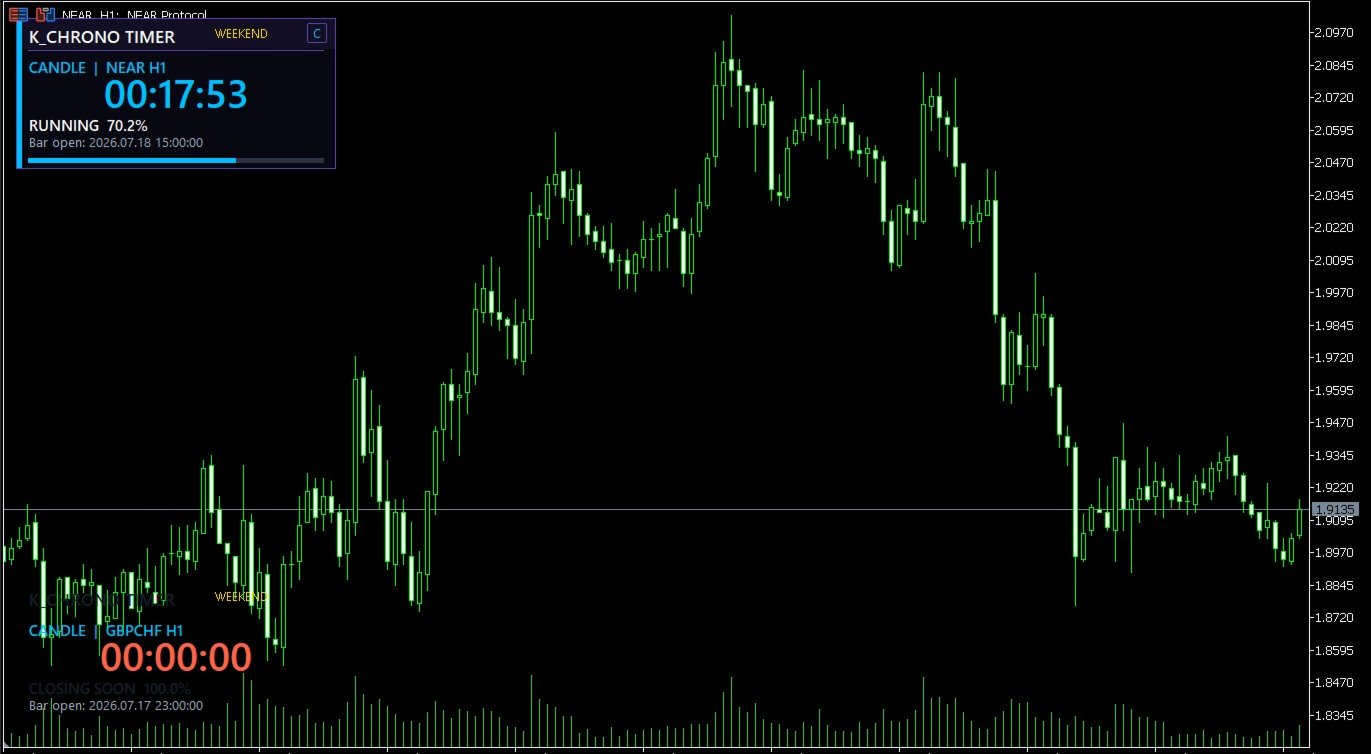
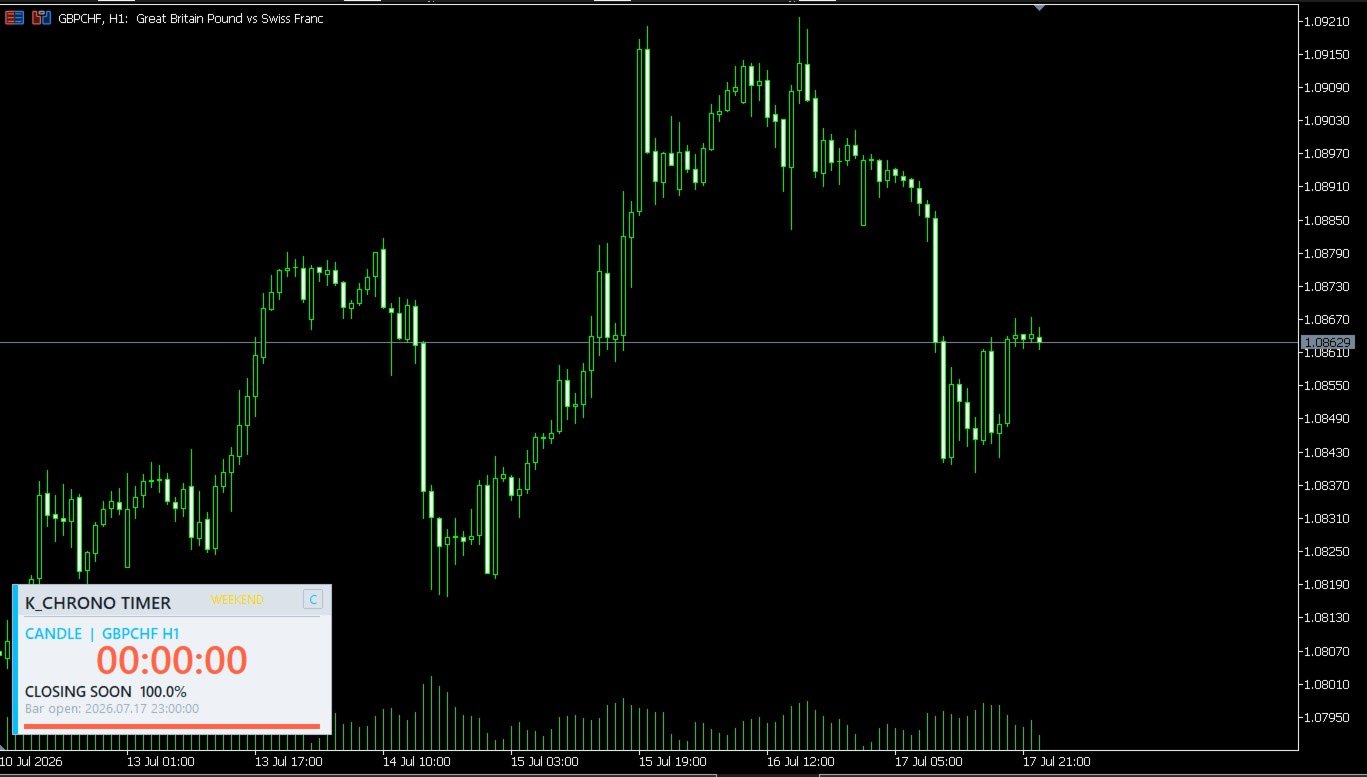
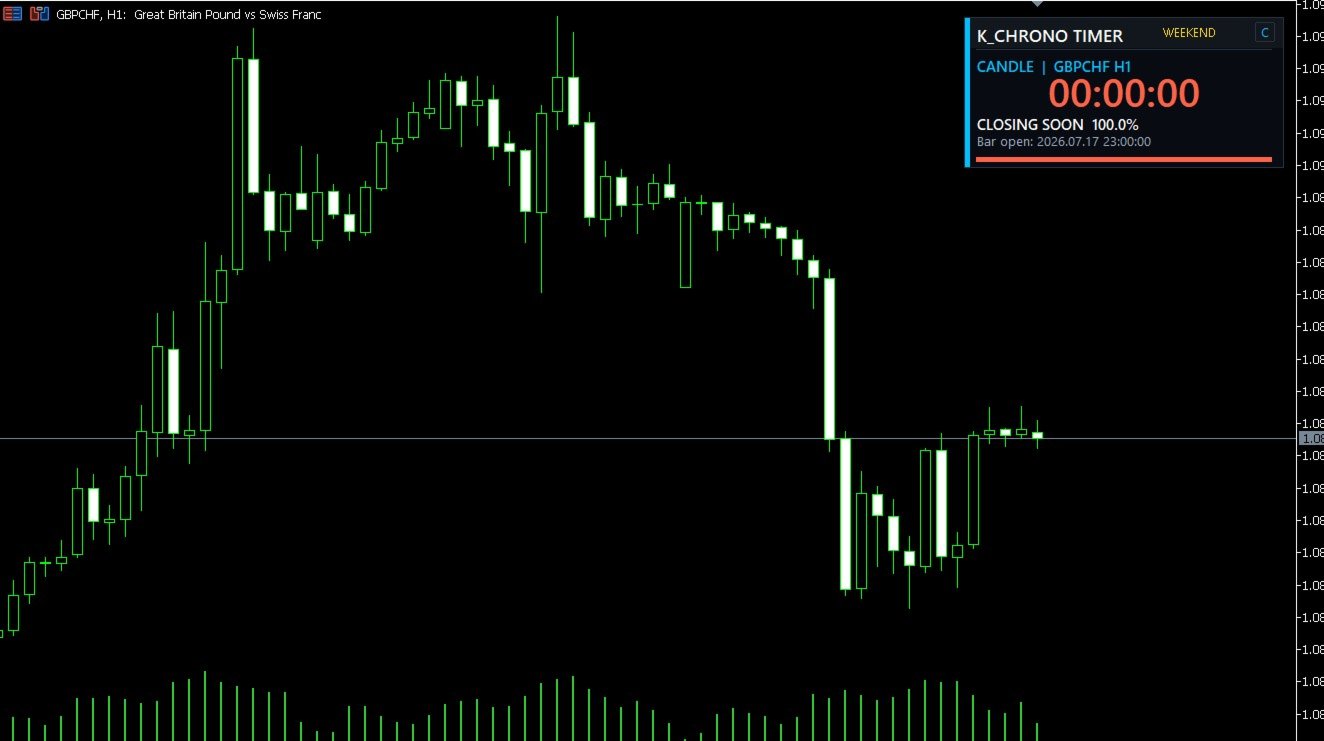
PRODUCT NAME K_Chrono Timer ELITE PRODUCT TYPE MetaTrader 5 Indicator SHORT DESCRIPTION A precision candle, session, daily-target and custom countdown timer with interactive controls, multiple clock sources and configurable alerts. FULL DESCRIPTION K_Chrono Timer ELITE is a professional timing utility for MetaTrader 5. It keeps essential market timing information visible directly on the chart without opening trades or modifying your trading account. The indicator supports four operating modes: 1. Candle Close Timer Displays the remaining time and progress of the active candle on the selected timeframe. Candle calculations always use broker time for correct alignment with MT5 chart bars. 2. Custom Countdown Runs a user-defined countdown with optional automatic restart, reset on a new candle, persistent state, and on-chart Pause, Resume and Reset buttons. 3. Daily Target Timer Counts down to a chosen time using broker, local, GMT or custom UTC time. The target can repeat daily or operate as a one-time target for the current indicator attachment. 4. Session Timer Counts down to a session start or end and shows whether the session is active. Standard and overnight sessions, such as 22:00 to 06:00, are supported. MAIN FEATURES - Four independent timer modes - Current-chart or selectable candle timeframe - Broker, local-computer, GMT and custom UTC clocks - Correct overnight-session handling - Interactive Pause, Resume and Reset controls - Persistent custom countdown state - Visual progress gauge and percentage - Market, weekend and connection status - Configurable popup, sound, push and email alerts - Session-open and session-close alerts - Multi-stage urgency colors and optional critical flashing - Three visual themes - Intelligent Minimal, Compact and Expanded dashboard densities - One-click M/C/E density control directly on the panel - Compact Bottom Left positioning enabled by default - Optional forced centering and four protected corner positions - Automatic panel height based on visible information modules - Hard screen-edge protection when the chart is resized - Adjustable chart corner, position, size, colors and fonts - Tester-aware resource management - No DLLs, WebRequest or external indicators IMPORTANT K_Chrono Timer ELITE is a chart utility. It does not provide trading signals, place trades, manage positions or guarantee trading results. INSTALLATION 1. Install K_Chrono Timer ELITE from the MQL5 Market. 2. In MetaTrader 5, open Navigator and locate it under Indicators. 3. Drag the indicator onto any chart. 4. Select the required Timer Mode and configure its related settings. 5. Allow terminal notifications or email only if you intend to use those alert channels. TIME-SOURCE NOTE Candle Close mode always uses broker/server time because MT5 bar timestamps are broker based. Daily Target and Session modes use the selected Time Source. CUSTOM TIMER NOTE When persistence is enabled, the custom countdown remembers its state for the same symbol and timeframe. Use the Reset button to begin a fresh cycle. ALERT NOTE Push and email delivery require the corresponding MetaTrader 5 terminal settings to be configured by the user. VERSION 2.00 - Added precision refresh and tester-aware throttling - Added persistent custom-timer state - Added Pause, Resume and Reset controls - Added selectable clock sources and custom UTC offset - Added session transition alerts - Corrected overnight-session calculations - Added safer threshold-crossing alert logic - Added market-status display and critical countdown flashing - Added strict input validation and multi-instance object isolation - Rebuilt the dashboard as a compact modular instrument with safe corner positioning - Added live Minimal, Compact and Expanded layout switching - Upgraded typography to Segoe UI with disciplined row spacing - Moved custom-timer controls into a dedicated non-overlapping row