Position Sizer PROP
- Утилиты
-
Lazaro Farias Do Espirito Santo
 I am a Systems Analyst and Trader with experience in developing tools designed to support trading activities in the financial markets.
 - Версия: 2.0
- Активации: 5
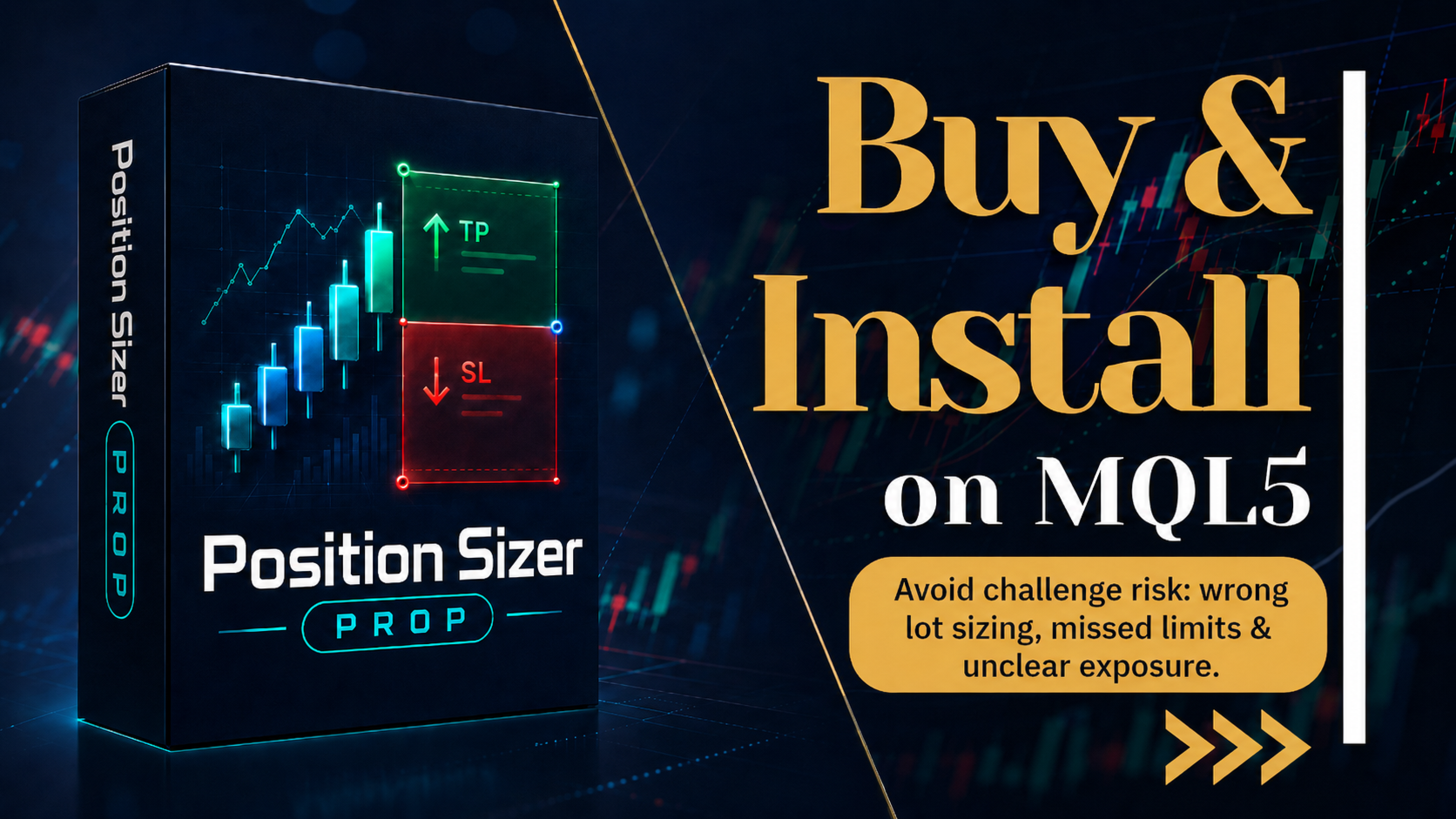
Position Sizer PROP
Stop putting your challenge at risk because of wrong lot sizing, forgotten limits, or unclear exposure before sending the next order.
In PROP Firm challenges, many traders do not fail only because of poor entries. Risk management mistakes also matter: oversized lots, poorly calculated risk, daily drawdown breaches, excessive exposure, or lack of control over account rules.
After approval, the challenge continues. Keeping the account active requires discipline, operational consistency, and constant attention to the limits defined by the evaluation program.
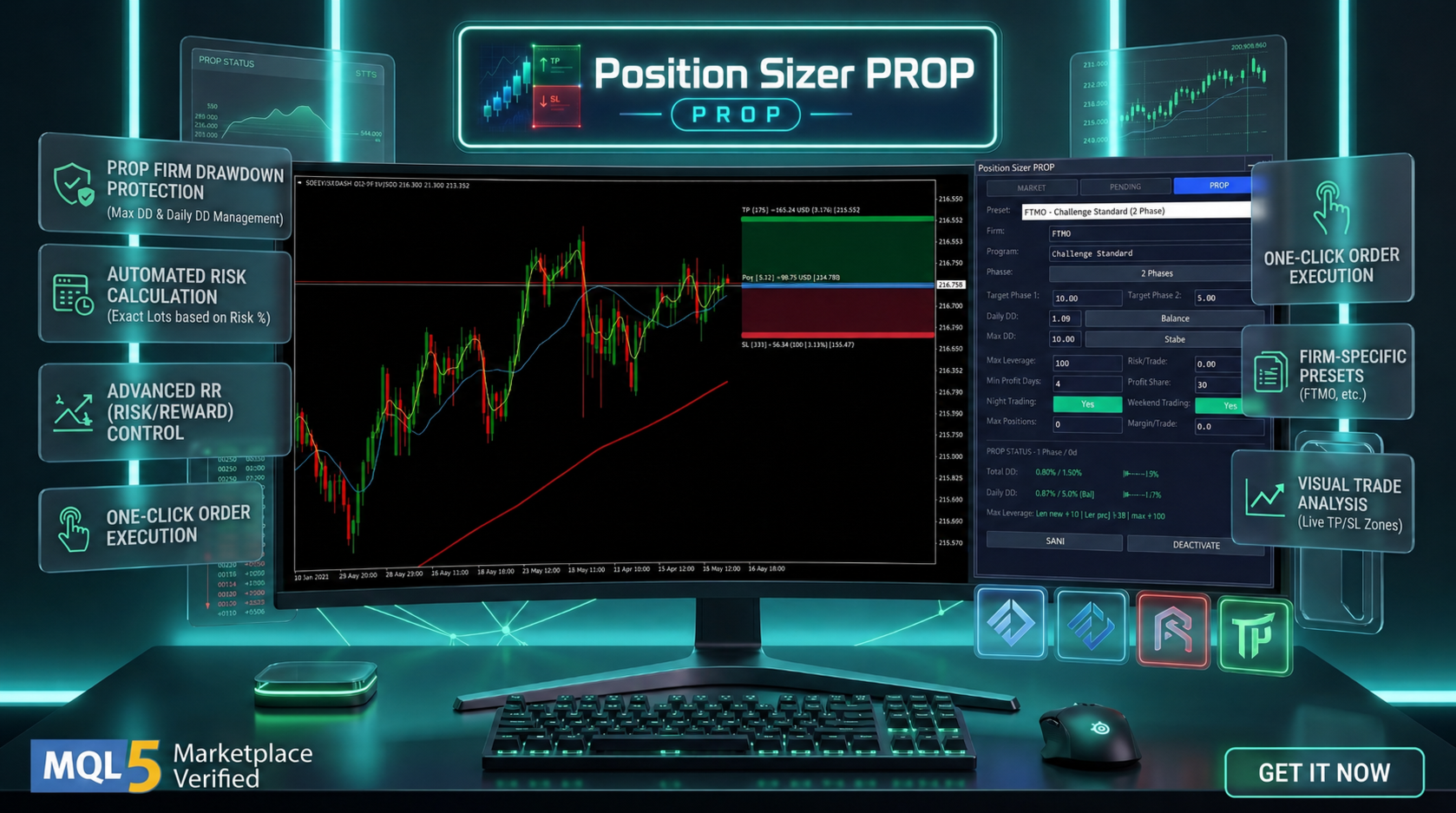
Position Sizer PROP was created to help with this process. It is an operational trading panel for MetaTrader 5 that helps traders calculate position size, prepare orders, visualize risk, and monitor PROP-style rules directly on the chart.
The product works as a manual order-ticket utility. It does not generate trading signals, does not open trades automatically, and does not promise approval or trading results. Its purpose is to provide more clarity, organization, and control before sending an order.
Main features
- Lot size calculation based on percentage risk or account-currency risk.
- Market and pending order panels.
- Stop Loss, Take Profit, and Entry price fields.
- Chart visualization for Entry, SL, and TP using lines or Order Box mode.
- Order Box mode with visual risk and target areas directly on the chart.
- FULL, COMPACT, and MICRO panel modes to reduce chart coverage.
- Configurable hotkeys for faster operational actions.
- Operational blocks for spread, Entry-SL distance, maximum positions, and margin.
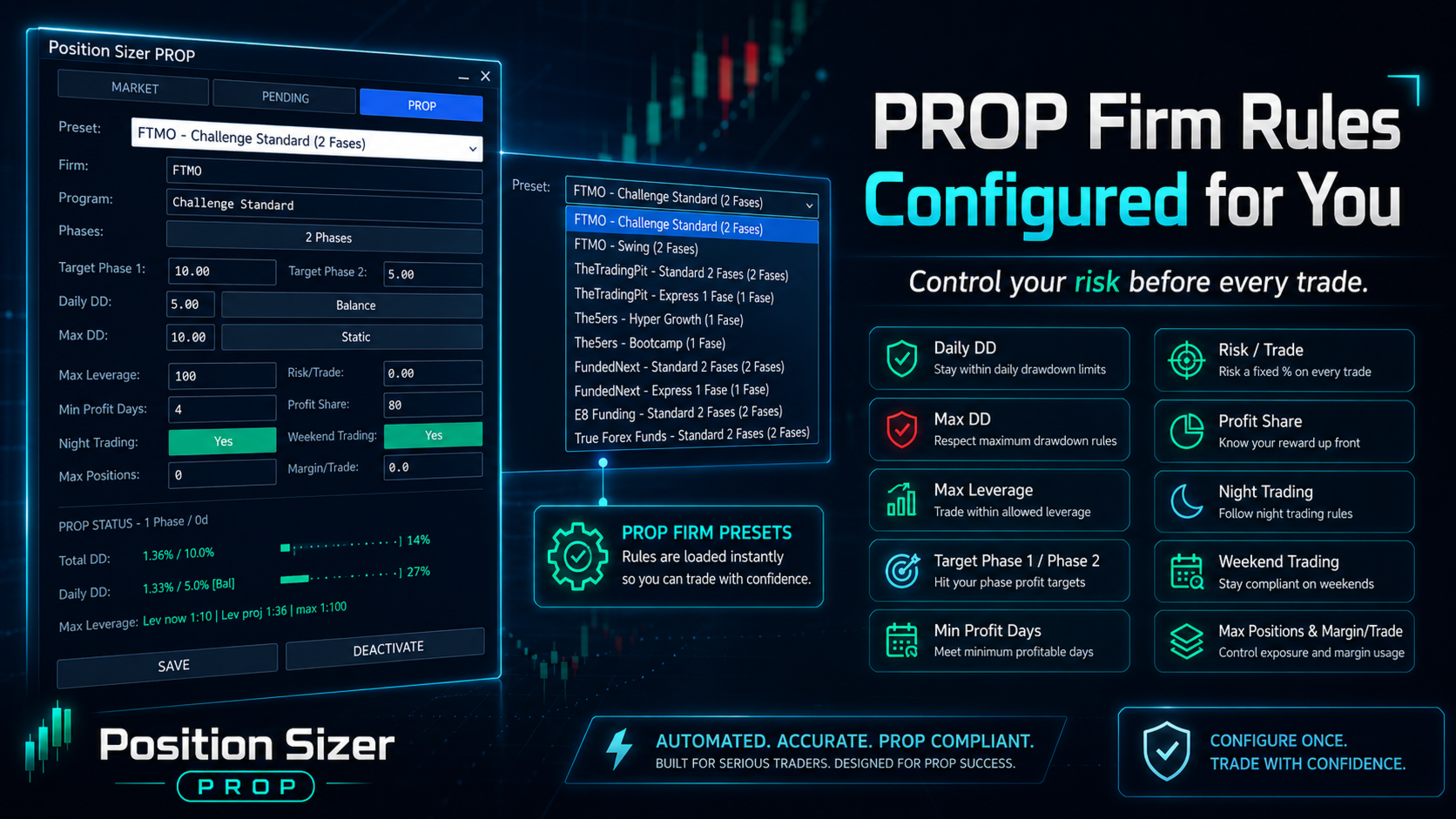
- PROP-style monitoring for total drawdown, daily drawdown, projected risk, leverage, margin, and position count.
- English interface by default, with Portuguese available as an optional language.
How it works
- Attach the Expert Advisor to a chart.
- Set the desired risk in percentage or account-currency mode.
- Define Stop Loss, Take Profit, and Entry price when needed.
- Review the calculated lot size, financial risk, and panel information.
- Use the execution button only when the setup is valid.
- Enable PROP monitoring if you want the panel to check custom evaluation-style limits.
Main input parameters
- Language: interface language.
- Theme: panel visual theme.
- DefaultRisk: default risk used for calculation.
- DefaultUsePercent: defines whether risk is percentage-based or money-based.
- DefaultMagicNumber: magic number for submitted orders.
- DefaultCommentary: order comment.
- DefaultMaxSlippage: maximum allowed slippage.
- DefaultMaxSpread: maximum allowed spread.
- DefaultMaxEntrySLDistance: maximum Entry-SL distance.
- DefaultMinEntrySLDistance: minimum Entry-SL distance.
- DefaultMaxTradesTotal: total position and order limit.
- DefaultMaxTradesPerSymbol: per-symbol position and order limit.
- DefaultAskForConfirmation: asks for confirmation before sending an order.
- ShowLinesOnStart: shows chart lines on startup.
- ShowOrderBoxOnStart: starts with Order Box visualization.
- Hotkeys: shortcuts for execution, mode switching, price placement, and panel modes.
- PropActiveOnStart: enables PROP monitoring on startup.
Important notes
Position Sizer PROP is an operational support tool. It is not an automated trading strategy, does not provide buy or sell recommendations, and does not replace the trader's own analysis.
Calculations depend on symbol settings, account conditions, broker rules, and current market prices. Before using it on a live account, validate the product in the MetaTrader 5 testing environment and under conditions compatible with your trading workflow.