MA MTF midlle EA
- Experts
-
Dragan Joksimovic
 MQL4 / MQL5 Expert Advisor and Indicator Developer
I develop and test Expert Advisors, indicators and trading utilities for MetaTrader 4 and MetaTrader 5 based on clearly defined trading rules.
My work includes:
• Expert Advisors for MT4 and MT5
• Custom indicators - Versão: 1.0
- Ativações: 5
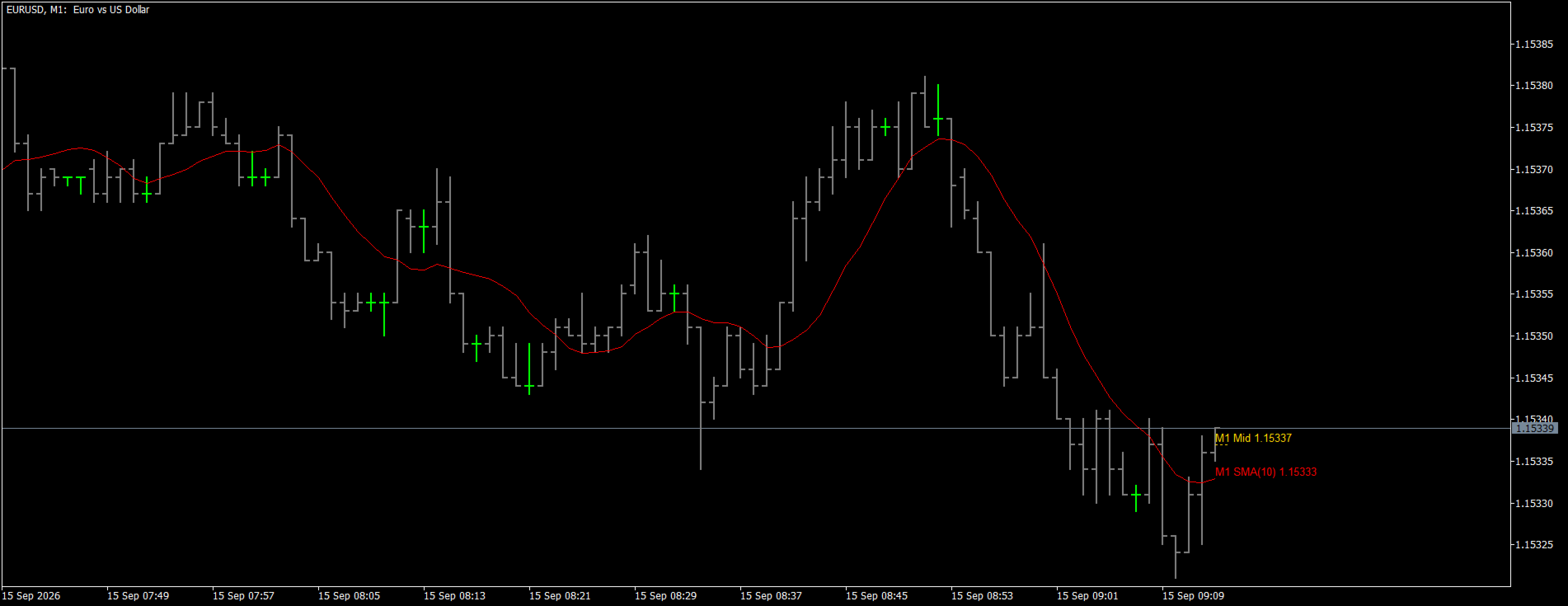
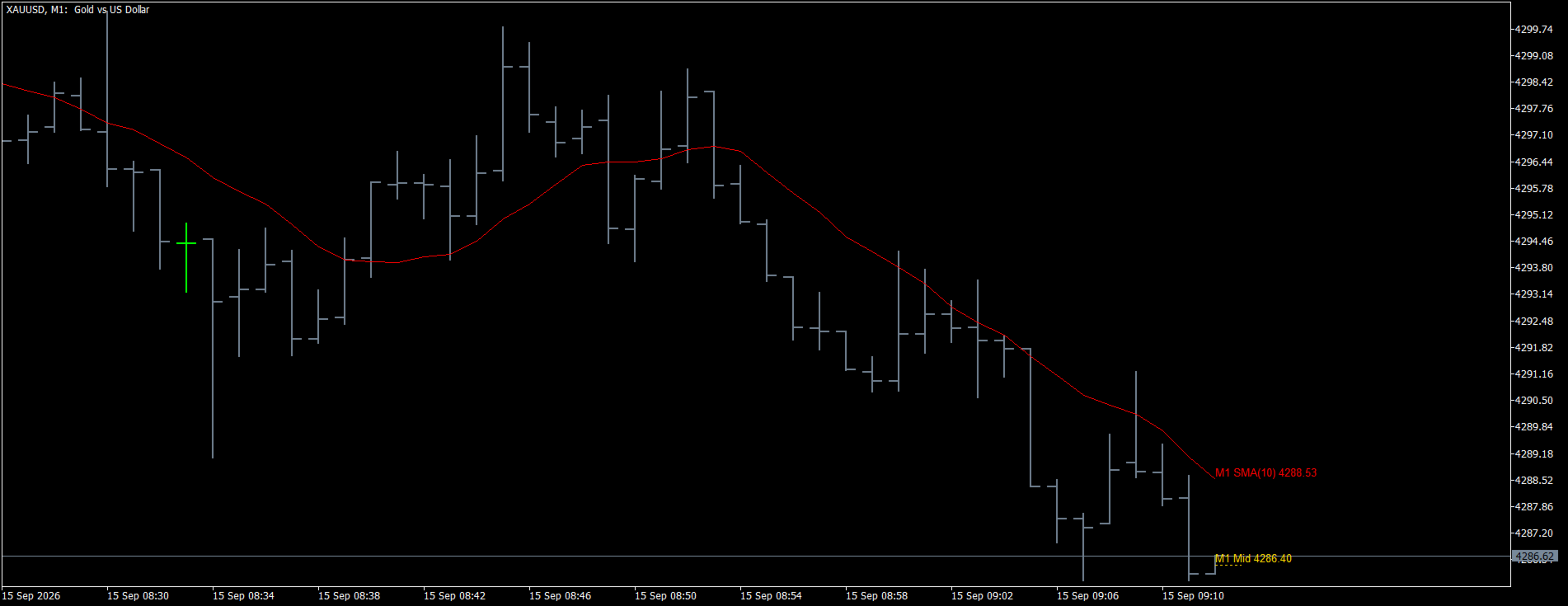
**MA MTF Middle EA** trades the crossing of the candle middle over a higher-timeframe moving average. The average is calculated inside the EA with the inputs you know from the built-in Moving Average — period, shift, method, apply to — on the box timeframe of your choice, exactly as the MA MTF Middle indicator draws it. Instead of waiting for a close, the EA watches the middle of the candle in progress: the price halfway between the high and the low the candle has made so far. No grid, no martingale, no averaging against the trend.
**How it trades**
- Entry: the middle of the box candle crosses above the moving average — the EA buys; the middle crosses below it — the EA sells. The middle of a candle moves only when the candle makes a new high or a new low, so a crossing means the whole candle, not a single tick, has shifted to the other side of the average. An optional band in points around the average has to be passed as well, which keeps the EA quiet while the middle sits on the line.
- The trigger can be switched to the middle of the lower-timeframe candle for earlier entries.
- Exit: selectable — the opposite crossing only (the EA closes and reverses), or the middle of the lower-timeframe candle crossing the middle of the current box candle. The opposite crossing can always close and reverse, and the positions can be closed automatically when the box candle ends.
- One entry per direction per box candle, never more; the first tick of a new candle never produces a signal by itself.
**Key features**
- Multi-timeframe by design: the box timeframe and the lower timeframe are inputs, so the EA works the same on any chart timeframe — attach it to one chart per symbol.
- Moving average calculated inside the EA (same algorithms as the built-in MA), no indicator file needed; the average and the middle of the current candle are drawn on the chart and shown in the info panel.
- Optional stop loss (fixed distance or beyond the average), optional take profit, optional trailing stop.
- Fixed lot or risk percent of the balance per trade. Every order is checked against the free margin before it is sent — the lot is reduced to what the account allows, or the entry is skipped — and the stops are checked against the broker's stop level.
- Nothing is sent outside the trade sessions of the symbol, so daily breaks of metals and indices cause no rejected requests.
- Works on netting and hedging accounts. After a restart the EA recognizes its own positions and the entries already made in the current candle, so nothing is duplicated.
- Spread filter, ECN mode (open first, then set the stops), no DLL, no external files.
**What you can adjust**
Box timeframe, lower timeframe, period, shift, method and applied price of the average; which middle triggers the entry; band around the average; buy and sell separately; exit rule; close on the opposite crossing and at the end of the candle; stop loss, take profit and trailing stop; lot sizing; deviation, magic number, order comment, ECN mode; info panel, drawing and colors.
**Recommendations**
- Run the EA in the Strategy Tester (every tick based on real ticks) and find the box timeframe, lower timeframe, period and band that suit your symbol; a band of a few points removes most of the back-and-forth crossings on quiet markets.
- Typical combinations: an H1 average with an M5 exit on forex majors and gold, an H4 average with an M15 exit on indices.
- Add a stop loss if you prefer a fixed risk per trade; the opposite-crossing exit alone can keep a position open through a long move.
**Notes**
- The EA does not need the indicator to run; the MA MTF Middle indicator is a separate product for chart analysis with the same average and middle line.
- Trading involves risk. Test every setting on a demo account before using it on a live account.