Institutional Advanced Bot
- Experts
-
Sumit Koul
 I build MetaTrader 5 tools for traders who want clearer automation and risk controls.
 - Versão: 1.0
- Ativações: 5
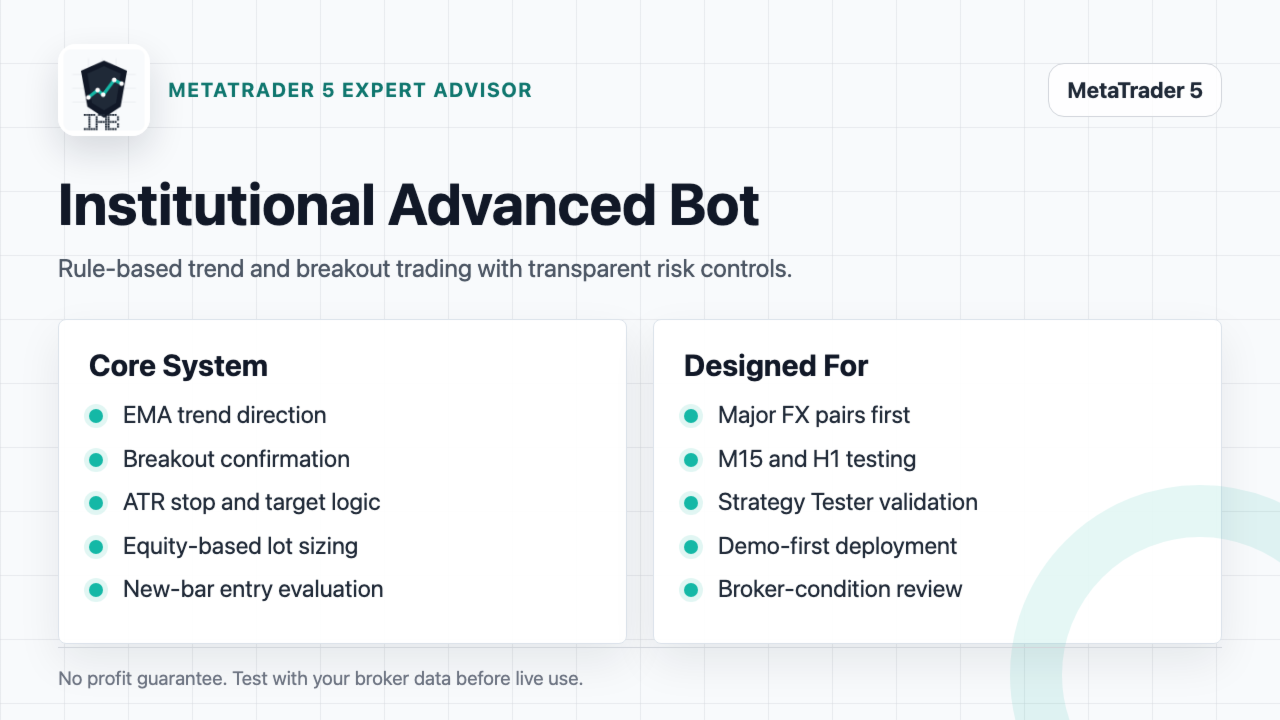
Institutional Advanced Bot is a MetaTrader 5 Expert Advisor built for structured trend and breakout trading with practical risk controls.
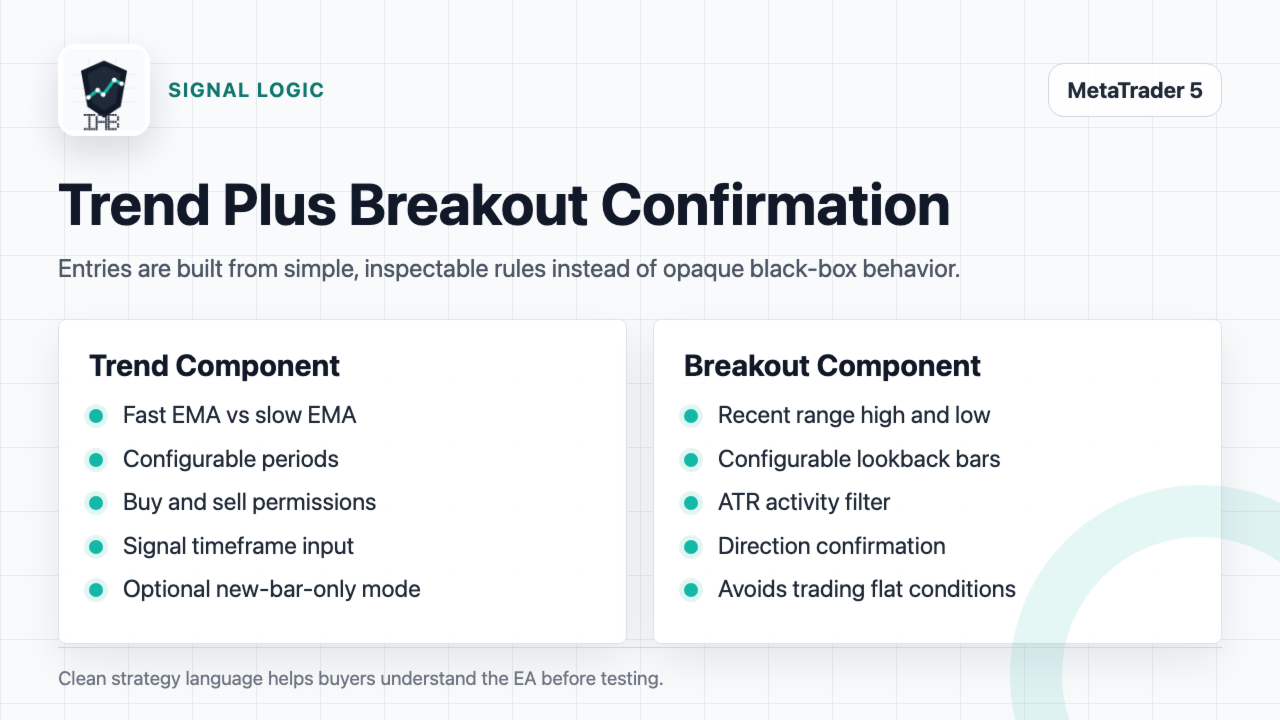
The strategy combines EMA trend direction with recent range breakout confirmation. New entries are evaluated on the selected signal timeframe, and the EA can be configured to trade only once per new bar. Stop loss and take profit levels are based on ATR volatility, while position size is calculated from account equity and the configured risk percentage.
The EA is designed for traders who want a rule-based robot with transparent inputs and controlled execution. It can be used on major forex pairs first, then tested on other broker symbols where spread, contract size and trading conditions are suitable.
Main features
- EMA trend logic using configurable fast and slow periods
- Breakout confirmation using a configurable lookback range
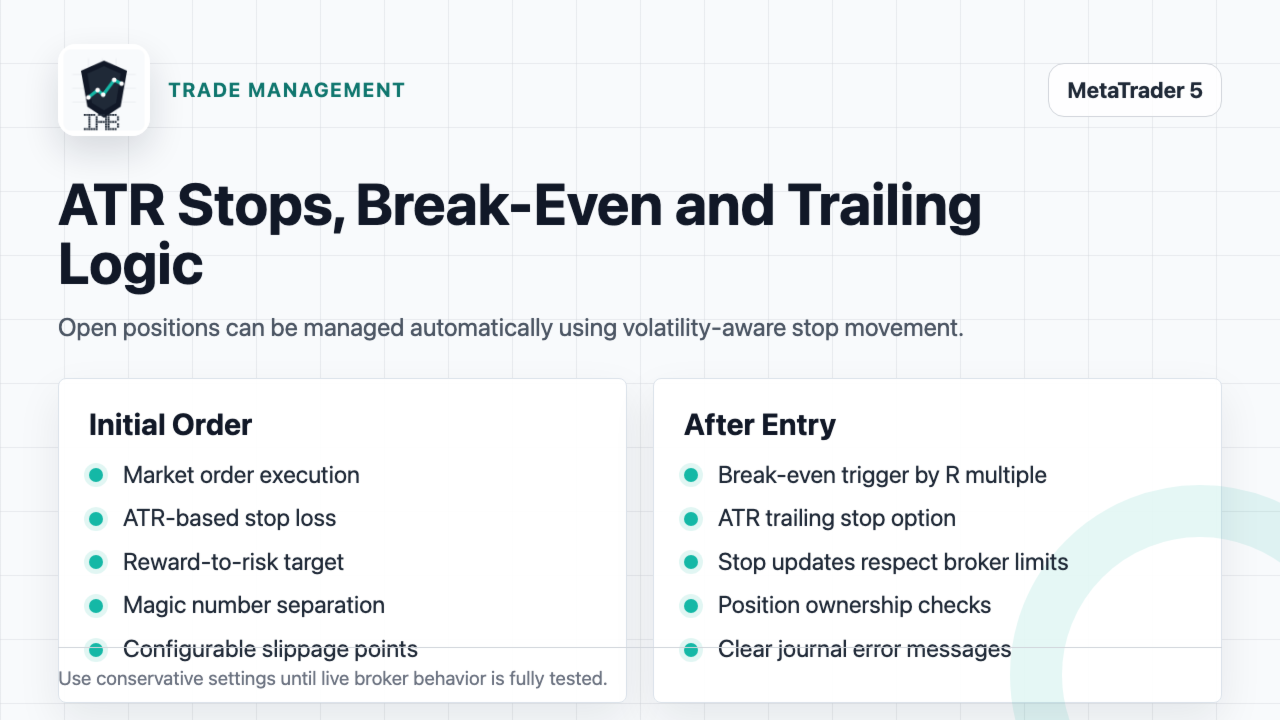
- ATR-based stop loss
- Reward-to-risk take profit
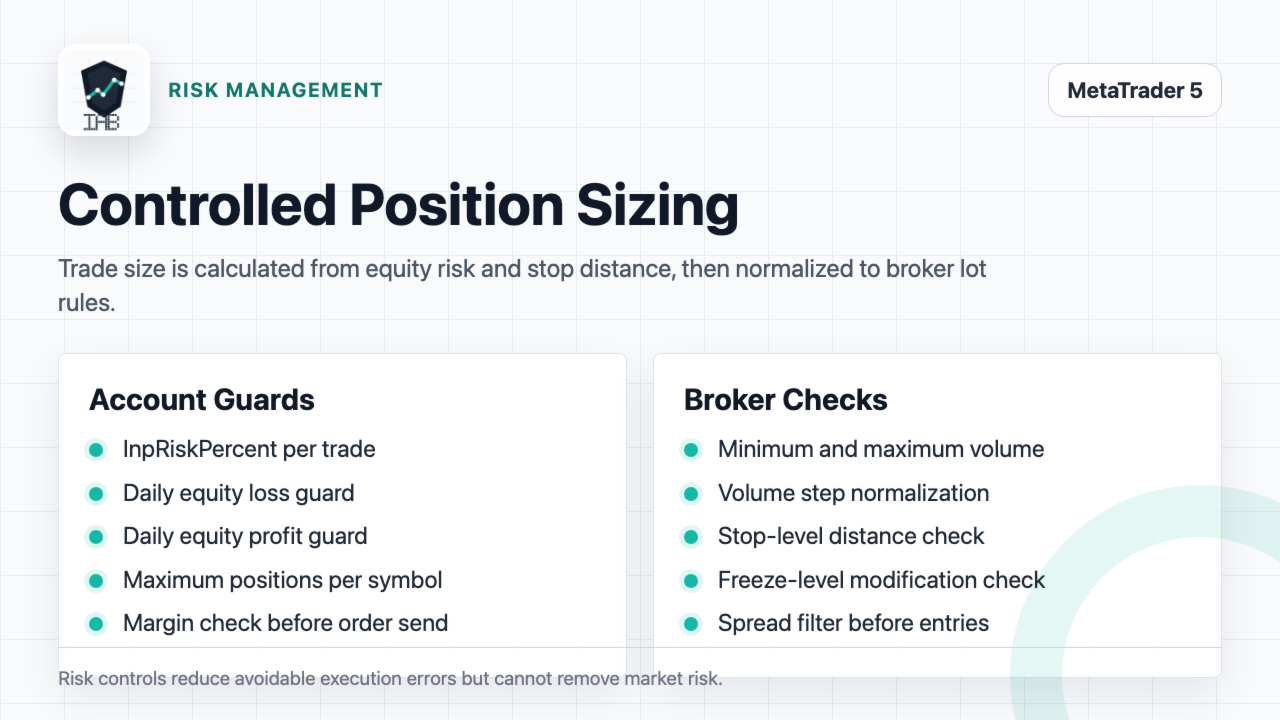
- Equity-based lot sizing
- Spread filter before opening new trades
- Session hour filter based on broker server time
- Maximum positions per symbol
- Daily equity loss guard
- Daily equity profit guard
- Break-even stop movement
- ATR trailing stop
- Broker volume step normalization
- Stop level and freeze level checks
- Pre-trade margin check
- Unique magic number for position separation
Suggested first test settings
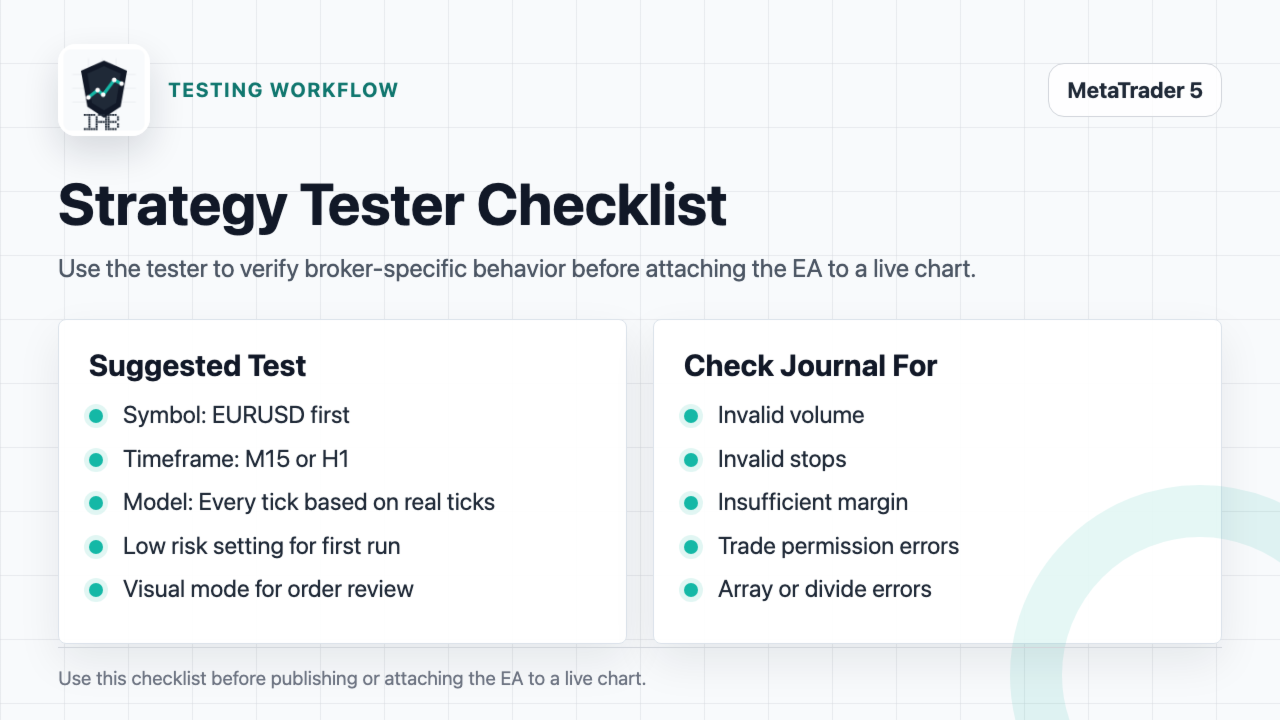
Start with EURUSD on M15 or H1 in the Strategy Tester. Use Every tick based on real ticks where available. Keep the default risk setting low while testing. Review the journal for invalid volume, invalid stops, insufficient margin or trade permission messages before using the EA on a live chart.
Default input overview
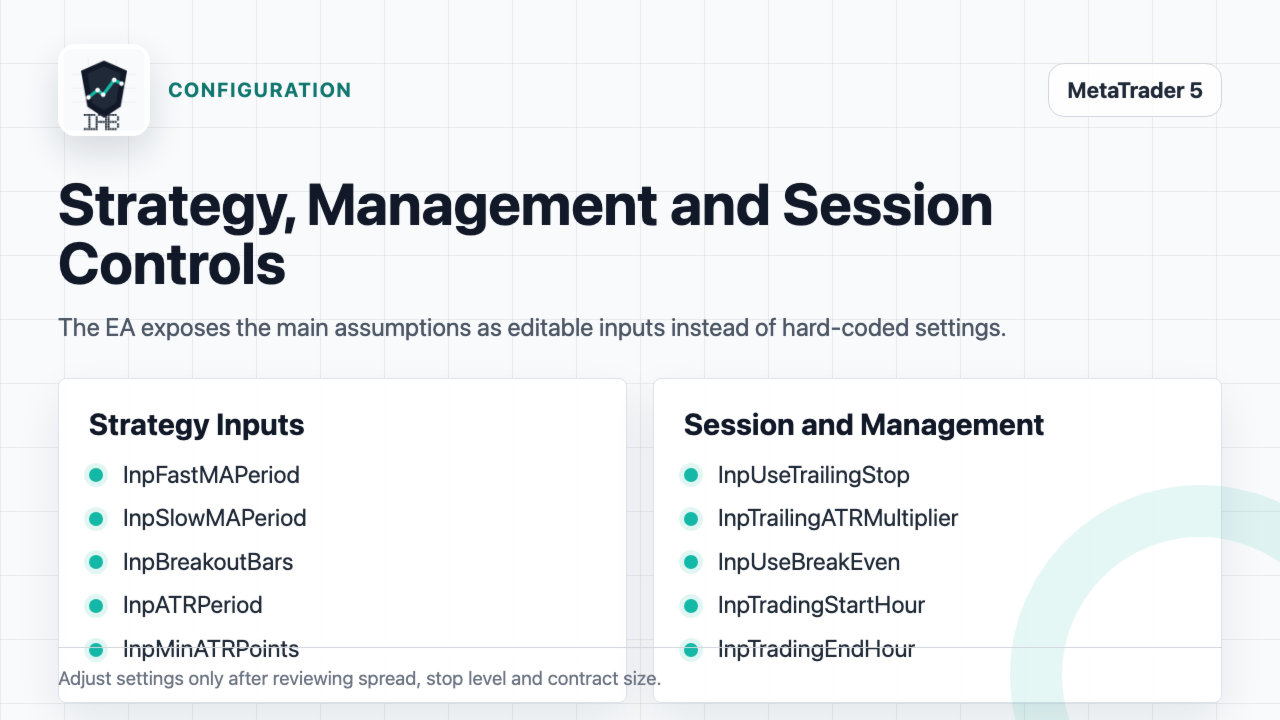
InpRiskPercent controls the account equity risked per trade. InpMaxDailyLossPercent and InpMaxDailyProfitPercent stop new entries after the configured daily equity limits are reached. InpFastMAPeriod and InpSlowMAPeriod control the trend component. InpBreakoutBars controls the breakout lookback. InpATRPeriod, InpStopATRMultiplier and InpTakeProfitRR control stop and target distances.
Recommended use
1. Compile and install the Expert Advisor in MetaTrader 5.
2. Test the EA in Strategy Tester on your broker symbols.
3. Check spread, stop level, contract size and trading sessions.
4. Start with low risk settings.
5. Use a demo account before using the EA on a live account.
Risk notice
Automated trading involves risk. This Expert Advisor does not guarantee profit, win rate, drawdown level or future performance. Backtest results depend on broker data, spread, commission, execution model and selected parameters. Always test the EA with your own broker conditions before live use.
Support
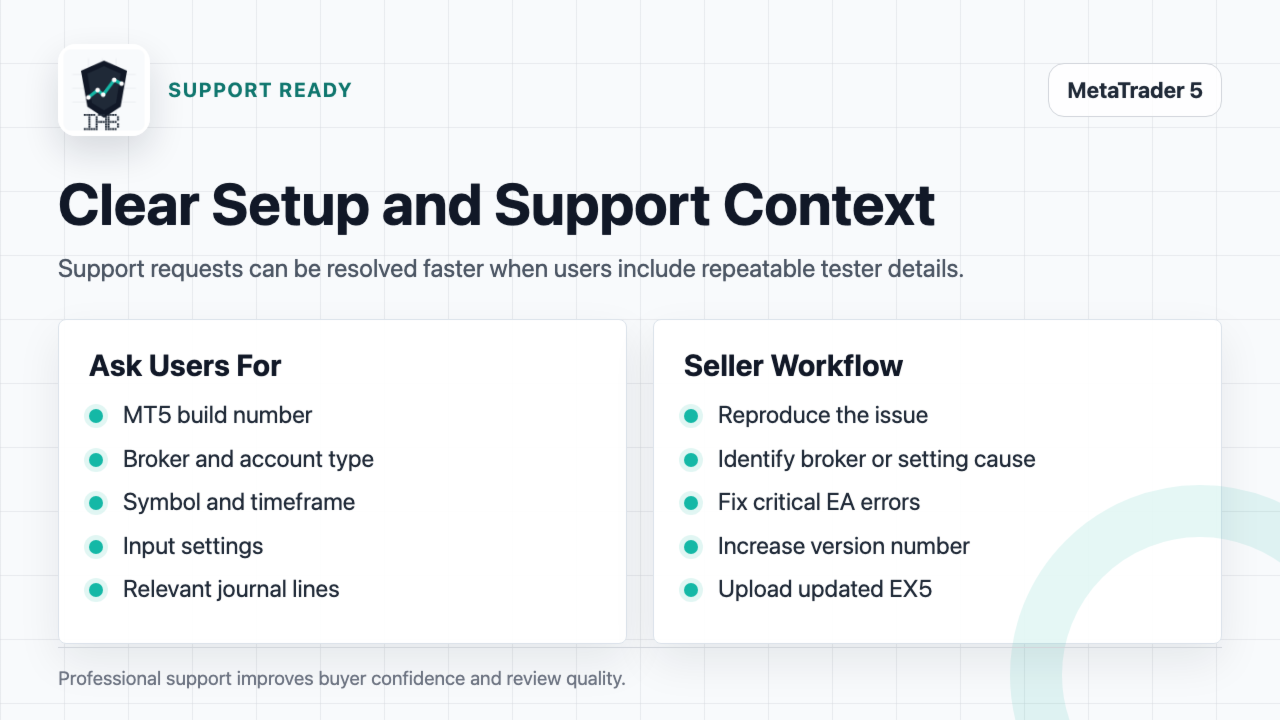
For support, use the product comments section or MQL5 messages. Include the MetaTrader 5 build, broker symbol, timeframe, account type, input settings and relevant Strategy Tester journal lines.