Impulse Zone Spike Detector
- Indicadores
- Versão: 1.0
- Ativações: 5

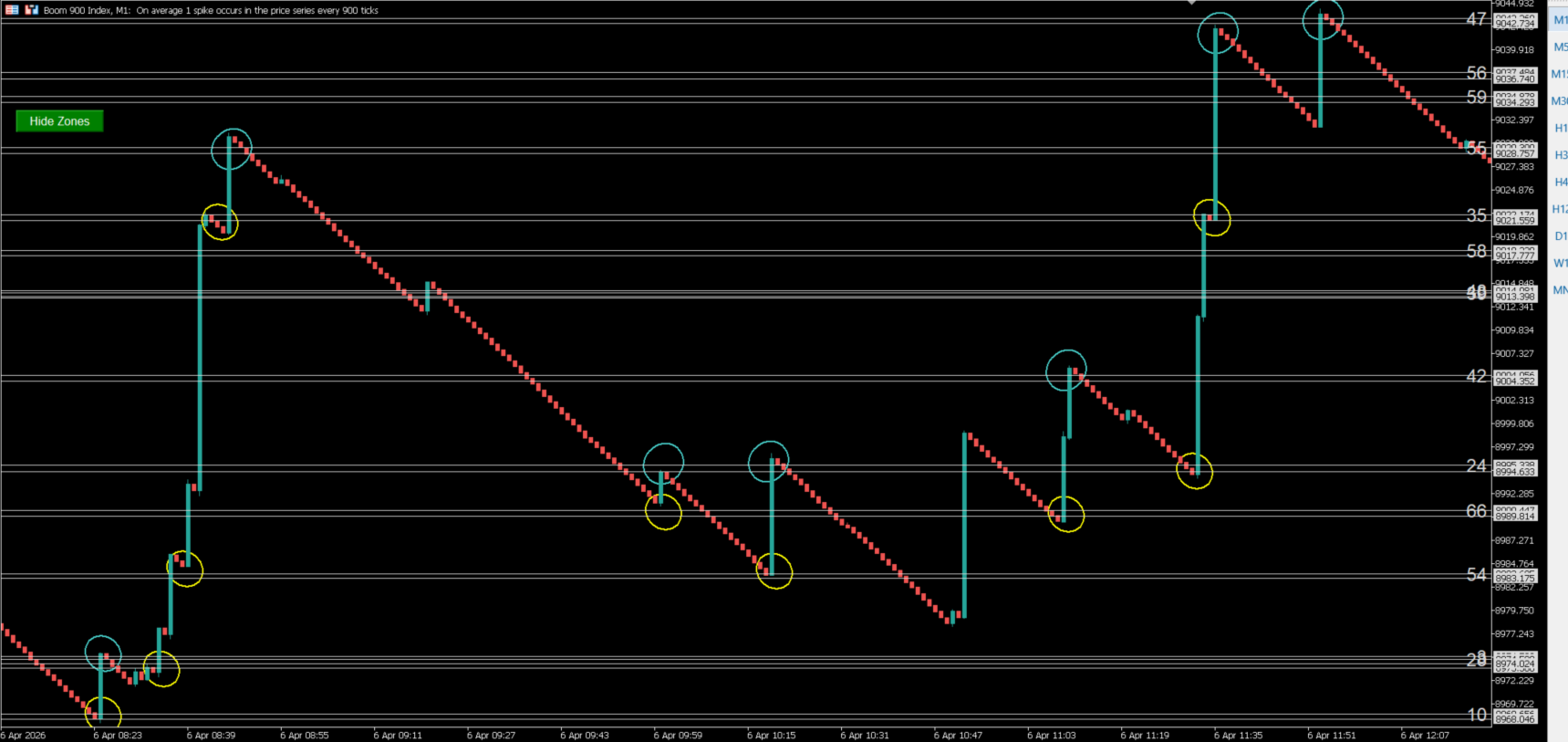
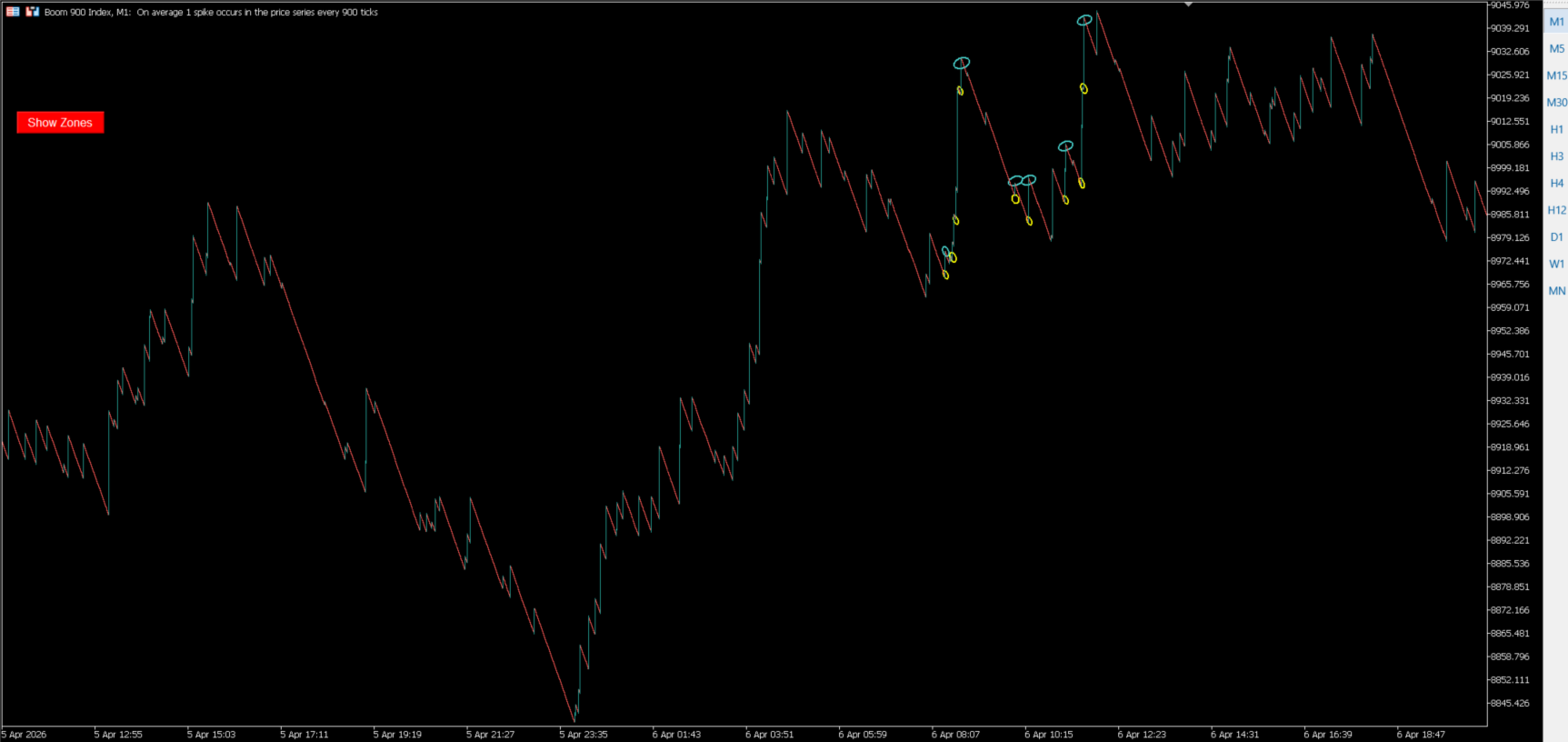
Impulse Zone Spike Detector is a MetaTrader 5 indicator designed to identify and display horizontal price zones associated with previous impulsive movements on Boom and Crash indices.
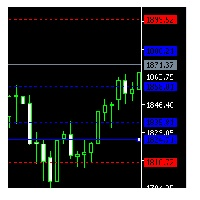
The indicator analyzes recent price behavior and marks historical levels where significant price reactions or impulsive movements have occurred. These levels are displayed as visual references that can be used to study subsequent price behavior.
The indicator can automatically adapt its analysis to Boom or Crash instruments, or the user can select the analysis mode manually. It does not open, modify or close trades.
Main features
-
Automatic, Boom and Crash analysis modes.
-
Horizontal zones based on previous price movements.
-
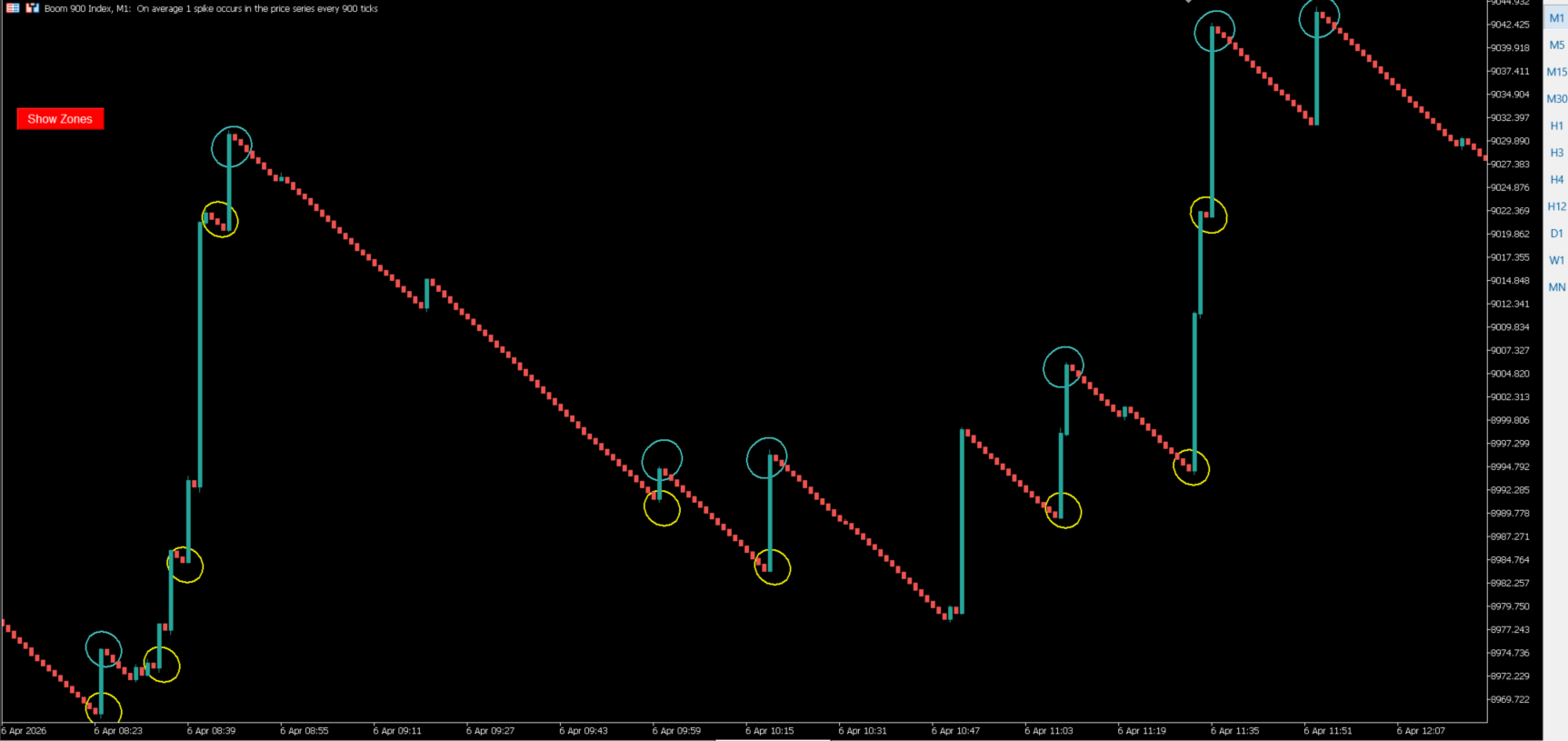
Identification of the main impulsive movement within the analyzed period.
-
Optional display of movements from neighboring analysis windows.
-
Adjustable line, label and highlighting settings.
-
Button to show or hide indicator objects.
-
Optional candle countdown near the current bar.
Analysis settings
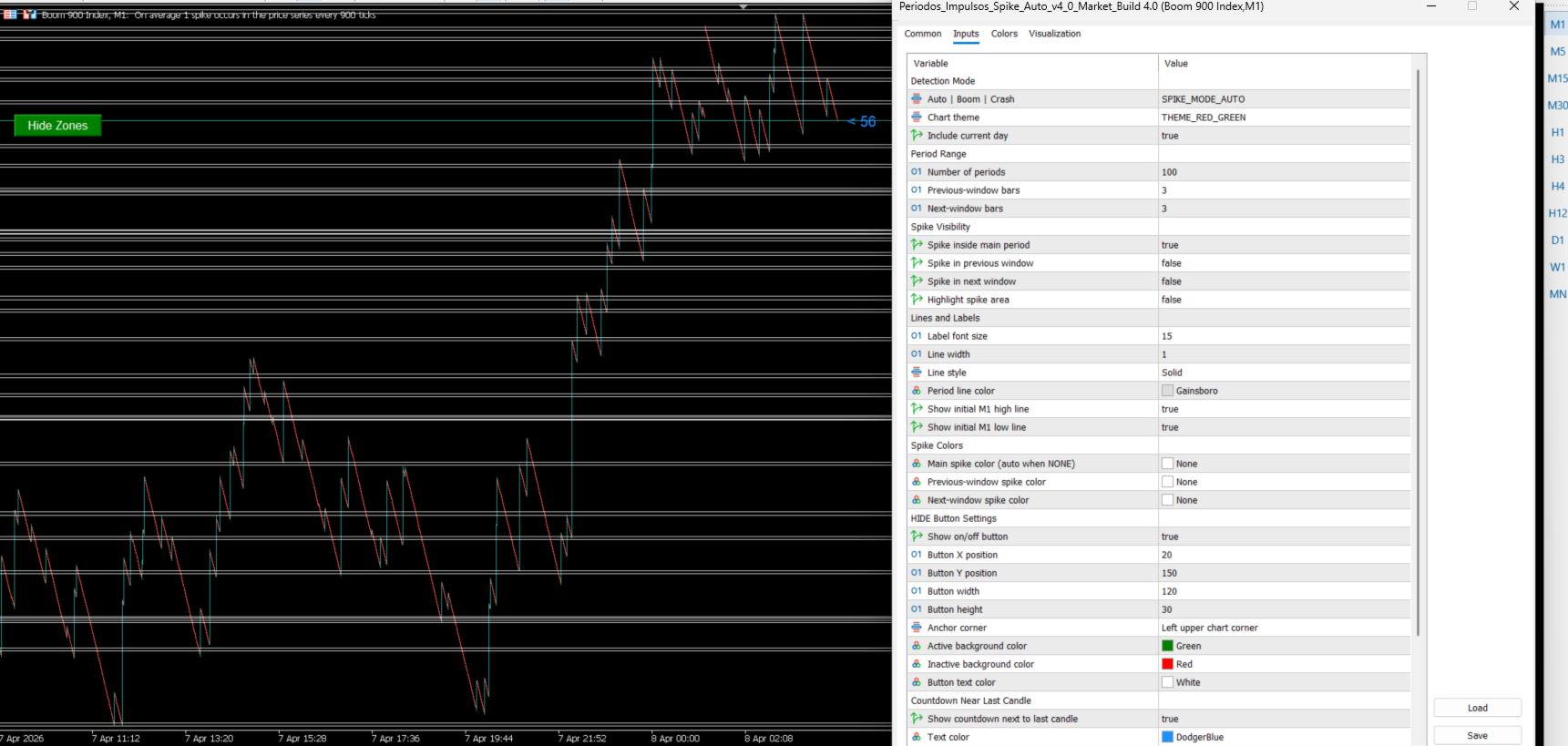
The user can configure the historical period used by the indicator, include or exclude the current day and adjust the size of the previous and following analysis windows.
The visibility settings determine which detected movements are displayed on the chart. Line, label and color settings control the visual appearance of the zones.
The indicator also includes optional interface settings for the visibility button and the countdown displayed near the latest candle.
Important information
Impulse Zone Spike Detector is an analytical and visual tool. The displayed zones are calculated from historical price behavior and do not represent a guarantee that a future price movement or spike will occur at those levels.
The indicator does not execute trades or manage positions. Trading decisions remain entirely under the user's control.