Telegram Ultimate Manager MT4
- Utilitários
- Versão: 1.2
- Ativações: 8

Telegram Ultimate Manager MT4
Use Cases:
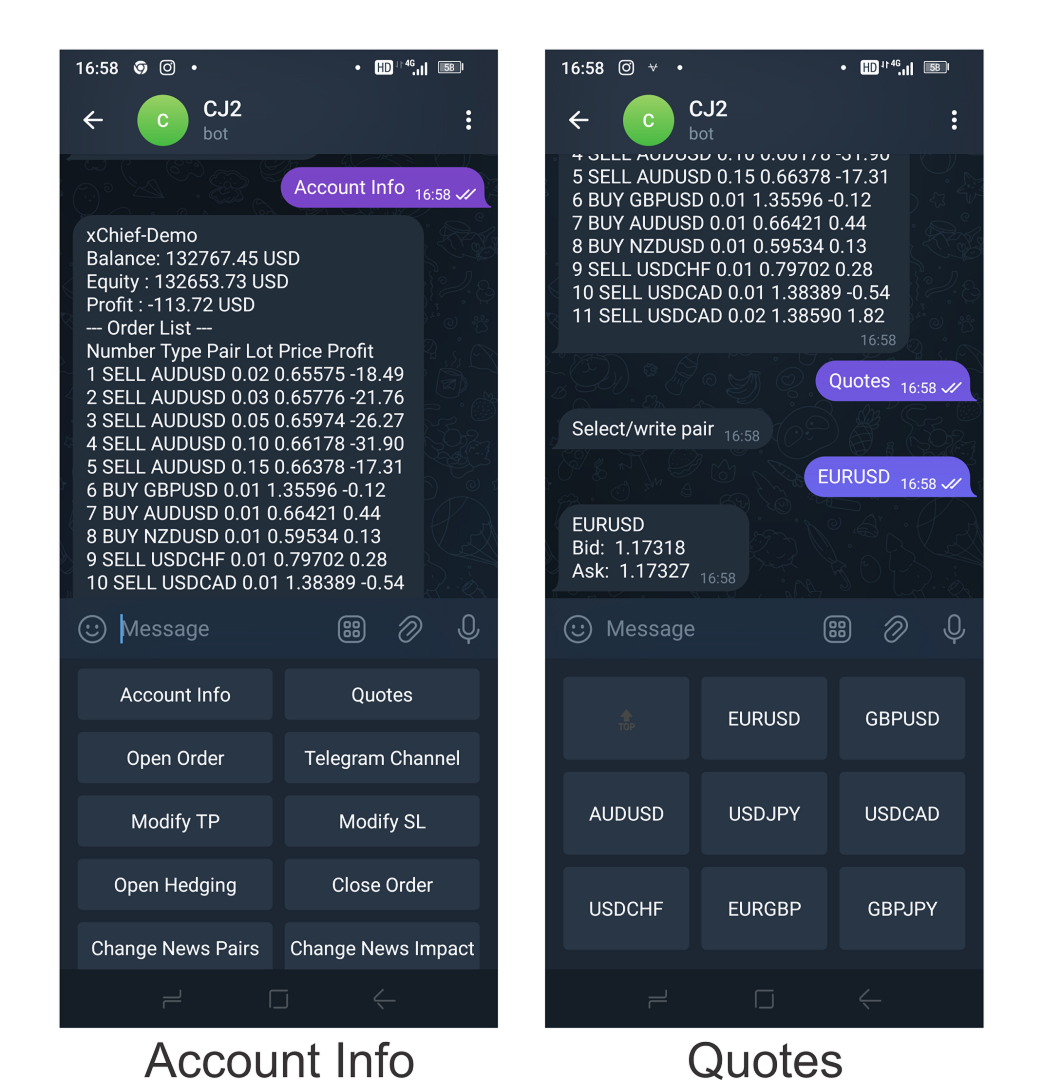
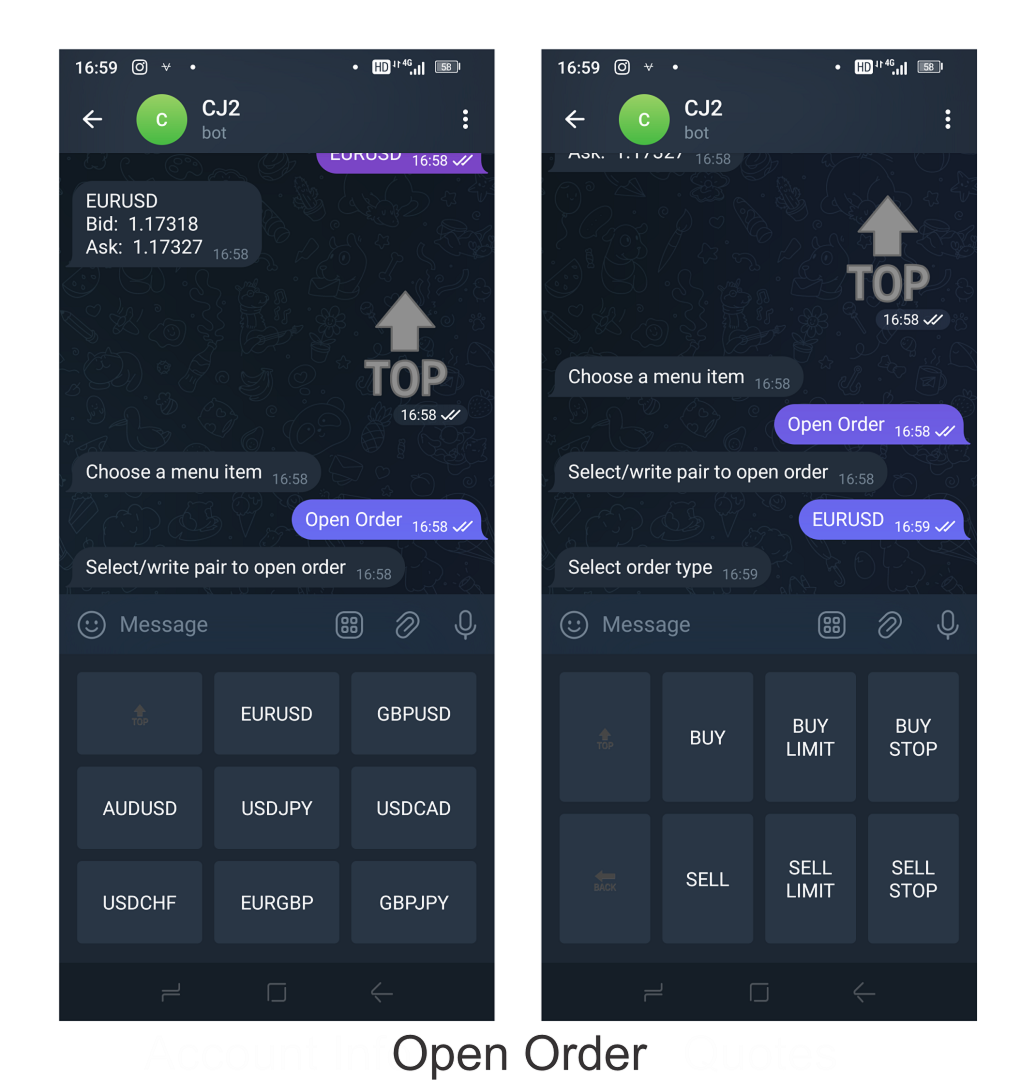
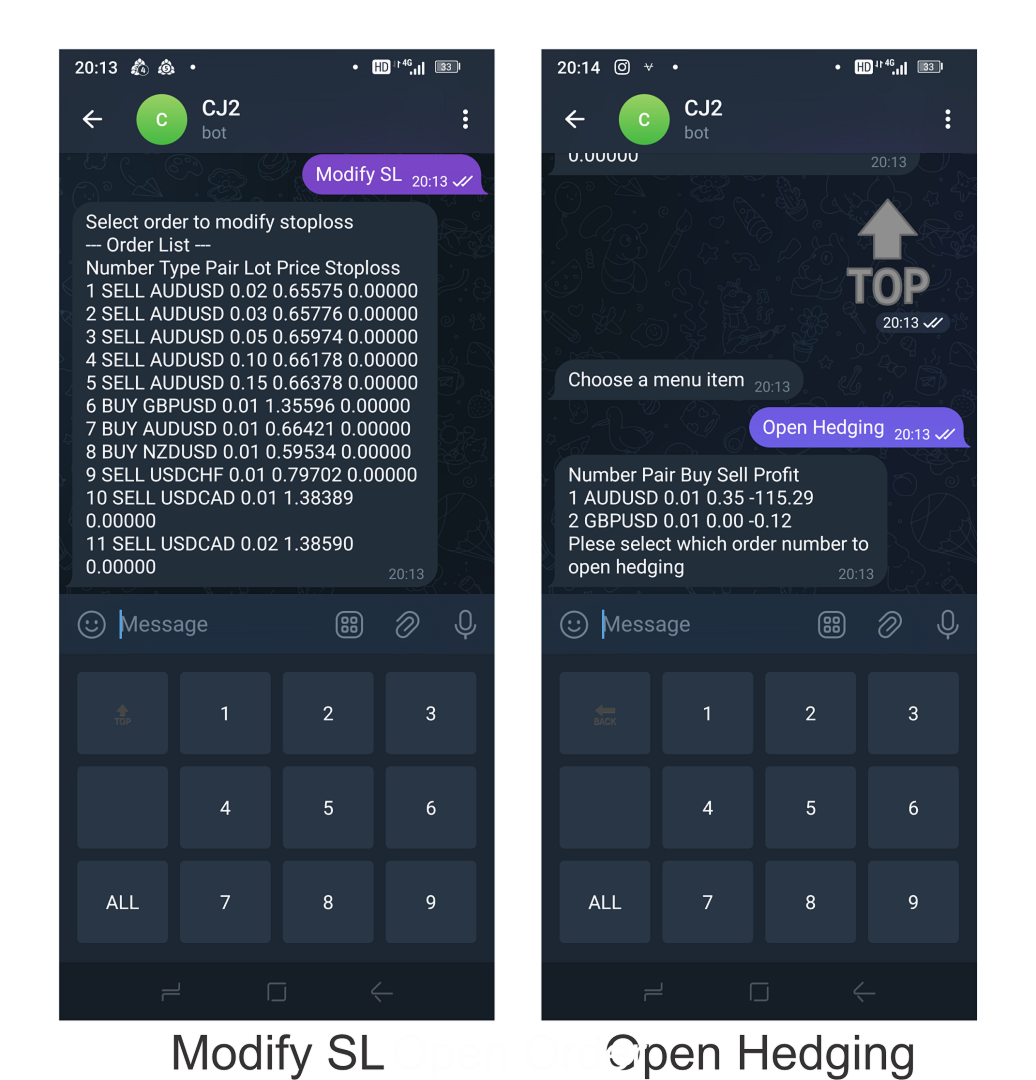
- Manager Order (open, close, modify order)
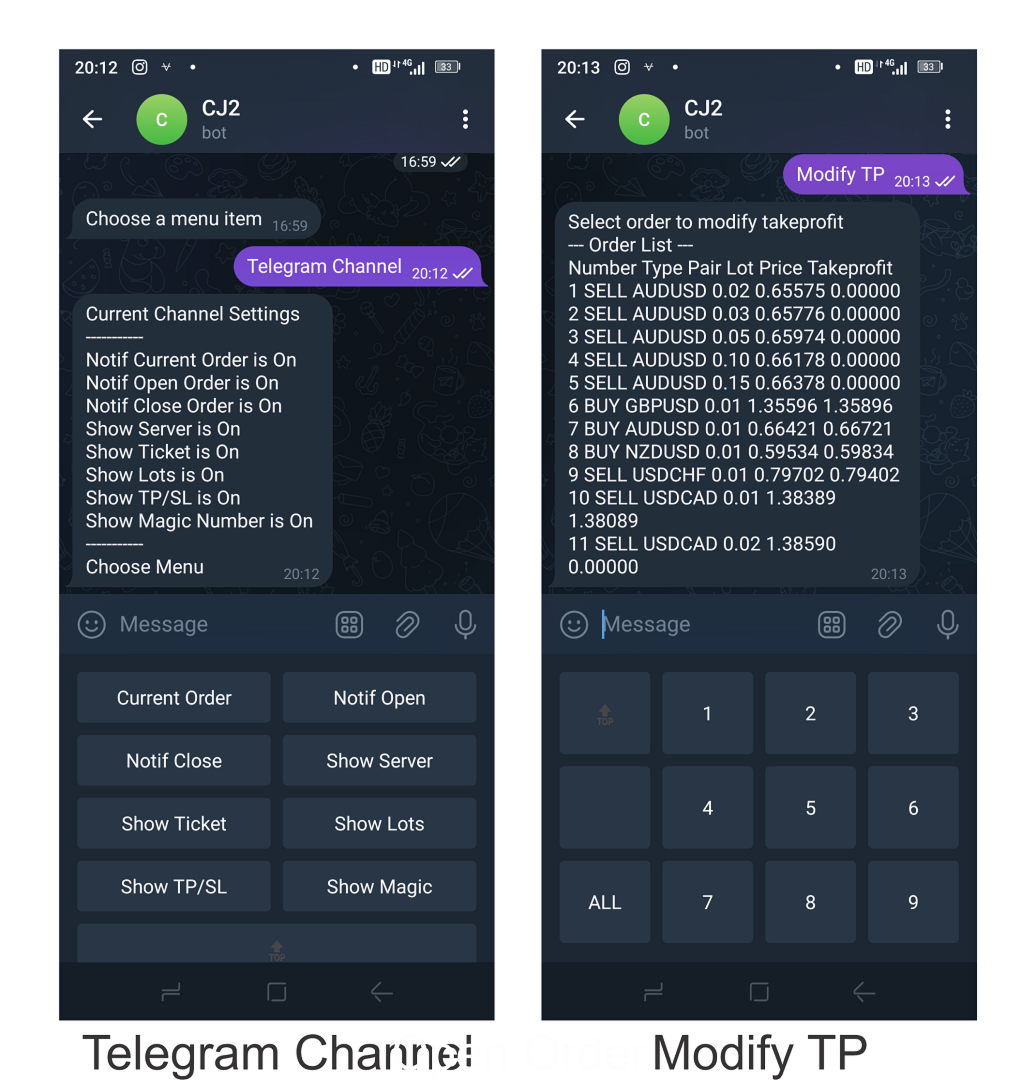
- Publish open and close order to Telegram Channel
- Open trade based on Forex Factory News
Requirement:
- Telegram Chat ID
- Telegram Bot API Token
- Telegram Channel ID
Please read the guide
This tools can not be backtested
Free n8n workflow template to :
1. Import Forex Factory news to Google Calendar
2. Send chat to Telegram bot about news release. Is it good or bad for the currency
Inputs:
- Telegram Bot Token : your Telegram bot token
- User Chat ID : your Telegram chat ID. The Telegram bot will only respond to your chat.
- User Chat ID 2 : alternative Telegram chat ID. Additional telegram account to control the bot. If you want to use only 1 Telegram account, please input same ID as User Chat ID 1.
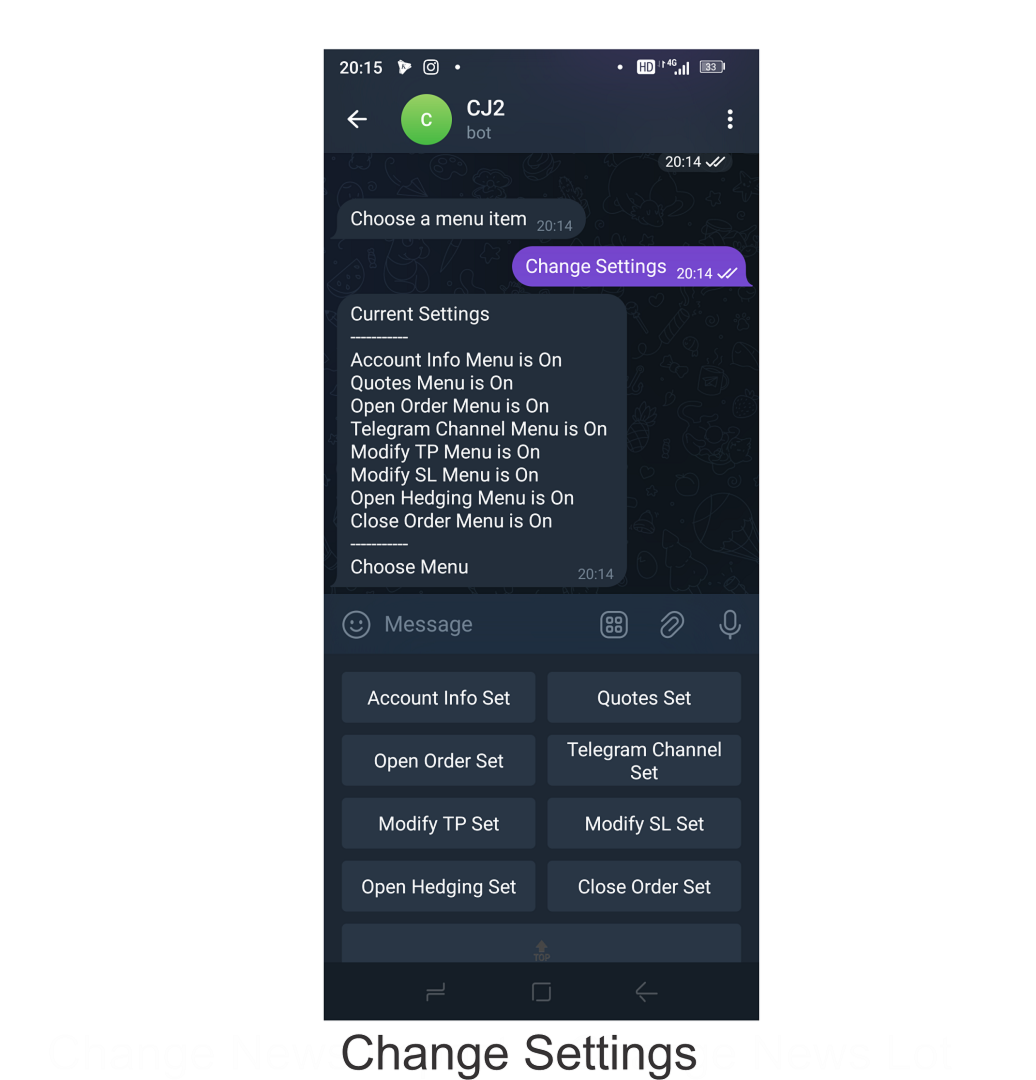
- On/Off specific menu
- Takeprofit (pip) : default take profit pip for all open order
- Stoploss (pip) : default stop loss pip for all open order
- Magic Number : order magic number
- Order Comment : order comment
- Slippage : order slippage
- Profit Loss Mode : 2 options, PL only or include Commision and Swap
- Channel ID : Telegram channel ID
- Notif Current Position : if On, the current open order will be publish to channel
- Notif Open : if On, newly open order will be publish to channel
- Notif Close : if On, newly close order will be publish to channel
- Show Server Name : if On, Broker Server Name will be shown
- Show Ticket : if On, ticket number will be shown
- Show Lots : if On, lot size will be shown
- Show TP and SL : if On, TP and SL will be shown
- Show Magic Number : if On, magic number will be shown
- News Pairs : input pairs to open order based on News
- Pairs Suffix : suffix for micro account
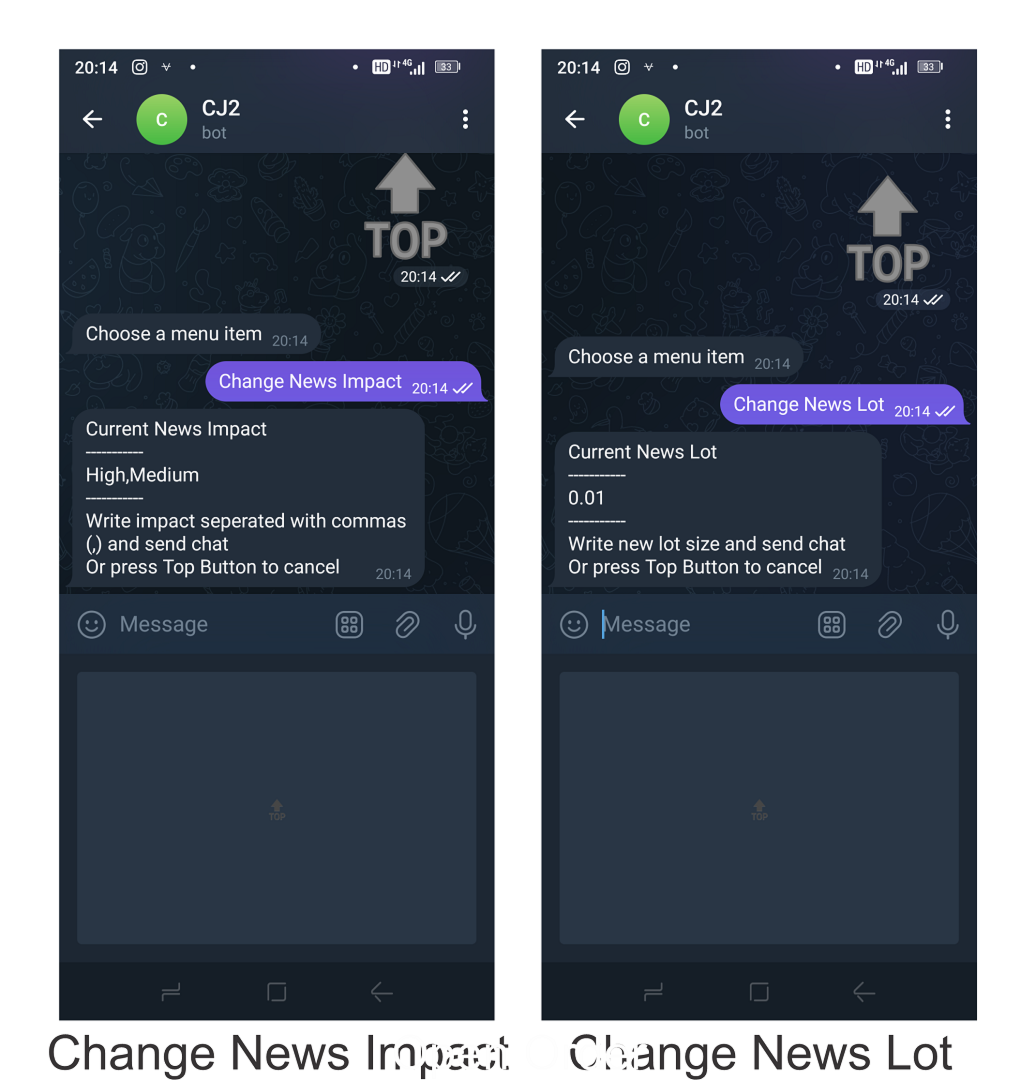
- News Impact : news impact for open order
- News Lot Size : lot size for news trading
- Allow Hedging : if true, it is allowed to have buy and sell order at the same time for each news trading pairs