Ict Toolkit OMG
- 지표
- 버전: 1.20
- 활성화: 5

Trade liquidity, not noise. This indicator maps the key liquidity levels on your chart and alerts you when a Sweep → MSS → FVG setup forms, with Entry, Stop Loss and Take Profit already drawn.
It draws and alerts only. It does not place trades, so it can run beside your own trade-management EA.
Liquidity levels
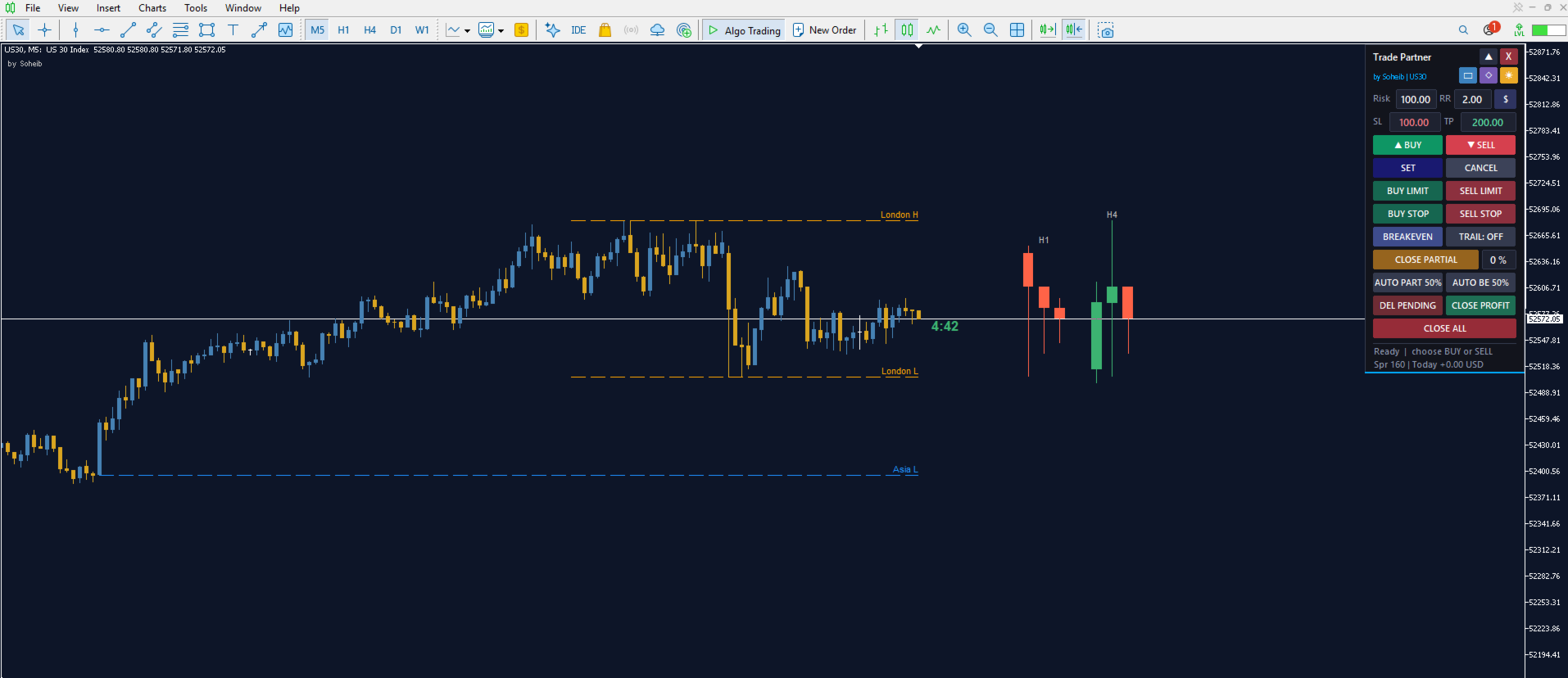
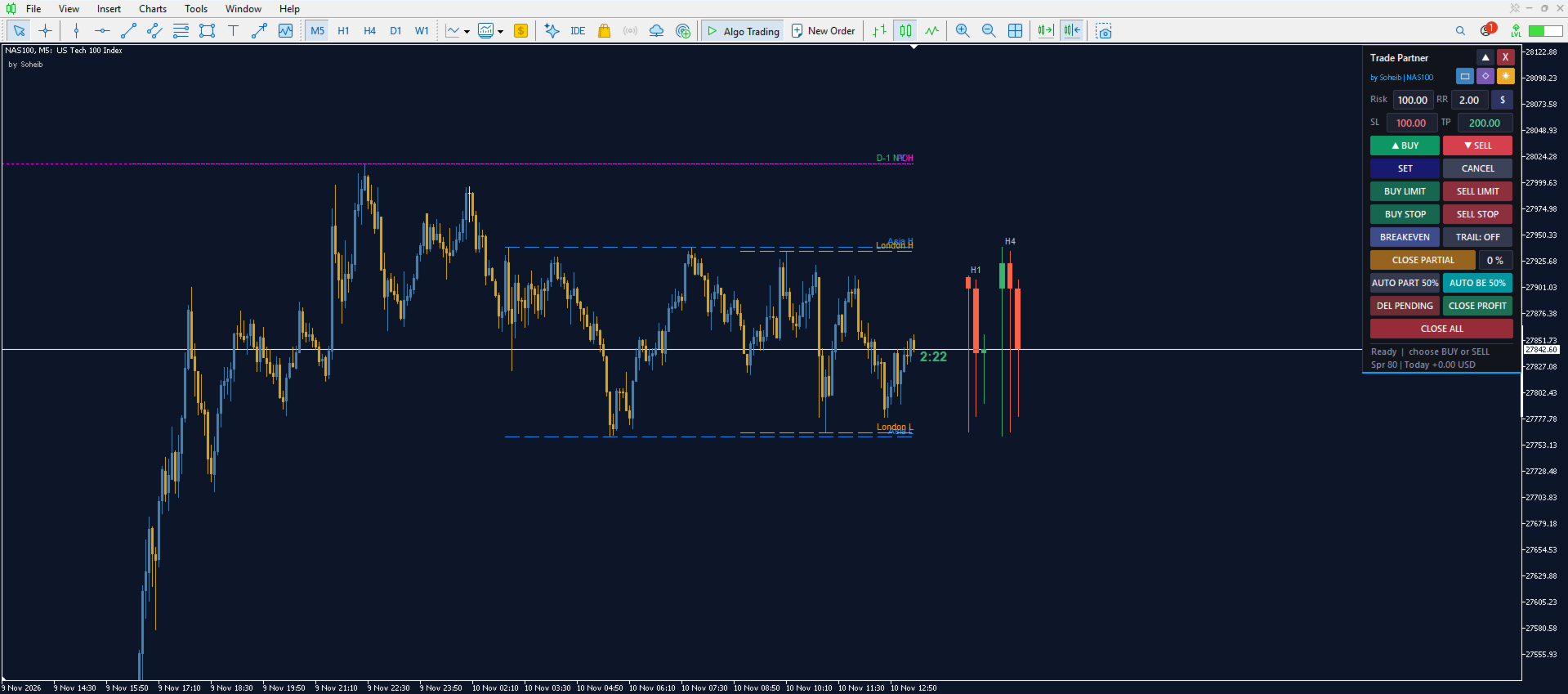
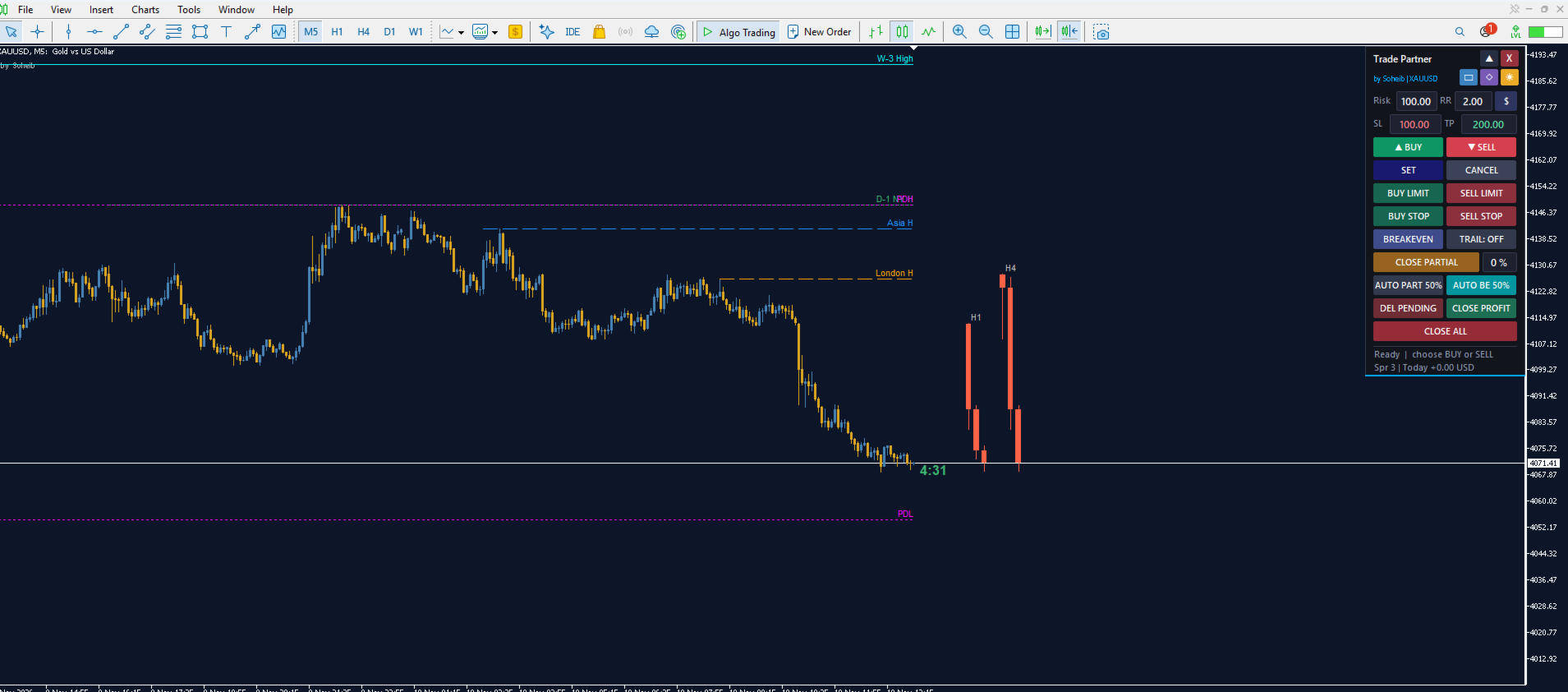
• Asia, London, Pre-Market and New York session highs/lows (today and D-1) • Previous Day High/Low, carried over day by day until an untouched one is found • Weekly High/Low (PWH/PWL), also carried over until untouched • Swept levels are removed automatically, so the chart stays clean
New York Open line
• Current NY open (08:00 New York by default, adjustable)
• Nearest previous NY open that price has not returned to; if it was touched, the indicator walks back one more day
• The line disappears once price touches it
Sweep → MSS → FVG setups
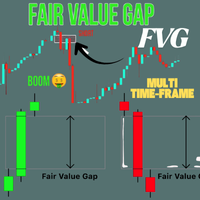
• Detects a liquidity sweep, a market structure shift and a Fair Value Gap inside your chosen session windows • Draws the FVG box with Entry, SL and TP • TP can target the nearest opposite liquidity (with minimum and maximum R filters) or a fixed RR • ATR-based sizing adapts automatically to any symbol • Optional H4 / Daily EMA bias filter • Silver Bullet windows (London, NY AM, NY PM) or broad London/NY sessions • Limit on setups per session per day
Live H1 / H4 candle panel
• Shows the last 3 candles of H1 and H4 (two closed plus the forming one) in the empty space right of your chart
• Candles are drawn at real price levels and update live with every tick
• Gap, width and spacing are fully adjustable
Alerts
• Popup, push notification and sound, including symbol, direction, swept level, Entry, SL and TP
Setup
• Works on any symbol and timeframe. Setups are detected on the Entry timeframe (M5 by default).
• Session times use broker SERVER time. Defaults assume server time = New York + 7 hours. If your broker is different, adjust the session hours in the inputs.
• Attach it to a chart and enable "Allow DLL imports: no" is not needed. No DLLs and no external files are used.
Notes
• This is an analysis tool, not a guarantee of profit. Always test on a demo account first and manage your risk.