DrawdownPeakPanel
- 지표
- 버전: 1.0

=== Drawdown Peak Panel (free indicator) ===
Short description:
Shows your account drawdown from its equity peak right on the chart. Display only.
Description:
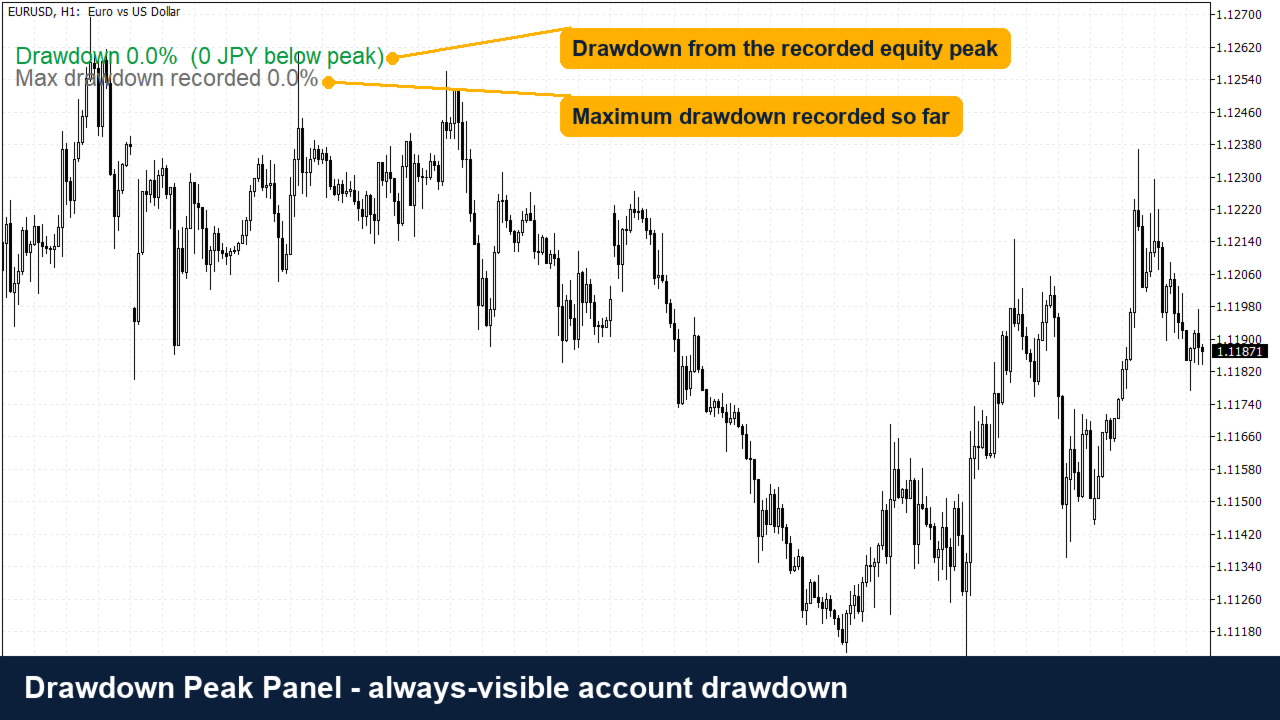
Drawdown Peak Panel keeps track of your account equity peak and shows how far you are below it, in percent and in account currency.
What you see on the chart
- Current drawdown from the recorded equity peak (green below 10%, orange below 25%, red above)
- Maximum drawdown recorded so far
- Equity, balance and peak value
- Optional alert when the drawdown reaches a level you choose
Why it helps
Most traders know their profit but not their real drawdown. Seeing it all the time helps you size positions and stop trading before a bad stretch becomes a disaster.
Good to know
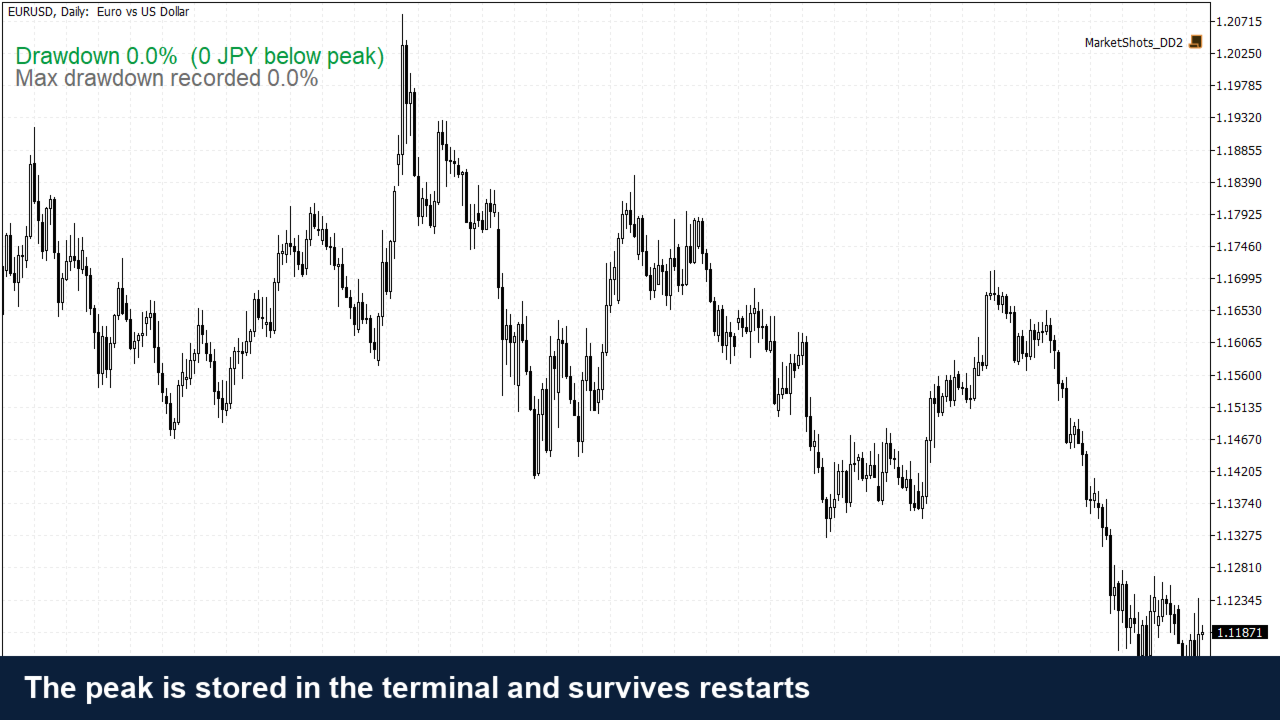
- The peak is stored in the terminal and survives restarts and chart changes. Set InpResetPeak to true once to start over.
- The panel moves with InpPanelX / InpPanelY, so it can sit below the one-click trading panel.
- Display only. It never opens, closes or modifies a trade, and uses no web requests or DLLs.
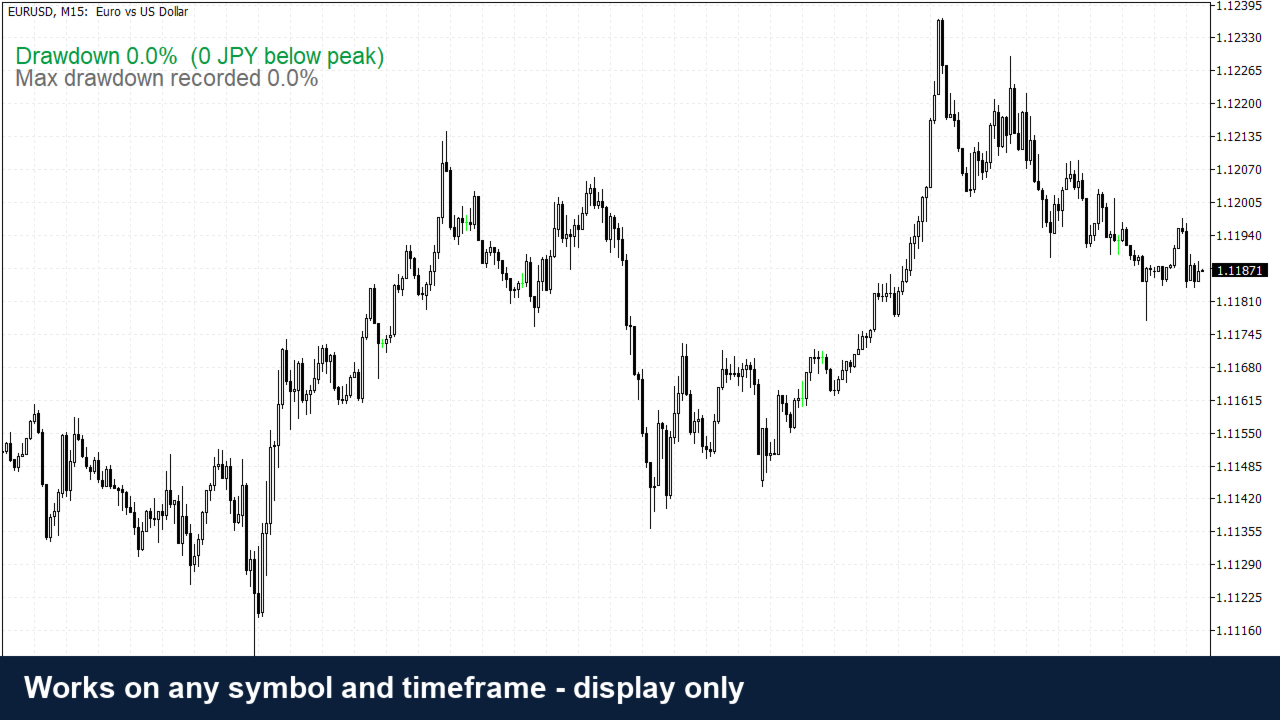
- Works on any symbol and timeframe. Values are for the whole account, not one symbol.
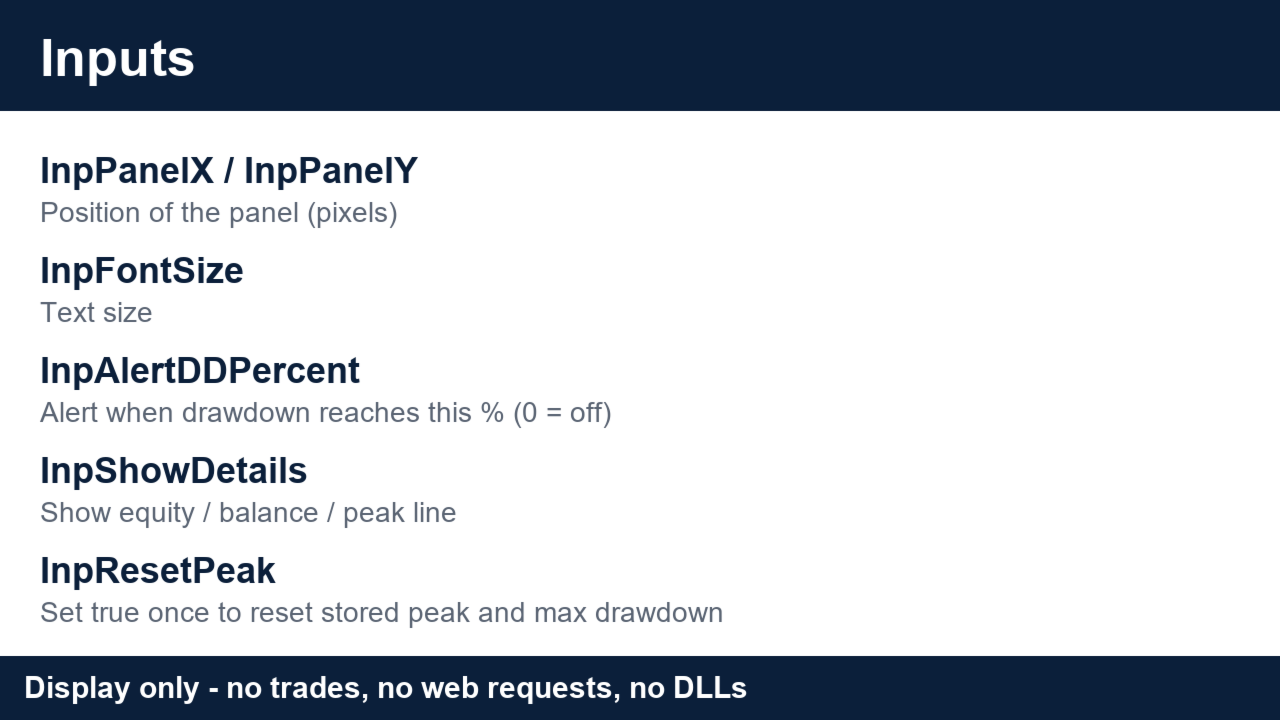
Inputs
InpPanelX, InpPanelY - position of the panel
InpFontSize - text size
InpAlertDDPercent - alert level in percent (0 = off)
InpShowDetails - show the equity / balance / peak line
InpResetPeak - reset the stored peak and maximum drawdown
What's new (1.00): first release.
=== Position Money Labels (free indicator) ===
Short description:
Shows the stop-loss and take-profit of open positions as money and pips on the chart. Display only.
Description:
Position Money Labels draws a small label next to every stop-loss and take-profit level of your open positions on the current symbol. Each label shows the amount you would lose or gain in your account currency and the distance in pips.
Why it helps
Before you rely on a stop level, you should know what it costs. The label shows it at a glance, even for positions opened by an Expert Advisor.
Good to know
- Updates every 2 seconds. Labels are removed when the indicator is removed.
- Colors and font size can be changed.
- Display only. It never opens, closes or modifies a trade, and uses no web requests or DLLs.
- The amount is an estimate from the symbol's tick value and does not include spread, commission or swap.
Inputs
InpFontSize - text size
InpSLColor - stop-loss label color
InpTPColor - take-profit label color
What's new (1.00): first release.