Syn Flex Mini Charts
- 지표
- 버전: 2.14
- 활성화: 10

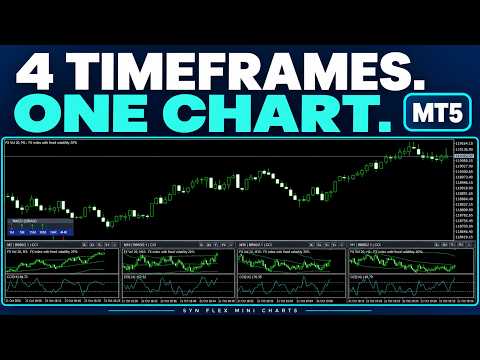
Display two, three or four timeframes for the same symbol beneath your MetaTrader 5 price chart. Choose a shared study: None, RSI, Stochastic, CCI, MACD or a compatible installed custom indicator. Each panel calculates the chosen study using its own timeframe.
Normal-chart display: embedded mini-charts do not display in Visual Strategy Tester. Review the video/screenshots, or evaluate on normal DEMO charts using the paid one-month Market rental.
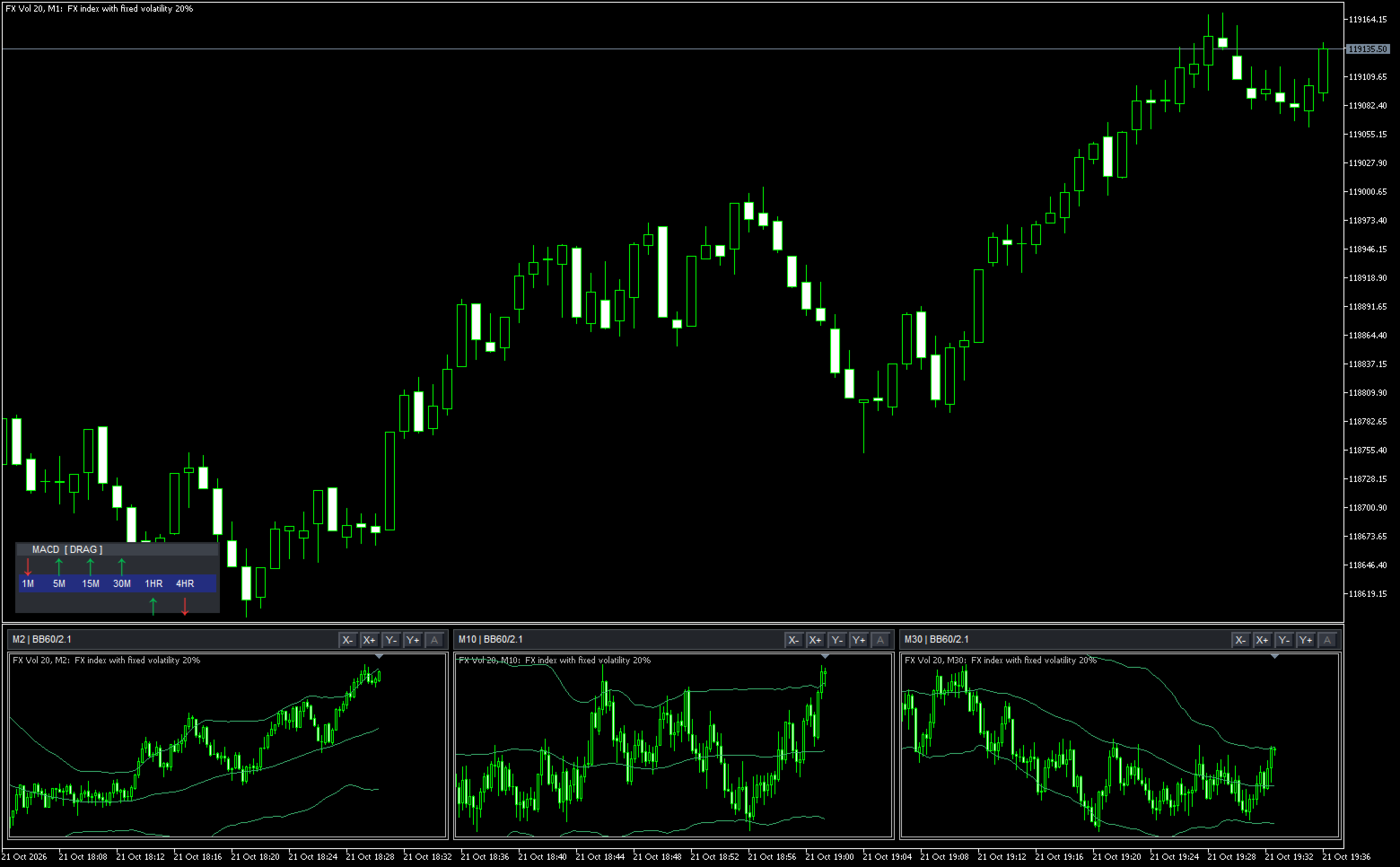
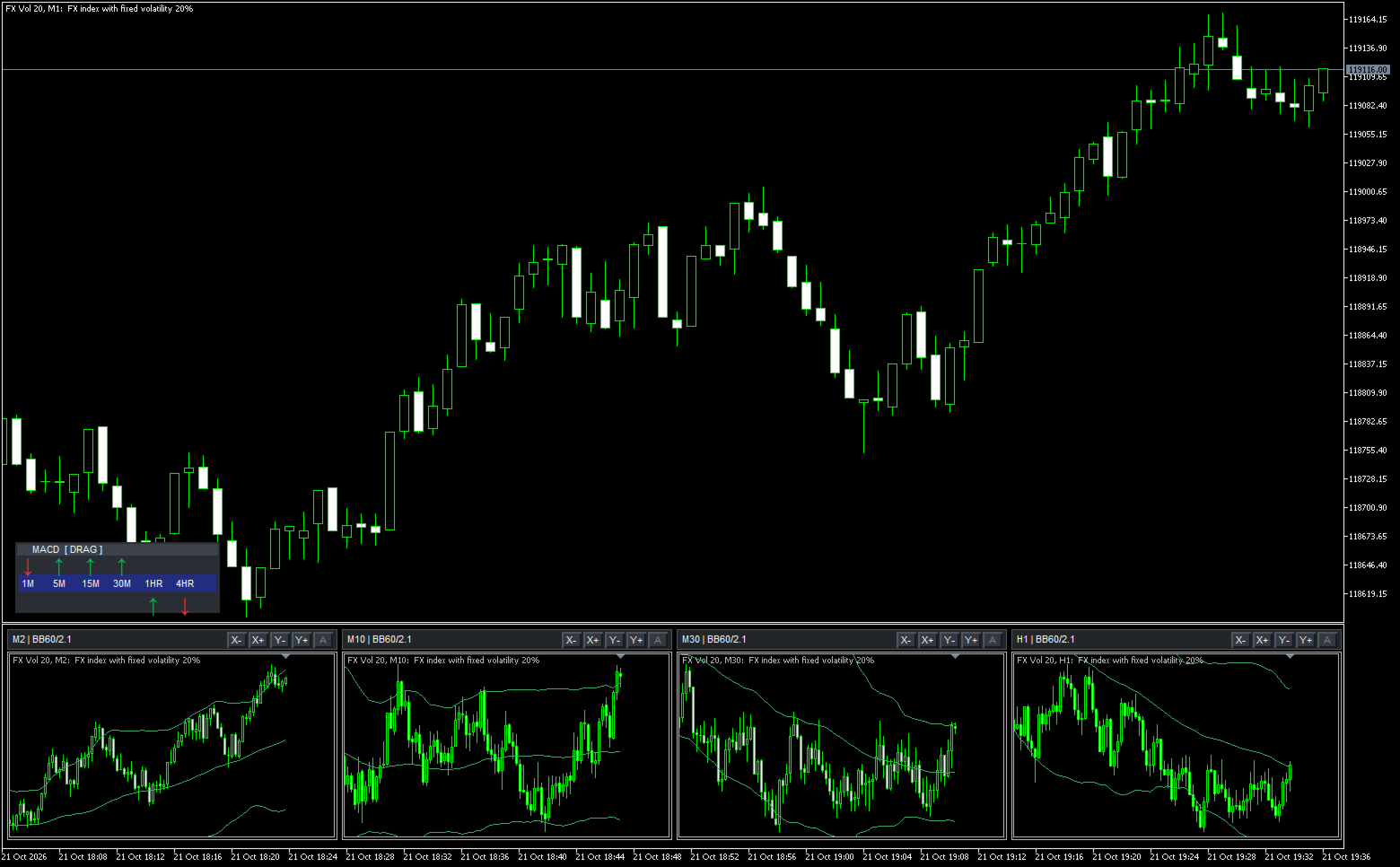
Bollinger Bands default to period 60 and deviation 2.1. Each panel has independent X controls for candle width, Y controls for price scaling and an A button to restore automatic scaling. The mini-chart window height defaults to 250 pixels. Linked colours follow the main chart.
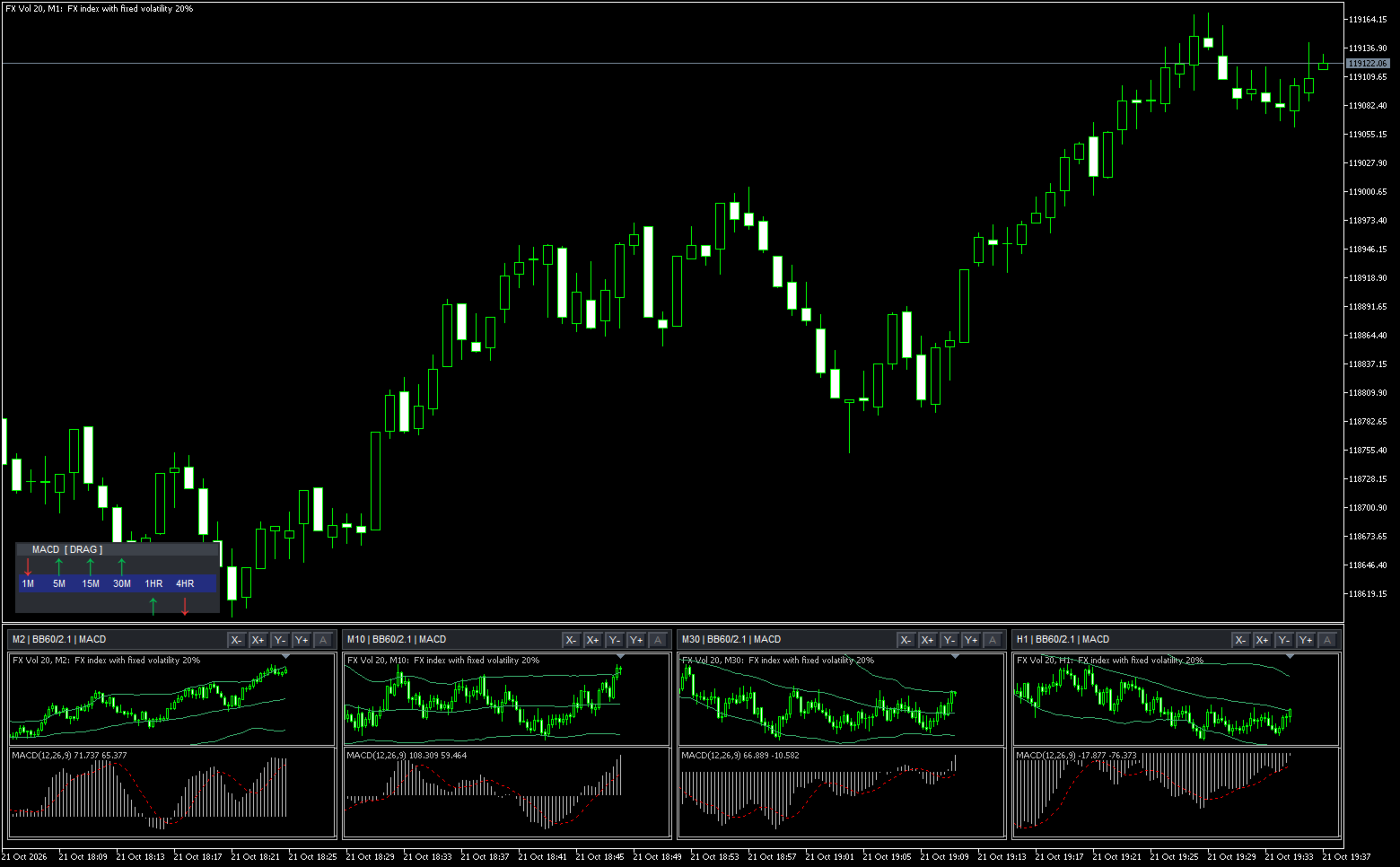
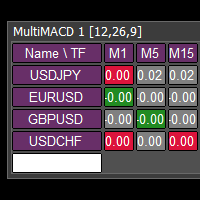
The movable MACD bar covers M1, M5, M15, M30, H1 and H4. It shows the main line's slope and sign, using completed candles by default. Dragged placement is retained through parent-timeframe changes within the running terminal session. Removing the indicator or restarting the terminal resets placement to the configured margins.
Evaluation before purchase
Watch the demonstration video and review the screenshots. A one-month rental provides the full product on normal terminal charts for the rental period. The rental is managed by MQL5 Market. It is a paid rental, not a free trial.
Optional custom indicators must already be installed and appropriately licensed. They use their default inputs and must support embedded charts. Third-party indicators shown in examples are not included. Built-in studies require no third-party indicator.
Use a maximised chart for comfortable viewing. Narrow layouts can clip panels, and the MACD bar hides when insufficient space is available. Resource use increases with the number of charts and loaded history.
This is a visual analysis indicator. It places no trades and makes no profitability claims. Support is provided through this product's MQL5 comments and the MQL5 messaging system.
Input settings
- Layout: choose 2, 3 or 4 charts, overall height (default 250 px), initial candle width (0–5), right gap, and linked or custom colours.
- Timeframes: set each panel independently; defaults are M5, M15, H1 and H4.
- Shared study: select None, RSI, Stochastic, CCI, MACD or Custom. Set the oscillator pane height (default 100 px), custom filename and separate-pane or price-chart location.
- Custom price overlay: optional installed EX5 filename/path applied to every panel.
- Study periods: RSI 14, CCI 14, Stochastic 5/3/3 and MACD 12/26/9 by default.
- Bollinger Bands: show/hide, period 60 and deviation 2.1 by default.
- MACD direction bar: show/hide, calculation periods (12/26/9), completed-candle mode, movement lock, left/bottom margins (14 px) and rising/falling colours.
- Horizontal zoom: show/hide each panel’s X controls.
- Vertical zoom: show/hide Y and Auto controls, step size (default 25%) and whether fixed scaling follows the newest price.
Screenshot guide
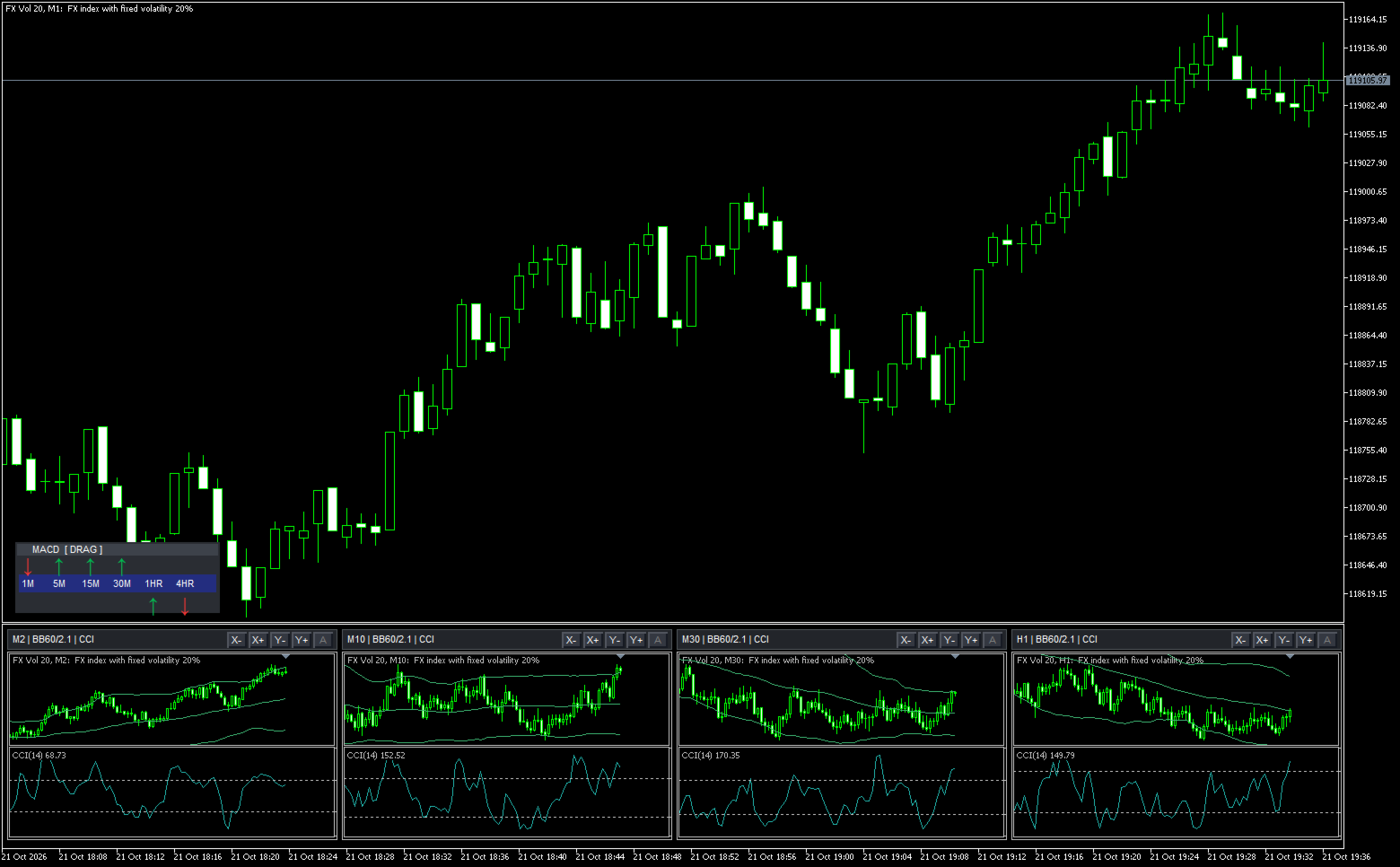
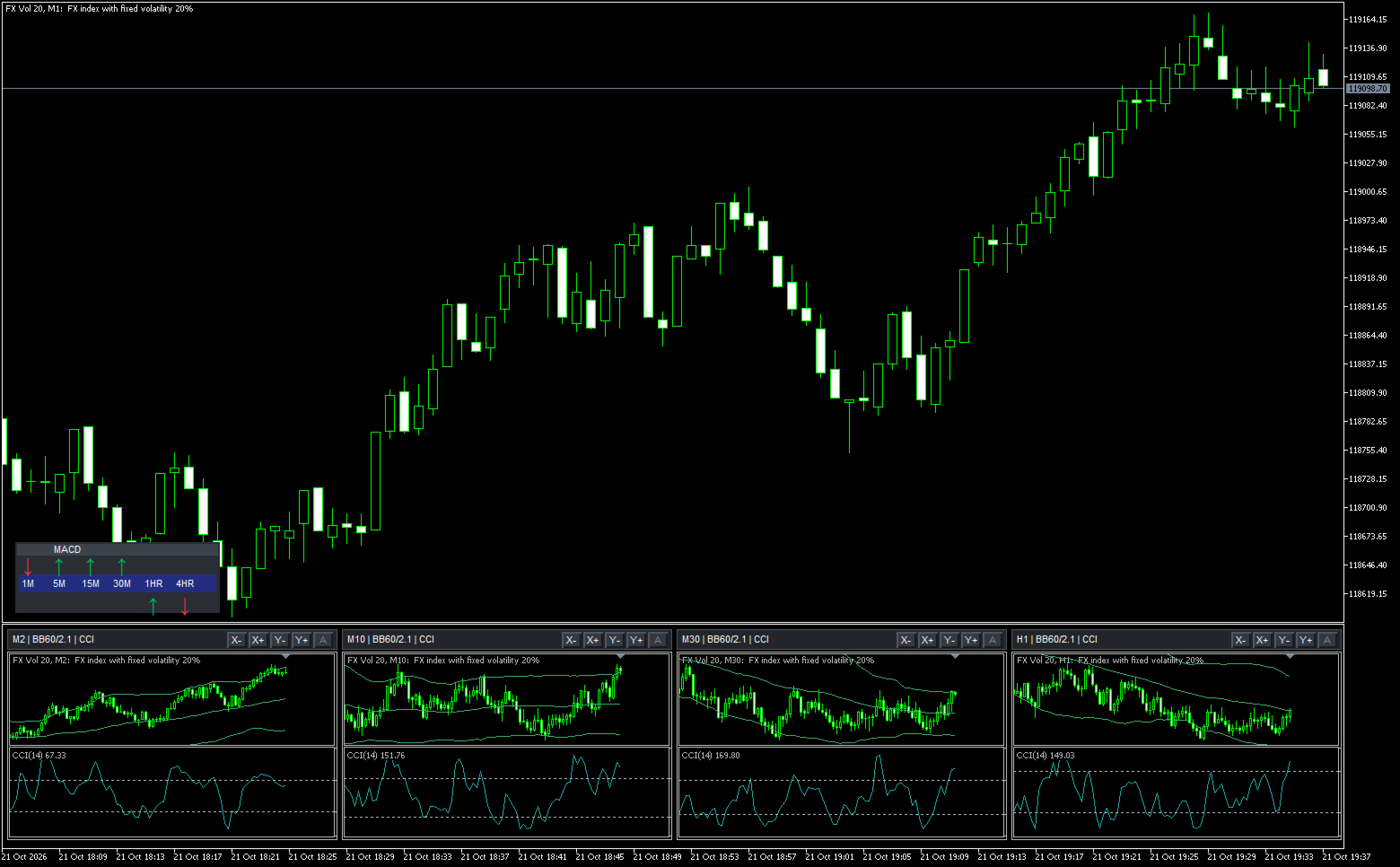
- Four CCI panels: M2, M10, M30 and H1, with Bollinger Bands 60 / 2.1 and 250-pixel window height.
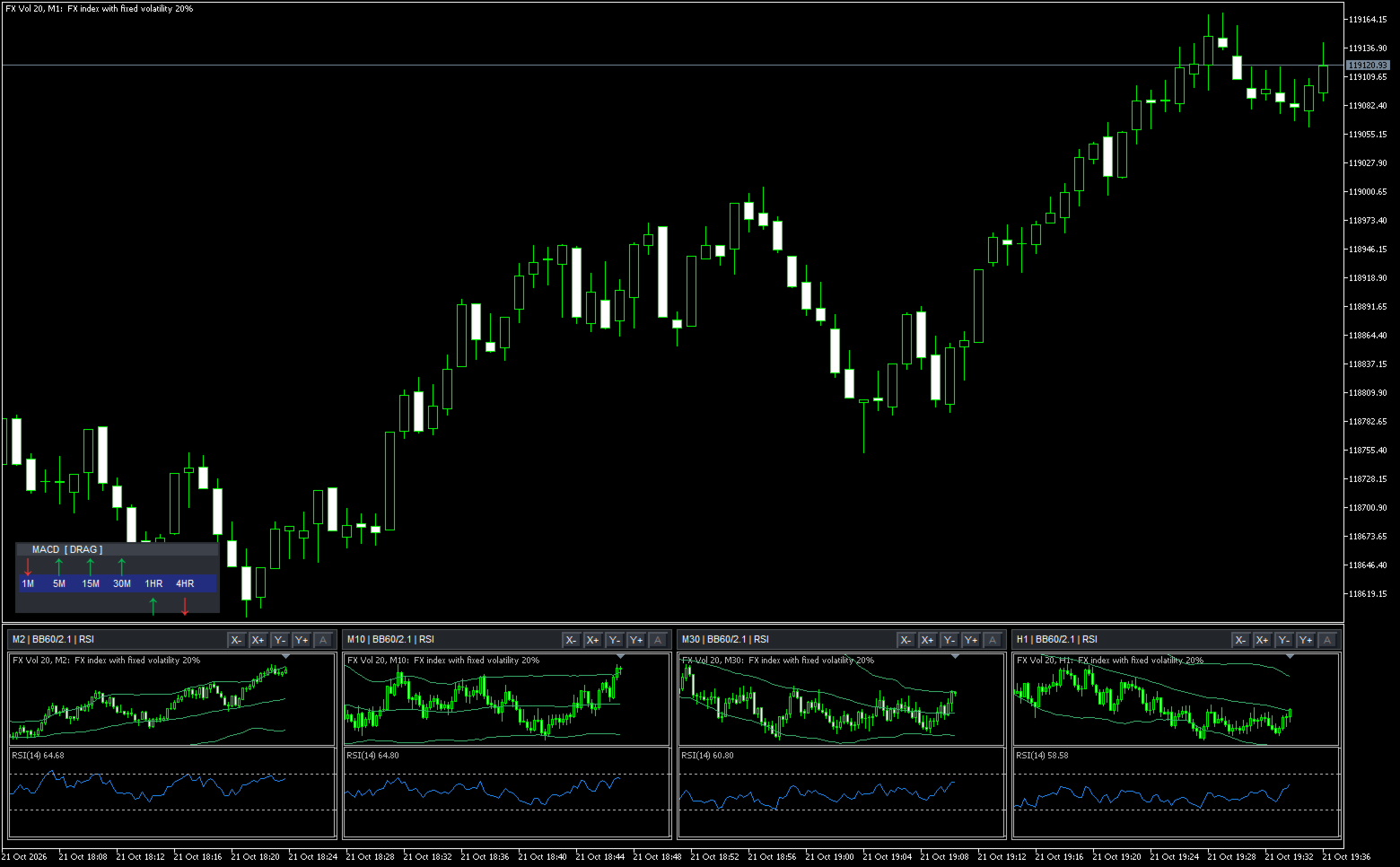
- Shared RSI: changing the study updates every active panel; panel timeframes remain independent.
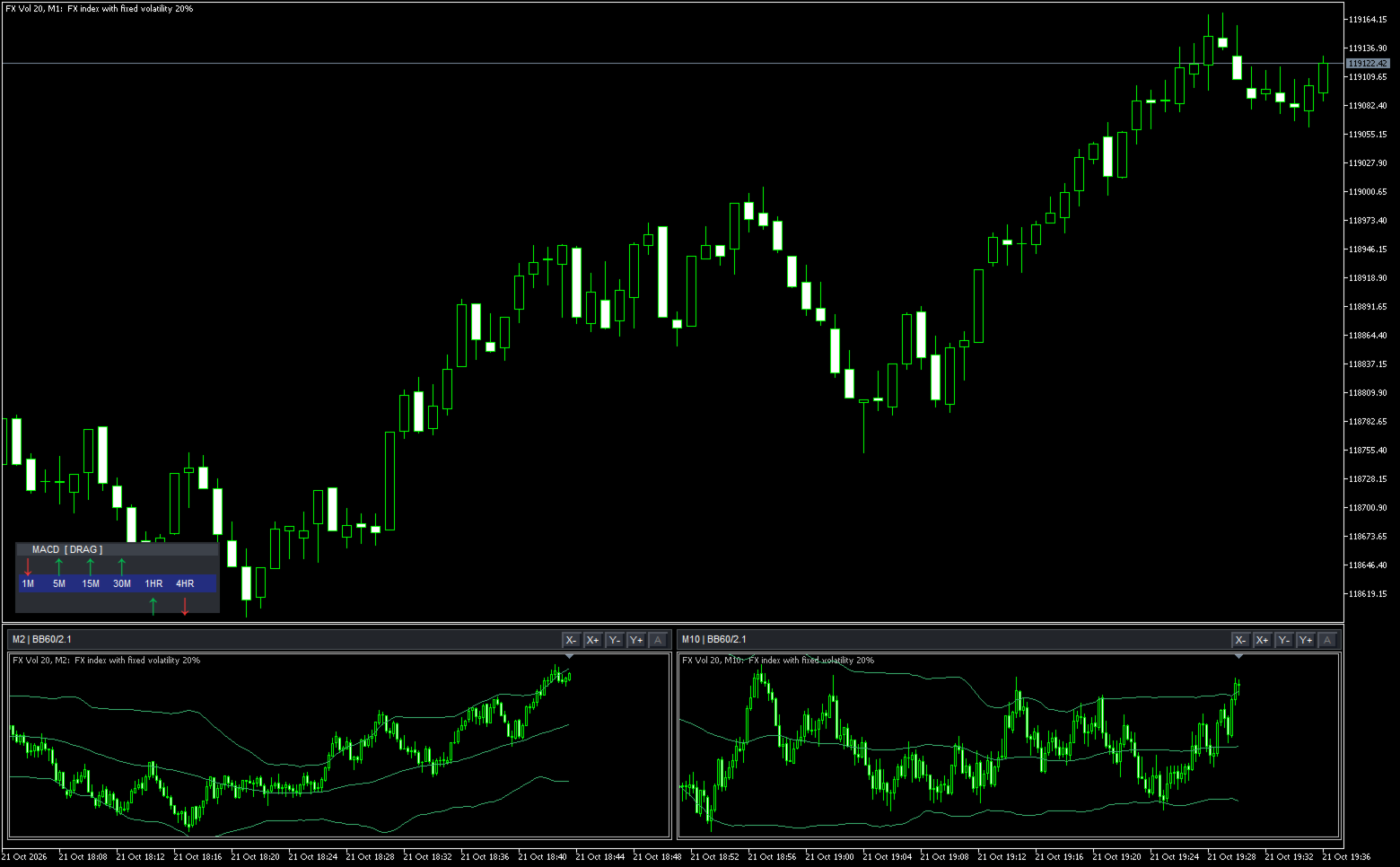
- Two-panel layout with independent X/Y/Auto controls.
- Three-panel layout with a third timeframe.
- Price charts without an oscillator, showing the panel controls.
- MACD panels and the movable six-timeframe direction bar.
- Locked direction bar: the header no longer shows [DRAG].