AbouAminALG02
- Experts
- 버전: 1.0
- 활성화: 5

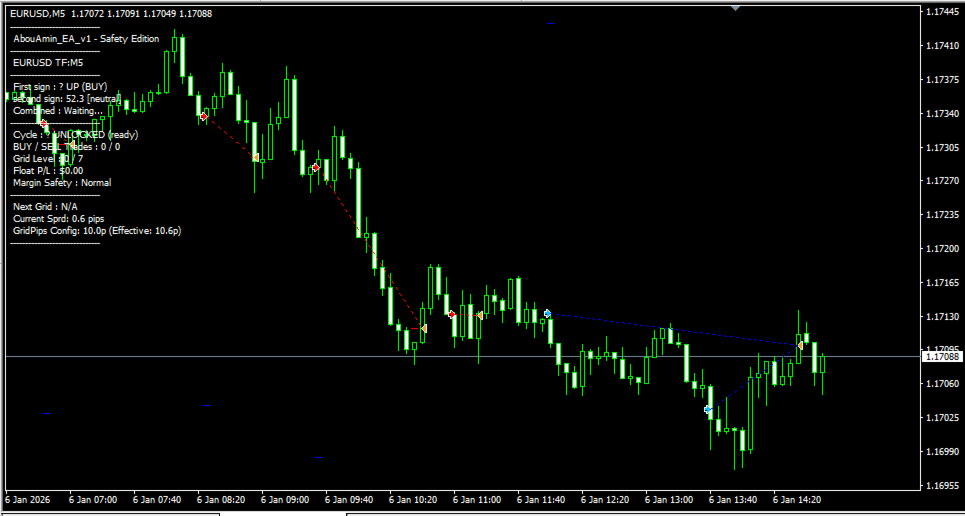
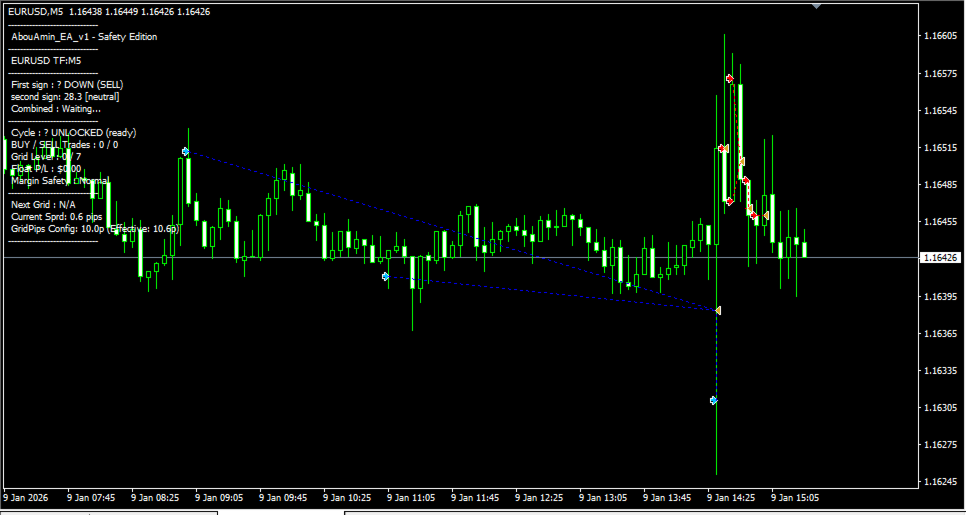
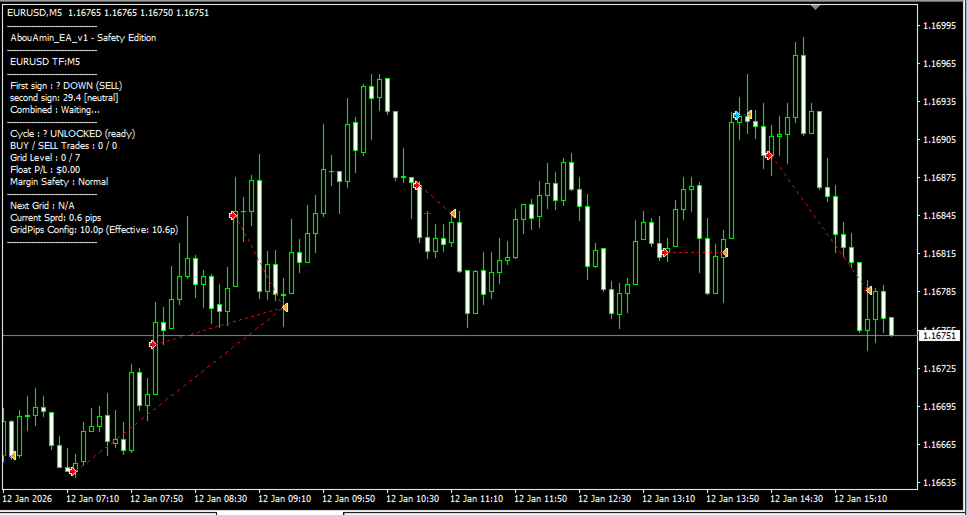
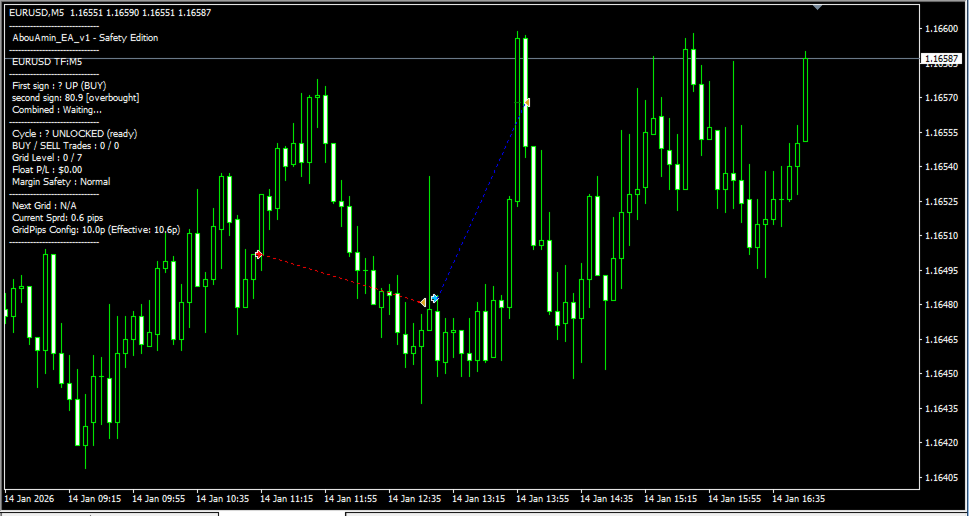
This Expert Advisor (EA) is programmed with a trend-following strategy. This strategy relies on a set of indicators built into the EA, in addition to an externally configured Stochastic indicator. These indicators complement each other to determine targets. After achieving optimal settings, we implemented them internally to protect our data.
Here is a comprehensive and simplified guide to the Expert Advisor (AbouAmin_EA_v1) settings. This guide is designed and organized to be an easy-to-understand and use "operational manual" for adjusting its parameters, whether you are a beginner or a professional in the field of automated trading.
... -----------------------------
## 📋 Part 1: Explaining the Settings Features
## 1. First Trade and Individual Target (Trading Settings)
These options control the initial setup of the first trade opened based on a technical signal.
* Lot Size: The trade size (lot size) used exclusively for the first trade.
* Stop Loss: An individual stop loss in pips for each trade (it is recommended to keep it at 0 when using a grid).
* Take Profit: The target price in points for the first trade only. Upon reaching this target, the trade closes immediately with a profit, successfully completing the cycle.
* Maximum Slippage: The maximum slippage allowed in points when sending order requests to the broker's server.
## 2. Martingale Grid Mechanism (Martingale Grid)
This mechanism controls how the Expert Advisor handles price reversals if the market moves against the direction of the first trade.
* Using the Martingale Strategy: Enables or disables the grid and moving averages system (True to enable, False to disable).
* Martingale Grid Points: The fixed structural distance in points required before the Expert Advisor executes the next corrective order.
* Adding Spread to Grid: [New Feature] When enabled, the Expert Advisor reads the current broker's spread and automatically adds it to the grid distance, preventing premature order execution during periods of high volatility or sudden news spikes.
* Martingale Multiplier: The lot multiplier. (For example, if set to 2.0 and the first lot size is 0.10, subsequent orders will be: 0.20, 0.40, 0.80). *Maximum Martingale Levels: The maximum number of additional redemption trades allowed (essential protection to prevent opening an unlimited number of trades).
## 3. Integrated Profit Control and Account Risk Management System
Manages newly developed smart exit logic and full withdrawal protection.
*TotalTPDollars: Cash profit target in USD. Activated only when multiple trades are opened. Monitors the fluctuating total basket profit and closes all trades simultaneously when this amount is reached.
*UseTrailingStop / TrailingPips: A tracking mechanism that automatically locks in profits for the first trade if the price moves in the desired direction.
*UseBreakEven / BreakEvenAt: Moves the stop loss for the first trade to its entry price (a risk-free trade) after a specified profit is achieved.
*MaxAdversePipsAfterNoMoney: [New Feature] Final safety margin in pips. If the account margin runs out to open the next large lot, the Expert Advisor tracks the market. If the price falls further against you by this amount, the entire network is filtered to prevent a sudden margin call from the broker.
## 4. Execution Filters
* NewBarOnly: When enabled, technical signals are evaluated only at candle close, preventing irregular entry during the day.
* MaxSpreadPips: The maximum spread allowed to start a new cycle. If the broker's spread exceeds this limit, the signal is ignored.
-------------------
## 📋 Part 2: Optimized Settings for a $1000 Account (Low Risk)
This combination has been mathematically calculated with precision to provide smooth compound growth while maintaining a large safety margin to safely absorb network declines.
| Parameter Name | Optimized Value | Strategic Reason |
| Lot Size | 0.01 | Starting from the absolute minimum to leave sufficient margin for large network multipliers. | Profit Take | 25 | A balanced 25-pip target ensures a quick exit for individual trades. |
Trading Grid Points | 20 | A 20-pip safety gap prevents the Expert Advisor from exhausting levels prematurely. |
Spread Addition to Grid | True | Dynamically adapts to the spread width, ensuring better execution prices. |
Trading Multiplier | 1.5 | Reduced from 2.0 to 1.5 to avoid sudden increases in lot size and provide margin.
Maximum Trading Levels | 5 | Limits the grid to a maximum of 6 trades, reducing risk. |
Total Profit Take (USD) | 5.0 | Safely exits the entire brokerage grid immediately when total profit reaches USD 5.00. |
Maximum Reversal Points After Running Out of Funds | 25 | Provides a final market reversal opportunity of 25 pips before emergency liquidations are executed.
Here is a comprehensive and simplified guide to the Expert Advisor (AbouAmin_EA_v1) settings. This guide is designed and organized to be an easy-to-understand and use "operational manual" for adjusting its parameters, whether you are a beginner or a professional in the field of automated trading.
... -----------------------------
## 📋 Part 1: Explaining the Settings Features
## 1. First Trade and Individual Target (Trading Settings)
These options control the initial setup of the first trade opened based on a technical signal.
* Lot Size: The trade size (lot size) used exclusively for the first trade.
* Stop Loss: An individual stop loss in pips for each trade (it is recommended to keep it at 0 when using a grid).
* Take Profit: The target price in points for the first trade only. Upon reaching this target, the trade closes immediately with a profit, successfully completing the cycle.
* Maximum Slippage: The maximum slippage allowed in points when sending order requests to the broker's server.
## 2. Martingale Grid Mechanism (Martingale Grid)
This mechanism controls how the Expert Advisor handles price reversals if the market moves against the direction of the first trade.
* Using the Martingale Strategy: Enables or disables the grid and moving averages system (True to enable, False to disable).
* Martingale Grid Points: The fixed structural distance in points required before the Expert Advisor executes the next corrective order.
* Adding Spread to Grid: [New Feature] When enabled, the Expert Advisor reads the current broker's spread and automatically adds it to the grid distance, preventing premature order execution during periods of high volatility or sudden news spikes.
* Martingale Multiplier: The lot multiplier. (For example, if set to 2.0 and the first lot size is 0.10, subsequent orders will be: 0.20, 0.40, 0.80). *Maximum Martingale Levels: The maximum number of additional redemption trades allowed (essential protection to prevent opening an unlimited number of trades).
## 3. Integrated Profit Control and Account Risk Management System
Manages newly developed smart exit logic and full withdrawal protection.
*TotalTPDollars: Cash profit target in USD. Activated only when multiple trades are opened. Monitors the fluctuating total basket profit and closes all trades simultaneously when this amount is reached.
*UseTrailingStop / TrailingPips: A tracking mechanism that automatically locks in profits for the first trade if the price moves in the desired direction.
*UseBreakEven / BreakEvenAt: Moves the stop loss for the first trade to its entry price (a risk-free trade) after a specified profit is achieved.
*MaxAdversePipsAfterNoMoney: [New Feature] Final safety margin in pips. If the account margin runs out to open the next large lot, the Expert Advisor tracks the market. If the price falls further against you by this amount, the entire network is filtered to prevent a sudden margin call from the broker.
## 4. Execution Filters
* NewBarOnly: When enabled, technical signals are evaluated only at candle close, preventing irregular entry during the day.
* MaxSpreadPips: The maximum spread allowed to start a new cycle. If the broker's spread exceeds this limit, the signal is ignored.
-------------------
## 📋 Part 2: Optimized Settings for a $1000 Account (Low Risk)
This combination has been mathematically calculated with precision to provide smooth compound growth while maintaining a large safety margin to safely absorb network declines.
| Parameter Name | Optimized Value | Strategic Reason |
| Lot Size | 0.01 | Starting from the absolute minimum to leave sufficient margin for large network multipliers. | Profit Take | 25 | A balanced 25-pip target ensures a quick exit for individual trades. |
Trading Grid Points | 20 | A 20-pip safety gap prevents the Expert Advisor from exhausting levels prematurely. |
Spread Addition to Grid | True | Dynamically adapts to the spread width, ensuring better execution prices. |
Trading Multiplier | 1.5 | Reduced from 2.0 to 1.5 to avoid sudden increases in lot size and provide margin.
Maximum Trading Levels | 5 | Limits the grid to a maximum of 6 trades, reducing risk. |
Total Profit Take (USD) | 5.0 | Safely exits the entire brokerage grid immediately when total profit reaches USD 5.00. |
Maximum Reversal Points After Running Out of Funds | 25 | Provides a final market reversal opportunity of 25 pips before emergency liquidations are executed.