Helm Trade Manager
- 유틸리티
- 버전: 1.20

Helm Trade Manager
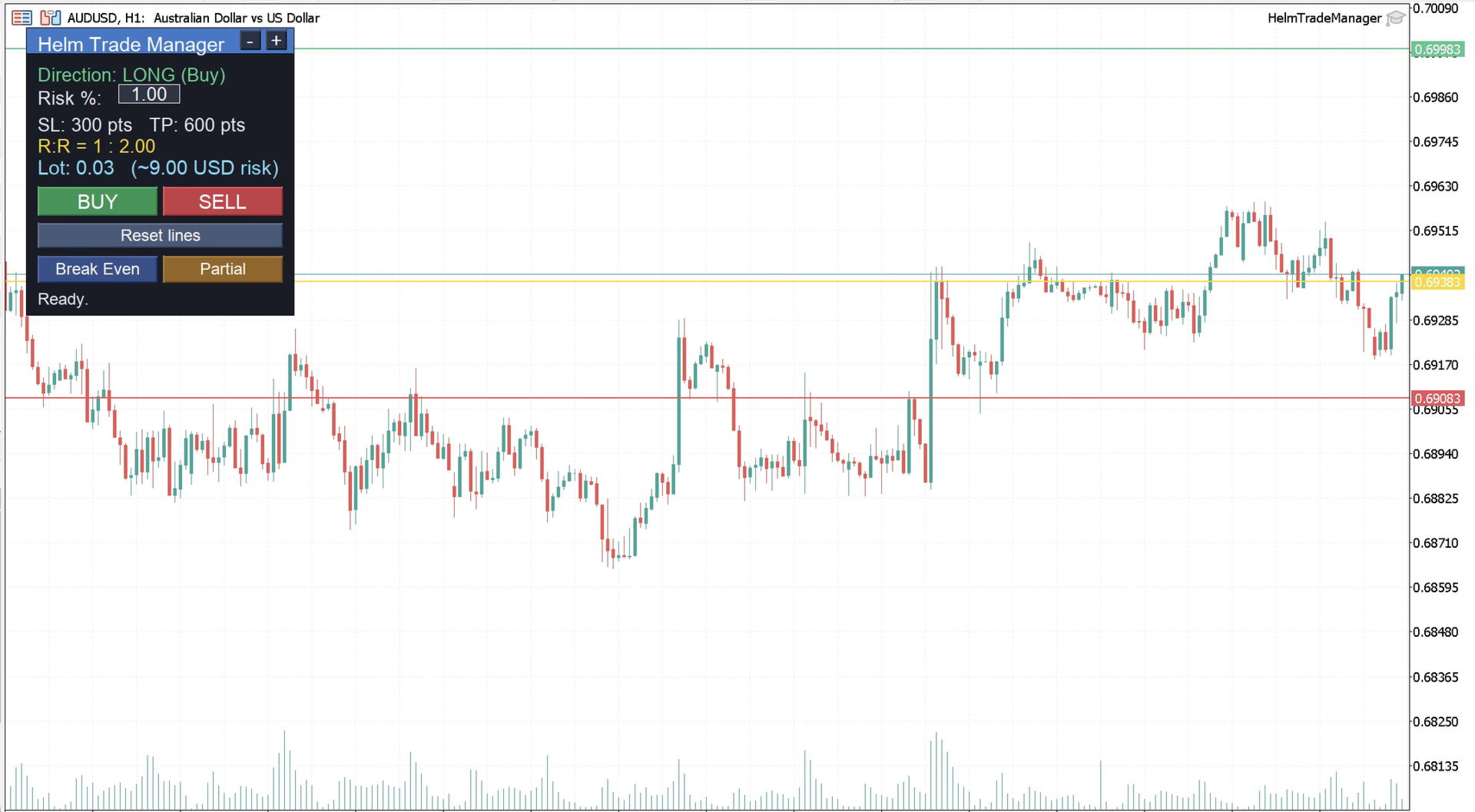
Helm Trade Manager brings a clean, TradingView-style workflow to MetaTrader 5. Instead of typing prices into order windows, you drag three lines directly on the chart — Entry, Stop Loss and Take Profit — and the panel instantly shows you everything you need to make the decision.
What it does
- Draggable Entry, Stop Loss and Take Profit lines on the chart.
- Automatic lot sizing based on your risk: choose a percentage of your balance or a fixed money amount, and the panel calculates the exact lot for the distance to your Stop Loss.
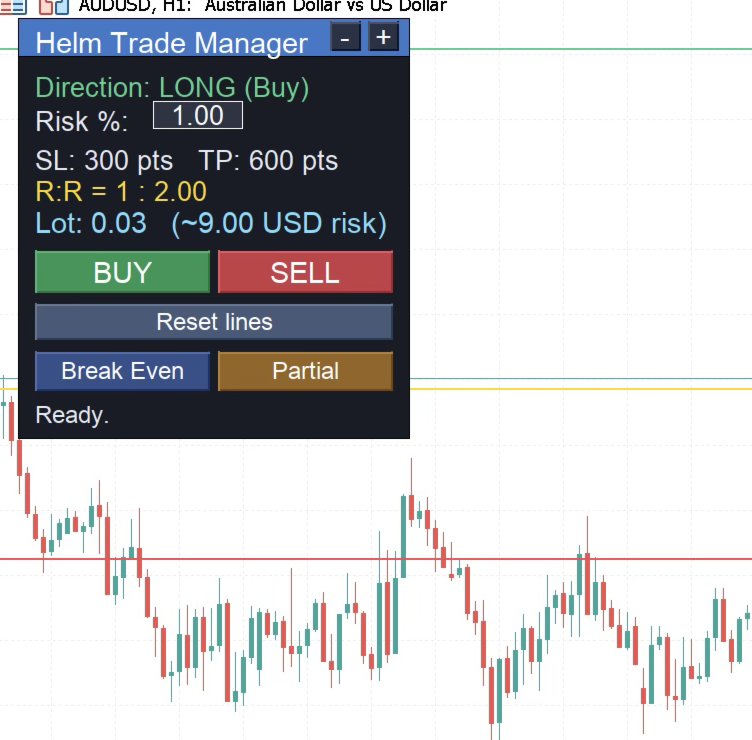
- Live Risk:Reward ratio and the real money at risk, updated as you move the lines.
- Trade direction is detected automatically from the position of your lines (long or short), just like a position tool.
- One-click BUY or SELL. The panel opens a market order when your entry is at price, or the correct pending order (limit/stop) when your entry line is set away from price — with Stop Loss and Take Profit already attached.
- Manual Break-Even button: moves the Stop Loss of your open positions to entry, with a configurable buffer to cover spread and commission.
- Manual Partial-Close button: closes a chosen percentage of your positions to lock in profit while letting the rest run.
- Movable and resizable panel: drag it by the title bar and use the -/+ buttons to scale it. Separate text-size input and full color customization.
Notes
- Works on any symbol and timeframe.
- All position management is filtered by the panel's magic number, so it only acts on trades opened from the panel.
- This is an execution and risk-management utility, not an automated strategy. It does not open trades on its own — you stay in full control of every decision.
- Always test on a demo account before using it with real funds.
Requires "Algo Trading" to be enabled in the terminal for the buttons to execute.