SMC OrderBlock MT5 EA
- エキスパート
-
Lungile Mbanjwa
 Hi, I’m Lungile Mbanjwa, a 27-year-old reliable and dedicated Expert Advisor (EA) developer.
I specialize in building smart, adaptive trading robots using Moving Average strategies — including SMA/EMA crossovers, trend detection, slope analysis, and dynamic filters.
My promise to you: - バージョン: 2.0
- アップデート済み: 12 10月 2026
- アクティベーション: 10
Author: Lungile Mbanjwa
Assisted by: Grok and Claude
Platform: MetaTrader 5 (MQL5)
Strategy: Smart Money Concepts (SMC), Order Blocks, Market Structure and Liquidity Analysis
Overview
The SMC OrderBlock MT5 EA is an automated trading system designed to identify potential trading opportunities using Smart Money Concepts. It analyses market structure, order blocks, displacement, and liquidity to identify potential entry zones rather than relying on random entries.
The EA uses the H1 timeframe for entry analysis, with H4 and D1 providing additional market context. It can automatically identify qualifying bullish and bearish order blocks, wait for price to return to a valid zone, and execute trades according to the configured trading rules.
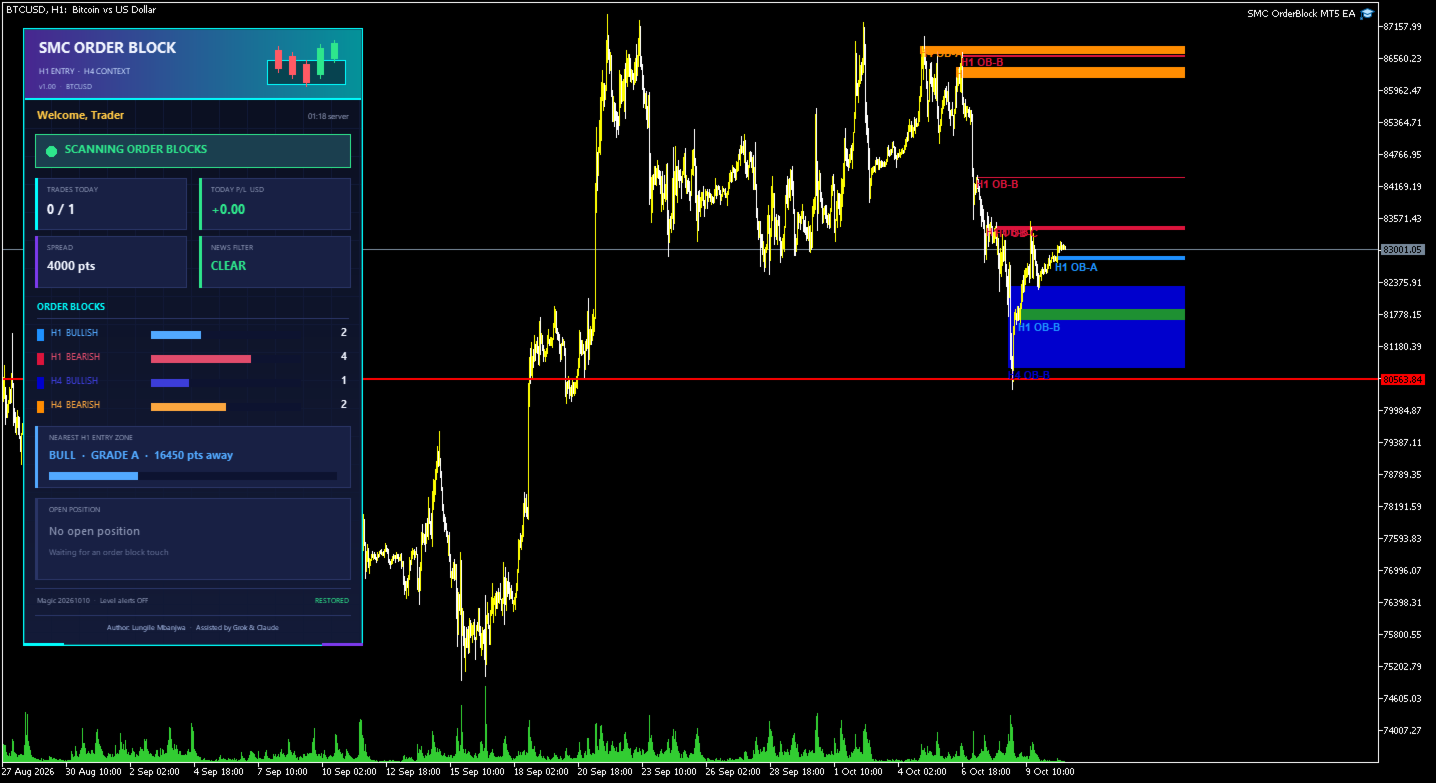
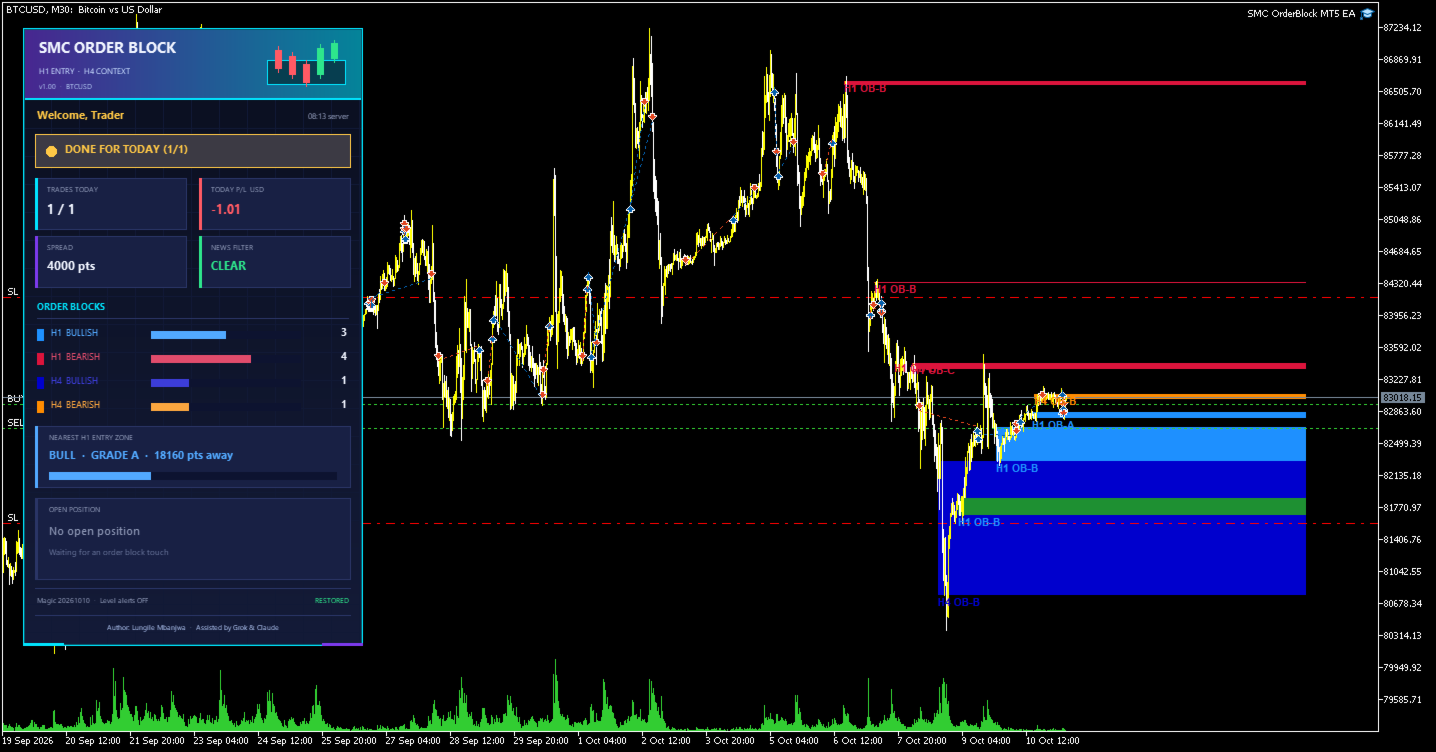
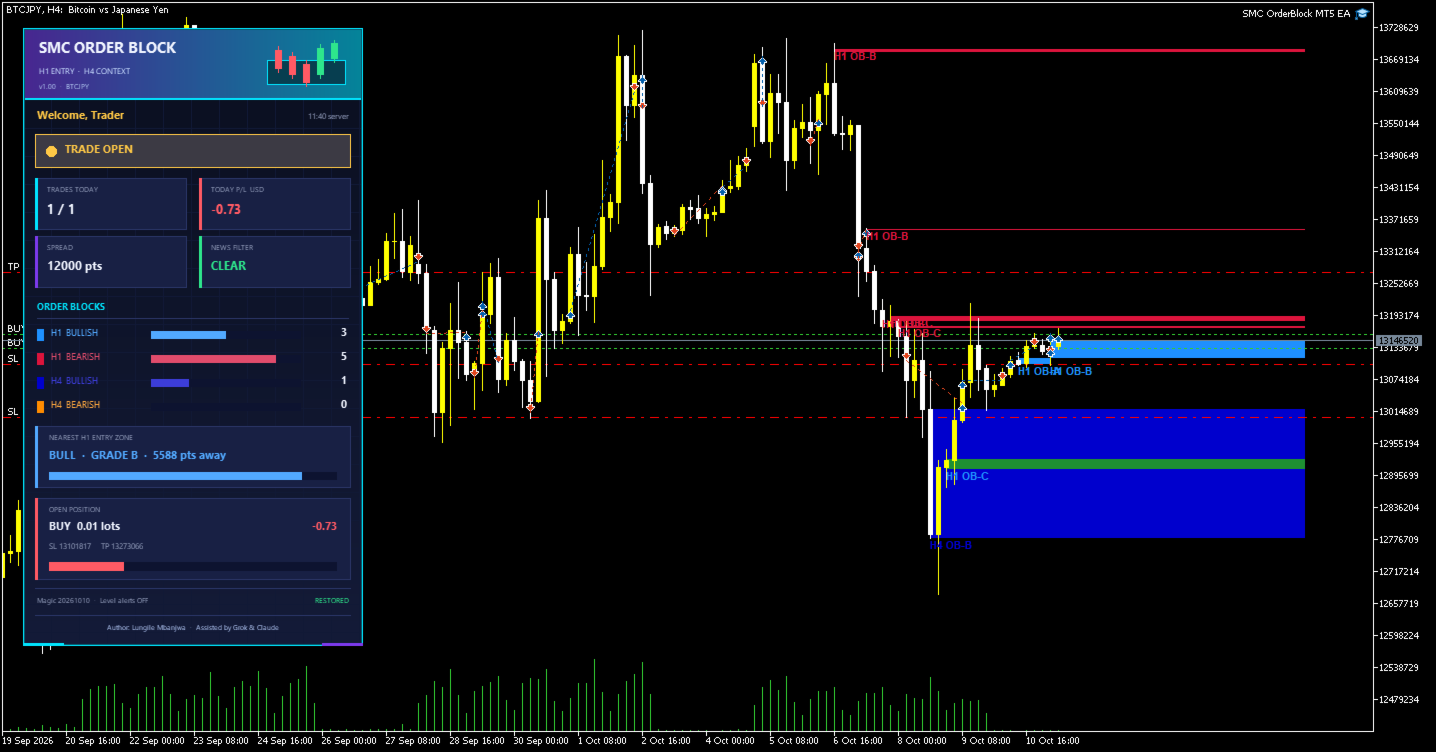
The system also includes visual chart analysis tools to help traders understand the market conditions behind its decisions.
Key Features
1. Automated Order Block Detection
-
Identifies potential bullish and bearish order blocks.
-
Analyses H1 and H4 order blocks, with optional D1 order-block analysis.
-
Uses swing points and displacement to evaluate potential zones.
-
Filters out mitigated order blocks when the freshness filter is enabled.
-
Assigns quality grades to order blocks and allows users to choose the minimum quality for trading.
2. Market Structure Analysis
The EA can display important market structure information directly on the chart, including:
-
Break of Structure (BOS).
-
Change of Character (CHoCH).
-
Higher Highs (HH) and Higher Lows (HL).
-
Lower Highs (LH) and Lower Lows (LL).
These visual references help traders interpret potential changes in market direction.
3. Liquidity and Daily Levels
The EA includes optional tools for marking:
-
Buy-Side Liquidity (BSL) and Sell-Side Liquidity (SSL).
-
Equal Highs (EQH) and Equal Lows (EQL).
-
Potential liquidity sweeps.
-
Previous Daily High and Low.
-
Daily opening price.
-
Daily Fair Value Gaps (FVGs).
These features provide additional market context when evaluating potential trading opportunities.
4. Automated Trade Management
The EA includes configurable trade-management features:
-
Automatic buy and sell entries.
-
Stop loss positioned beyond the order-block zone with a configurable buffer.
-
Risk-to-reward target, set to 2:1 by default.
-
Break-even protection, enabled by default at 1R.
-
Optional trailing stop.
-
Configurable maximum number of trades per day, set to one by default.
The EA is designed to manage its own qualifying trades according to its settings, reducing the need for unnecessary manual interference.
5. Risk Management
Risk controls include:
-
Fixed lot sizing or optional percentage-based risk sizing.
-
Configurable daily loss limit.
-
Maximum spread filter.
-
Automatic lot reduction when required to fit available margin.
-
Configurable trading sessions.
-
Individual weekday and weekend trading controls.
These features help users adapt the EA to their account size, broker conditions, and risk preferences. They do not eliminate trading risk.
6. Economic News Filter
The EA includes an economic-news filter intended to prevent new entries around high-impact news events.
The default configuration blocks entries 30 minutes before and 15 minutes after relevant news. Users can adjust these settings.
Important: The economic-news filter does not operate in the Strategy Tester, so backtests will not fully reproduce its live news-filter behaviour.
7. Information Dashboard and Notifications
The on-chart dashboard displays relevant information about the EA's current status, including trading activity, market structure, order-block zones, spread, news conditions, and position information.
Optional alerts and mobile push notifications are also available.
8. Restart-Safe Operation
The EA stores its daily trade-count state so that it can restore that information after a terminal restart. It also filters trade management by its configured magic number and chart symbol to help avoid interfering with positions belonging to other EAs.
Recommended Setup
For traders intending to use the EA on Gold (XAUUSD):
-
Attach the EA to a Gold chart using your broker's correct symbol name.
-
Configure the lot size and risk-management settings.
-
Review the order-block, quality, and confirmation filters.
-
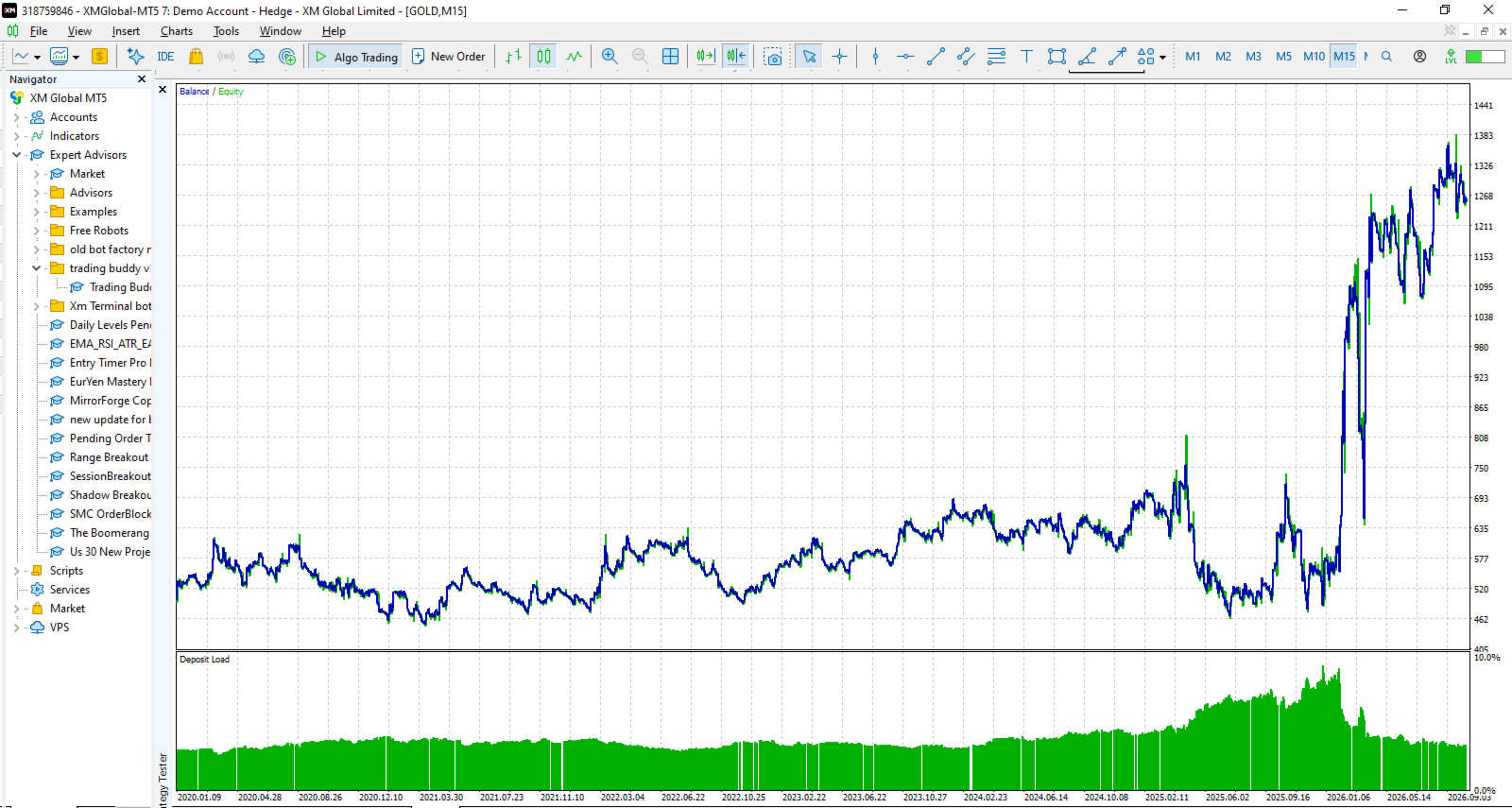
Test the EA in the MT5 Strategy Tester.
-
Run it on a demo account before considering live trading.
-
If moving to a real account, start with the smallest suitable lot and monitor performance carefully.
Use a unique magic number for each EA instance and symbol. On netting accounts, other EAs trading the same symbol may interfere with position management; a hedging account is recommended.
Who Is This EA For?
The SMC OrderBlock EA is intended for traders interested in automated Smart Money Concepts strategies, order-block analysis, market structure, and liquidity-based trading.
It may be useful for traders who want an EA to monitor potential setups and manage qualifying trades automatically instead of constantly making manual entry and exit decisions.
Risk Disclaimer
Trading Gold and other leveraged financial instruments involves substantial risk. Order blocks and market-structure signals do not guarantee that price will reverse or continue in the expected direction.
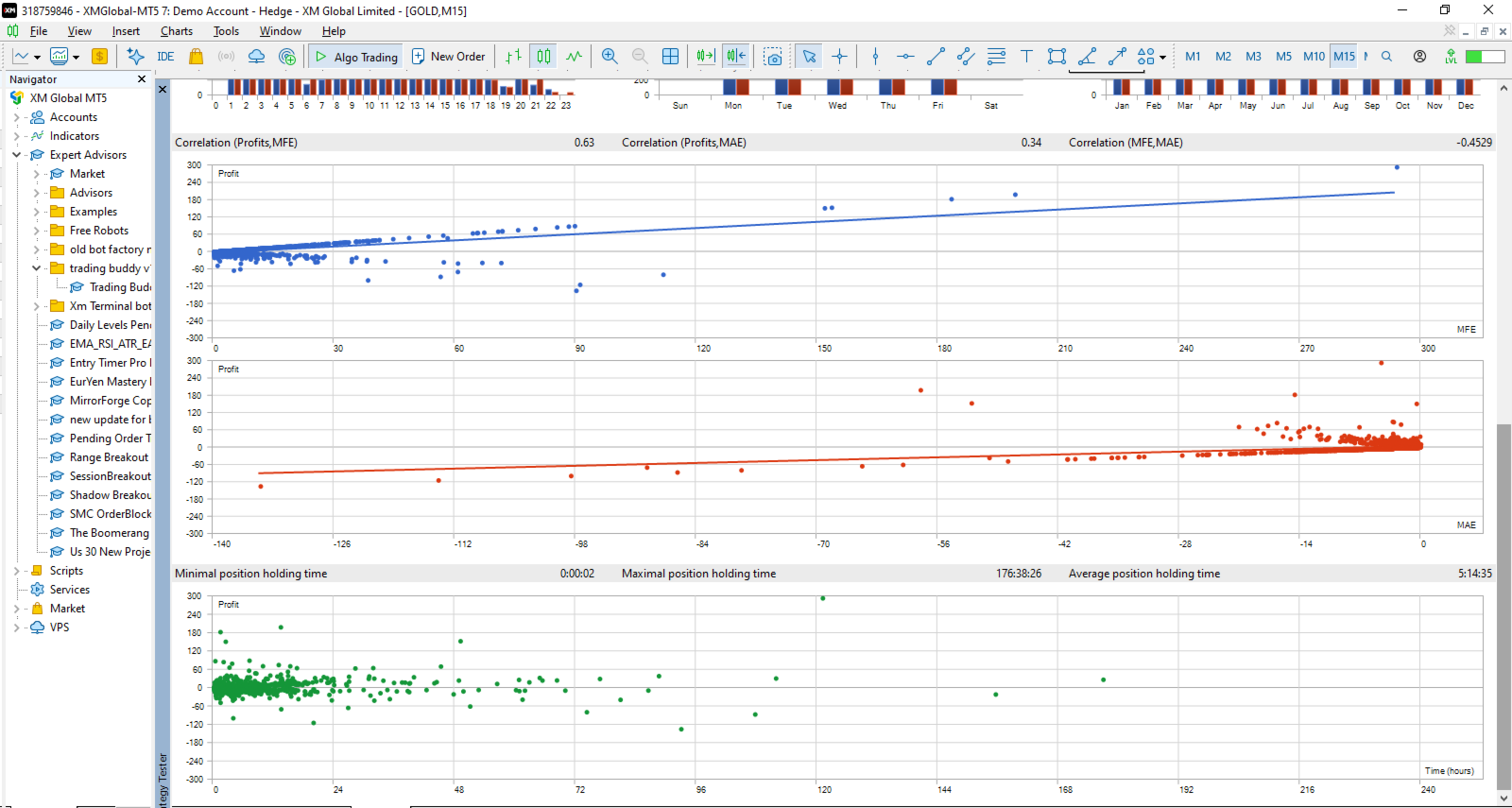
Backtesting results and demo-account performance do not guarantee future results. Always test the EA thoroughly, understand its settings, and use risk levels appropriate for your financial circumstances.
Developed by Lungile Mbanjwa, with assistance from Grok and Claude.