Aegis Current Force
- インディケータ
- バージョン: 1.0

Aegis Current Force
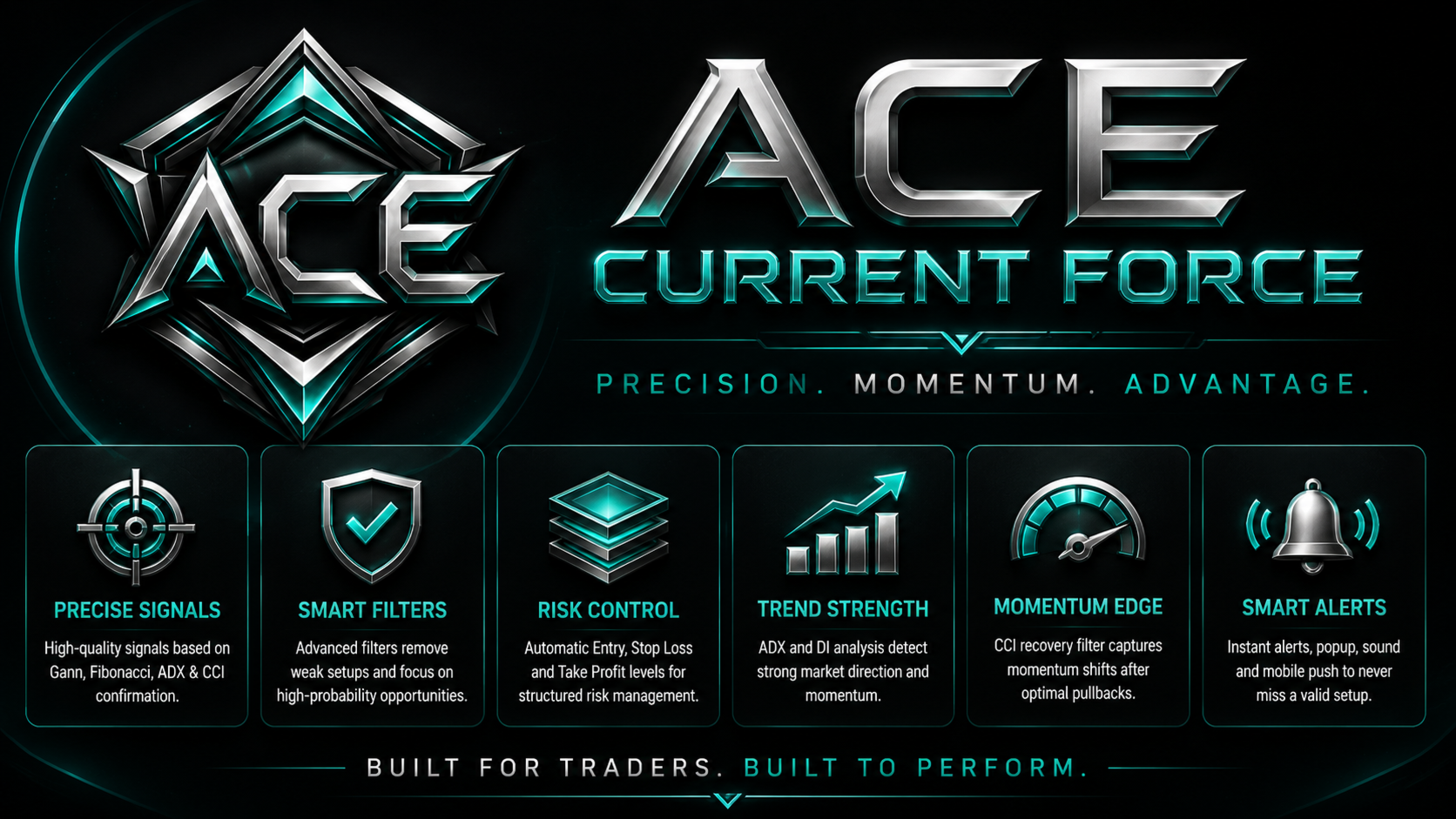
Aegis Current Force is a professional signal indicator designed to identify structured trading opportunities using market direction, trend strength, momentum recovery, and predefined risk levels.
The indicator combines an internal Gann and Fibonacci price-alignment engine with ADX directional confirmation and CCI recovery filtering. A signal appears only when the selected conditions agree, helping reduce weak and unstructured entries.
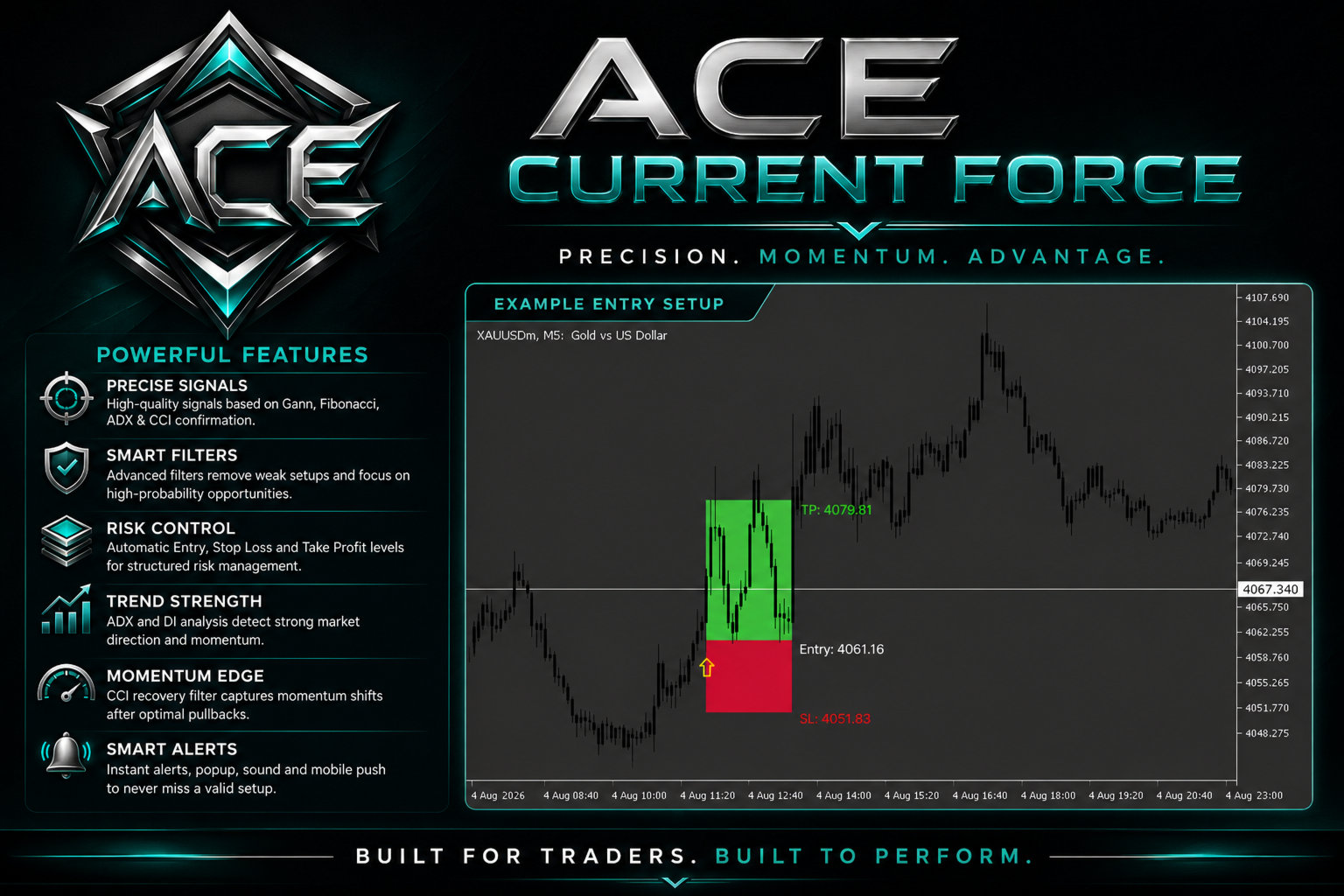
BUY and SELL arrows are displayed directly on the chart. The indicator also creates Entry, Stop Loss, and Take Profit zones to make every setup easier to understand and manage.
MAIN FEATURES
• BUY and SELL signal arrows
• Automatic Entry, Stop Loss, and Take Profit zones
• Internal Gann and Fibonacci alignment engine
• ADX strength confirmation
• Plus DI and Minus DI directional filtering
• CCI momentum recovery confirmation
• ATR-based risk calculations
• Bullish and bearish candle confirmation
• Adjustable trading-session filter
• Weekday-only filtering
• Signal cooldown control
• One signal per day option
• Popup and sound alerts
• Mobile push notifications
• Works with the active chart timeframe
• Historical signal calculation
• Clean chart presentation
HOW IT WORKS
Aegis Current Force first analyzes the internal Gann and Fibonacci price structure to identify a valid golden setup.
The ADX filter then checks whether the market has sufficient directional strength.
For BUY signals, Plus DI must be stronger than Minus DI. For SELL signals, Minus DI must be stronger than Plus DI.
The CCI filter confirms momentum recovery after a pullback. A bullish recovery can be detected when CCI moves back above the oversold zone. A bearish recovery can be detected when CCI moves back below the overbought zone.
When all active conditions agree, the indicator displays a BUY or SELL arrow and calculates the corresponding Entry, Stop Loss, and Take Profit structure.
The indicator processes confirmed candles and does not generate a final setup from the currently forming candle.
RECOMMENDED USE
Aegis Current Force can be attached to different chart timeframes, including M1, M5, M15, M30, H1, and H4.
All calculations adapt to the active chart timeframe. The indicator does not contain an internal multi-timeframe system.
It can be used on XAUUSD and other supported symbols after adjusting the divisor and risk settings for the selected market.
For best results, combine the indicator with your own market analysis, risk-management rules, and trading plan.
INPUT PARAMETERS
CORE SETTINGS
• Gann Radar Step Mode
Controls the internal Gann step calculation. Automatic mode adapts the step to the active chart timeframe.
• Divisor
Adjusts the internal price calculation for different symbol types.
• ATR Length
Defines the ATR calculation period.
• ATR Source
Selects Live ATR or Manual ATR Value.
• Manual ATR Value
Defines the ATR value used when manual mode is selected.
• Golden Radar Threshold
Controls the permitted distance between the calculated target and internal Fibonacci levels.
• Historical Bars
Defines the number of historical candles processed by the indicator.
ADX DIRECTION FILTER
• Use ADX Filter
Enables or disables ADX directional confirmation.
• ADX Period
Defines the ADX calculation period.
• ADX Minimum
Defines the minimum trend-strength value required for a valid signal.
• DI Minimum Gap
Defines the minimum distance required between Plus DI and Minus DI.
• Require ADX Rising
When enabled, ADX must be stronger than its previous confirmed value.
CCI RECOVERY FILTER
• Use CCI Filter
Enables or disables CCI momentum confirmation.
• CCI Period
Defines the Commodity Channel Index period.
• CCI Applied Price
Selects the price source used in the CCI calculation.
• CCI Oversold
Defines the lower recovery zone used for BUY confirmation.
• CCI Overbought
Defines the upper recovery zone used for SELL confirmation.
• CCI Recovery Lookback
Defines how many recent confirmed candles are checked for a valid recovery.
• Require CCI Recovery
Requires CCI to exit the selected oversold or overbought zone.
• Require CCI Slope
Requires CCI to rise for BUY signals and fall for SELL signals.
• Require CCI Zero Line
Optionally requires CCI above zero for BUY signals and below zero for SELL signals.
RISK MANAGEMENT
• Stop Loss ATR Multiplier
Controls the Stop Loss distance using ATR.
• Take Profit ATR Multiplier
Controls the Take Profit distance using ATR.
• Arrow Cooldown
Defines the minimum number of candles between signals.
• One Signal Per Day
Limits the indicator to one valid signal per trading day.
CONFIRMATIONS
• Use Candle Confirm
Requires a bullish candle for BUY signals and a bearish candle for SELL signals.
• Use Time Filter
Enables or disables the trading-session filter.
• Session Start Hour
Defines the beginning of the permitted trading session.
• Session End Hour
Defines the end of the permitted trading session.
• Weekdays Only
Prevents signals from being generated during weekends.
VISUAL SETTINGS
• Draw Trade Zones
Shows or hides Entry, Stop Loss, and Take Profit zones.
• Label Digits
Controls the number of decimal places displayed in price labels.
• Entry Color
Defines the Entry-label color.
• Take Profit Color
Defines the Take Profit-label color.
• Stop Loss Color
Defines the Stop Loss-label color.
ALERTS
• Enable Alerts
Enables or disables signal alerts.
• Play Sound
Plays the selected sound when a valid setup appears.
• Sound File
Defines the sound file used by the indicator.
• Show Popup
Displays a popup notification for a new signal.
• Send Mobile Push
Sends the signal information to the connected MetaTrader mobile application.
IMPORTANT NOTE
Aegis Current Force is a technical-analysis tool and does not guarantee profitable results. Market conditions can change, and every trading strategy involves risk.
Always test the indicator, apply appropriate risk management, and confirm every setup using your own analysis before making a trading decision.