DinexSpace Pivot Points
- Indicatori
-
Huu Tho Tran
 DinexSpace - studio di automazione del trading per MetaTrader 5.
Validiamo la tua idea di trading con costi reali in due fasi prima di programmarla. Se l'idea non supera la validazione ci fermiamo e non paghi il robot.
Storico live - Versione: 1.0
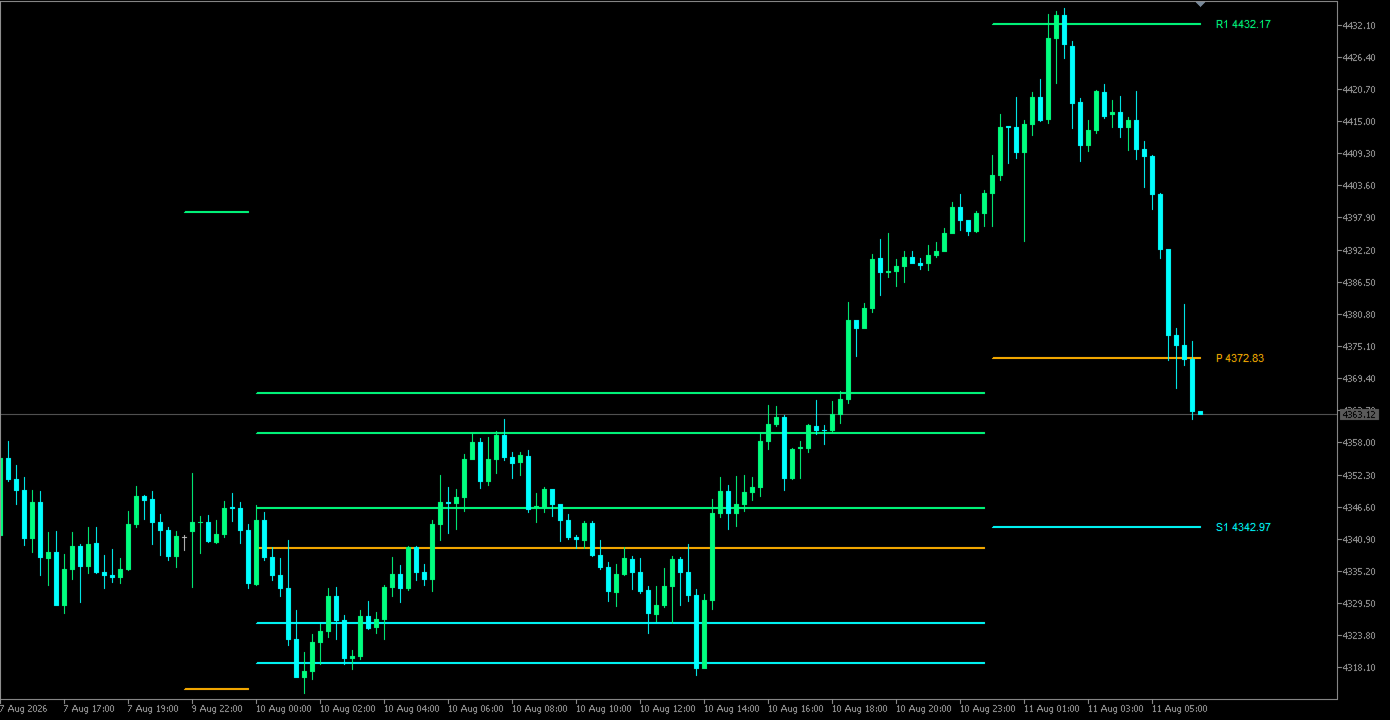
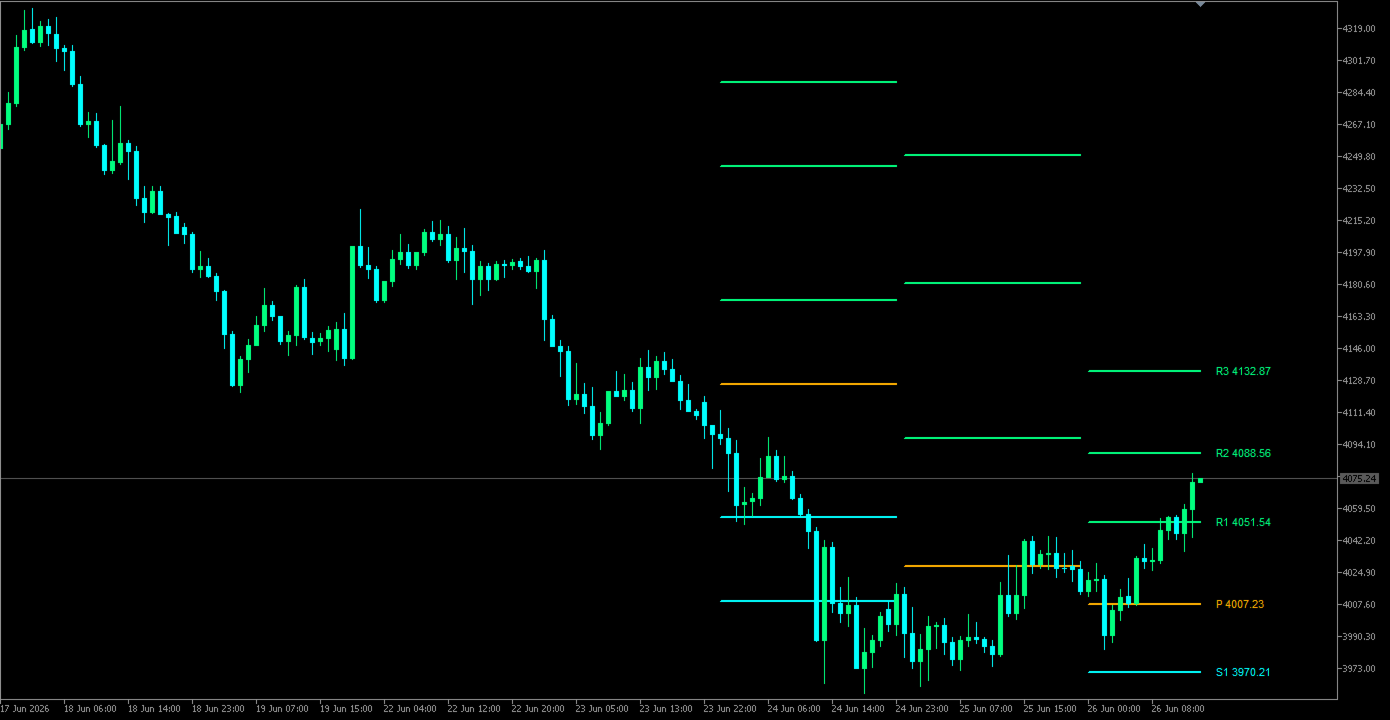
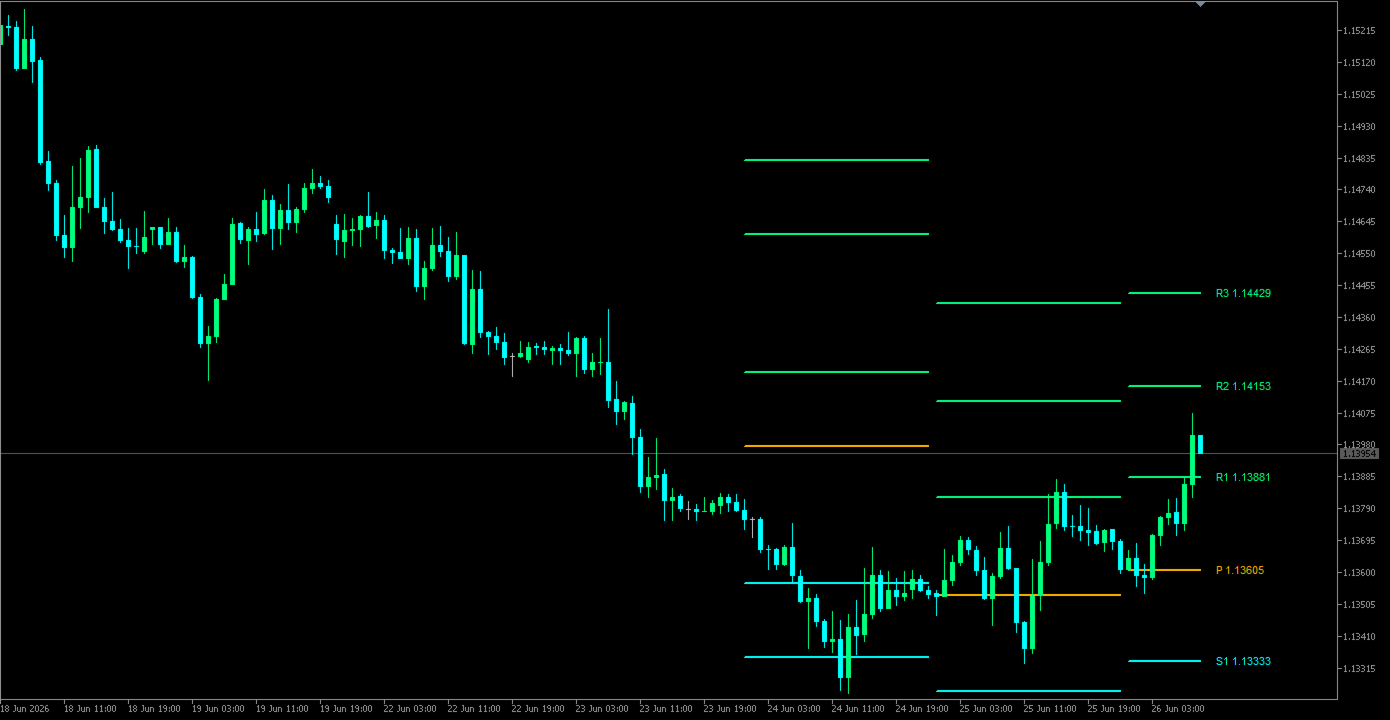
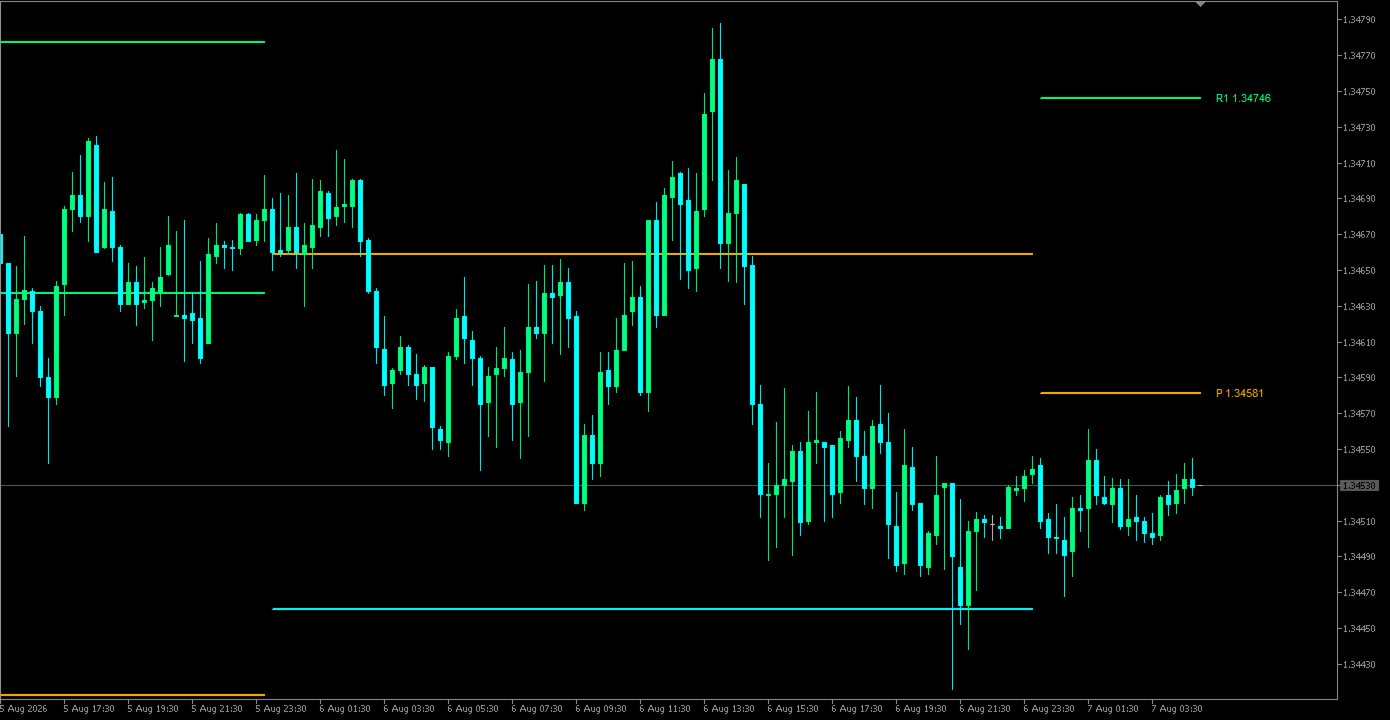
Pivot Points draws the classic floor-trader levels from the previous day, week or month: a central pivot plus resistance (R) levels above and support (S) levels below. Three common formulas are included.
Formulas (H, L, C = previous period's high, low, close; P = (H + L + C) / 3; range = H - L)
- Classic: R1 = 2P - L, S1 = 2P - H, R2/S2 = P ± range, R3 = H + 2(P - L), S3 = L - 2(H - P).
- Fibonacci: P ± 0.382, 0.618 and 1.000 × range.
- Camarilla: C ± range × 1.1/12, 1.1/6, 1.1/4 and 1.1/2 (R1-R4, S1-S4).
How it works
- Values come from the previous closed D1, W1 or MN1 bar, so they stay fixed for the whole current period.
- Each period gets its own line segment, drawn behind the candles. You choose how many periods to keep.
- The current levels carry labels (P, R1, S1 …) with the price, just right of the last bar.
- You choose how many levels to show on each side (up to 3 for Classic and Fibonacci, 4 for Camarilla).
- Lines are rebuilt only when a new period starts; on other ticks only the current segment is extended.
Inputs
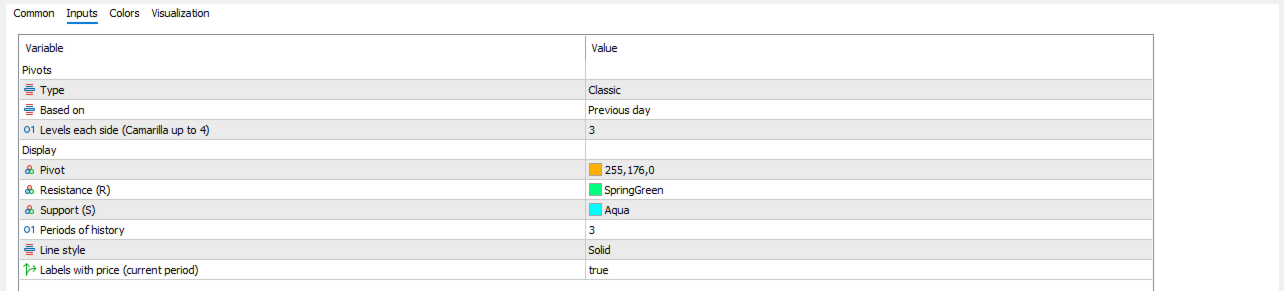
- Pivots: type, based on previous day/week/month, levels each side.
- Display: colours for pivot, resistance and support, periods of history, line style, labels.
Limits
- Use a chart timeframe below the pivot period; on higher timeframes nothing is drawn.
- Days, weeks and months follow the broker's server time.
- It draws reference levels only. It does not say when to buy or sell.
The indicator does not trade or give signals.