TCL Correlation Matrix
- Indicatori
- Versione: 1.4

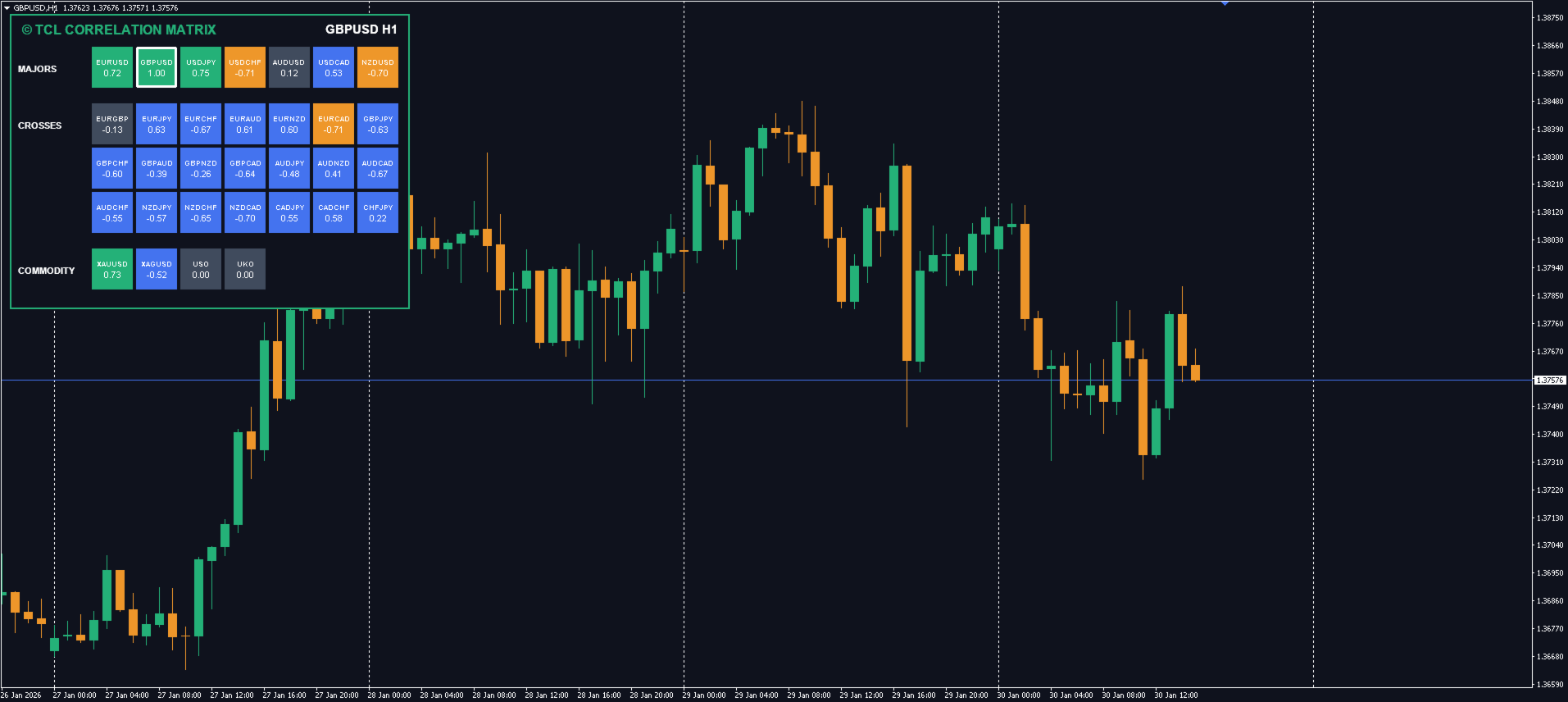
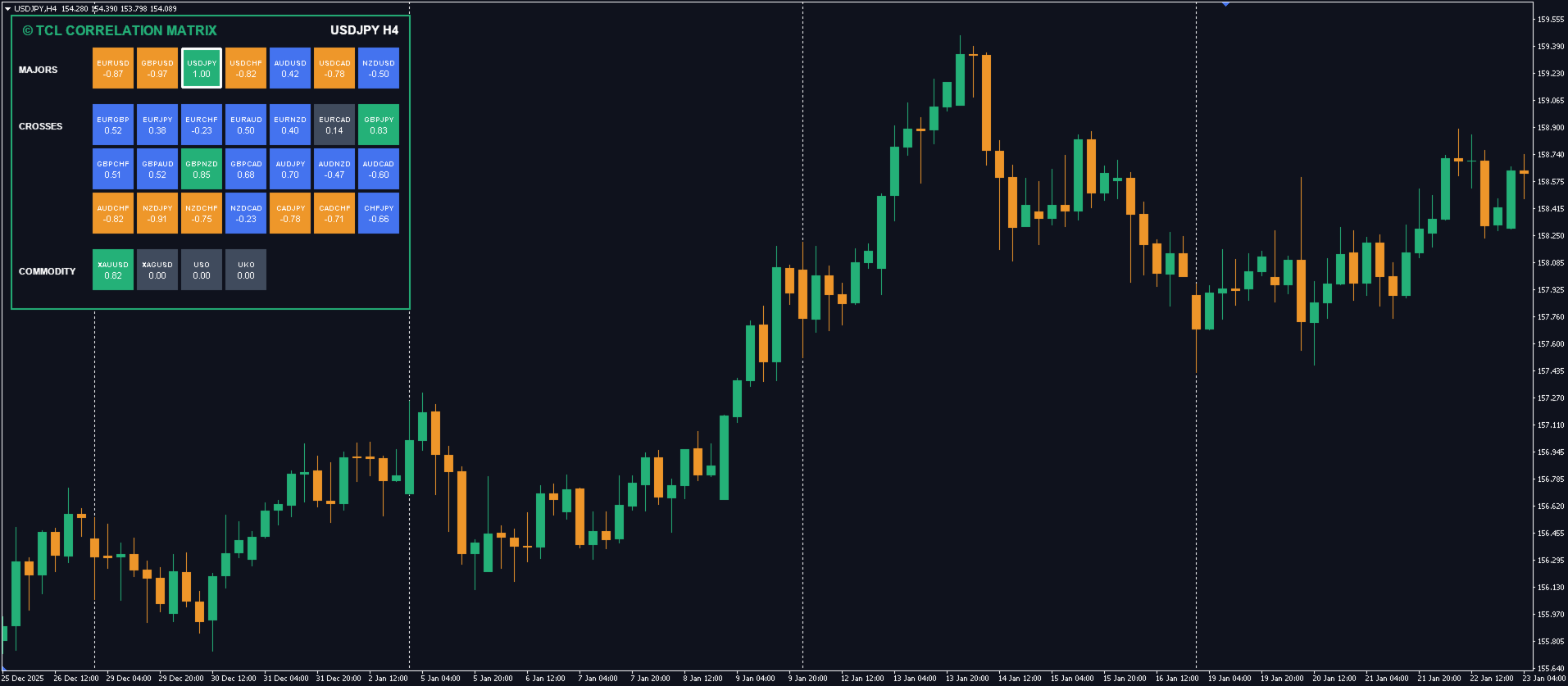
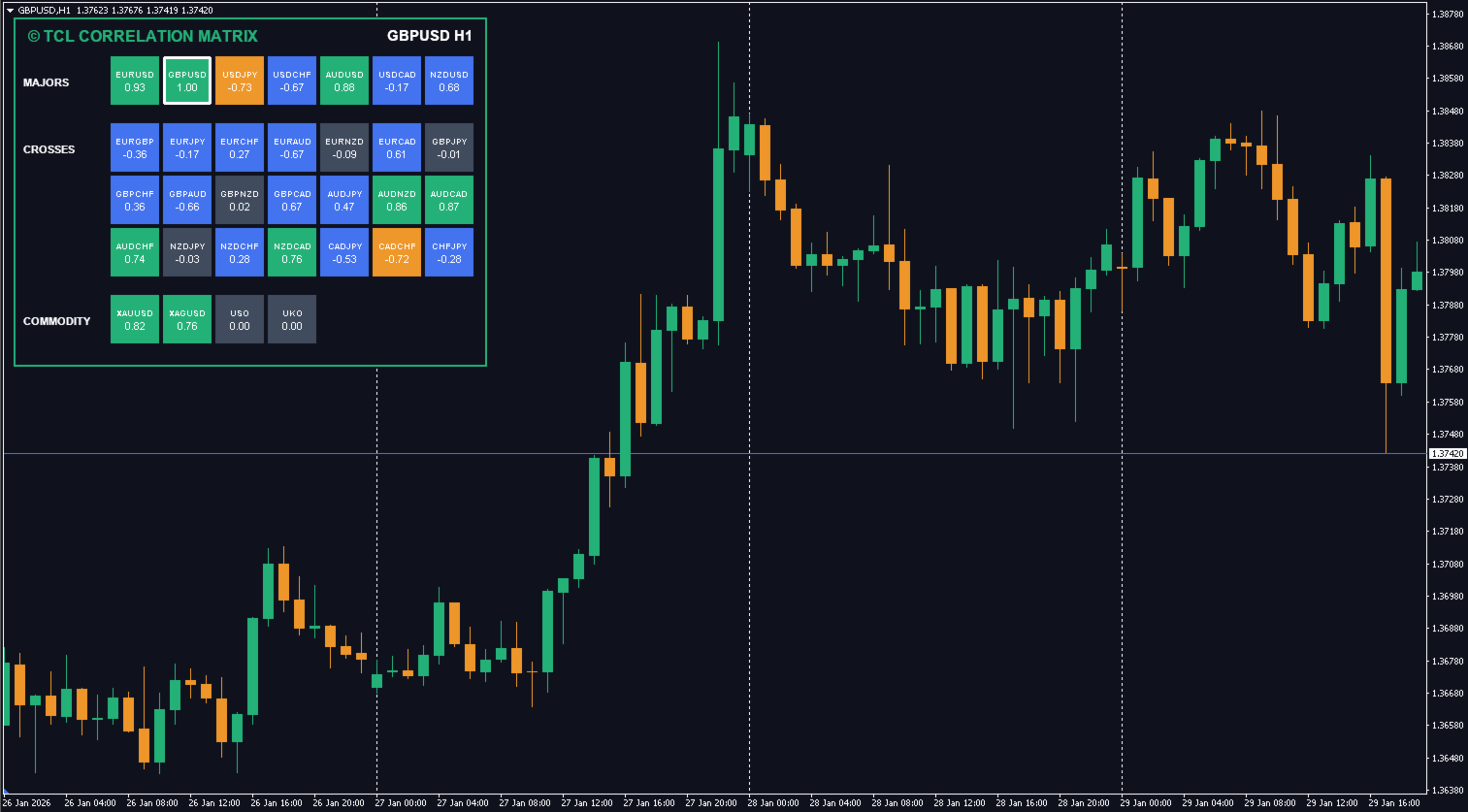
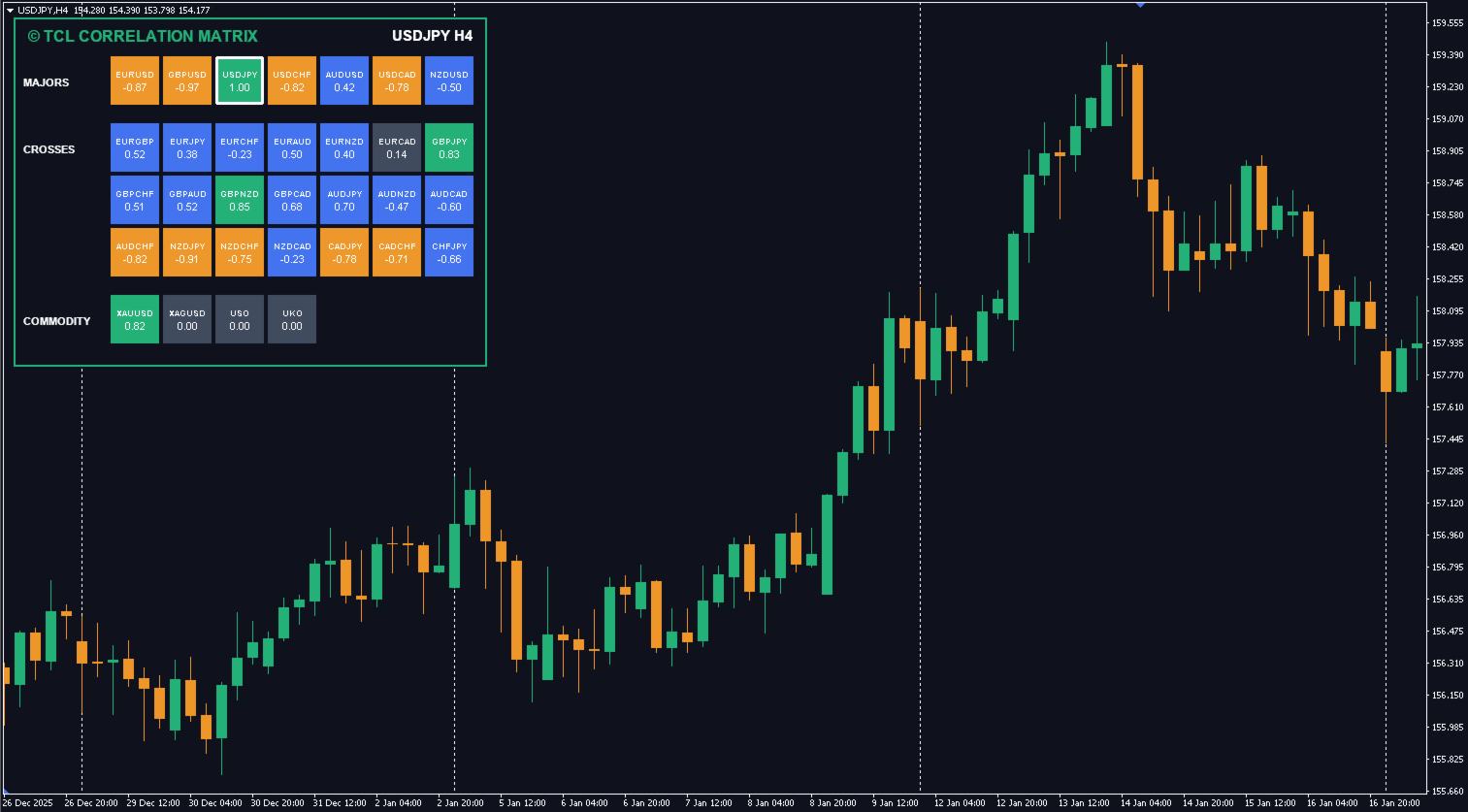
TCL Correlation Matrix is a multi-symbol correlation dashboard for MetaTrader 4. It scans up to 42 symbols across Forex majors, crosses, exotics, commodities, and cryptocurrencies, calculating a real-time Pearson correlation coefficient between each symbol and the chart's symbol.
What It Shows
Each symbol's correlation value is displayed as a coefficient between -1.00 and +1.00. Values close to +1.00 mean the two symbols move together; values close to -1.00 mean they move opposite; values near 0.00 mean they are uncorrelated. The matrix is grouped into expandable sections (Majors, Crosses, Exotics, Commodities, Crypto, Custom) so traders can focus on relevant asset classes.
Components
- Real-Time Correlation Coefficient — calculated over a configurable lookback window using Pearson correlation.
- Six Asset Class Blocks — Majors, Crosses, Exotics, Commodities, Crypto, and a user-defined Custom list.
- Symbol List Customization — each block accepts a comma-separated list of symbols, so traders match their broker's symbol naming.
- Color-Coded Display — coefficient values are color-graded for quick scanning.
Inputs
- Panel Position — chart corner for the dashboard (default top-left)
- Enable Major Pairs — toggle the Majors block (default true)
- Enable Cross Pairs — toggle the Crosses block (default true)
- Enable Exotic Pairs — toggle the Exotics block (default false)
- Enable Commodity Pairs — toggle Gold, Silver, and Oil (default true)
- Enable Crypto Pairs — toggle the Crypto block (default false)
- Enable Custom Pairs — toggle the Custom block (default false)
- Majors, Crosses, Exotics, Commodities, Crypto, Custom — comma-separated symbol lists per block
- Lookback Bars — number of candles used to calculate correlation (default 50)
Compatibility
The indicator works on MetaTrader 4. It is compatible with all instruments and all timeframes. Correlation values update live as new candles close.
Installation
- Download the file from MQL5 Market
- Restart MetaTrader if needed
- Drag the indicator onto any chart
For questions about parameters or behavior, please use the Comments tab.