Trade Guard Panel
- Experts
- Versione: 2.74
- Attivazioni: 10

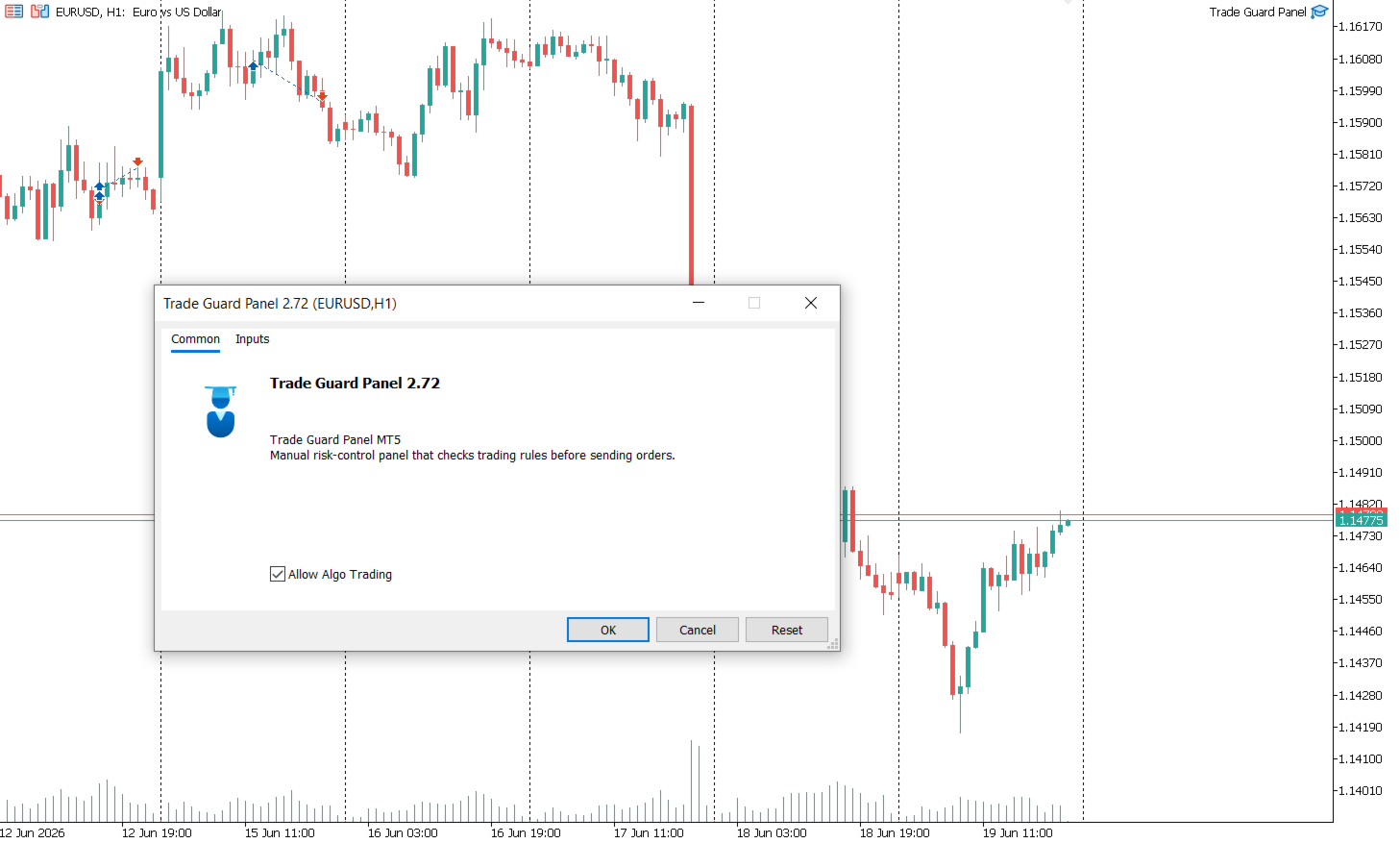
Trade Guard Panel is a risk control and protected execution panel for MetaTrader 5.
The Expert Advisor is designed for traders who want more discipline before opening new trades. Instead of sending market orders directly without checking basic risk rules, the panel allows you to place protected Buy and Sell orders based on predefined safety conditions.
The product does not generate trading signals and does not trade automatically without the trader’s decision. Its main purpose is to help the trader apply basic execution rules before opening a position.
Main features:
-
Protected Buy and Sell buttons
-
Daily trade limit control
-
Loss streak protection
-
Cooldown period after a losing trade
-
Block lot increase after a losing trade
-
Daily loss limit protection
-
Minimum risk-reward filter
-
Maximum spread filter
-
Stop Loss and Take Profit requirement
-
Fixed lot or risk percentage position sizing
-
Symbol-based position management
-
Pause and resume trading panel
-
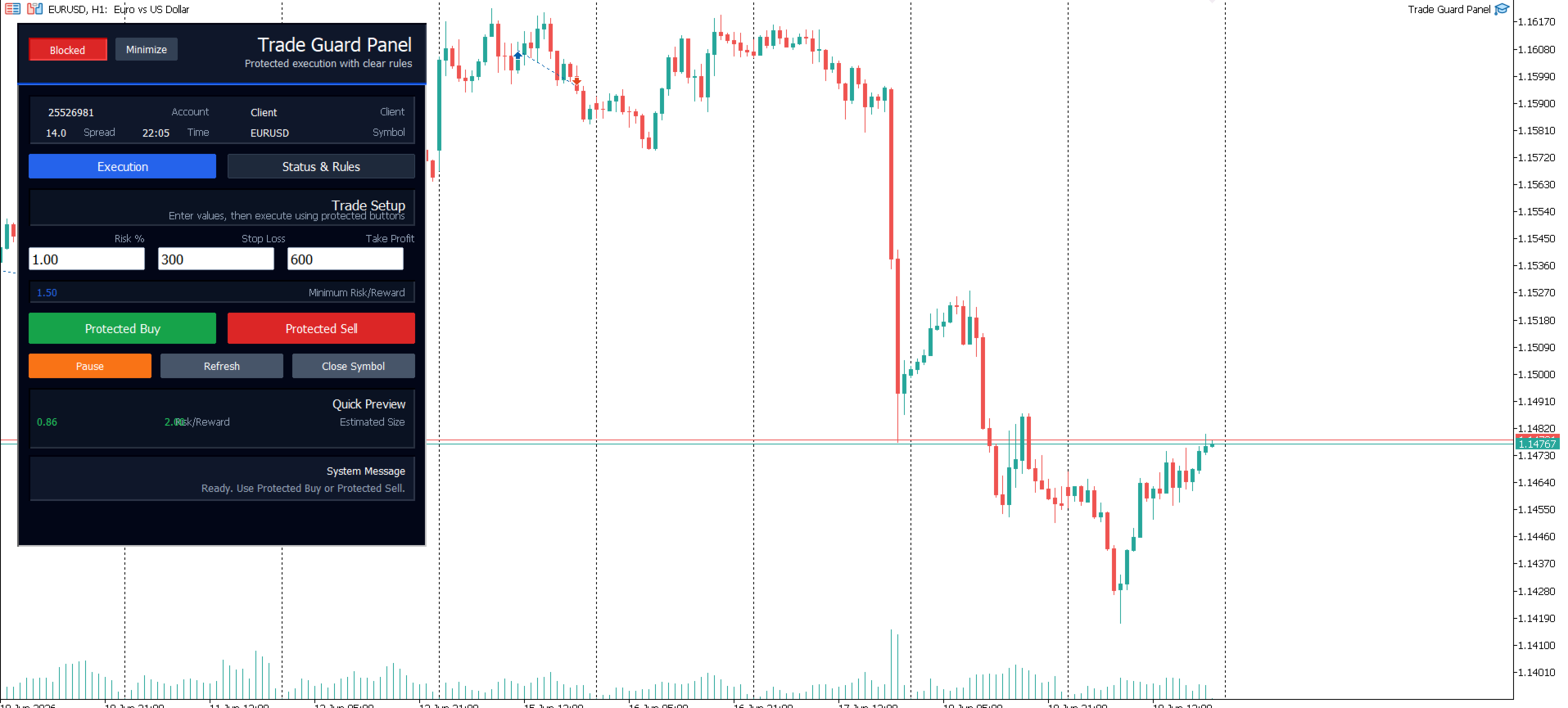
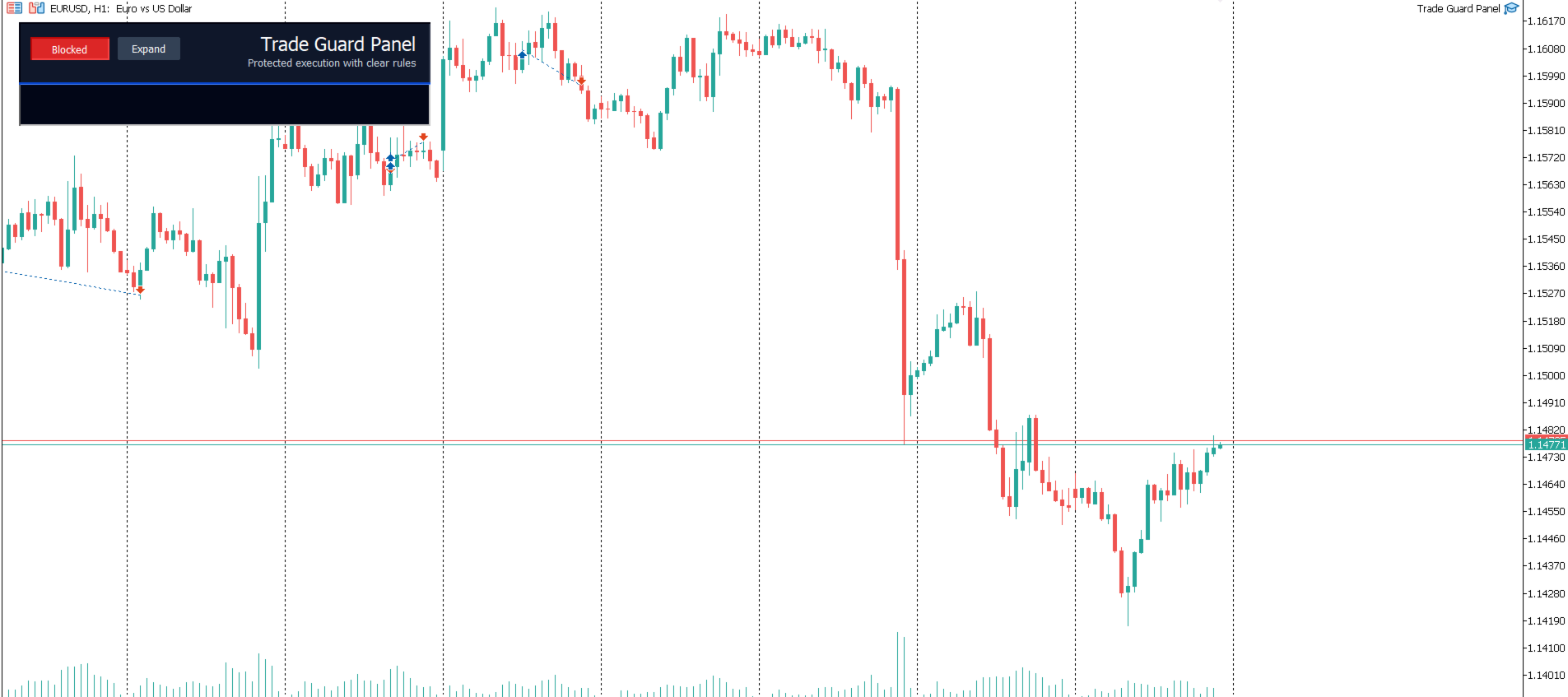
Simple visual dashboard on the chart
-
Suitable for manual traders who want rule-based execution control
How it works:
The trader attaches the Expert Advisor to a chart and uses the panel buttons to open protected Buy or Sell orders.
Before sending the trade, the panel checks the configured rules, such as maximum spread, daily trade limit, loss streak limit, cooldown after loss, minimum risk-reward ratio, and Stop Loss / Take Profit availability.
If the trade does not meet the selected rules, the panel blocks the execution and displays the reason on the chart.
This helps the trader avoid common execution mistakes such as overtrading, revenge trading, increasing lot size after losses, trading during poor conditions, or opening trades without proper risk parameters.
Important notes:
-
This product is not a signal provider.
-
This product does not guarantee profits.
-
This product does not predict market direction.
-
This product is a manual trading support tool.
-
The trader is fully responsible for all trading decisions.
-
Always test the Expert Advisor on a demo account before using it on a live account.
Input parameters:
Trading Settings
-
Enable Trading Panel
Enables or disables the protected trading panel. -
Magic Number
Unique identifier used by the Expert Advisor to manage its own trades. -
Default Lot Size
The fixed lot size used when fixed lot mode is selected. -
Use Risk Percent
Enables position sizing based on account risk percentage instead of fixed lot. -
Risk Percent Per Trade
Defines the percentage of account balance to risk per trade when risk mode is enabled.
Risk Control Settings
-
Max Trades Per Day
Maximum number of trades allowed per day. -
Max Daily Loss Percent
Maximum allowed daily loss percentage before new trades are blocked. -
Max Loss Streak
Maximum number of consecutive losing trades allowed before blocking new trades. -
Cooldown Minutes After Loss
Number of minutes to wait after a losing trade before allowing a new trade. -
Block Lot Increase After Loss
Prevents increasing the lot size after a losing trade.
Execution Filters
-
Require Stop Loss
Blocks trade execution if Stop Loss is not defined. -
Require Take Profit
Blocks trade execution if Take Profit is not defined. -
Minimum Risk Reward Ratio
Minimum required risk-reward ratio before allowing a trade. -
Maximum Spread Points
Maximum allowed spread in points before trade execution is blocked. -
Block Bad Trading Hours
Enables filtering of selected trading hours.
Panel Settings
-
Show Panel
Displays or hides the chart trading panel. -
Panel Position
Controls the visual position of the panel on the chart. -
Panel Width
Sets the width of the visual trading panel. -
Panel Theme
Controls the visual appearance of the panel.
Recommended use:
Use Trade Guard Panel as a discipline and risk-control tool for manual trading. Configure the rules according to your trading plan, test the settings on a demo account, then apply them carefully in live trading only when you fully understand how the panel works.