Easy Assistant Tool MT4
- Utilità
-
Noha Mohamed Fathy Younes Badr
 After years of working in the forex market, I would like to share my experience with you and the tools I created .
 - Versione: 1.0
- Attivazioni: 5
Easy Assistant Tool
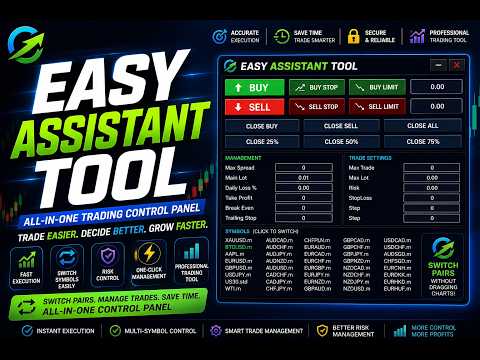
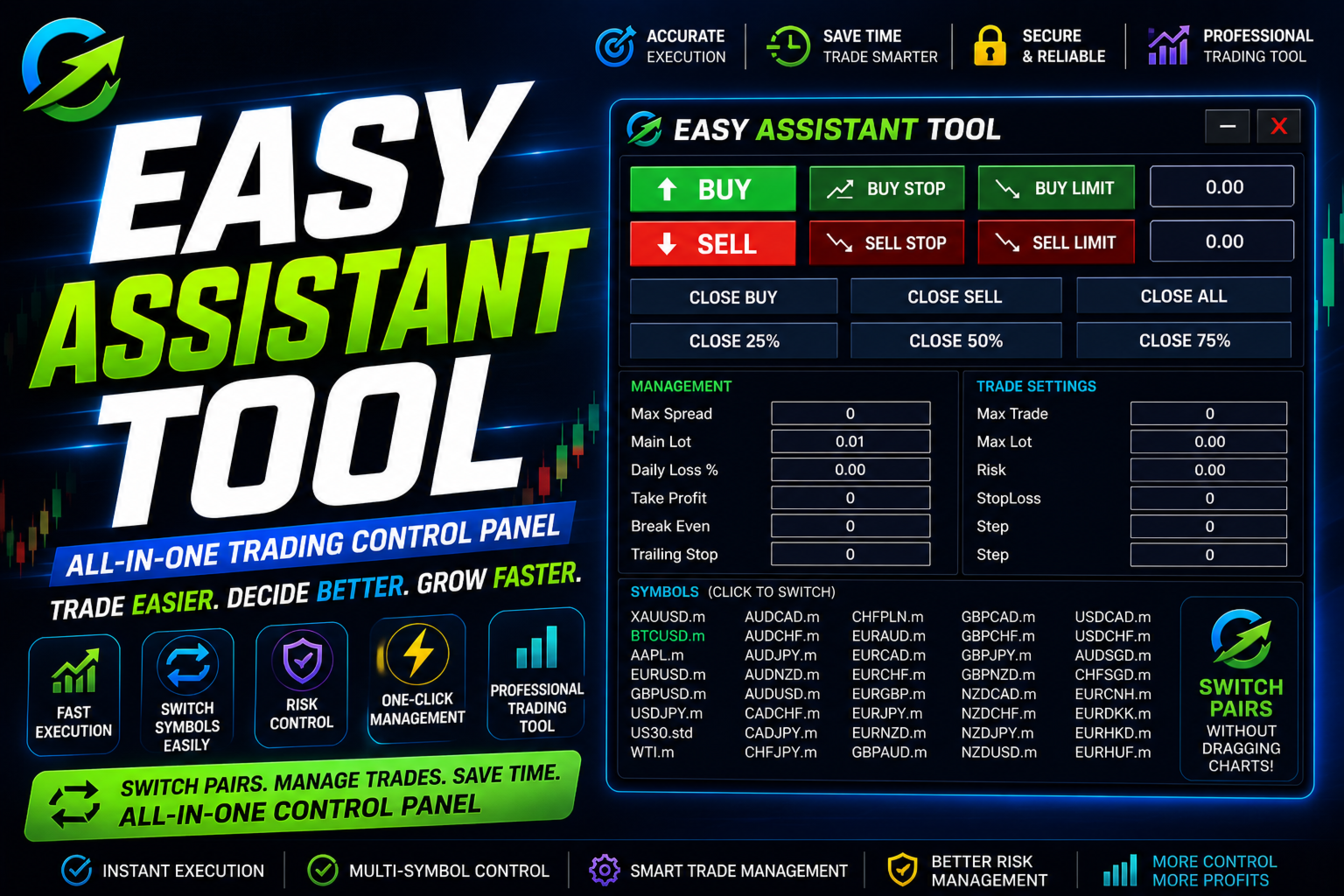
Easy Assistant Tool is a professional trading control panel designed for Meta Trader traders who want faster execution, smarter trade management, and easy symbol switching directly from one panel.
This tool helps traders manage orders efficiently without wasting time dragging charts or switching manually between symbols.
after purchased contact me to get special BONUS
read the blog to know how to use it
Instant Buy / Sell execution
Buy Stop, Sell Stop, Buy Limit, Sell Limit support
Close Buy, Close Sell, Close All functions
Partial close options (25% / 50% / 75%)
Risk management settings
Stop Loss & Take Profit control
Break Even & Trailing Stop support
Fast symbol switching directly from the panel
Manage multiple trading pairs from one place
Clean and easy-to-use interface
Easy Assistant Tool is built for traders who need speed, control, and simplicity during trading sessions. The integrated symbol switching system allows you to change trading pairs instantly without opening or dragging multiple charts.
Perfect for:
-
Scalpers
-
Day traders
-
Multi-pair traders
-
Fast execution trading styles
Take full control of your trades with an all-in-one trading management panel.
Built-In Risk ManagementRisk management is one of the most important parts of successful trading.
Easy Assistant Tool includes integrated controls for:
-
Stop Loss ( points ) for example if you want 100 pips then write 1000 points in 2 digits broker
-
Take Profit ( points ) for example if you want 100 pips then write 1000 points in 2 digits broker
-
Risk Settings
-
Max Lot Size mean the max lot for open order contact with risk
-
Max Trade Control mean max number of trades
-
Daily Loss Settings % from capital
-
Break Even when the price move for x points profit then stop loss move to entry point
-
Trailing Stop when the price move for x points profit then stop loss move to every x points to secure the profits
This helps traders maintain discipline and improve money management during trading sessions.
- when you click symbols the window of symbols appear and disappear as you wish and its take pairs and assets from your market watch
- when you click management the window of management appear and disappear as you wish
- you can move the panel from the dot with the two arrows at left top