Prop Protector PRO
- Utilità
-
Georgii Poletaev
 I specialize in developing and optimizing Expert Advisors (EAs) and custom indicators for the MetaTrader 5 platform.
 - Versione: 1.0
- Attivazioni: 5
This is an extended and modified version of the free utility Prop Protector. The price will increase as more users join.
Prop Protector is a powerful trading assistant designed to solve the main problem traders face: maintaining discipline and managing risk. If you work with proprietary trading firms or simply want to adhere strictly to your trading plan, this tool will become your indispensable assistant. It takes care of routine calculations and monitoring, allowing you to focus on market analysis.
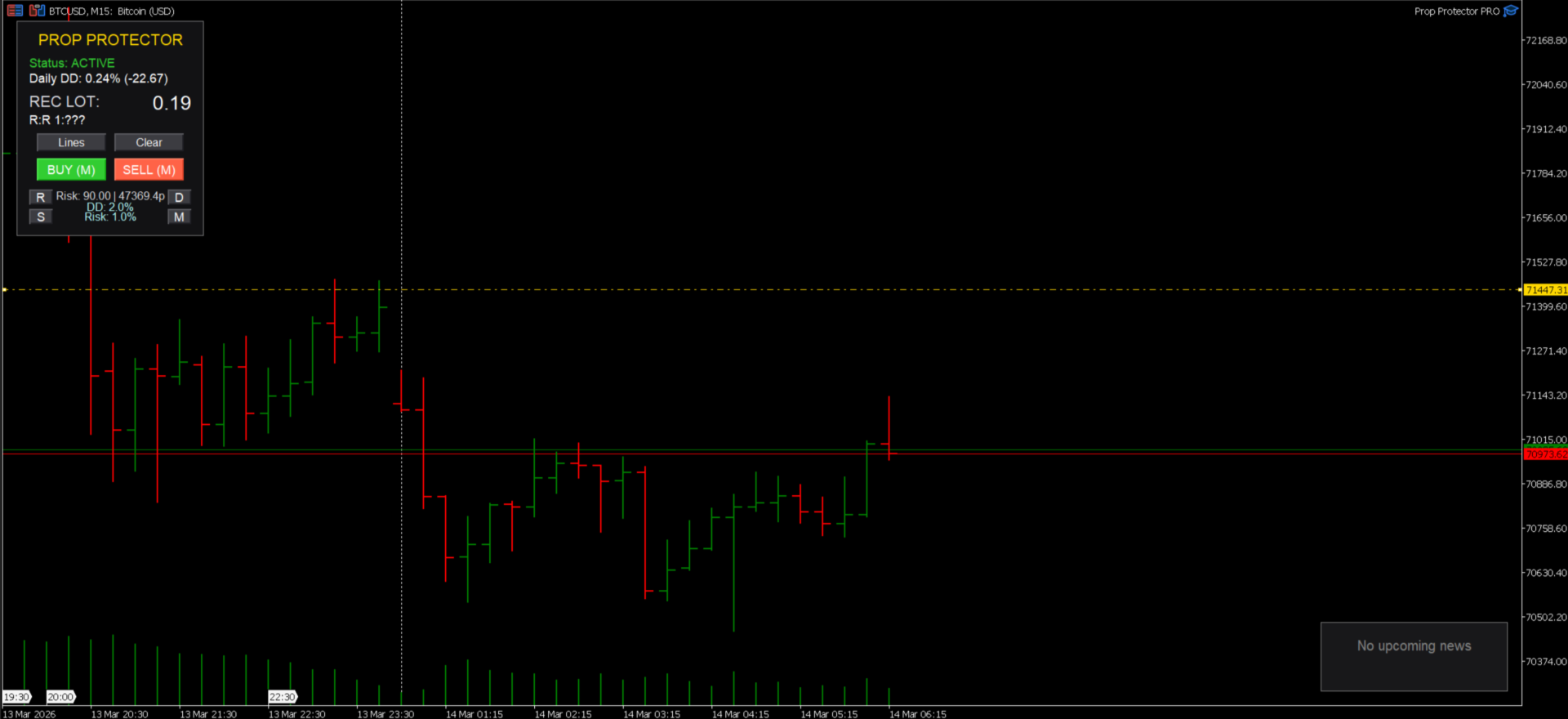
All management is performed through an intuitive, interactive panel directly on your chart.
Key Features
-
Dynamic Lot Calculation: Forget about calculators. Place your Stop Loss on the chart, and the EA will instantly calculate the position size based on your risk per trade (%), daily drawdown, and already open positions.
-
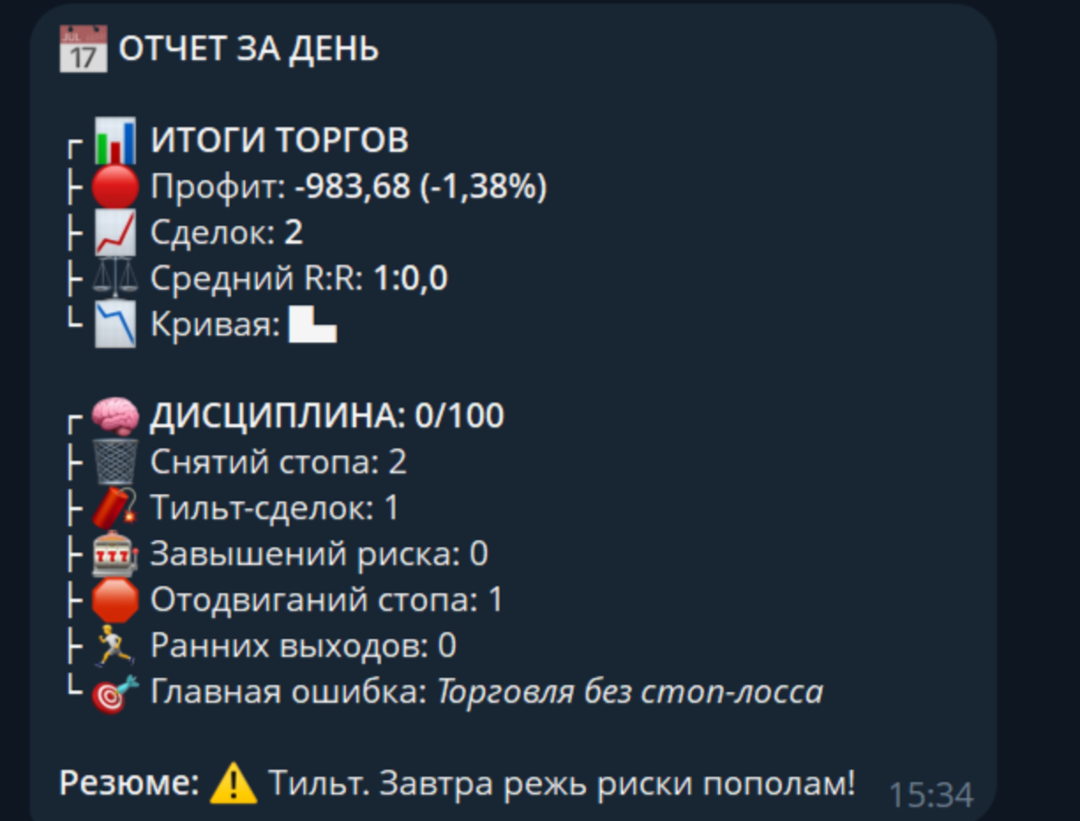
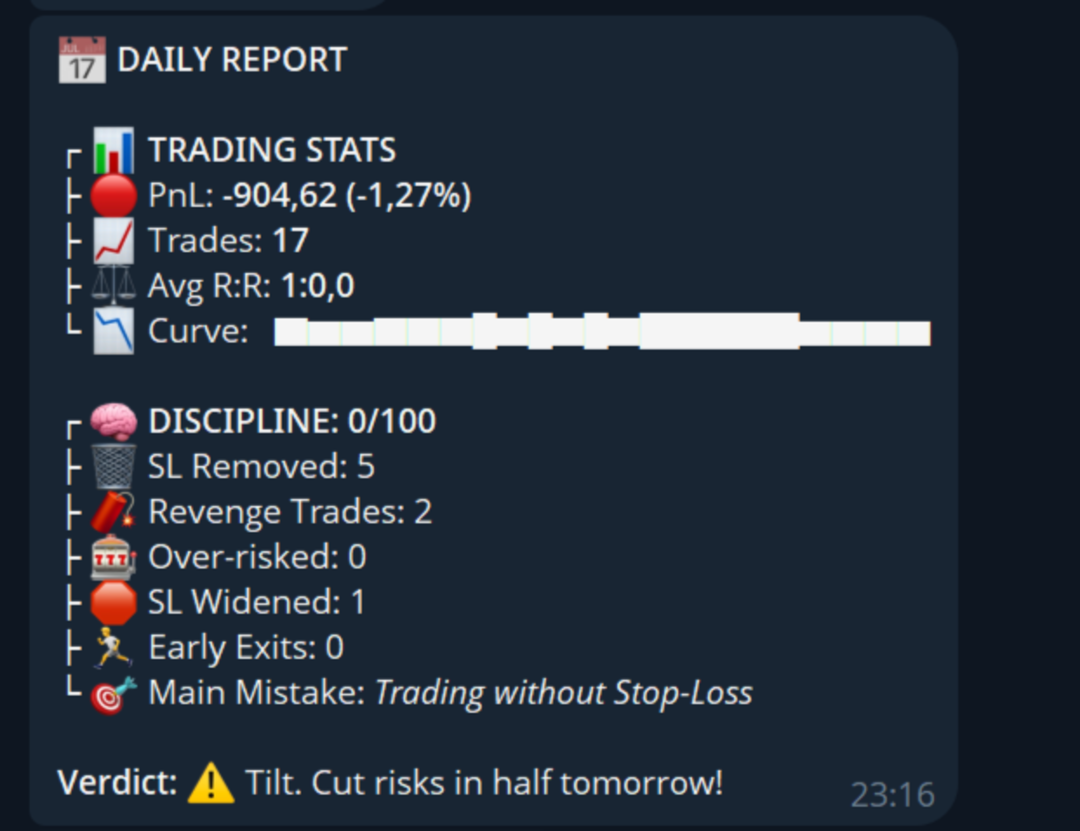
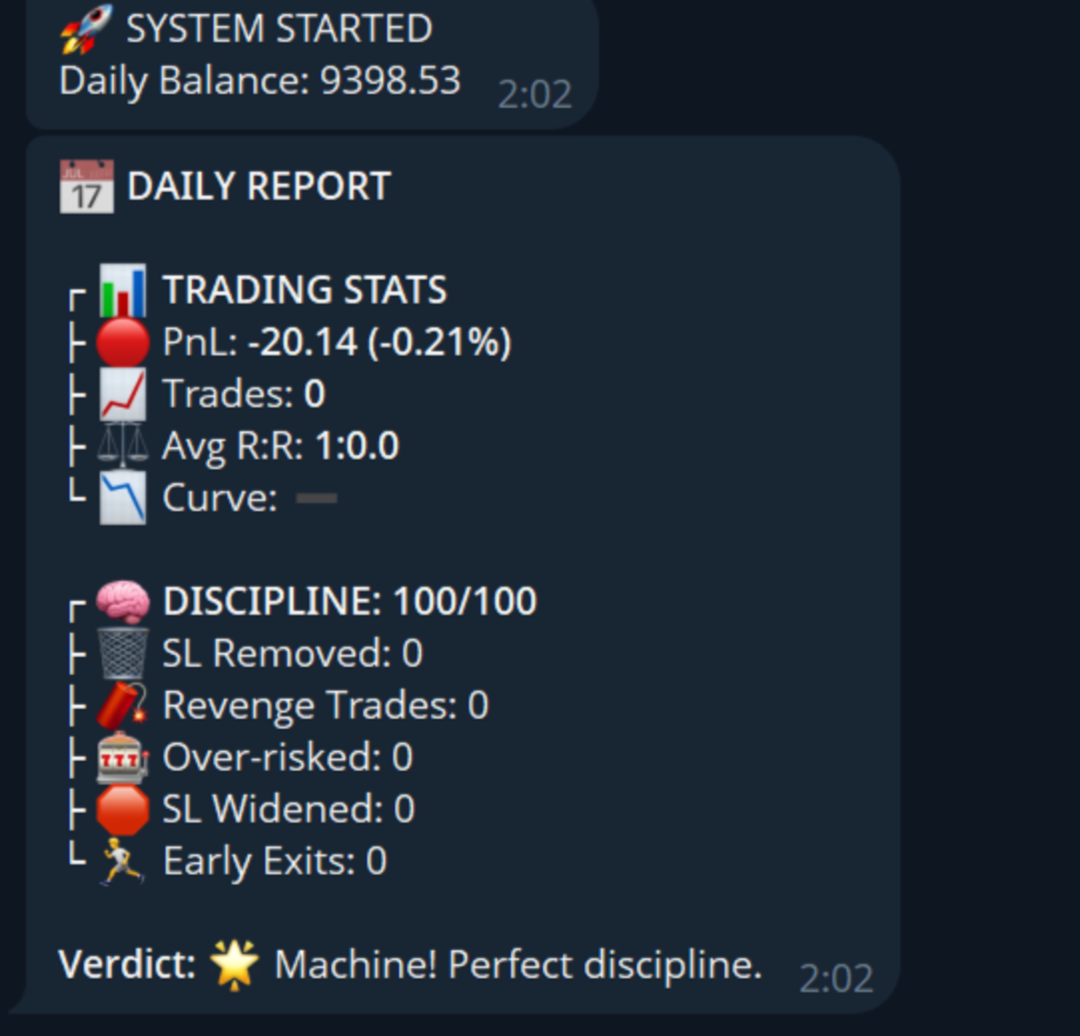
Discipline Diary: A unique system that tracks your actions. For every violation (over-risking, widening a stop loss, etc.), penalty points are assigned. At the end of the day, you will receive a detailed report in Telegram with an assessment of your discipline.
-
Advanced Position Management:
-
Smart Trailing: Automatically tracks structure on the hourly chart. If a breakout or key level protection occurs, the bot closes the position to protect your profit.
-
ATR Break-even: Automatically moves the stop loss to break-even once the price moves 1/3 of the average daily range.
-
-
Hard Lock (Drawdown Control): Set a maximum daily loss (e.g., 2%). As soon as the equity drops to this level, the bot will close all positions and block trading until the next day.
-
Stealth Mode: Hide your Stop Loss and Take Profit levels from the broker. The levels are stored in the EA's memory and executed at market price.
-
News Filter: An integrated news block using the built-in MetaTrader 5 Economic Calendar. No external utilities or freezing. The panel displays upcoming important news, helping you avoid volatility.
-
Full Trade Support: The utility takes control of absolutely all trades on the current chart, even those opened manually or from a mobile phone.
How to Use the Panel
-
Setup: Set your core risk parameters in the input settings (Risk per trade, Max daily drawdown).
-
Analysis: Analyze the chart and determine your entry point and stop-loss level.
-
Place Lines: Click the "Lines" button on the panel. Horizontal lines will appear on the chart. No inconvenient green and red zones, just minimalism so that nothing distracts from trading.
-
Lot Calculation: Drag the Stop Loss line (gold) to your desired price level. The panel will automatically calculate the correct lot.
-
Opening a Trade: Click "BUY (M)" for a market buy or "SELL (M)" for a market sell.
- Profit Protection Mechanism: Once profits exceed the predefined daily risk threshold, the bot captures the current balance state. Should equity decline by 50 % relative to the recorded peak value, the system will automatically close all open positions and suspend trading operations.
-
Pending Orders:
-
Click the "M" button to switch to "L" (Limit/Stop) mode.
-
Click "Lines". An additional purple entry line will appear.
-
Set all three lines (entry, stop, take-profit) and click "BUY (L)" or "SELL (L)". The bot will automatically determine the order type (Limit or Stop).
-
Panel Button Descriptions
-
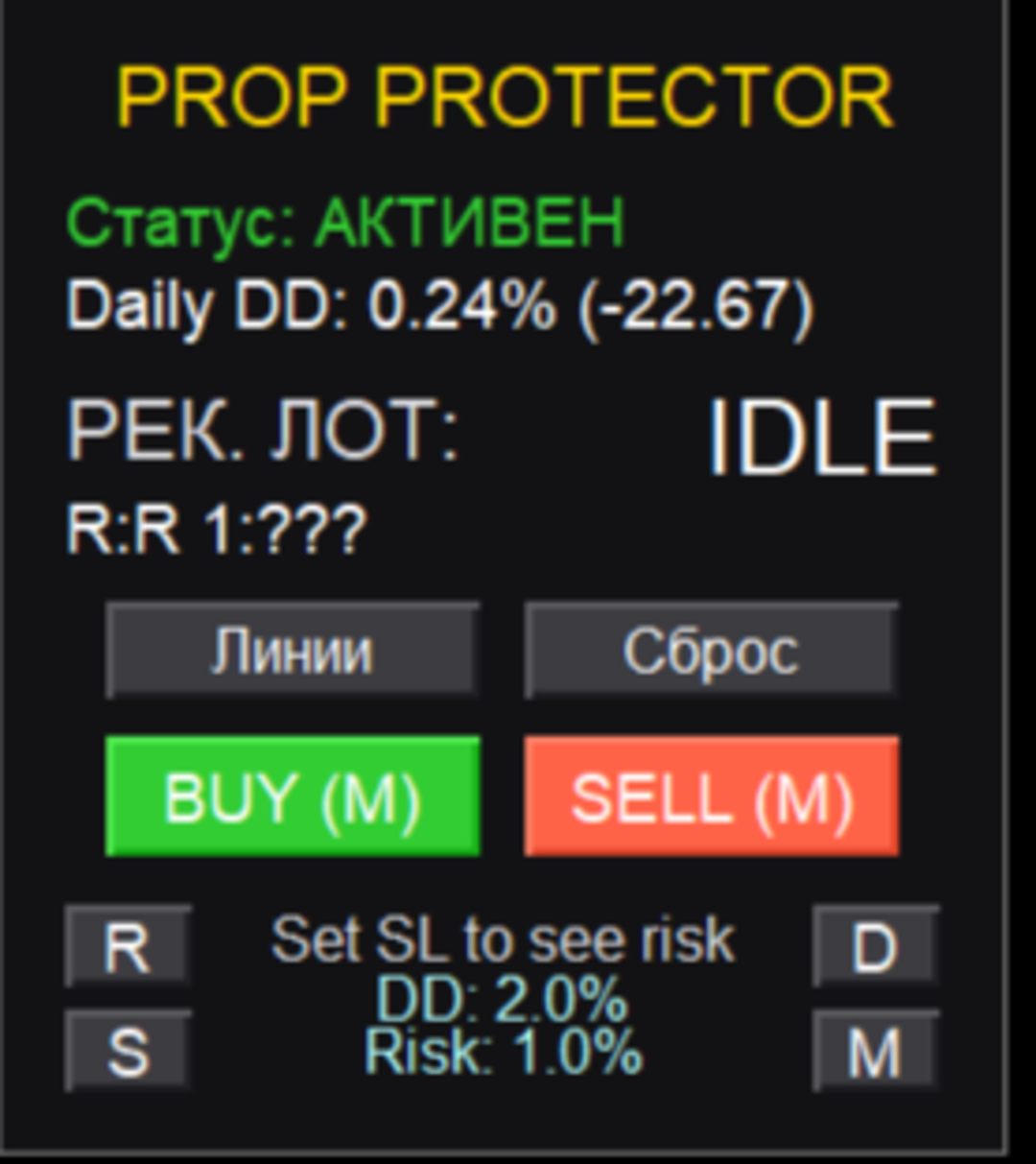
Status: ACTIVE (trading allowed) or LOCKED (drawdown limit reached).
-
Daily DD: Current daily drawdown in % and account currency.
-
REC LOT: Recommended lot based on your risk and SL placement. If the risk limit is reached, "MAX LOT" will be displayed.
-
Lines / Clear: Create or remove entry lines.
-
BUY / SELL: Buttons to open trades.
-
R (Report): Force generate and send the daily discipline report to Telegram.
-
S (Stealth): Toggle Stealth Mode (hidden stops) ON/OFF.
-
D (Dynamic): Toggle smart trailing ON/OFF.
-
M (Mode): Switch between Market and Pending (Limit/Stop) modes.
Input Parameters
-
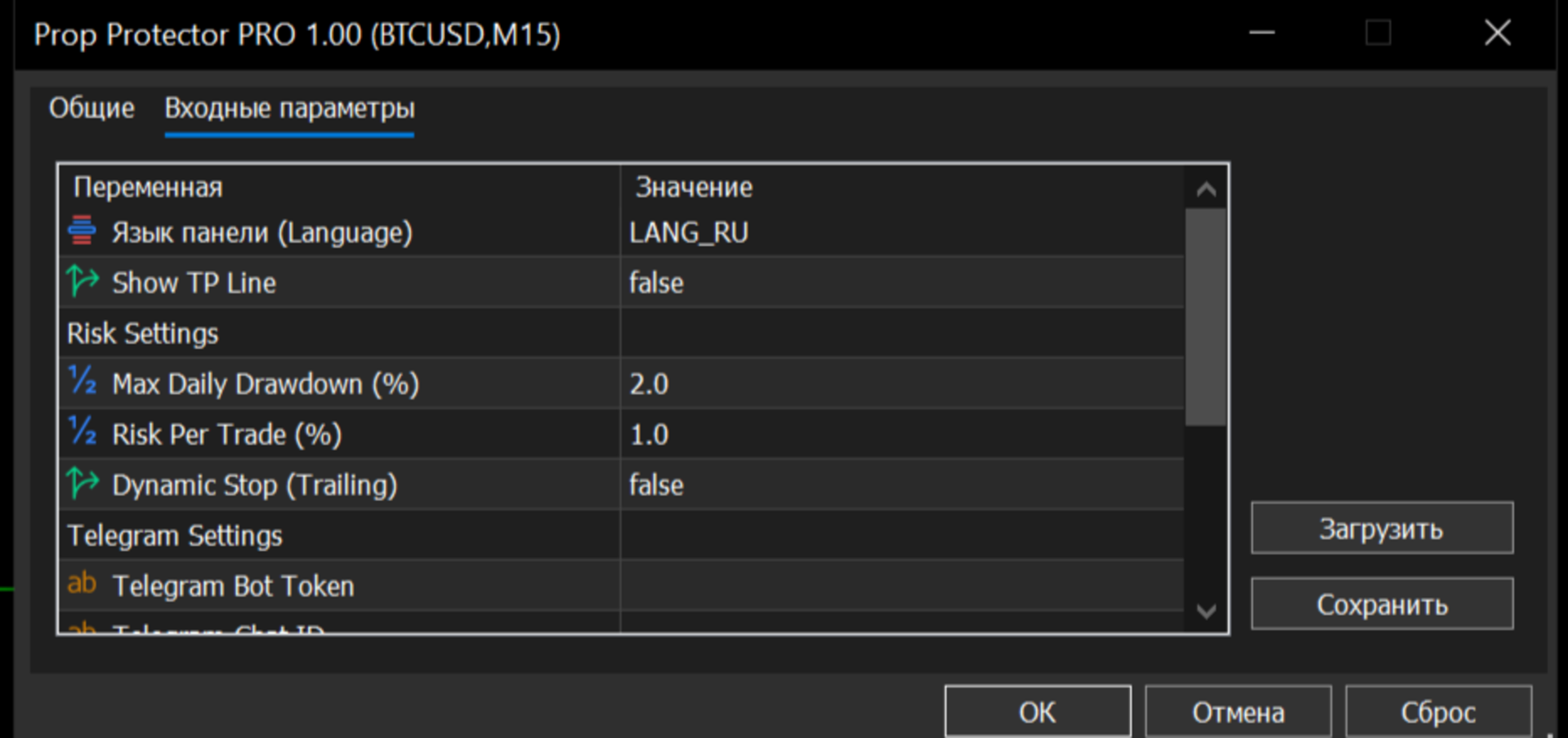
Language: Russian or English interface.
-
Show TP Line: Enable/disable Take Profit line display.
-
Max Daily Drawdown (%): The daily loss level that triggers a trading block.
-
Risk Per Trade (%): The percentage of the balance you are willing to lose in a single trade.
-
Dynamic Stop (Smart Trailing): Enables/disables trailing by default on startup.
-
Telegram Settings: Settings for sending reports.
-
News Settings: Filtering news by importance.
Important:
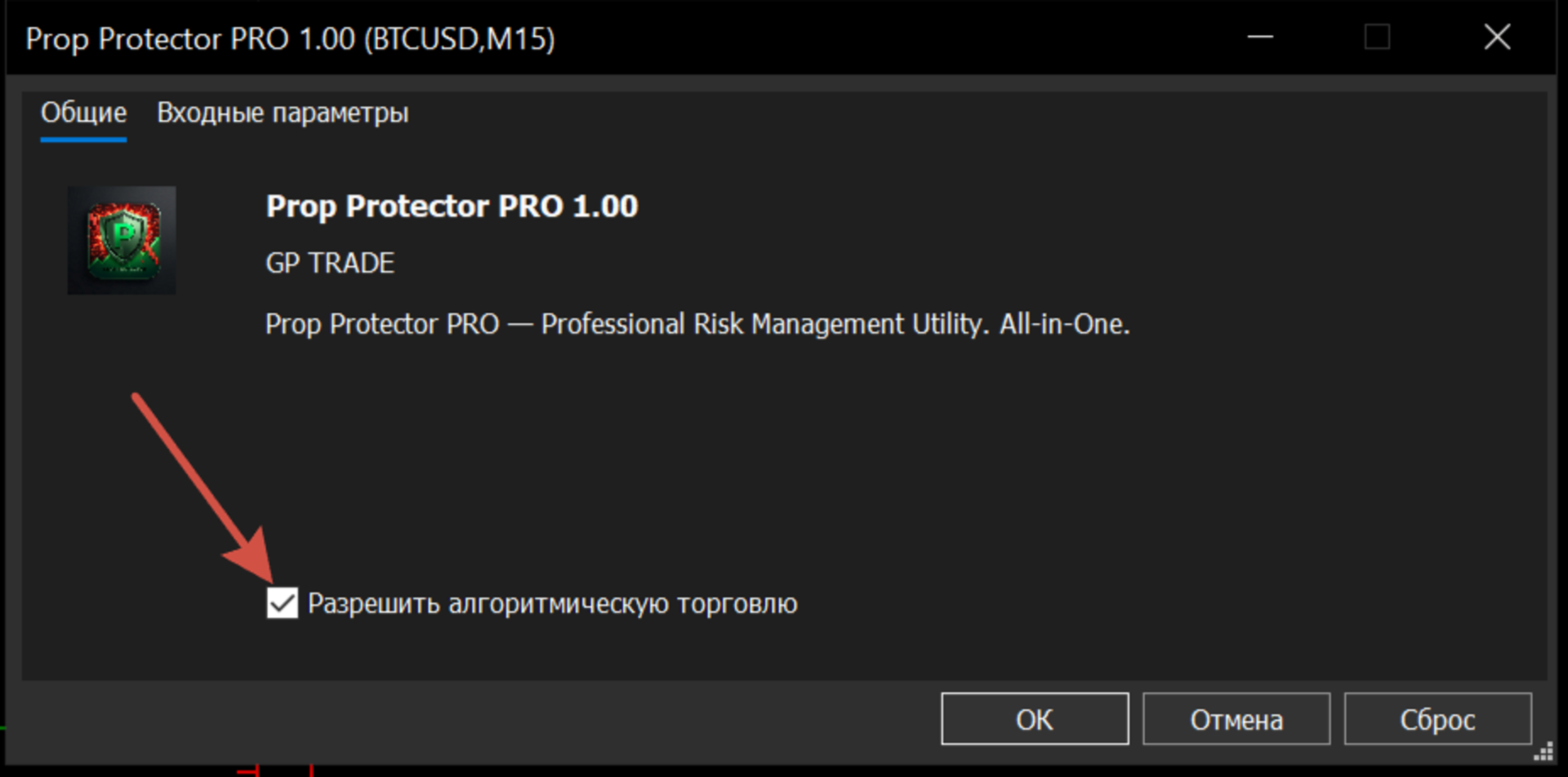
1) To ensure the bot works correctly, make sure to enable "Allow Algorithmic Trading" on the main toolbar when launching the bot for the first time.
2) For the news filter to work correctly, ensure that the Economic Calendar is enabled and updated in your MetaTrader 5 terminal (Tools -> Options -> Events).
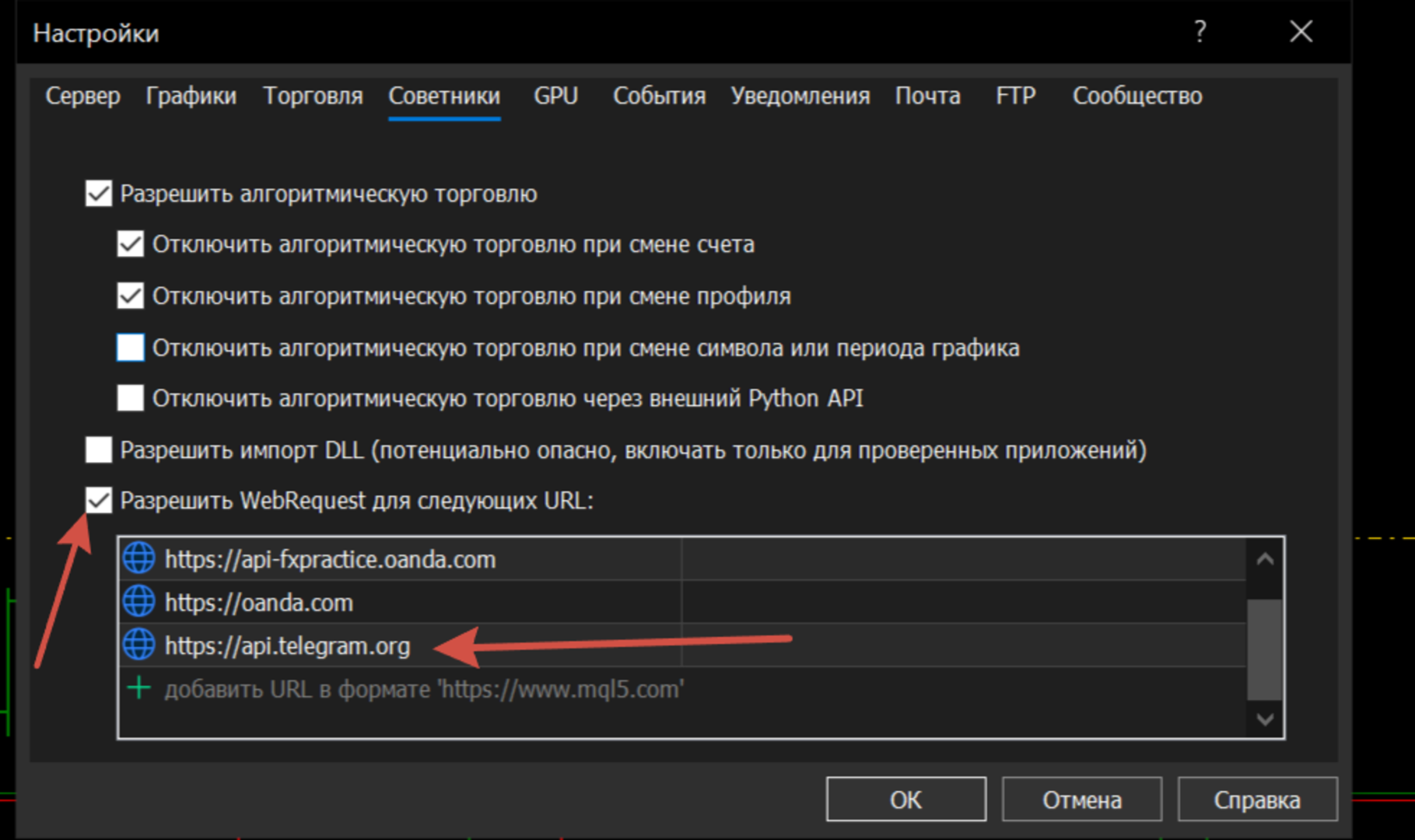
3) To enable notifications in the terminal settings (Service → Settings → Expert Advisors), allow WebRequest and add the address: https://api.telegram.org/ . In the advisor’s parameters, specify the Bot Token and Chat ID.
4) You are buying not only a product, but also access to a private telegram group, where I will share positions, and you will be able to find like-minded people.