TimeFrame Pro
- Indicatori
- Versione: 1.0
- Attivazioni: 5

# Timeframepro - MT5 Candle Timer Countdown Indicator
## Overview
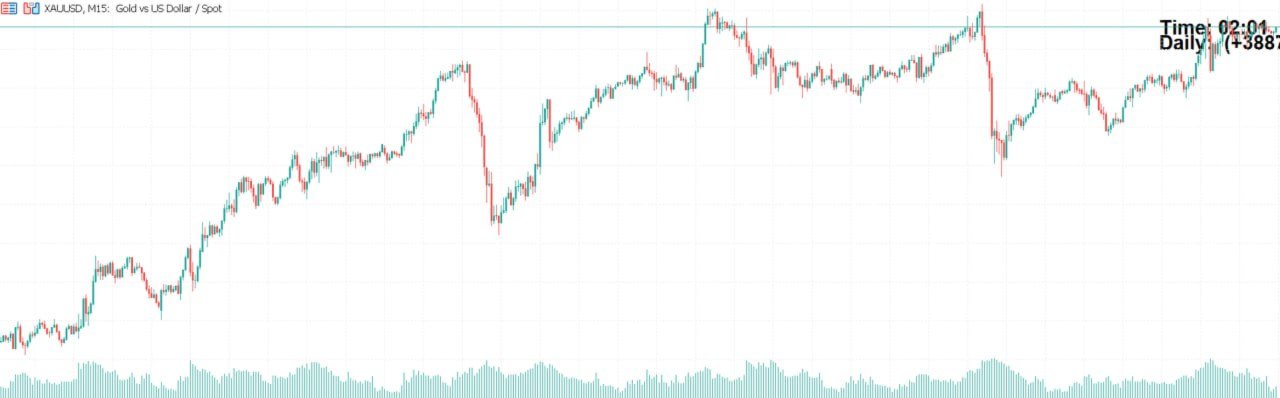
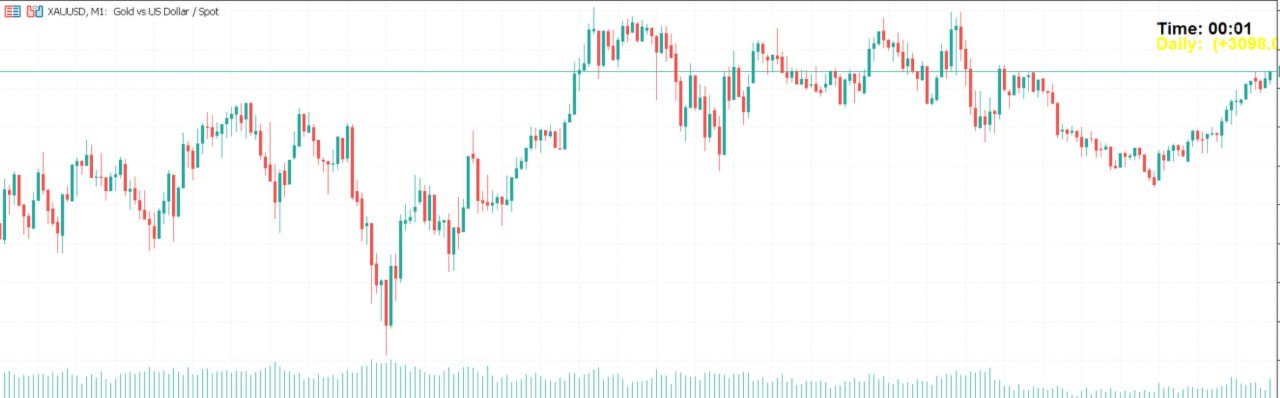
Timeframepro is a professional MT5 indicator that displays a real-time countdown timer showing the remaining time before the current bar closes and a new bar forms. It provides essential time management functionality for traders who need to track candle closure times accurately.
## Key Features
### ⏱️ Core Functionality
- **Real-time Countdown Timer**: Displays remaining time in MM:SS format (e.g., "Time: 12:45")
- **Server Time Tracking**: Uses server time instead of local time for accuracy across different time zones
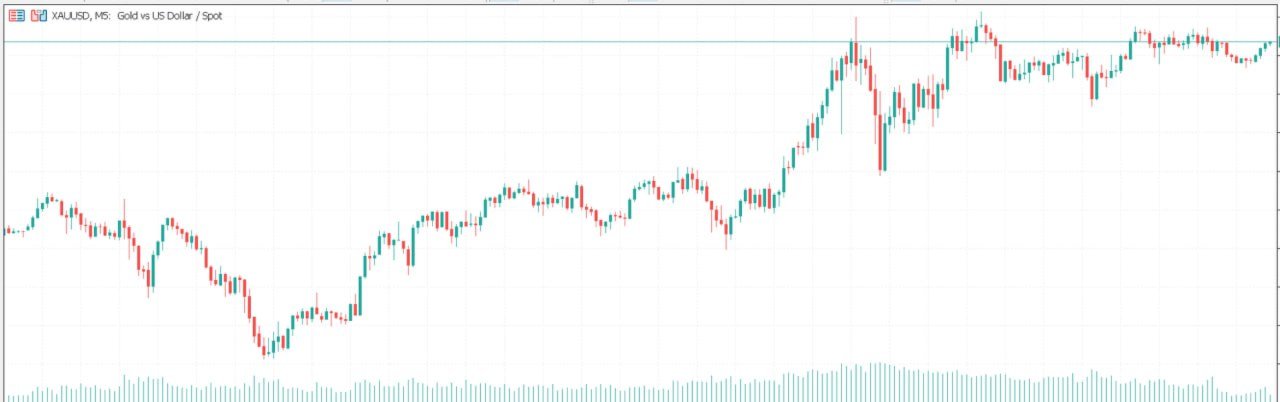
- **Multi-Timeframe Support**: Works with any chart timeframe (M1, M5, M15, H1, etc.)
- **Automatic Updates**: Updates every second for precise timing
### 📊 Advanced Features
- **Daily Variation Display**: Shows daily price change in pips from the daily open
- **Visual Position Options**: Configurable placement in any corner of the chart
- **Customizable Appearance**: Adjustable font size, colors, and styling
- **Background Enhancement**: Text boxes with backgrounds for better visibility
### 🎨 Visual Customization
- **Text Color Options**: Choose any color for optimal chart visibility
- **Background Colors**: Customizable background for text boxes
- **Font Size Control**: Adjustable text size for different viewing preferences
- **Bold Text Option**: Toggle bold formatting for enhanced readability
- **Corner Positioning**: Place timer in Top Right, Top Left, Bottom Left, or Bottom Right
### ⚡ Performance Features
- **CPU Optimized**: Smart update system that only refreshes when necessary
- **Memory Efficient**: Proper cleanup of objects and timers
- **Lightweight Design**: Minimal impact on MT5 performance
- **Reliable Operation**: Stable across different market conditions
## Input Parameters
### Display Settings
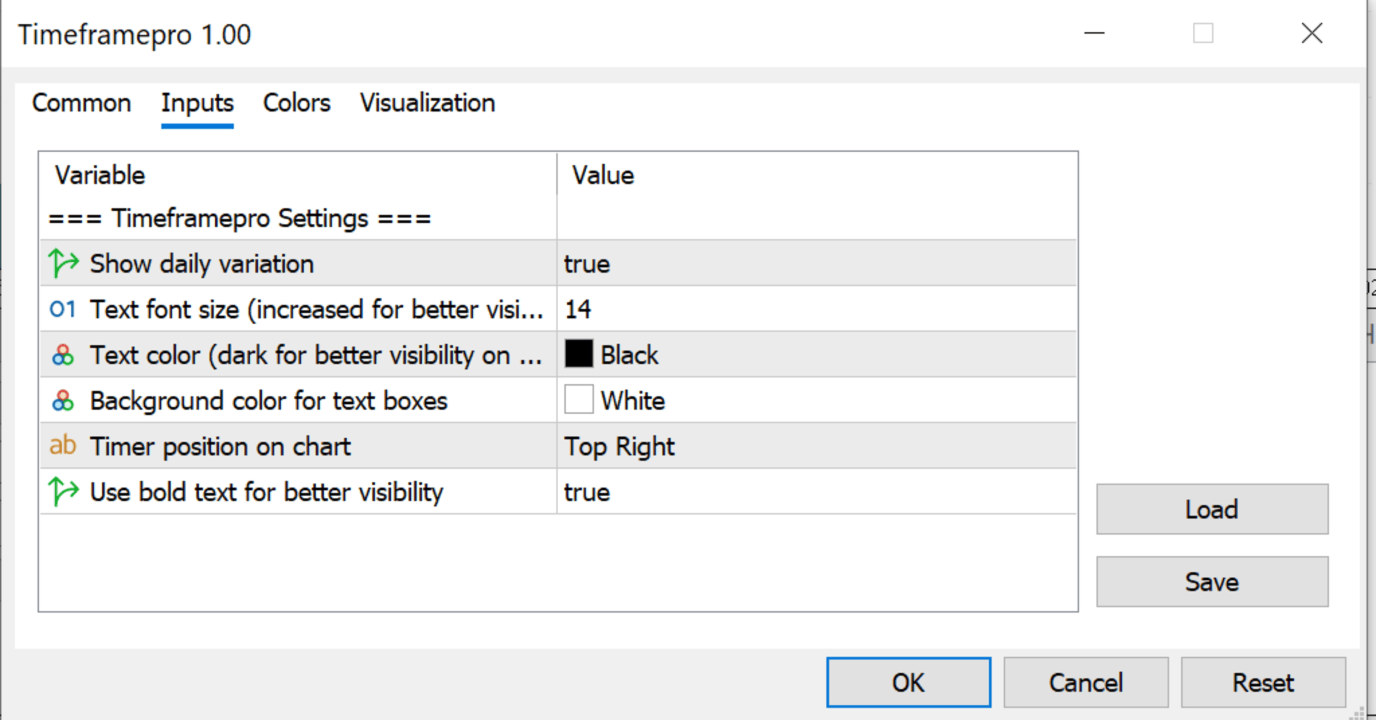
- **ShowDailyVariation**: Enable/disable daily variation display (default: true)
- **TextFontSize**: Font size in pixels (default: 14)
- **TextColor**: Color for the timer text (default: Black)
- **BackgroundColor**: Background color for text boxes (default: White)
- **CornerPosition**: Chart position - "Top Right", "Top Left", "Bottom Left", "Bottom Right" (default: "Top Right")
- **BoldText**: Use bold font for better visibility (default: true)
## How to Use
### Installation
1. Copy `Timeframepro.mq5` to your MT5 indicators folder (usually `MQL5/Indicators/`)
2. Compile the indicator in MT5 (F7 or Compile button)
3. Attach the indicator to any chart from the Navigator panel
### Configuration
1. Open indicator settings by right-clicking on the chart
2. Select "Indicators List" → Timeframepro → "Properties"
3. Adjust parameters as needed:
- Set font size for your screen resolution
- Choose colors that work well with your chart theme
- Select preferred corner position
- Enable/disable daily variation as needed
### Daily Usage
- The timer will automatically appear in your chosen corner
- Watch the countdown to manage your entries and exits
- Use daily variation to track intraday performance
- Timer automatically adjusts for different timeframes
## Benefits for Traders
### Time Management
- **Precise Entry Timing**: Know exactly when the current candle will close
- **Strategy Execution**: Perfect for time-based trading strategies
- **Session Awareness**: Track remaining time in trading sessions
### Risk Management
- **Better Position Sizing**: Make informed decisions based on time remaining
- **Exit Planning**: Plan exits based on candle closure timing
- **Market Structure**: Understand time-based market movements
### Professional Trading
- **Server Time Accuracy**: No local time zone confusion
- **Multi-Asset Compatibility**: Works with forex, stocks, indices, commodities
- **Customizable Interface**: Adapt to your personal trading style
## Technical Specifications
### Compatibility
- **Platform**: MetaTrader 5
- **Build**: Compatible with latest MT5 builds
- **Operating System**: Windows, macOS, Linux
- **Memory Usage**: Minimal footprint
### Performance
- **Update Frequency**: 1-second intervals
- **CPU Impact**: Optimized for low resource usage
- **Chart Types**: Works on all chart types (candles, bars, line)
- **Multiple Charts**: Can run on multiple charts simultaneously
## Troubleshooting
### Common Issues
- **Timer Not Showing**: Check if indicator is properly attached to the chart
- **Text Too Small**: Increase TextFontSize parameter
- **Poor Visibility**: Adjust TextColor and BackgroundColor for better contrast
- **Performance Issues**: Ensure MT5 is updated to latest version
### Support
For technical support or feature requests, refer to the indicator documentation or contact the developer.
## Version History
- **Version 1.00**: Initial release with core timer functionality
- **Enhanced Features**: Daily variation, customizable colors, bold text options
## Legal Information
Copyright © 2024, Timeframepro
All rights reserved.
---
*Timeframepro - Professional time management for serious traders.*