
Pattern Detection Mode for the Advanced Price Pattern Scanner
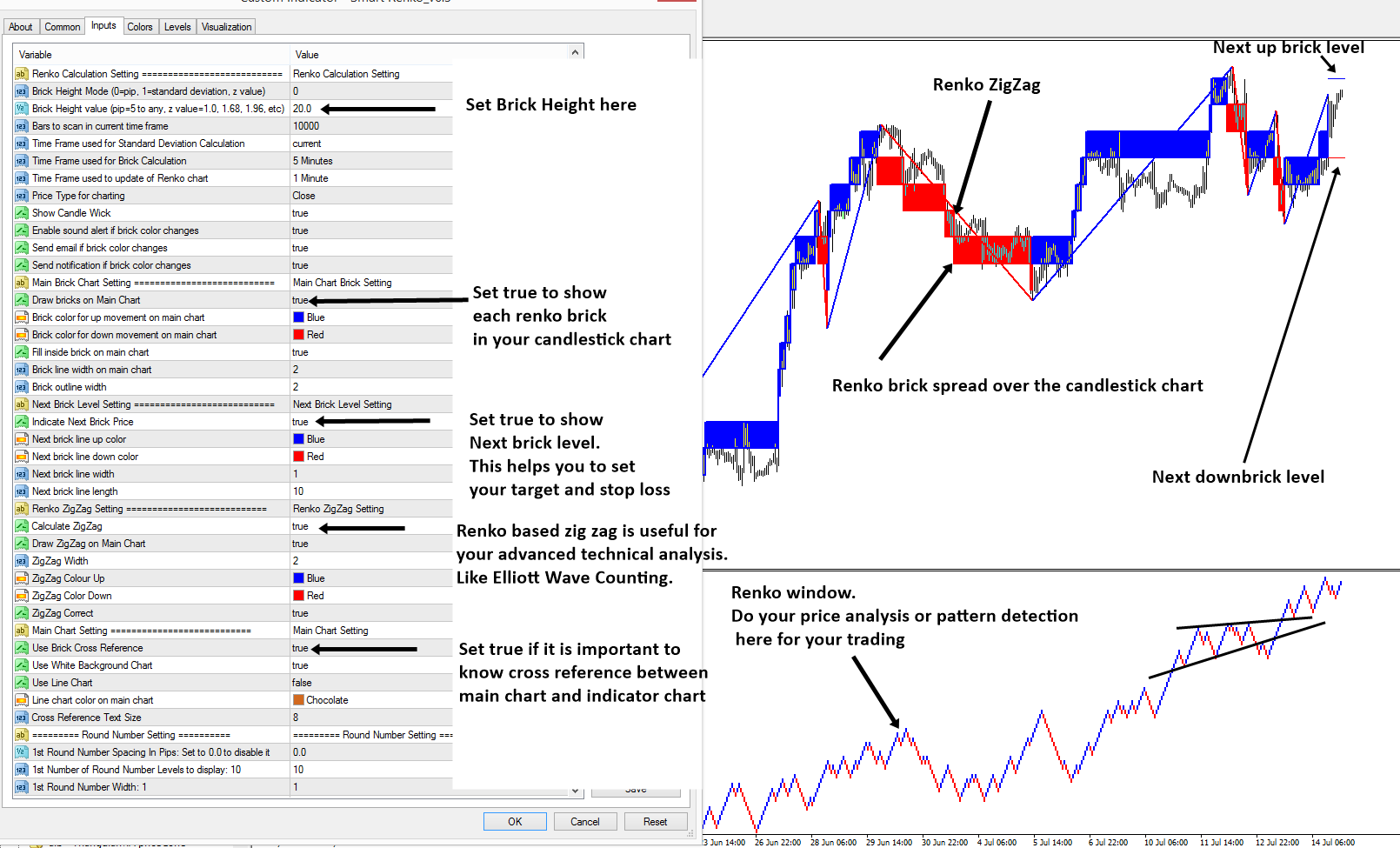
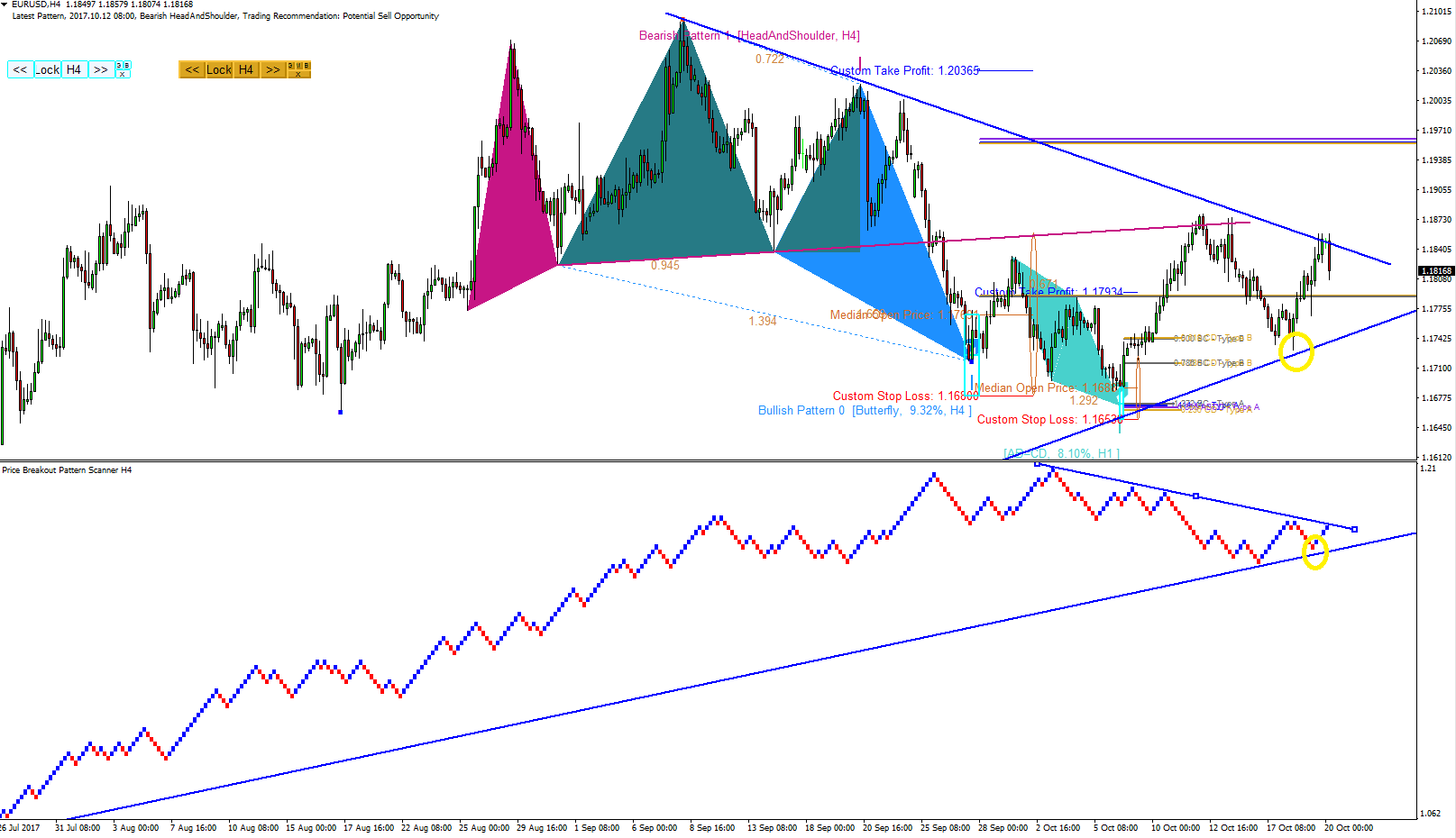
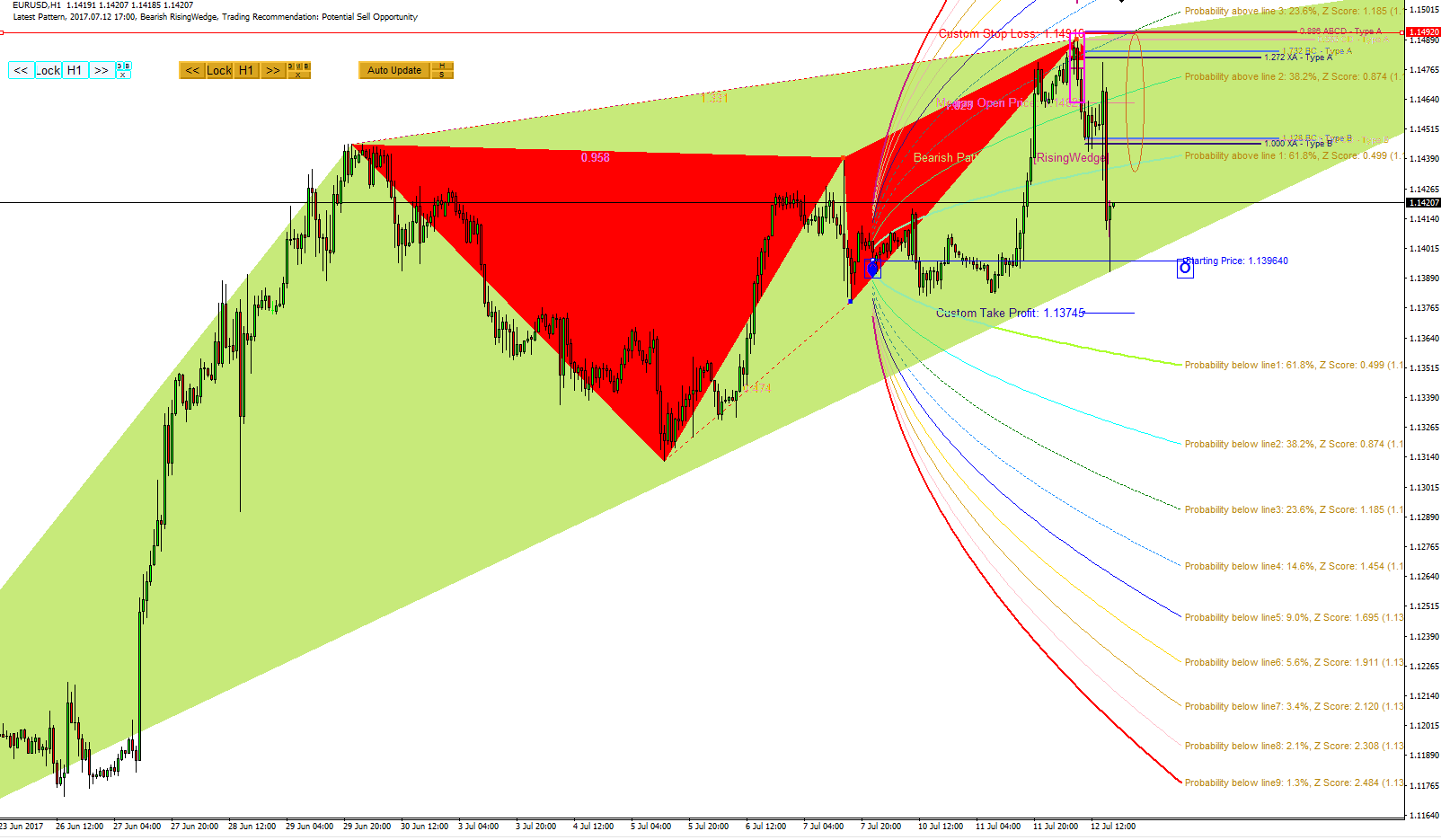
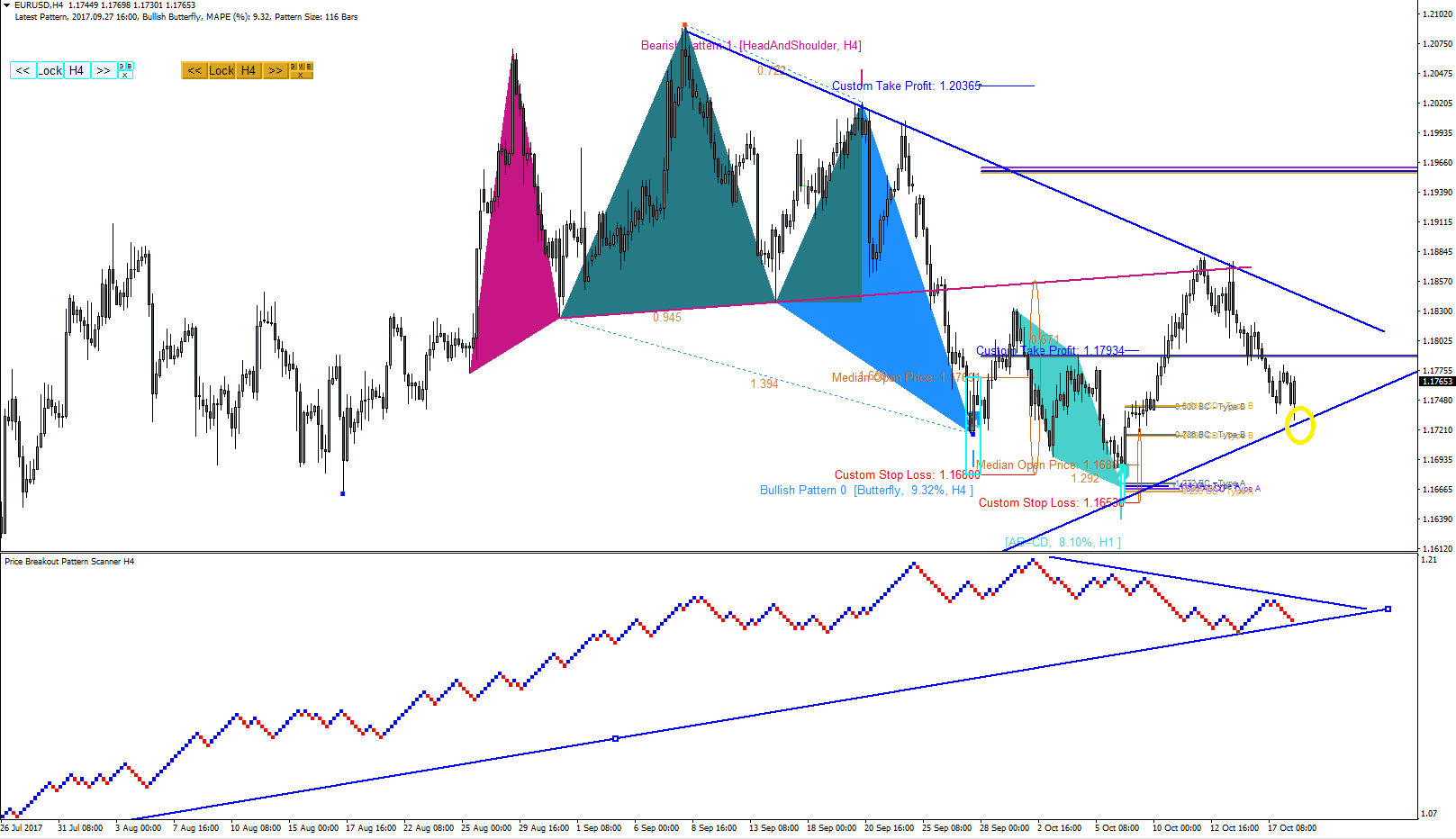
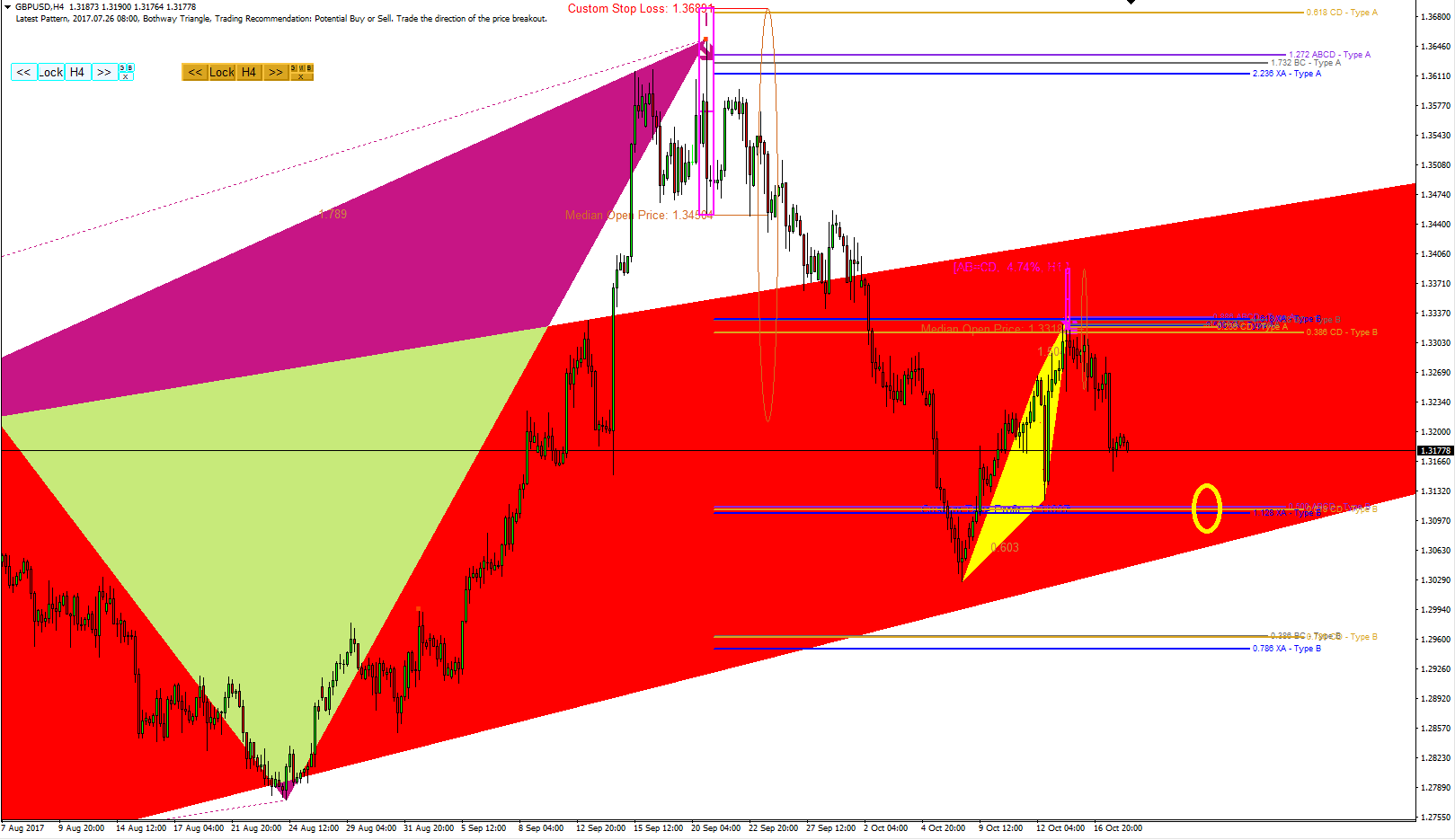
You can tell that Advanced Price Pattern Scanner offers rich features for your trading. Its most important operational characteristic is that it can run several different mode for the automatic pattern detection tasks. In the screenshot below, we have shown two-pattern detection mode for an example. As we have mentioned before, Mode A runs Advanced Price Pattern Scanner in Price Breakout Pattern Scanner mode. When you run Advanced Price Pattern Scanner in Price Breakout Pattern Scanner mode, you have an access to full feature of Price Breakout Pattern Scanner. This means that you can switch on and off each patterns from the list. You can use the built in Smart Renko and Round number detection too. When you run Advanced Price Pattern Scanner in Mode B, it will detect patterns in non-repainting mode. In Mode B, you can backtest the patterns. However, remember that non-repainting mode is slow and lagging comparing to Price Breakout Pattern Scanner mode. Such lagging is inevitable because it is non-repainting because it waits until the patterns are confirmed after several candlesticks. Such a drawback is universal for any non-repainting indicator. The thing is that the pattern scanner offers you the choice between Price Breakout Pattern Scanner mode and non-repainting mode. In addition, you should remember that Price Breakout Pattern Scanner offers pattern locking and unlocking feature. With pattern locking and unlocking feature, you can lock the detected pattern in your chart for your trading. The locked pattern will not go away until you close your chart. Therefore, you can control the repainting issue pretty much with Price Breakout Pattern Scanner too. User of Advanced Price Pattern Scanner should note that user could run it in the combined mode between Price Breakout Pattern Scanner (Mode A) and non-repainting mode (Mode B). The choice is entirely up to you.
http://algotrading-investment.com/portfolio-item/advanced-price-pattern-scanner/
https://www.mql5.com/en/users/financeengineer/seller#products
You can tell that Advanced Price Pattern Scanner offers rich features for your trading. Its most important operational characteristic is that it can run several different mode for the automatic pattern detection tasks. In the screenshot below, we have shown two-pattern detection mode for an example. As we have mentioned before, Mode A runs Advanced Price Pattern Scanner in Price Breakout Pattern Scanner mode. When you run Advanced Price Pattern Scanner in Price Breakout Pattern Scanner mode, you have an access to full feature of Price Breakout Pattern Scanner. This means that you can switch on and off each patterns from the list. You can use the built in Smart Renko and Round number detection too. When you run Advanced Price Pattern Scanner in Mode B, it will detect patterns in non-repainting mode. In Mode B, you can backtest the patterns. However, remember that non-repainting mode is slow and lagging comparing to Price Breakout Pattern Scanner mode. Such lagging is inevitable because it is non-repainting because it waits until the patterns are confirmed after several candlesticks. Such a drawback is universal for any non-repainting indicator. The thing is that the pattern scanner offers you the choice between Price Breakout Pattern Scanner mode and non-repainting mode. In addition, you should remember that Price Breakout Pattern Scanner offers pattern locking and unlocking feature. With pattern locking and unlocking feature, you can lock the detected pattern in your chart for your trading. The locked pattern will not go away until you close your chart. Therefore, you can control the repainting issue pretty much with Price Breakout Pattern Scanner too. User of Advanced Price Pattern Scanner should note that user could run it in the combined mode between Price Breakout Pattern Scanner (Mode A) and non-repainting mode (Mode B). The choice is entirely up to you.
http://algotrading-investment.com/portfolio-item/advanced-price-pattern-scanner/
https://www.mql5.com/en/users/financeengineer/seller#products