TradeForge Pro
- Utilitaires
-
Mohd Feroze
 Professional Algorithmic Trading Developer specializing in high-performance Meta Trader 5 Expert Advisors. I design robust, rule-based trading systems for Gold (XAUUSD), combining quantitative strategies, disciplined risk management, and continuous product improvements. Dedicated to delivering
 - Version: 1.31
- Mise à jour: 13 août 2026
- Activations: 5
TradeForge Pro – Trade Management Dashboard
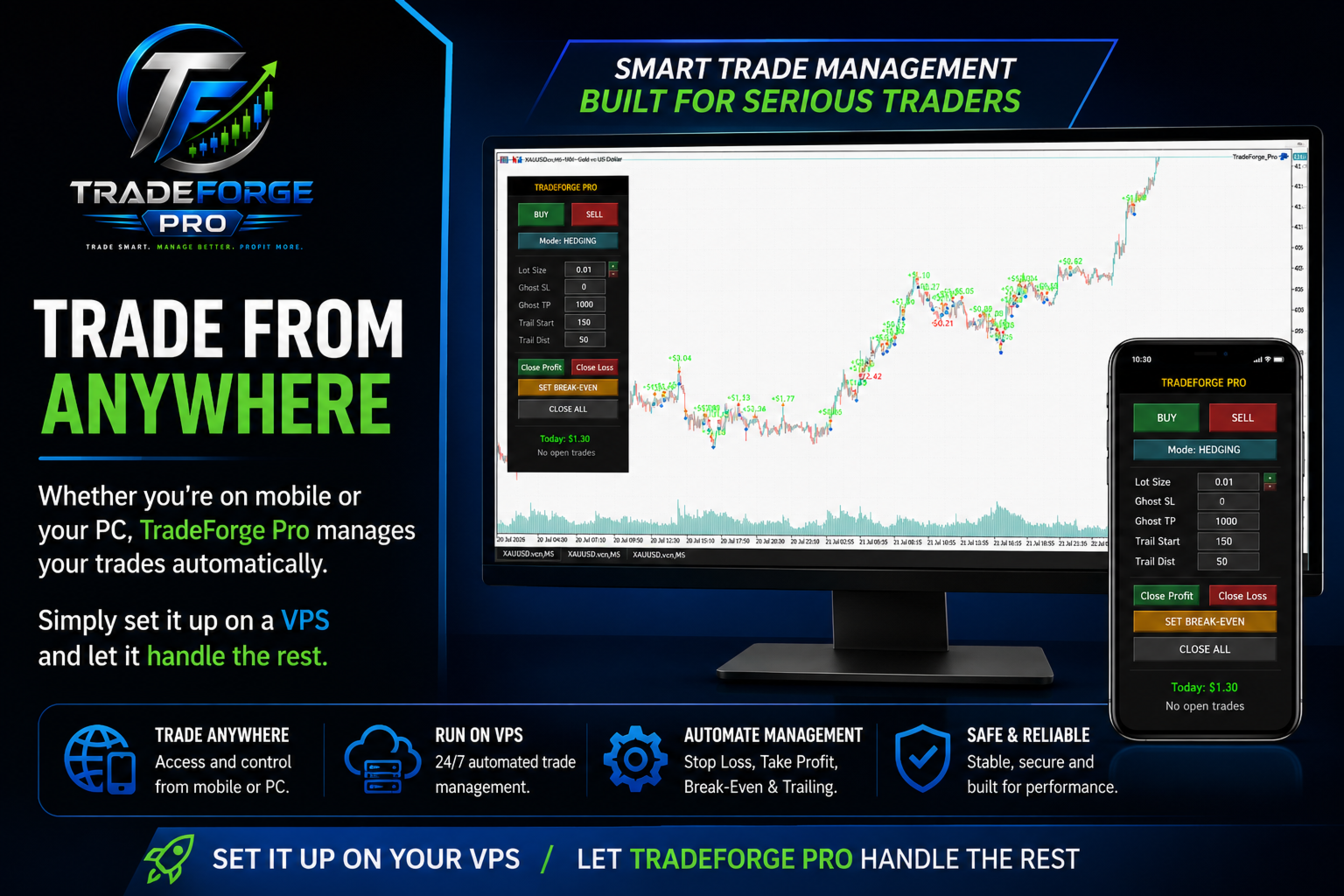
TradeForge Pro is a trade management utility designed for traders who want precise control over stop loss/take profit handling, position grouping, and trade execution. It provides an on-chart interface that allows Stop Loss and Take Profit levels to be managed virtually rather than sent directly to the broker ("Ghost Levels"), along with tools for managing multiple positions and trailing logic.
It is designed for both scalpers requiring fast manual execution and grid/basket traders managing multiple simultaneous positions.
Core Features
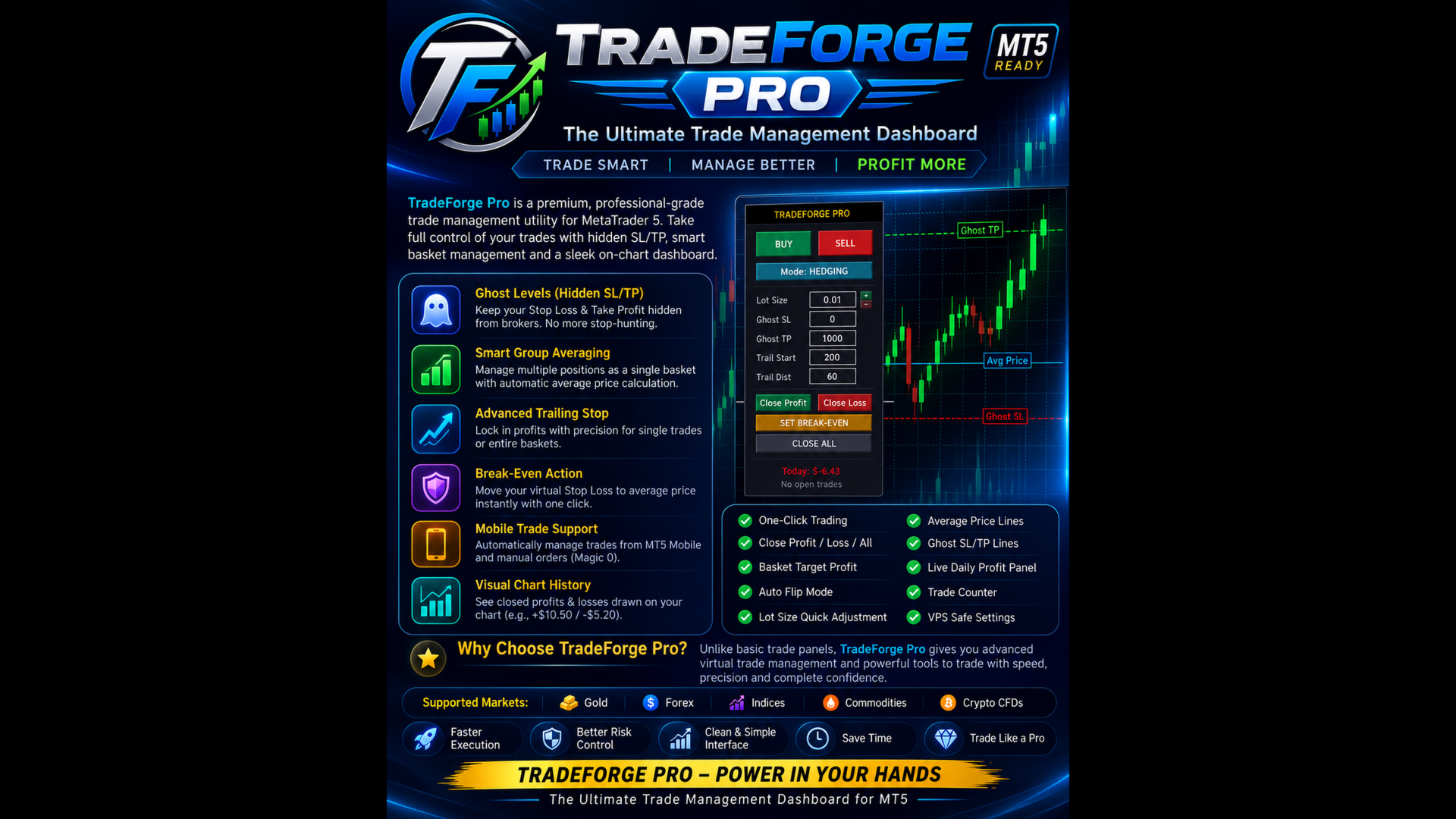
| Ghost Levels (Hidden SL/TP) | Stop loss and take profit levels are managed virtually by the EA rather than sent to the broker, and are executed automatically when price reaches the defined level. |
| Smart Group Averaging | When multiple trades are opened in the same direction, the EA calculates the volume-weighted average price and manages the group as a single basket. |
| Advanced Trailing Stop | A trailing stop that follows price action dynamically, applicable to individual trades or grouped baskets. |
| Break-Even Action | Moves the virtual stop loss to the average entry price with a single click. |
| Mobile Trade Support | Automatically detects and manages manually opened trades (Magic 0) placed from the MT5 mobile app, alongside EA-managed trades. |
| Visual Chart History | Displays closed trade profit/loss values directly on the chart at the relevant candles. |
| Quick-Close Controls | One-click options to close all profitable trades, close all losing trades, or close all open trades. |
| Dashboard Interface | A dark, on-chart panel showing live daily profit and open trade count. |
How to Use
- Attach the utility to an active chart (e.g., XAUUSD, US30, EURUSD).
- Set Ghost SL, Ghost TP, and Trailing parameters (in points) directly on the panel.
- Use the [+] and [-] buttons to adjust lot size before clicking BUY or SELL.
- Optionally, use the F7 inputs to set a Basket Target in USD to automatically close all trades once total profit reaches that amount.
Algo Trading must be enabled in the MT5 terminal for the dashboard to execute trades.
Support
For assistance with installation, broker compatibility, or input parameter guidance, please contact me through the MQL5 messaging system.
Developed by Mohd Feroze — Algorithmic Trading Developer