Experts: Renko Level EA
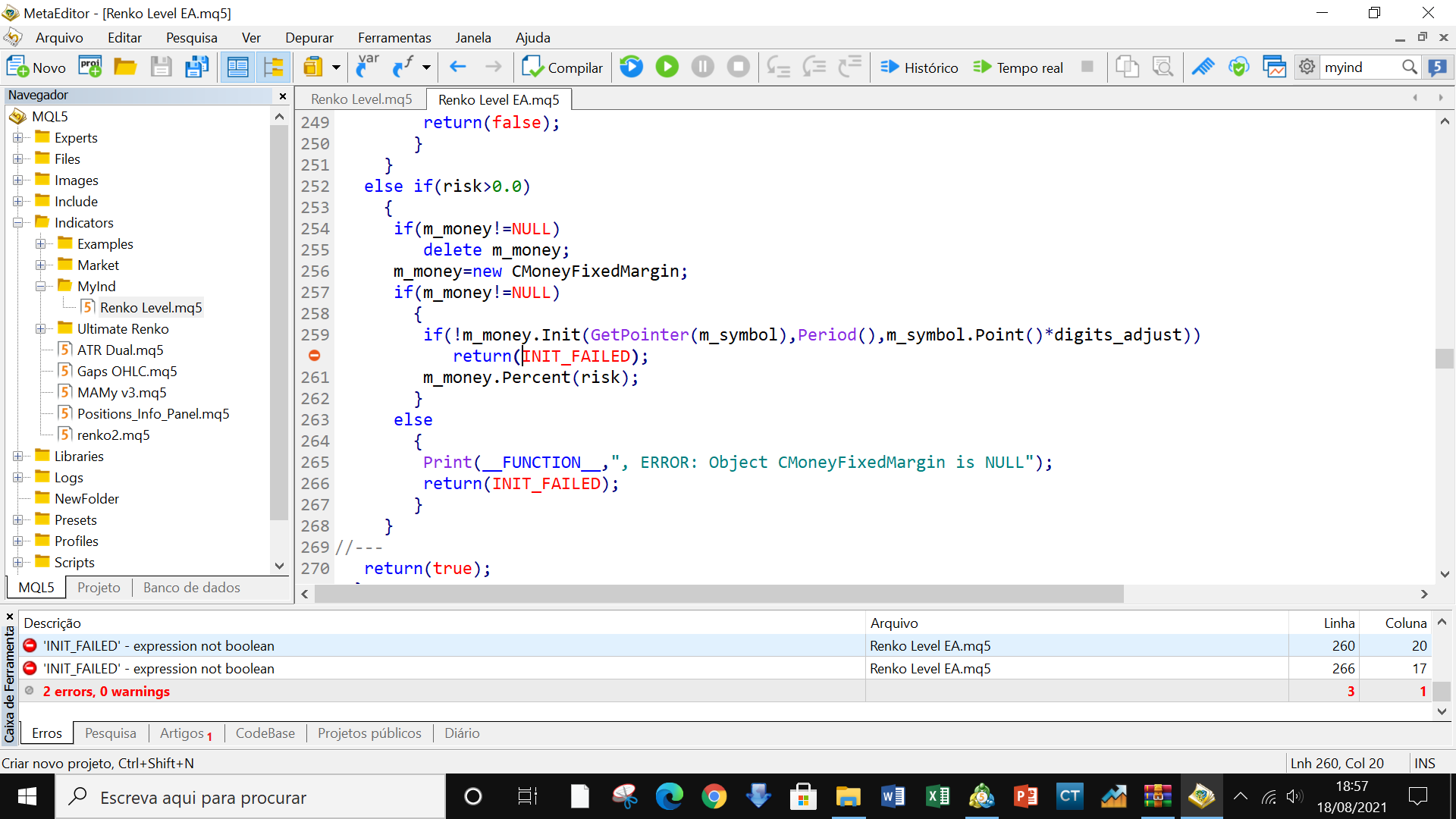
Getting 2 errors when compiling EA:
'INIT_FAILED' - expression not boolean Renko Level EA.mq5 260 20
Getting 2 errors when compiling EA:
'INIT_FAILED' - expression not boolean Renko Level EA.mq5 260 20
Please replace 'INIT_FAILED' with 'false' in the specified place.
Renko level EA is giving INIT_FAILED error. It says expression not a Boolean
There was already such a question:
Forum on trading, automated trading systems and testing trading strategies
BRIAN AVERY SINCLAIR , 04/20/08 15:53
Getting 2 errors when compiling EA:
'INIT_FAILED' - expression not boolean Renko Level EA.mq5 260 twenty
Decision:
Forum on trading, automated trading systems and testing trading strategies
Vladimir Karputov , 2020.04.08 17:18
Please Replace 'INIT_FAILED' with 'false' at the specified location.
Hi Vladimir, I managed to place the indicator on the chart, however the chart with the indicator or even without the indicator is not holding the EA on the chart. How can I trade with this EA? I set the parameters, but it's not working. Do you have any idea what it might be? When I place the EA on the chart with the indicator or a chart without the indicator, it is removed from the chart. I've attached some images for you to see better, I'm looking for guidance, thanks!

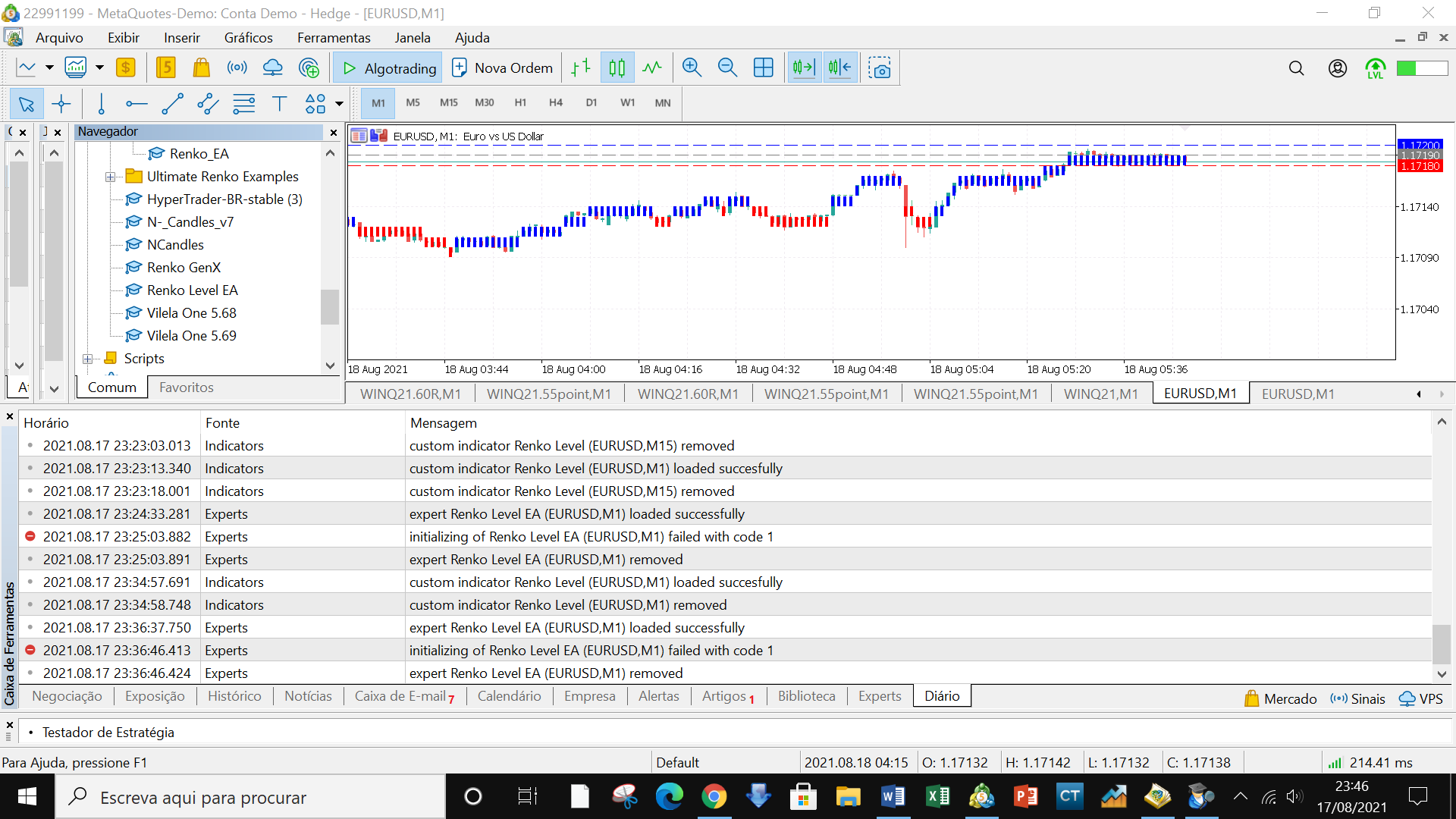
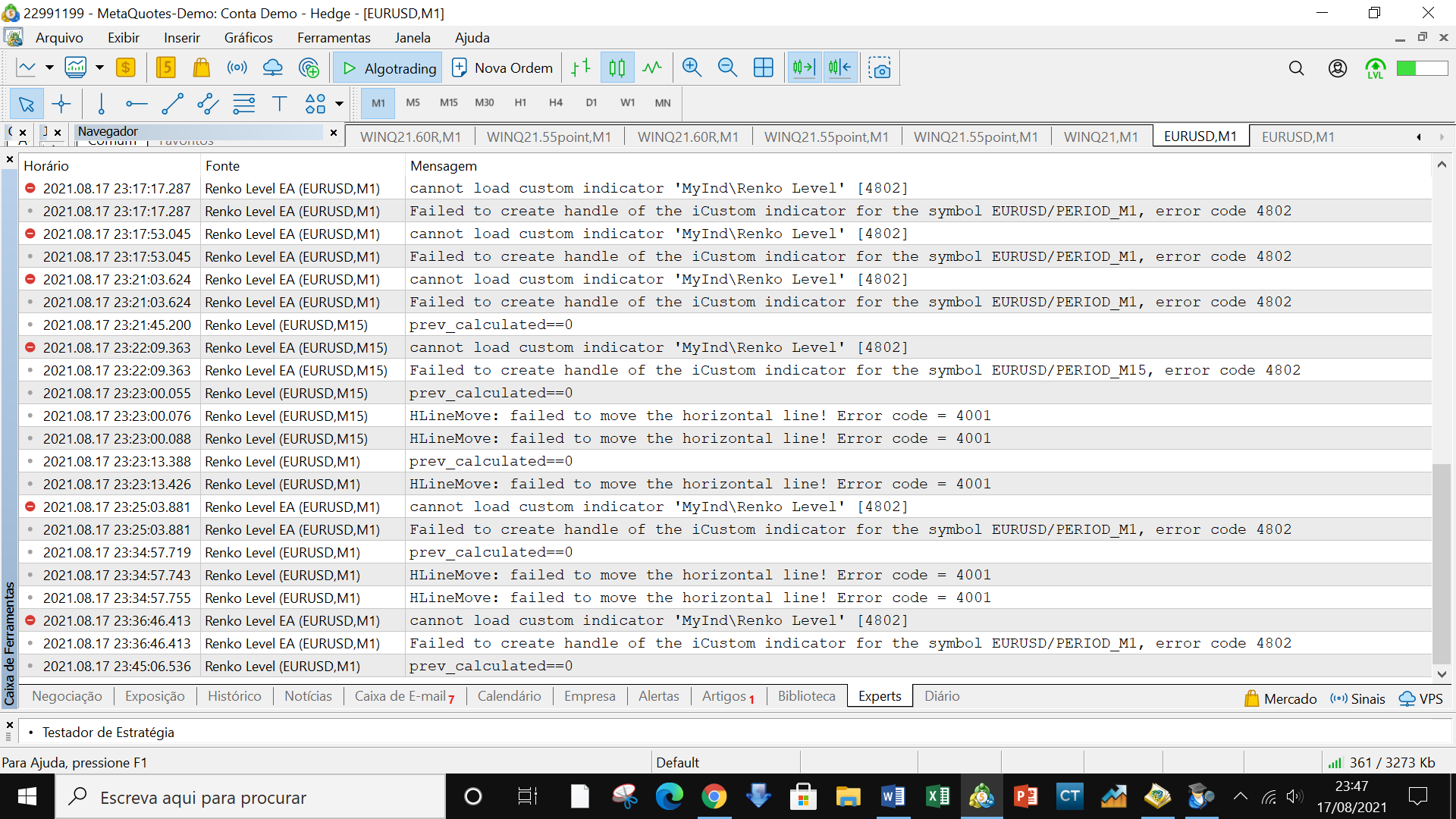

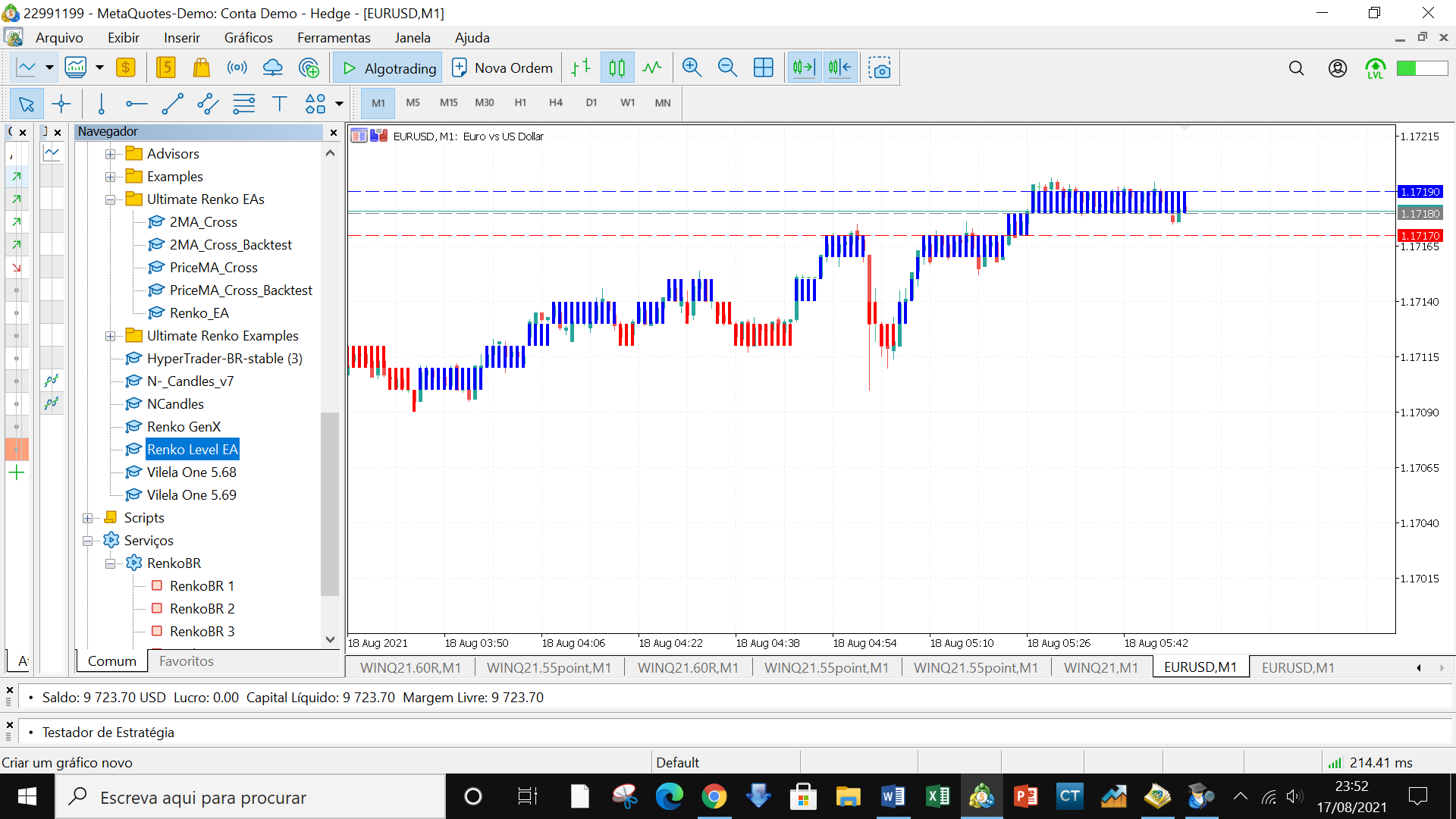
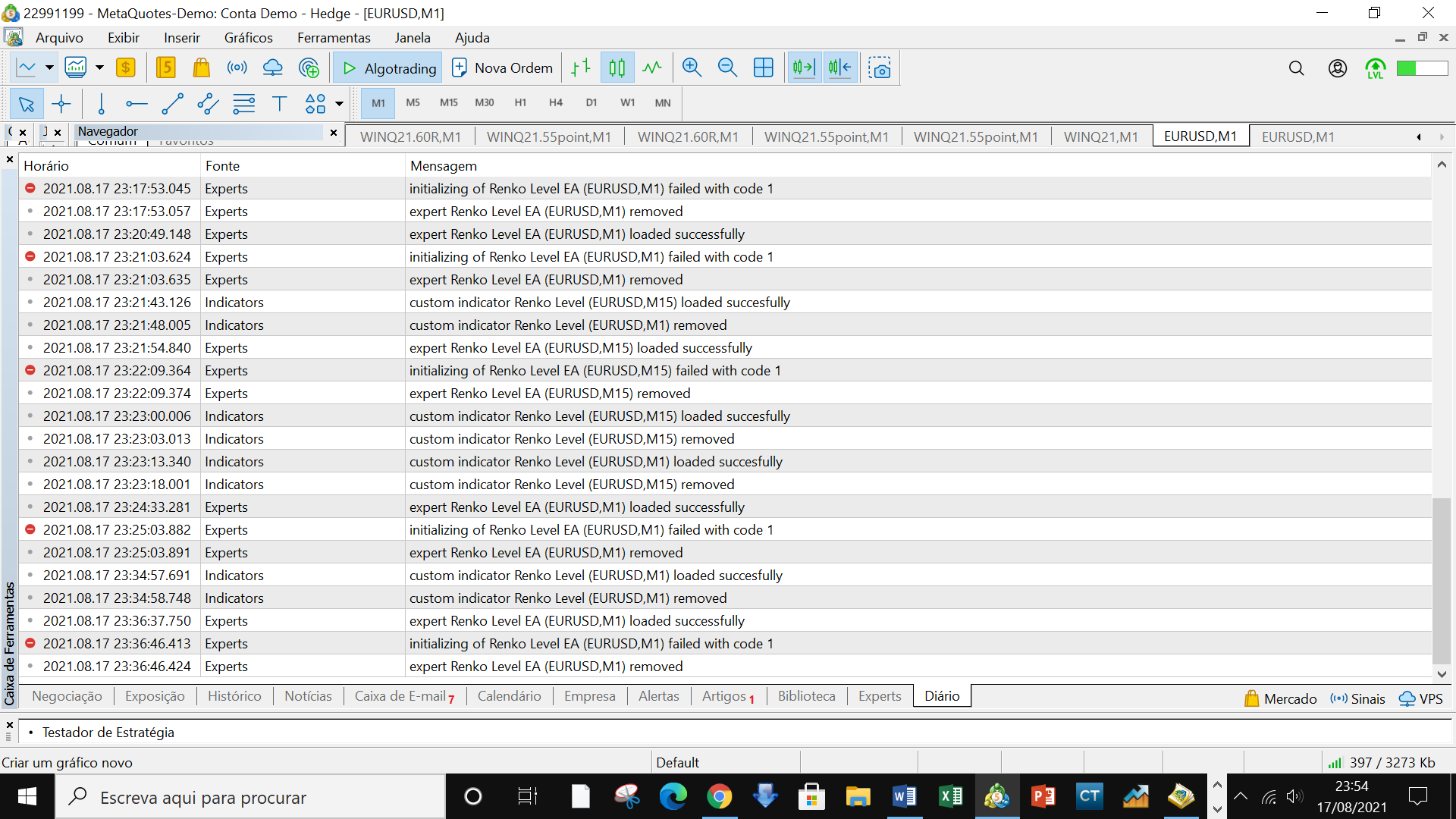


On my MT5 there was no MyInd folder, so I created one and put the indicator in there, it appeared in the Indicators tree, but the EA still doesn't hold it on the chart, I've attached the images, please check because I found these materials interesting, I'd like to use them.
Did you compile the indicator? Have you read the log file? Are you reading the error description?
Have you compiled the indicator? Have you read the log file? Are you reading the error description?
I compiled the indicator and the EA, they gave 2 errors in one of them (I don't remember which at the moment, I think it was in the EA) I put false in place of the error, then it worked, it must have been in the EA so it must not be adjusted correctly (I will uninstall and try to reinstall) but I believe that the 2 errors will appear again. When I compile it and get the error, I'll send you the screen with the printout so you can have a look, because I don't understand much and I put false and it went through, but then there was the problem of not holding the graphs (it stays for 1 second and leaves again), as for the logs, I sent those images of the Daily and Experts tabs (there are error messages there indicating that the path was not found, but it's not really clear to me). If you can help, thank you.
Hi Vladimir, in addition to the above, I'll describe the situation below:
Did you compile the indicator?Yes, it compiled correctly, there were no errors and it's in the right folder
Have you compiled the EA? It's not compiling, it's showing 2 errors.I replaced the errors with false and it compiled normally, when I added the EA to the chart it didn't hold, it was removed.
Have you read the log file?I read the messages that appear in the tabs: Journal and Experts, the images of these are in the previous messages, but if you want I can send them again.
Have you read the description of the error? I 've readthe messages that appear in the tabs: Journal and Experts, the images of these are in the previous messages, but if you want I can send them again.
NOTE: I'm not a programmer, I'm just an ordinary user, so if you can help me, I'd really appreciate it. I have a lot of difficulty with programming, so I humbly ask you to help me.


- Free trading apps
- Over 8,000 signals for copying
- Economic news for exploring financial markets
You agree to website policy and terms of use
Renko Level EA:
An Expert Advisor based on indicator Renko Level.
Author: Vladimir Karputov