Sayed Ali Ordibehesht / Profil
- Bilgiler
|
1 yıl
deneyim
|
2
ürünler
|
2
demo sürümleri
|
|
0
işler
|
0
sinyaller
|
0
aboneler
|
MetaTrader 5 için profesyonel araçlar ve traderların verimliliğini artıran çözümler geliştiriyor; risk yönetimi, işlem gerçekleştirme, otomasyon ve işlem performansı analizine odaklanıyoruz.
EA PRO Risk Panel; doğru hesaplamalar, gerçek hesaplarda istikrarlı çalışma, verimli iş akışları ve sade bir kullanıcı deneyimi temelinde tasarlanan, büyüyen bir yazılım ekosisteminin ilk ürünüdür.
Amacımız, traderların önlenebilir hataları azaltmalarına, disiplinlerini geliştirmelerine ve daha fazla kontrol ve tutarlılıkla işlem yapmalarına yardımcı olmaktır.
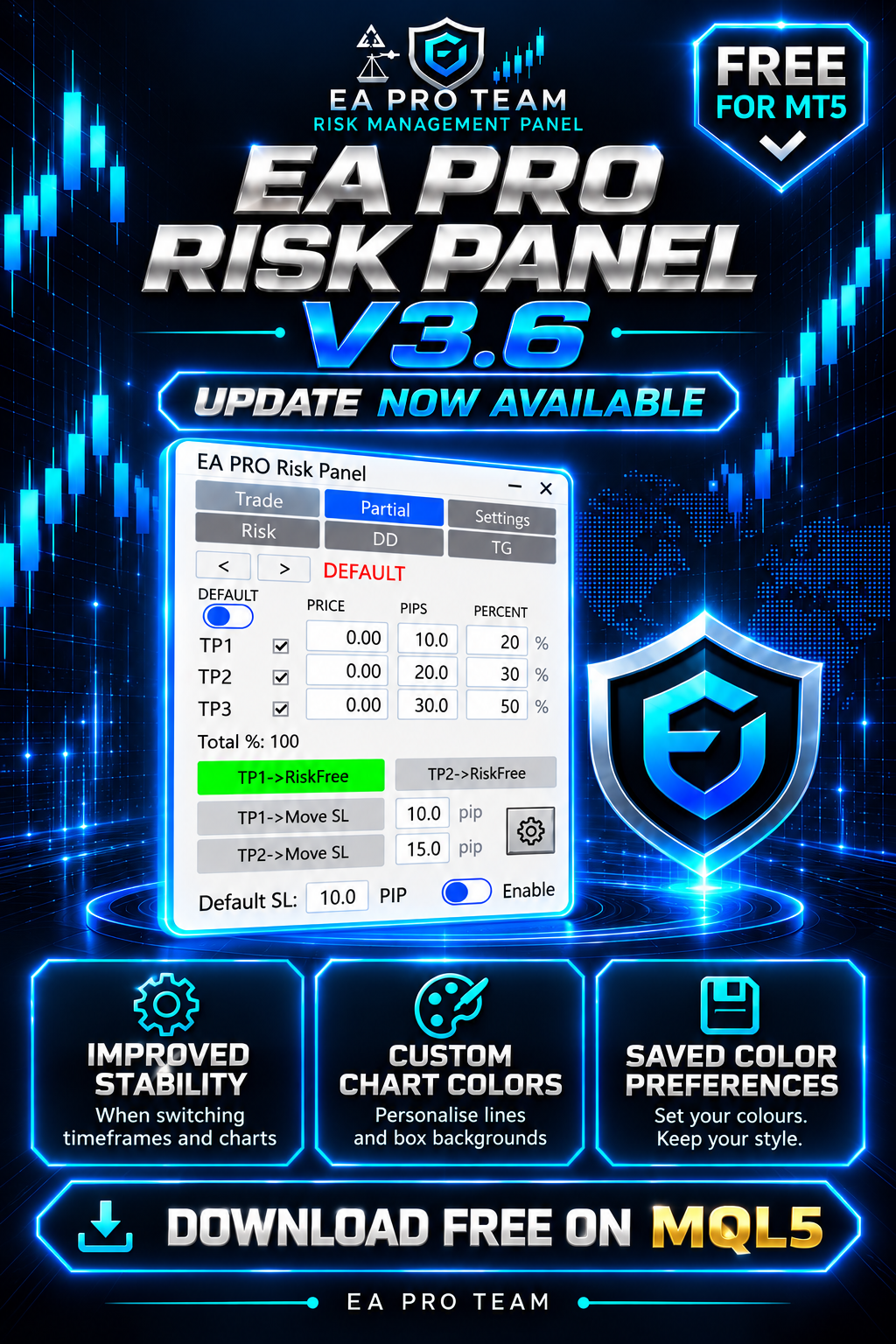
What’s new:
✅ Improved panel stability when switching timeframes and charts, with fixes for related display issues.
🎨 Custom colours for chart lines and box backgrounds in the trading and partial-close settings.
💾 Your chosen colours are saved for future use.
Colour settings apply to chart elements; the panel’s own colours remain unchanged.
📥 Download or update for free on the MQL5 Market:
https://www.mql5.com/en/market/product/150343
Already using the panel? Update to 3.6 and test your setup on a demo account before live use.
#EAProRiskPanel #MT5 #Update
EA Pro Risk Manager — MT5 için İşlem Yönetimi, Kısmi Kapatma ve Drawdown Kontrolü MT5 için hepsi bir arada bir panel: işlemlerinizi planlayın, açık pozisyonlarınızı yönetin ve günlük, haftalık, aylık ve toplam drawdown limitleri belirleyin. Prop firma hesapları ve kişisel hesaplar için uygundur. Ücretsiz deneyin: Demoyu Strateji Test Cihazı'nda açın, görsel modu açın ve Başlat'a basın. Panel grafikte görünür ve test işlemleri açabilirsiniz. Telefon ve Telegram uyarıları test cihazında
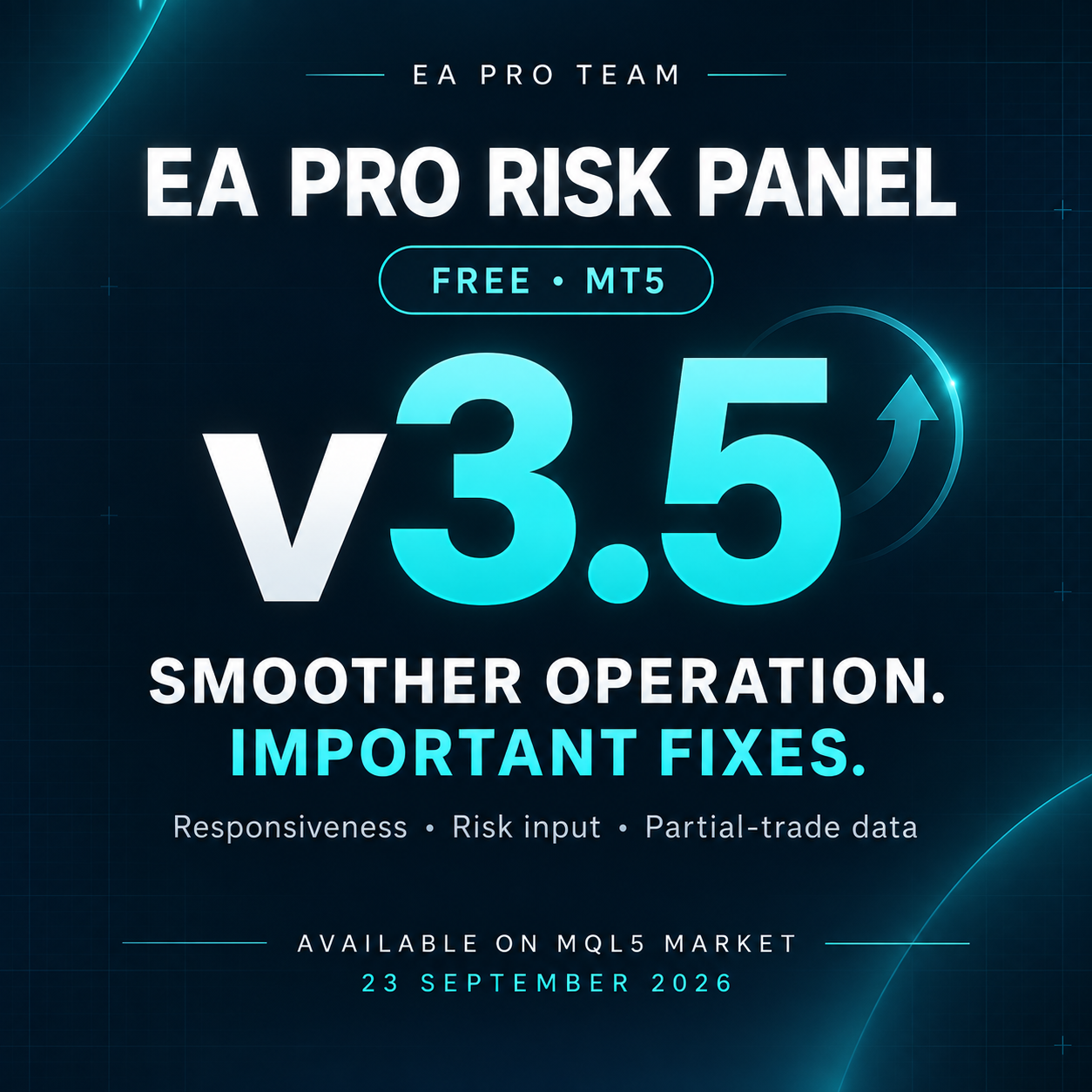
This update focuses on smoother operation and important bug fixes:
✅ Improved panel responsiveness when switching timeframes.
✅ Optimized panel rebuilding for smoother operation.
✅ Fixed the risk percentage field in the Trade tab.
✅ Fixed data carrying over between different trades in the Partial tab.
✅ Resolved an issue that could cause unintended states in certain situations.
📥 Download or update on the MQL5 Market:
https://www.mql5.com/en/market/product/150343
Already using the panel? Update to v3.5 and test your setup on a demo account before live use.
#EAProRiskPanel #MT5 #Update
🚀 EA PRO Risk Panel — Version 3 is Live!
The biggest update since launch.
What's new:
✅ Default Partial and SL settings
✅ TP2 Risk-Free
✅ TP1 & TP2 Move SL
✅ Panel minimize & maximize
✅ Drag panel freely on chart
✅ Bug fixes and speed improvements
✅ Completely free
🔜 Risk, Drawdown & Telegram tabs coming soon in Pro version.
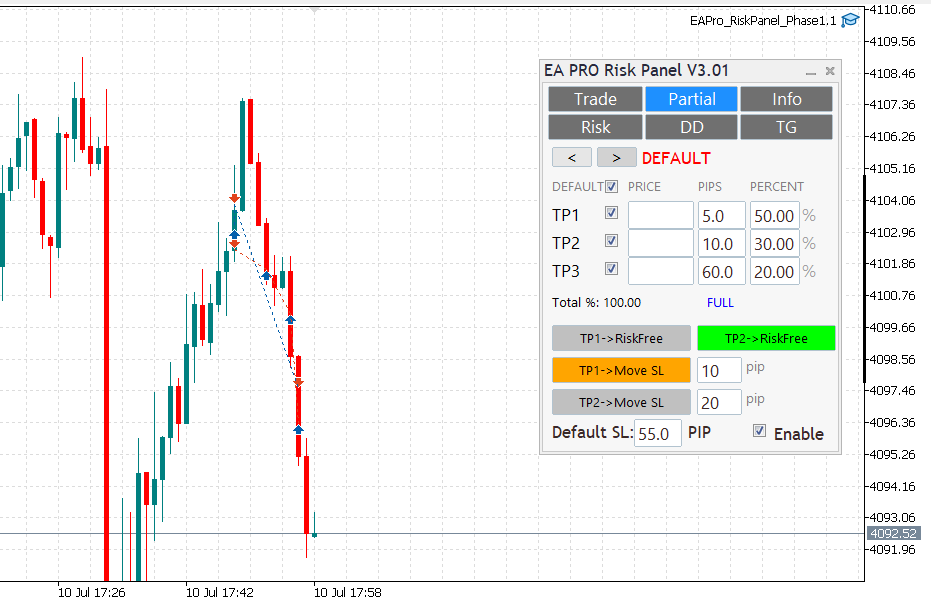
New Partial tab: TP1–TP3 with per‑row percent; mechanical Total% (TP1%+TP2%+TP3%).Risk‑Free on TP1 (once); rows lock on HIT with clear DONE status.Hedging‑aware handling: visuals and edits isolated to the active ticket; per‑ticket persistence (GV) with safe migration order→position; auto cleanup.Smoother chart interaction: hover‑to‑preselect, no first‑drag snap, flicker‑free UI, click‑through guard.TP proximity alerts (per ticket), normalized pips for FX/metals; master switch + per‑ticket thresholds.Reliability: quiet logs by default; stable across symbol/TF changes.PS: A small hotfix v2.02 followed for tight‑SL/small‑partial edge cases.
A lightweight trade-management utility for MT5:
• One-click lot sizing by Risk% / Risk$
• Clean UI (Buy/Sell, P.Buy/P.Sell), live Bid/Ask
• Fast SL/TP edits (fields + draggable chart lines)
• Works on hedging & netting; suffix symbols supported
• No time limits, no account binding, no DLLs
Download & screenshots:
Feedback & bug reports: please use the product’s Comments tab (FREE items don’t have Reviews).
Roadmap: partial-close presets (25/50/100), panel-position lock, hotkeys.
Thanks for supporting the project!
EA Pro Risk Panel — MT5 için Ücretsiz İşlem Planlama ve Kısmi Kapatma Paneli Girişinizi planlayın, seçtiğiniz risk oranı ve zarar durdurma mesafesine göre pozisyon büyüklüğünü hesaplayın ve kısmi kapatmaları tek panelden yönetin. İşleme siz karar verirsiniz; panel planınızı uygulamanıza yardımcı olur. SÜRÜM 3.7 İLE GELENLER • Panelin sağ alt köşesi sürüklenerek en-boy oranı korunacak şekilde yeniden boyutlandırılması eklendi. • Seçilen panel boyutu her grafik için otomatik olarak kaydedilir. •