• Information
1 Jahr
Erfahrung
2
Produkte
2
Demoversionen
0
Jobs
0
Signale
0
Abonnenten
EA PRO TEAM ist eine unabhängige Marke für Trading-Software, gegründet von Sayed Ali Ordibehesht, Trader und Softwareentwickler.

Wir entwickeln professionelle Tools für MetaTrader 5 und Lösungen zur Steigerung der Produktivität von Tradern in den Bereichen Risikomanagement, Handelsausführung, Automatisierung und Analyse der Handelsperformance.

EA PRO Risk Panel ist das erste Produkt eines wachsenden Software-Ökosystems, das auf präzisen Berechnungen, Stabilität auf Live-Konten, effizienten Arbeitsabläufen und einem übersichtlichen Nutzererlebnis basiert.

Unser Ziel ist es, Trader dabei zu unterstützen, vermeidbare Fehler zu reduzieren, ihre Disziplin zu stärken und mit mehr Kontrolle und Beständigkeit zu handeln.
Sayed Ali Ordibehesht
Hat den Code CanvasTabs: a lightweight tab bar for MQL5 based on CCanvas veröffentlicht
A lightweight tab bar for chart panels, drawn with the standard CCanvas class. One include file, several independent instances per chart, click selection, resizing and safe cleanup. Includes a demo Expert Advisor.
1
Sayed Ali Ordibehesht
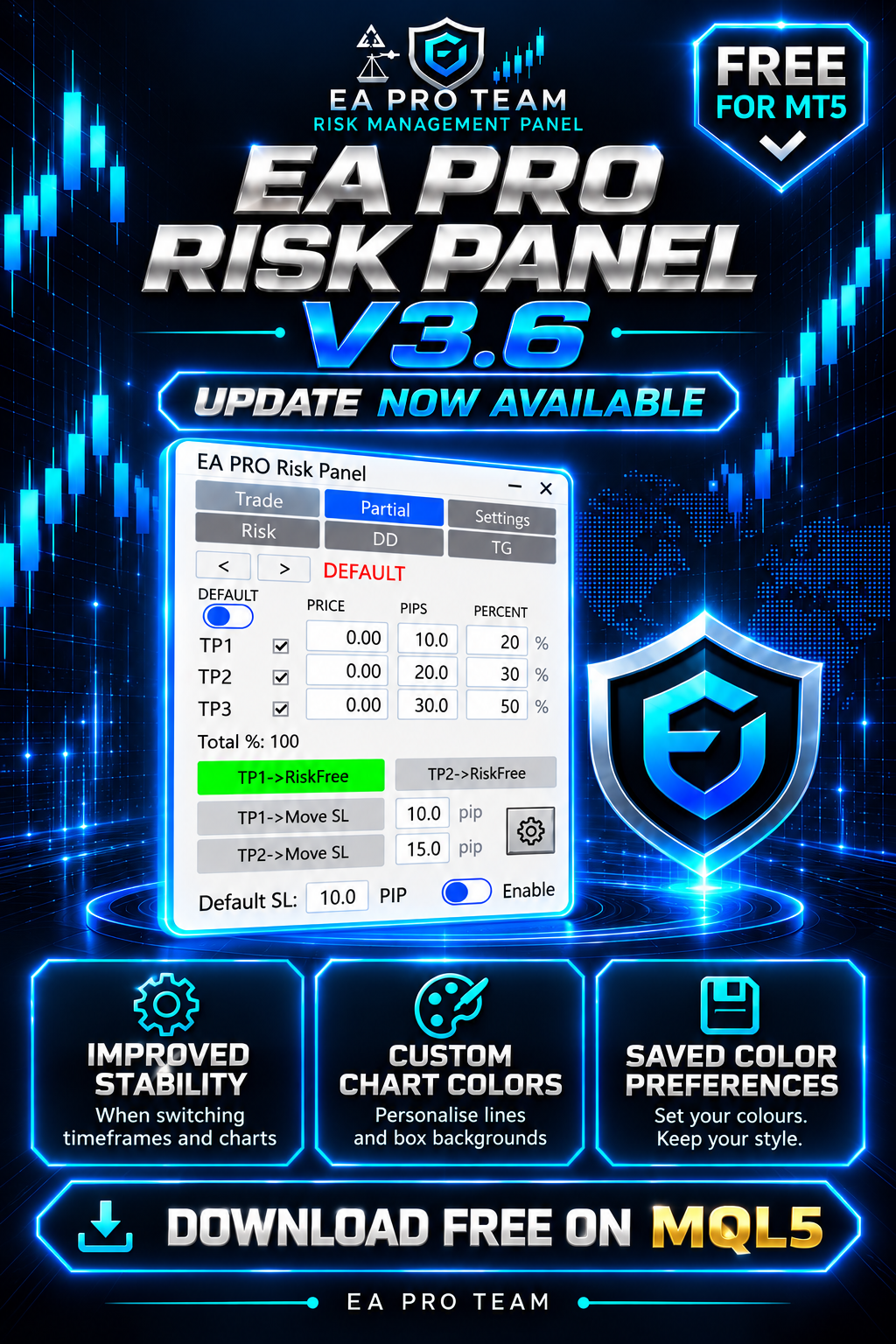
🚀 EA Pro Risk Panel — FREE version 3.6 is now available!

What’s new:
✅ Improved panel stability when switching timeframes and charts, with fixes for related display issues.
🎨 Custom colours for chart lines and box backgrounds in the trading and partial-close settings.
💾 Your chosen colours are saved for future use.

Colour settings apply to chart elements; the panel’s own colours remain unchanged.

📥 Download or update for free on the MQL5 Market:
https://www.mql5.com/en/market/product/150343

Already using the panel? Update to 3.6 and test your setup on a demo account before live use.

#EAProRiskPanel #MT5 #Update
Sayed Ali Ordibehesht
Beitrag One Bad Day Should Not End Your Prop Challenge: How I Built a Drawdown Guard for MT5 veröffentlicht
Even a well-planned prop challenge can be derailed by one bad trading day — a revenge trade after a stop-out, a position sized too large before the news, or a loss that quietly crosses the daily limit while you are still watching the chart...
Sayed Ali Ordibehesht
Beitrag Keeping a CAppDialog Panel Stable Across Timeframe Changes in MQL5 veröffentlicht
1. Introduction The MQL5 Standard Library gives us CAppDialog: a window with a caption, a close button, a minimize button, and a dedicated client area for child controls. A few dozen lines of code are usually enough to place a professional, modern-looking panel directly on the chart...
Sayed Ali Ordibehesht
Beitrag How to Protect a Prop Firm Account with a Daily Loss Limit in MT5 veröffentlicht
Most prop firm challenges are not lost on one bad trade. They are lost on one bad day: a loss, a revenge trade, then another. A daily loss limit stops that chain before it breaks your account rules. Step 1 — Read your firm's rule exactly...
Sayed Ali Ordibehesht Hat ein Produkt angeboten

  EA Pro Risk Manager — Trade-Management, Teilschließungen und Drawdown-Kontrolle für MT5 Ein All-in-one-Panel für MT5: Trades planen, offene Positionen verwalten und Drawdown-Limits für Tag, Woche, Monat und das gesamte Konto festlegen. Für Prop-Firm-Konten und private Konten. Kostenlos testen: Öffnen Sie die Demo im Strategietester, aktivieren Sie den visuellen Modus und klicken Sie auf Start. Das Panel erscheint im Chart und Sie können Test-Trades eröffnen. Handy- und

Sayed Ali Ordibehesht
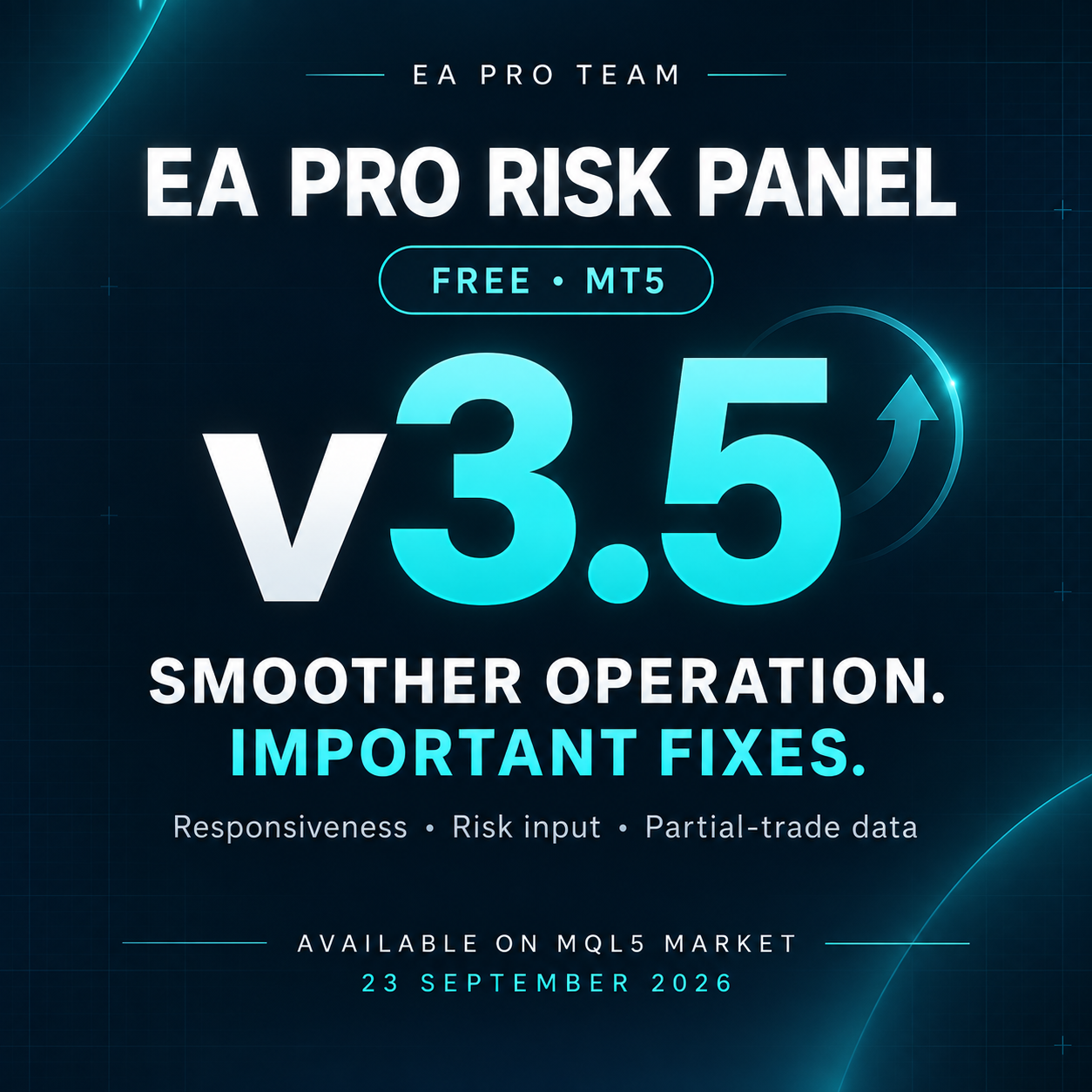
🔧 EA PRO Risk Panel — FREE v3.5 is now available!

This update focuses on smoother operation and important bug fixes:

✅ Improved panel responsiveness when switching timeframes.
✅ Optimized panel rebuilding for smoother operation.
✅ Fixed the risk percentage field in the Trade tab.
✅ Fixed data carrying over between different trades in the Partial tab.
✅ Resolved an issue that could cause unintended states in certain situations.

📥 Download or update on the MQL5 Market:
https://www.mql5.com/en/market/product/150343

Already using the panel? Update to v3.5 and test your setup on a demo account before live use.

#EAProRiskPanel #MT5 #Update
Sayed Ali Ordibehesht
:

🚀 EA PRO Risk Panel — Version 3 is Live!
The biggest update since launch.
What's new:
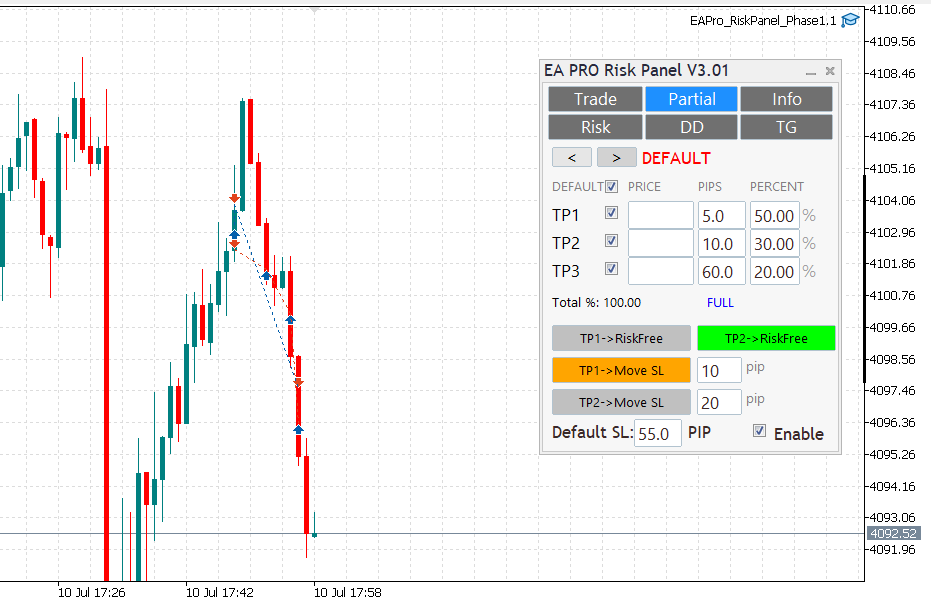
✅ Default Partial and SL settings
✅ TP2 Risk-Free
✅ TP1 & TP2 Move SL
✅ Panel minimize & maximize
✅ Drag panel freely on chart
✅ Bug fixes and speed improvements
✅ Completely free
🔜 Risk, Drawdown & Telegram tabs coming soon in Pro version.
Sayed Ali Ordibehesht
A PRO Risk Panel — Version 2.01: Partial exits, hedging‑aware state, smoother UI Body:
New Partial tab: TP1–TP3 with per‑row percent; mechanical Total% (TP1%+TP2%+TP3%).Risk‑Free on TP1 (once); rows lock on HIT with clear DONE status.Hedging‑aware handling: visuals and edits isolated to the active ticket; per‑ticket persistence (GV) with safe migration order→position; auto cleanup.Smoother chart interaction: hover‑to‑preselect, no first‑drag snap, flicker‑free UI, click‑through guard.TP proximity alerts (per ticket), normalized pips for FX/metals; master switch + per‑ticket thresholds.Reliability: quiet logs by default; stable across symbol/TF changes.PS: A small hotfix v2.02 followed for tight‑SL/small‑partial edge cases.
Sayed Ali Ordibehesht
Released: EA Pro Team — Risk Management Panel (MT5) [FREE]

A lightweight trade-management utility for MT5:
• One-click lot sizing by Risk% / Risk$
• Clean UI (Buy/Sell, P.Buy/P.Sell), live Bid/Ask
• Fast SL/TP edits (fields + draggable chart lines)
• Works on hedging & netting; suffix symbols supported
• No time limits, no account binding, no DLLs

Download & screenshots:
Feedback & bug reports: please use the product’s Comments tab (FREE items don’t have Reviews).

Roadmap: partial-close presets (25/50/100), panel-position lock, hotkeys.
Thanks for supporting the project!
Sayed Ali Ordibehesht Hat ein Produkt angeboten

EA Pro Risk Panel — Kostenlose Handelsplanung und Teilschließungen für MT5 Planen Sie Ihren Einstieg, berechnen Sie die Positionsgröße anhand Ihres Risikos und Stop-Loss-Abstands und verwalten Sie Teilschließungen in einem Panel. Sie treffen die Handelsentscheidung; das Panel unterstützt die Umsetzung. NEU IN VERSION 3.7 • Die Panelgröße lässt sich jetzt durch Ziehen an der unteren rechten Ecke proportional ändern. • Die gewählte Panelgröße wird für jeden Chart automatisch gespeichert. • In den

Sayed Ali Ordibehesht
Hat sich auf MQL5.community registriert