Sayed Ali Ordibehesht / Profile
- Information
|
1 year
experience
|
2
products
|
2
demo versions
|
|
0
jobs
|
0
signals
|
0
subscribers
|
We build professional MetaTrader 5 tools and trader productivity solutions for risk management, trade execution, automation and performance analysis.
EA PRO Risk Panel is the first product in a growing software ecosystem designed around accurate calculations, live-account stability, efficient workflows and a clean user experience.
Our goal is to help traders reduce preventable errors, improve discipline and trade with greater control and consistency.
What’s new:
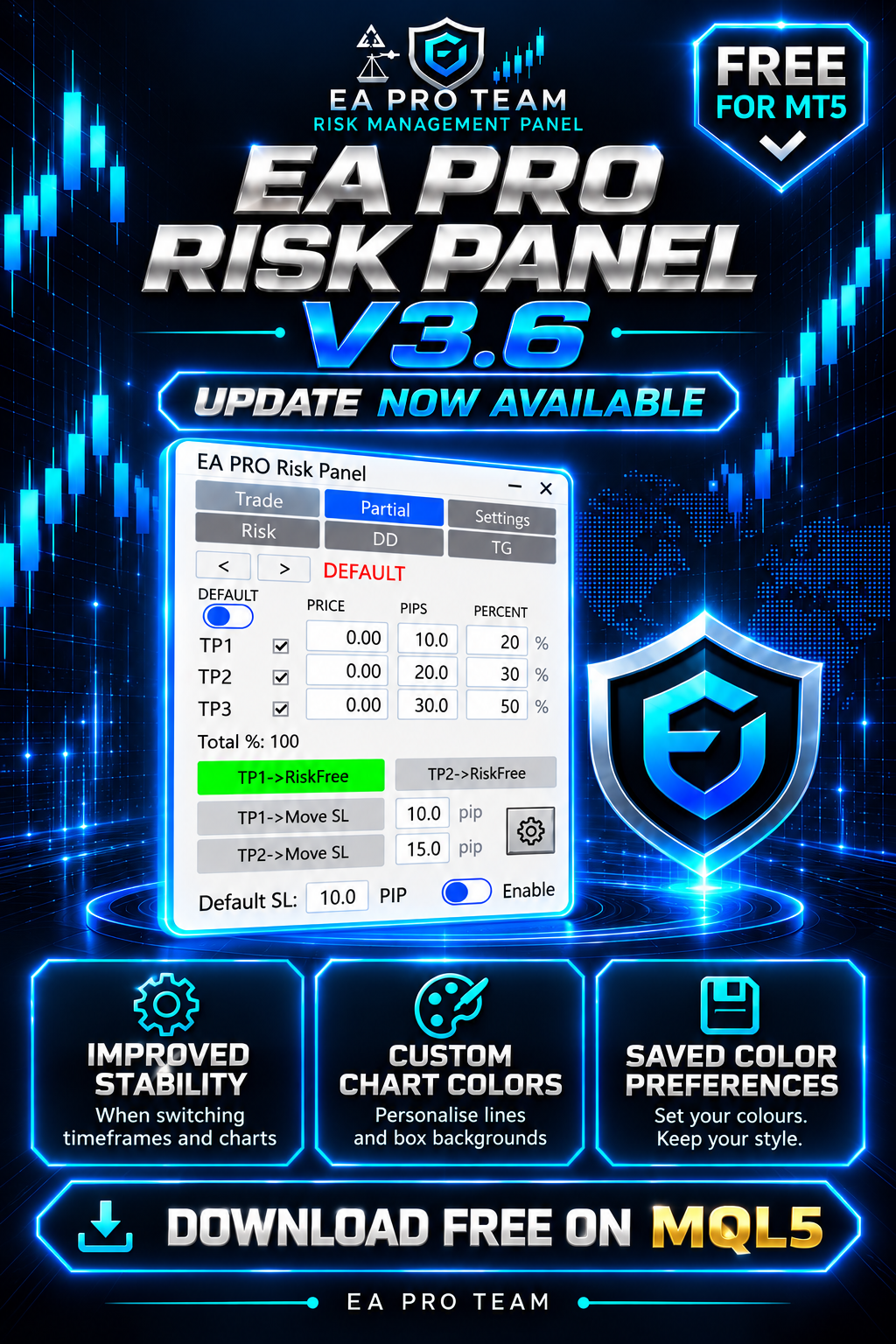
✅ Improved panel stability when switching timeframes and charts, with fixes for related display issues.
🎨 Custom colours for chart lines and box backgrounds in the trading and partial-close settings.
💾 Your chosen colours are saved for future use.
Colour settings apply to chart elements; the panel’s own colours remain unchanged.
📥 Download or update for free on the MQL5 Market:
https://www.mql5.com/en/market/product/150343
Already using the panel? Update to 3.6 and test your setup on a demo account before live use.
#EAProRiskPanel #MT5 #Update
EA Pro Risk Manager — Trade Management, Partial Exits & Drawdown Control for MT5 An all-in-one MT5 trading panel for planning trades, managing open positions and applying configurable daily, weekly, monthly and total drawdown controls — for prop-firm and personal accounts. Try it free: open the demo in the Strategy Tester, turn on Visual mode and press Start. The panel appears on the chart and you can place test trades. Phone and Telegram alerts do not work in the tester. - Lot size
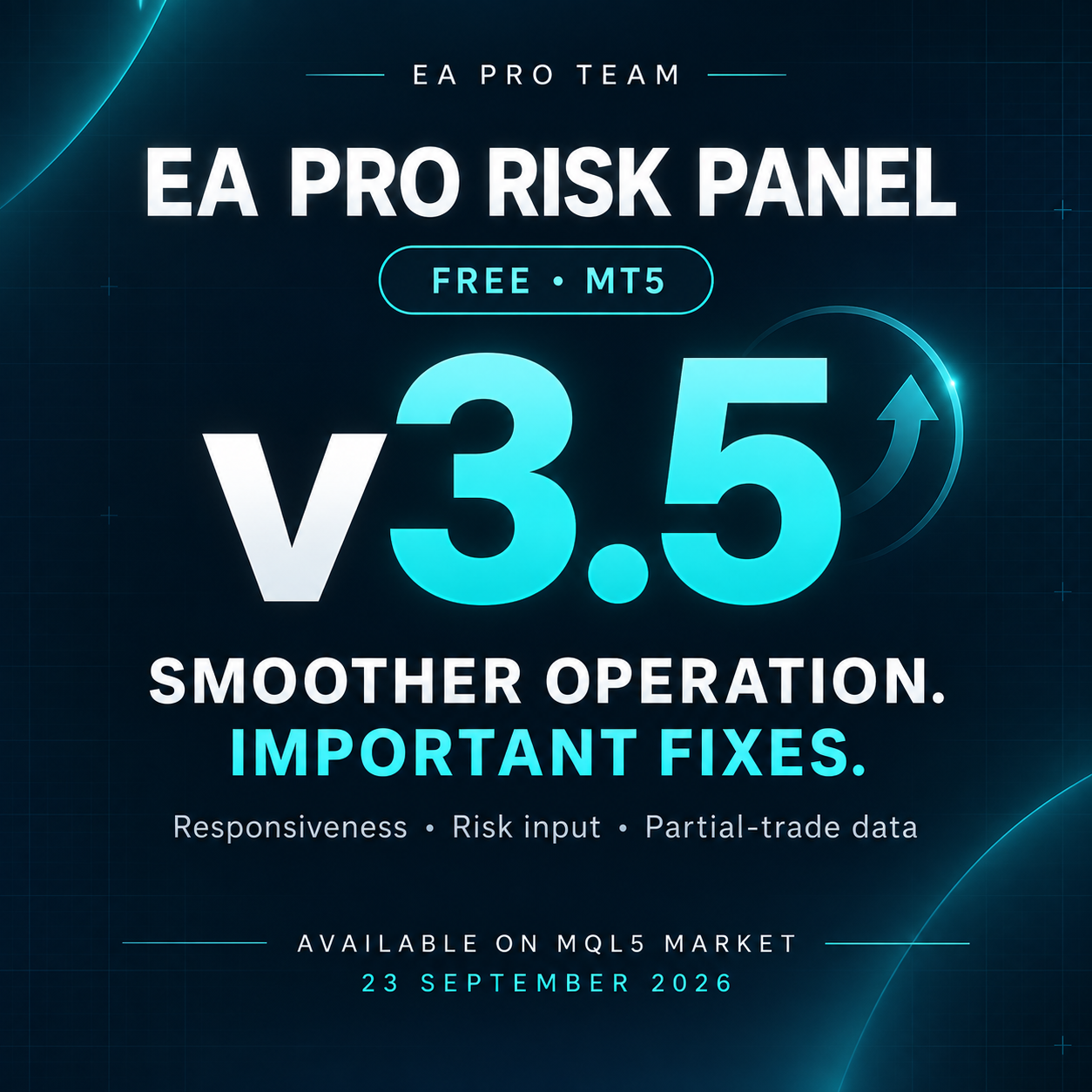
This update focuses on smoother operation and important bug fixes:
✅ Improved panel responsiveness when switching timeframes.
✅ Optimized panel rebuilding for smoother operation.
✅ Fixed the risk percentage field in the Trade tab.
✅ Fixed data carrying over between different trades in the Partial tab.
✅ Resolved an issue that could cause unintended states in certain situations.
📥 Download or update on the MQL5 Market:
https://www.mql5.com/en/market/product/150343
Already using the panel? Update to v3.5 and test your setup on a demo account before live use.
#EAProRiskPanel #MT5 #Update
🚀 EA PRO Risk Panel — Version 3 is Live!
The biggest update since launch.
What's new:
✅ Default Partial and SL settings
✅ TP2 Risk-Free
✅ TP1 & TP2 Move SL
✅ Panel minimize & maximize
✅ Drag panel freely on chart
✅ Bug fixes and speed improvements
✅ Completely free
🔜 Risk, Drawdown & Telegram tabs coming soon in Pro version.
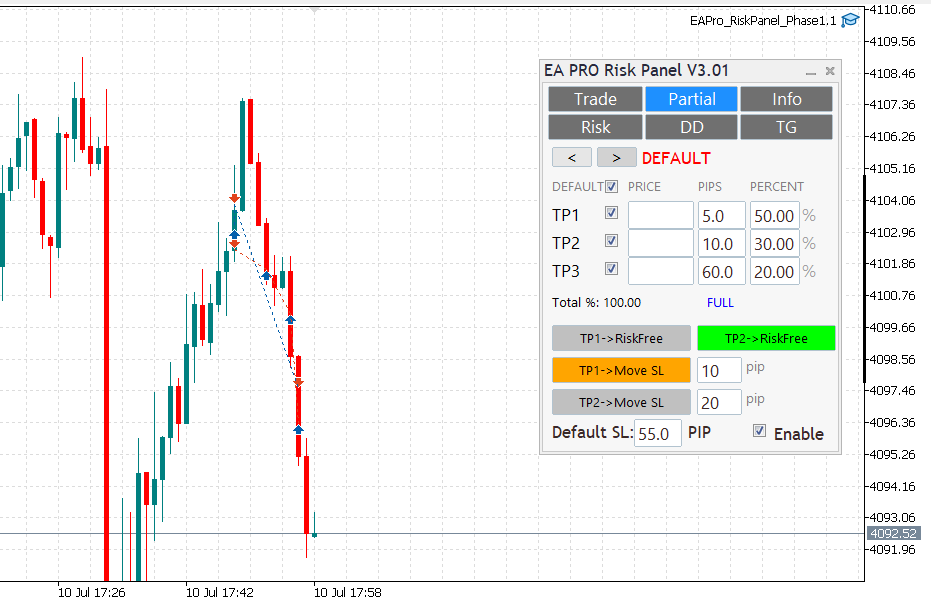
New Partial tab: TP1–TP3 with per‑row percent; mechanical Total% (TP1%+TP2%+TP3%).Risk‑Free on TP1 (once); rows lock on HIT with clear DONE status.Hedging‑aware handling: visuals and edits isolated to the active ticket; per‑ticket persistence (GV) with safe migration order→position; auto cleanup.Smoother chart interaction: hover‑to‑preselect, no first‑drag snap, flicker‑free UI, click‑through guard.TP proximity alerts (per ticket), normalized pips for FX/metals; master switch + per‑ticket thresholds.Reliability: quiet logs by default; stable across symbol/TF changes.PS: A small hotfix v2.02 followed for tight‑SL/small‑partial edge cases.
A lightweight trade-management utility for MT5:
• One-click lot sizing by Risk% / Risk$
• Clean UI (Buy/Sell, P.Buy/P.Sell), live Bid/Ask
• Fast SL/TP edits (fields + draggable chart lines)
• Works on hedging & netting; suffix symbols supported
• No time limits, no account binding, no DLLs
Download & screenshots:
Feedback & bug reports: please use the product’s Comments tab (FREE items don’t have Reviews).
Roadmap: partial-close presets (25/50/100), panel-position lock, hotkeys.
Thanks for supporting the project!
EA Pro Risk Panel — Free Trade Planning and Partial Exits for MT5 Plan your entry, calculate position size from your chosen risk and stop-loss distance, and manage partial exits from one panel. You choose the trades; the panel helps you carry out your plan. NEW IN VERSION 3.7 • Added proportional panel resizing by dragging the bottom-right corner. • The selected panel size is automatically saved for each chart. • Added a button in Settings to restore the default panel size. • Fixed initial size