Sayed Ali Ordibehesht
  • Informations
1 année
expérience
2
produits
2
versions de démo
0
offres d’emploi
0
signaux
0
les abonnés
EA PRO TEAM est une marque indépendante de logiciels de trading fondée par Sayed Ali Ordibehesht, trader et développeur de logiciels.

Nous développons des outils professionnels pour MetaTrader 5 ainsi que des solutions visant à améliorer la productivité des traders dans les domaines de la gestion des risques, de l’exécution des ordres, de l’automatisation et de l’analyse des performances.

EA PRO Risk Panel est le premier produit d’un écosystème logiciel en pleine expansion, conçu autour de calculs précis, de la stabilité sur les comptes réels, de flux de travail efficaces et d’une expérience utilisateur claire et intuitive.

Notre objectif est d’aider les traders à réduire les erreurs évitables, à renforcer leur discipline et à trader avec davantage de contrôle et de régularité.
Sayed Ali Ordibehesht
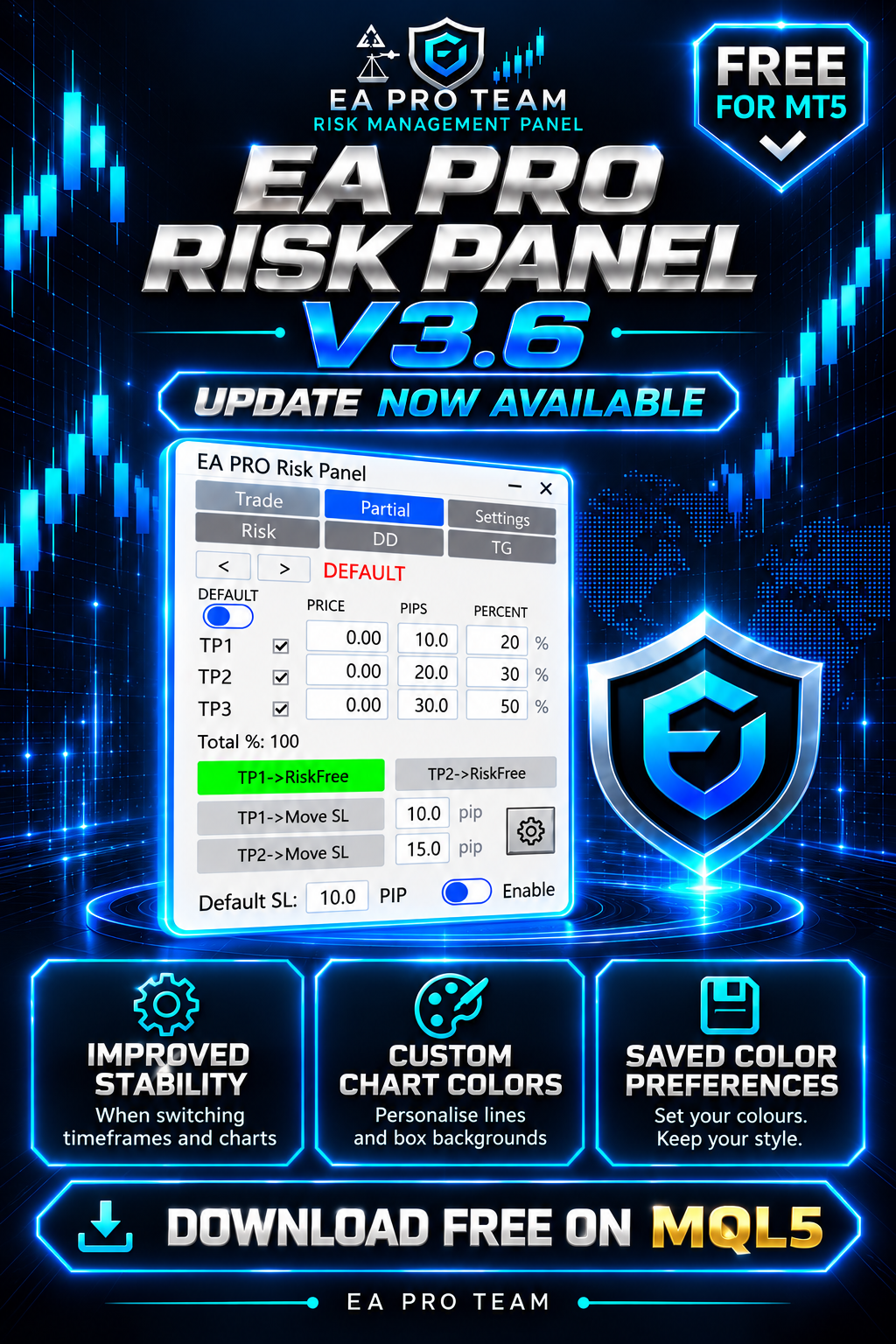
🚀 EA Pro Risk Panel — FREE version 3.6 is now available!

What’s new:
✅ Improved panel stability when switching timeframes and charts, with fixes for related display issues.
🎨 Custom colours for chart lines and box backgrounds in the trading and partial-close settings.
💾 Your chosen colours are saved for future use.

Colour settings apply to chart elements; the panel’s own colours remain unchanged.

📥 Download or update for free on the MQL5 Market:
https://www.mql5.com/en/market/product/150343

Already using the panel? Update to 3.6 and test your setup on a demo account before live use.

#EAProRiskPanel #MT5 #Update
Sayed Ali Ordibehesht
Publication publiéeOne Bad Day Should Not End Your Prop Challenge: How I Built a Drawdown Guard for MT5
Even a well-planned prop challenge can be derailed by one bad trading day — a revenge trade after a stop-out, a position sized too large before the news, or a loss that quietly crosses the daily limit while you are still watching the chart...
Sayed Ali Ordibehesht
Publication publiéeKeeping a CAppDialog Panel Stable Across Timeframe Changes in MQL5
1. Introduction The MQL5 Standard Library gives us CAppDialog: a window with a caption, a close button, a minimize button, and a dedicated client area for child controls. A few dozen lines of code are usually enough to place a professional, modern-looking panel directly on the chart...
Sayed Ali Ordibehesht
Publication publiéeHow to Protect a Prop Firm Account with a Daily Loss Limit in MT5
Most prop firm challenges are not lost on one bad trade. They are lost on one bad day: a loss, a revenge trade, then another. A daily loss limit stops that chain before it breaks your account rules. Step 1 — Read your firm's rule exactly...
Sayed Ali Ordibehesht Produits publiés

  EA Pro Risk Manager — Gestion des trades, clôtures partielles et contrôle du drawdown pour MT5 Un panneau tout-en-un pour MT5 : planifiez vos trades, gérez vos positions ouvertes et fixez des limites de drawdown journalières, hebdomadaires, mensuelles et totales. Pour les comptes de prop firms comme pour les comptes personnels. Essai gratuit : ouvrez la démo dans le testeur de stratégie, activez le mode visuel et cliquez sur Démarrer. Le panneau s'affiche sur le graphique et vous pouvez

Sayed Ali Ordibehesht
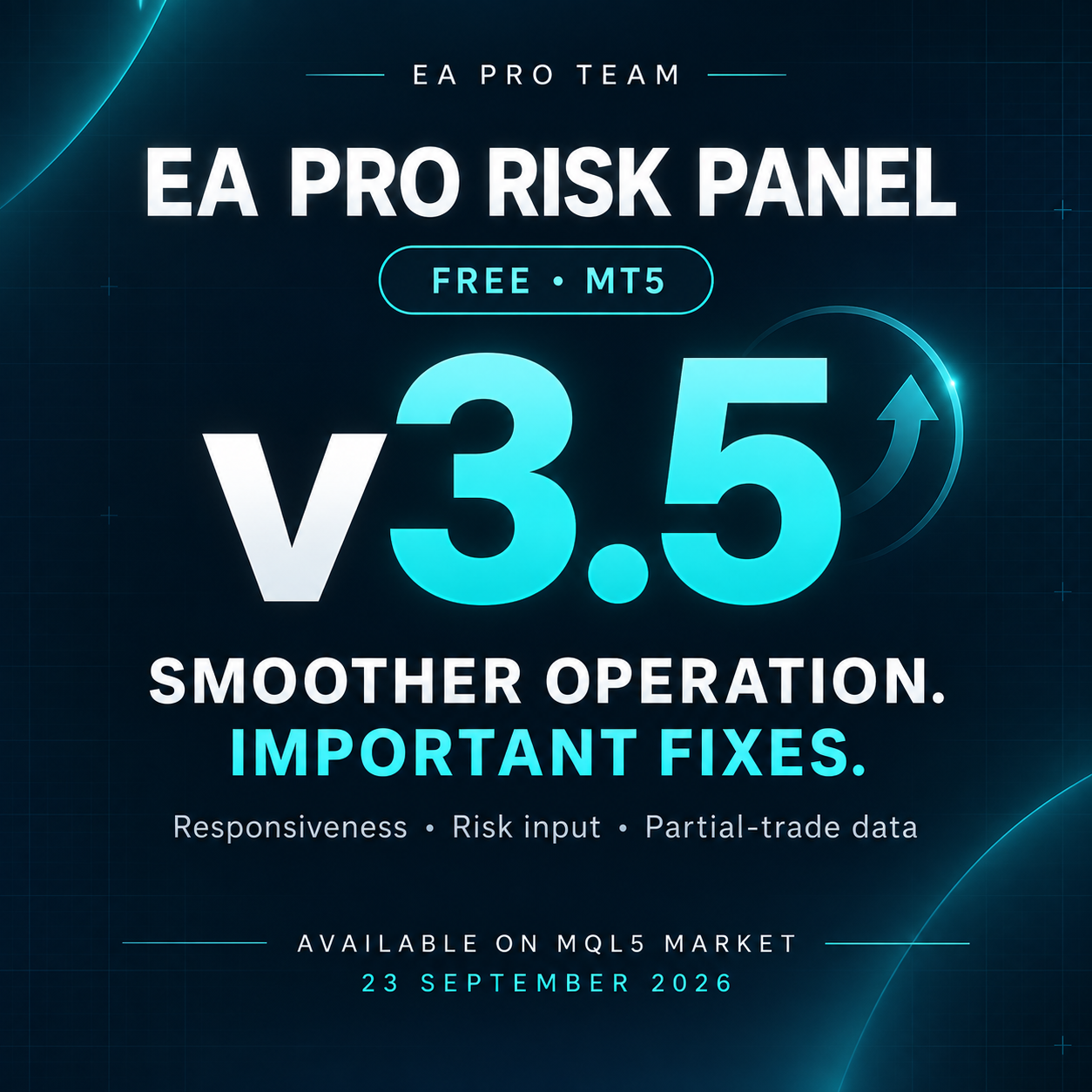
🔧 EA PRO Risk Panel — FREE v3.5 is now available!

This update focuses on smoother operation and important bug fixes:

✅ Improved panel responsiveness when switching timeframes.
✅ Optimized panel rebuilding for smoother operation.
✅ Fixed the risk percentage field in the Trade tab.
✅ Fixed data carrying over between different trades in the Partial tab.
✅ Resolved an issue that could cause unintended states in certain situations.

📥 Download or update on the MQL5 Market:
https://www.mql5.com/en/market/product/150343

Already using the panel? Update to v3.5 and test your setup on a demo account before live use.

#EAProRiskPanel #MT5 #Update
Sayed Ali Ordibehesht
:

🚀 EA PRO Risk Panel — Version 3 is Live!
The biggest update since launch.
What's new:
✅ Default Partial and SL settings
✅ TP2 Risk-Free
✅ TP1 & TP2 Move SL
✅ Panel minimize & maximize
✅ Drag panel freely on chart
✅ Bug fixes and speed improvements
✅ Completely free
🔜 Risk, Drawdown & Telegram tabs coming soon in Pro version.
Sayed Ali Ordibehesht
A PRO Risk Panel — Version 2.01: Partial exits, hedging‑aware state, smoother UI Body:
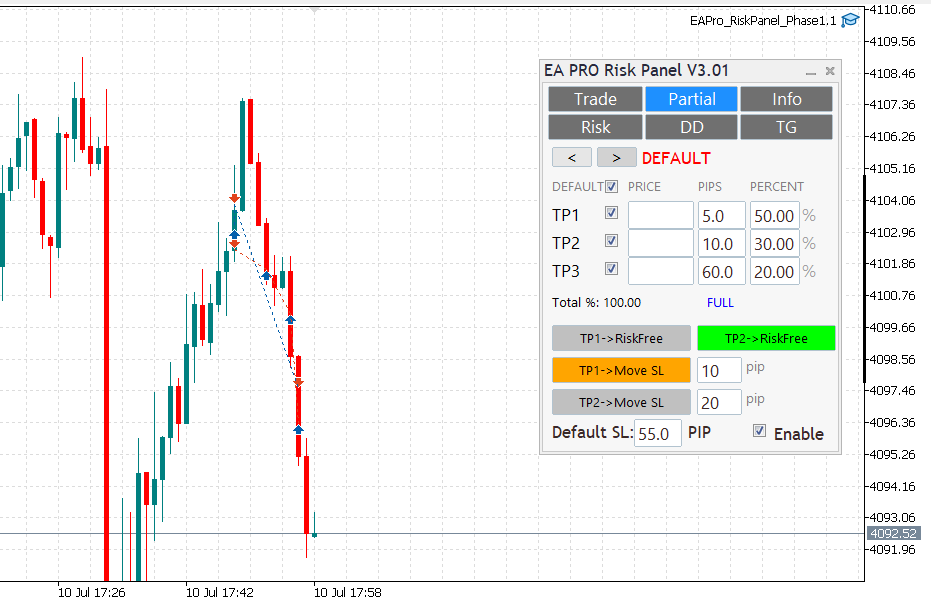
New Partial tab: TP1–TP3 with per‑row percent; mechanical Total% (TP1%+TP2%+TP3%).Risk‑Free on TP1 (once); rows lock on HIT with clear DONE status.Hedging‑aware handling: visuals and edits isolated to the active ticket; per‑ticket persistence (GV) with safe migration order→position; auto cleanup.Smoother chart interaction: hover‑to‑preselect, no first‑drag snap, flicker‑free UI, click‑through guard.TP proximity alerts (per ticket), normalized pips for FX/metals; master switch + per‑ticket thresholds.Reliability: quiet logs by default; stable across symbol/TF changes.PS: A small hotfix v2.02 followed for tight‑SL/small‑partial edge cases.
Sayed Ali Ordibehesht
Released: EA Pro Team — Risk Management Panel (MT5) [FREE]

A lightweight trade-management utility for MT5:
• One-click lot sizing by Risk% / Risk$
• Clean UI (Buy/Sell, P.Buy/P.Sell), live Bid/Ask
• Fast SL/TP edits (fields + draggable chart lines)
• Works on hedging & netting; suffix symbols supported
• No time limits, no account binding, no DLLs

Download & screenshots:
Feedback & bug reports: please use the product’s Comments tab (FREE items don’t have Reviews).

Roadmap: partial-close presets (25/50/100), panel-position lock, hotkeys.
Thanks for supporting the project!
Sayed Ali Ordibehesht Produits publiés

EA Pro Risk Panel — Planification des opérations et clôtures partielles gratuites pour MT5 Préparez votre entrée, calculez la taille de position selon le risque choisi et la distance du stop, puis gérez vos clôtures partielles depuis un seul panneau. Vous décidez des opérations ; le panneau vous aide à appliquer votre plan. NOUVEAUTÉS DE LA VERSION 3.7 • Il est désormais possible de redimensionner le panneau en conservant ses proportions, en faisant glisser son coin inférieur droit. • La taille

Sayed Ali Ordibehesht
Enregistré à MQL5.community