• Bilgiler
4 yıl
deneyim
4
ürünler
670
demo sürümleri
78
işler
0
sinyaller
0
aboneler
Hello, Your are most welcomed to my page.


I'll be glad to design and implement your Experts or Indicators.

- I am available 24/7 to respond to my customers.
- I fix any errors in my programming now and for ever,I very much respect to my credit.
- Putting your name in the Expert "About" window takes extra charges.


If you want to order an expert or indicators you should know that:

I know how to design a dashboard.
I know well-known strategies.
and many other things...
< ================= >

I am ready to accept related job proposals.

< ================= >

Ordering Freelance Job

< ================= >
Job Posting: https://www.mql5.com/en/job/new?prefered=ameri2000

< ================= >
Check out my products:

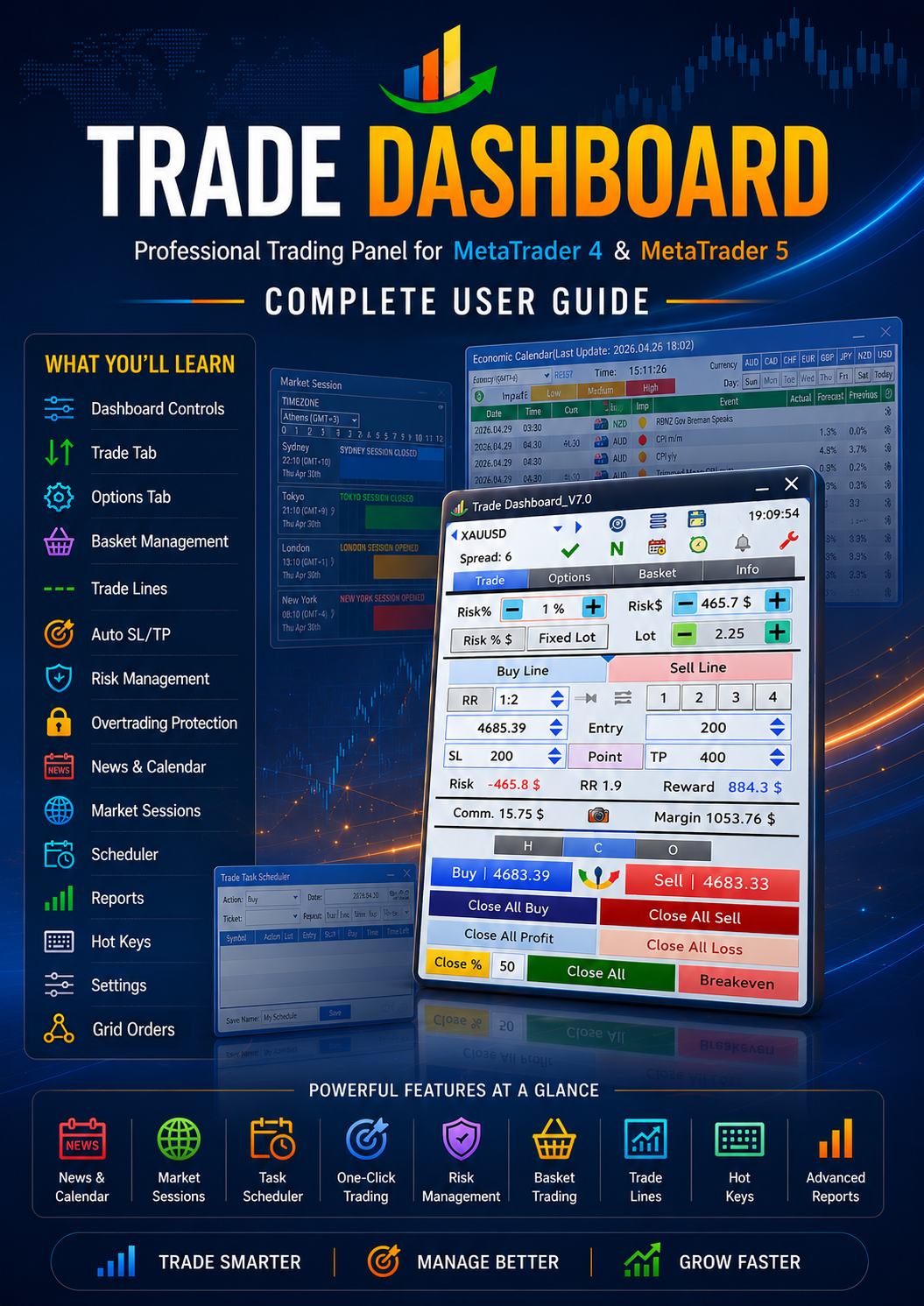
Trade Dashboard MT4: https://www.mql5.com/en/market/product/74392
Trade Dashboard MT5: https://www.mql5.com/en/market/product/80097

< ================= >
Telegram Contact: https://t.me/AmeriEAs
Fatemeh Ameri
Fatemeh Ameri
📰 Improved News Visualization on Chart

The news display on the chart has been redesigned to make important events easier to read at a glance:

🎨 Color represents the impact level of the news

🚩 Flag shows the currency related to the event

⏱ Vertical line marks the exact news time on the chart

🏷 Label displays the news event title

This visual structure helps you instantly understand what the news is, which currency it affects, how important it is, and when it happens — without opening extra panels.

You can also quickly show or hide all news on the chart using the eye-shaped control in the news table.
Fatemeh Ameri
Fatemeh Ameri
📰 News Visualization Enhancements

Added currency flags to news for better visual identification

Added a new visual representation of news on the chart

By clicking the eye-shaped title, you can show or hide all news from the news table on the chart instantly
Fatemeh Ameri
Fatemeh Ameri
📢 Trade Dashboard – New Update Released! 🚀

A new update is now available with major improvements to sessions, news visualization, and usability.

✨ What’s New:

🕒 Session Improvements

Added start and end time labels on the chart for trading sessions

Added Frankfurt and Riyadh to available time zones

🧠 Better User Experience

Window positions for Sessions, News, Settings, Scheduler, and Save/Load are now remembered when closed and reopened

Update now and enjoy a cleaner, more visual, and more convenient trading experience! 💪
Fatemeh Ameri
Fatemeh Ameri
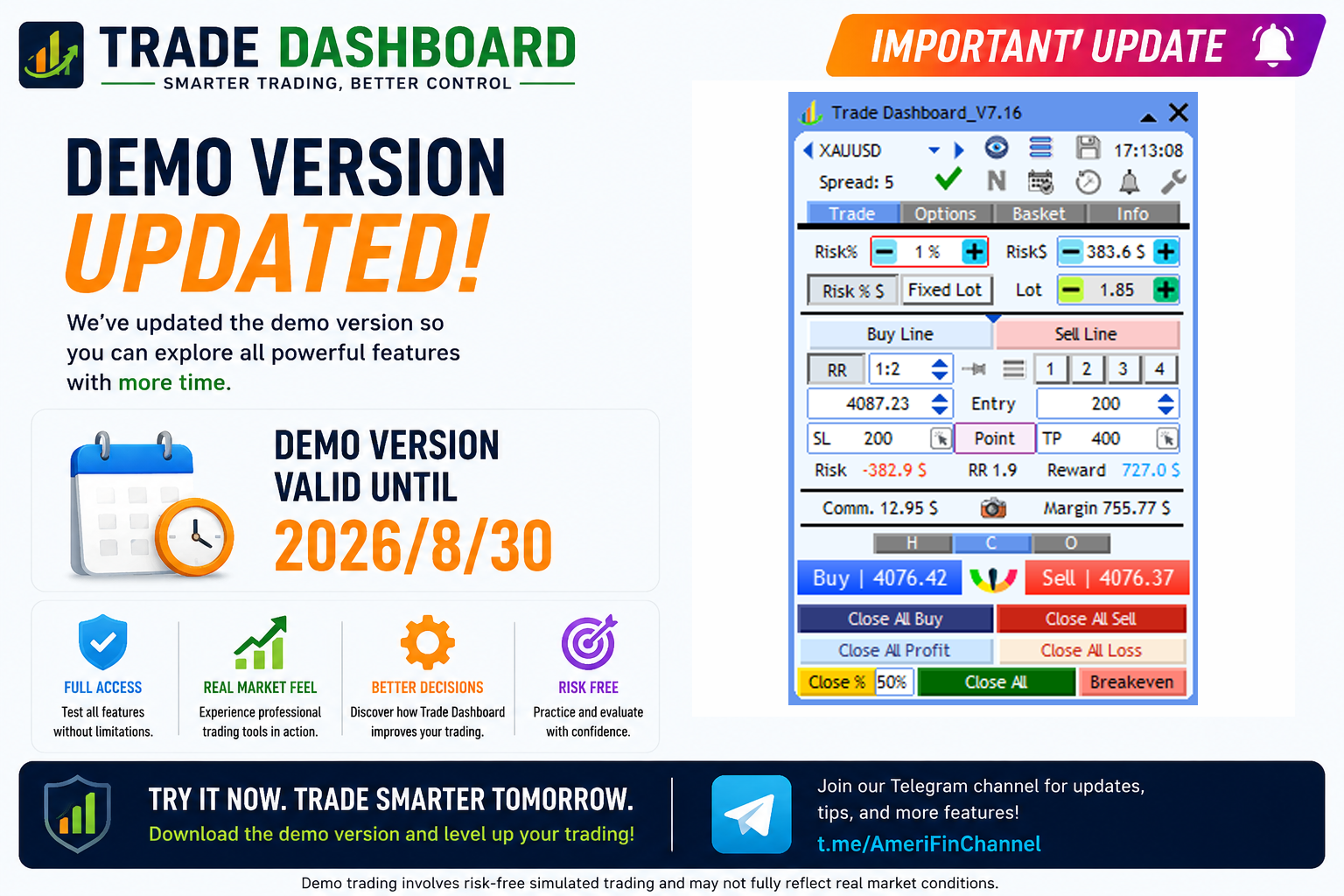
📢 Trade Dashboard – Demo Version Updated

The demo version of Trade Dashboard has been updated.
🗓 New demo expiration date: 30-12-2025

You can now test all features of Trade Dashboard with more time and confidence before purchasing.

👉 Download the updated demo and explore the latest features.
Fatemeh Ameri
Fatemeh Ameri
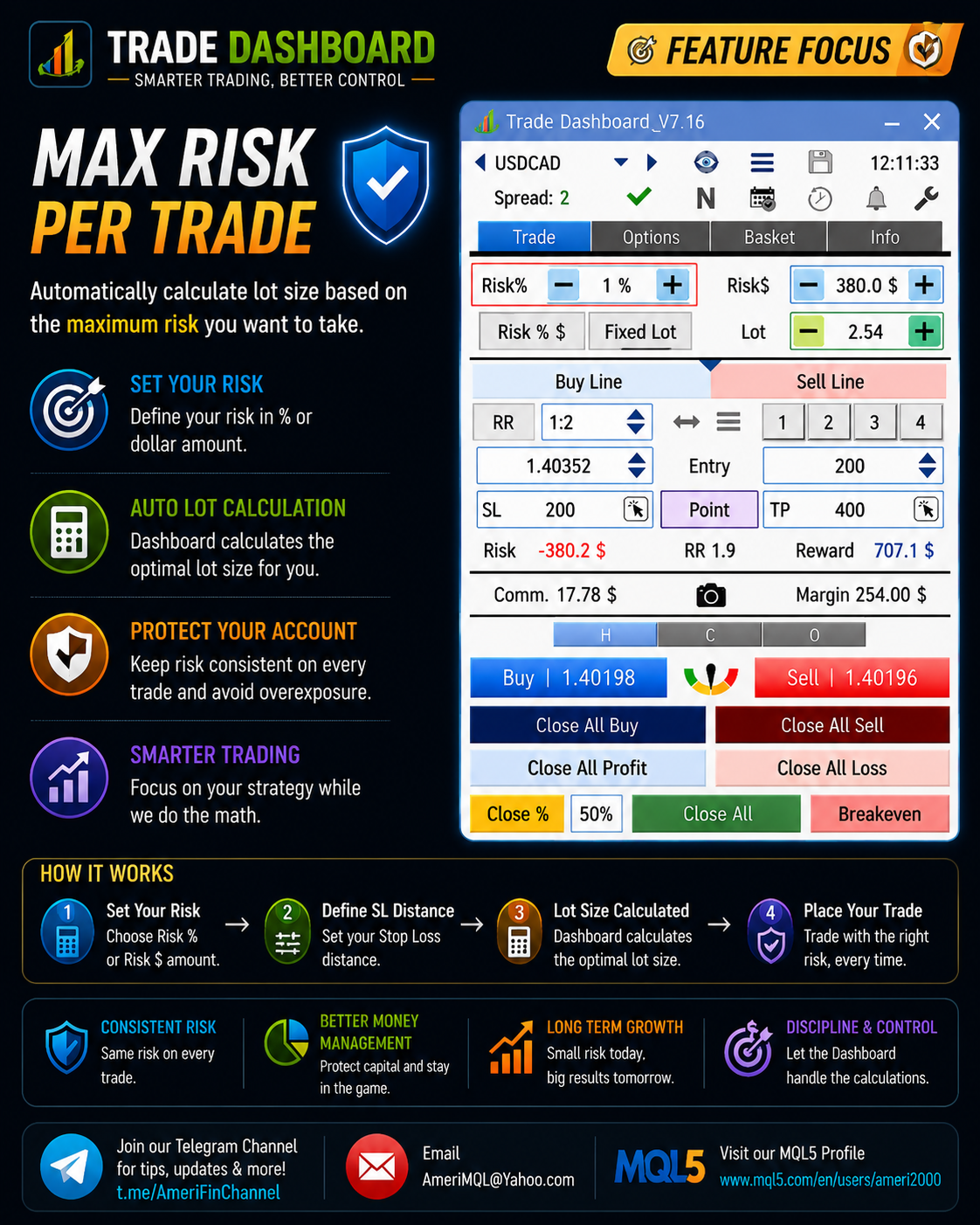
🛑 Max Margin Per Trade Protection

Trade Dashboard now allows you to limit the maximum margin used per trade.

🔹 You can set Max Allowed Margin Per Trade based on:

a fixed dollar amount, or

a percentage of free margin

🔹 When this option is enabled:

Trade Dashboard will not allow opening any trade that requires more margin than the defined limit

This rule is enforced strictly to prevent oversized positions and protect your account

This feature gives you strong control over margin usage and helps you maintain consistent risk and leverage across all trades.
Fatemeh Ameri
Fatemeh Ameri
⚠️ Margin Protection & Warning System

Trade Dashboard now actively protects you against trades with insufficient margin.

🔹 When you try to open a trade that requires more margin than your available free margin:

The Margin value turns red

A warning message appears asking whether you want to proceed anyway

This helps prevent accidental over-leveraging and forced margin errors.

🔹 If you prefer a faster workflow:

You can disable the confirmation warning from the settings

In this case, the margin value will still turn red, but no confirmation message will be shown

This gives you full control — safety when you want it, speed when you need it.
Fatemeh Ameri
Fatemeh Ameri
📢 Trade Dashboard – New Update Released! 🚀

A new update is now available with important improvements to trade control, margin protection, and system stability.

✨ What’s New & Improved:

🔹 Save / Load System Improved

Settings only need to be saved one last time

Future updates will keep them automatically

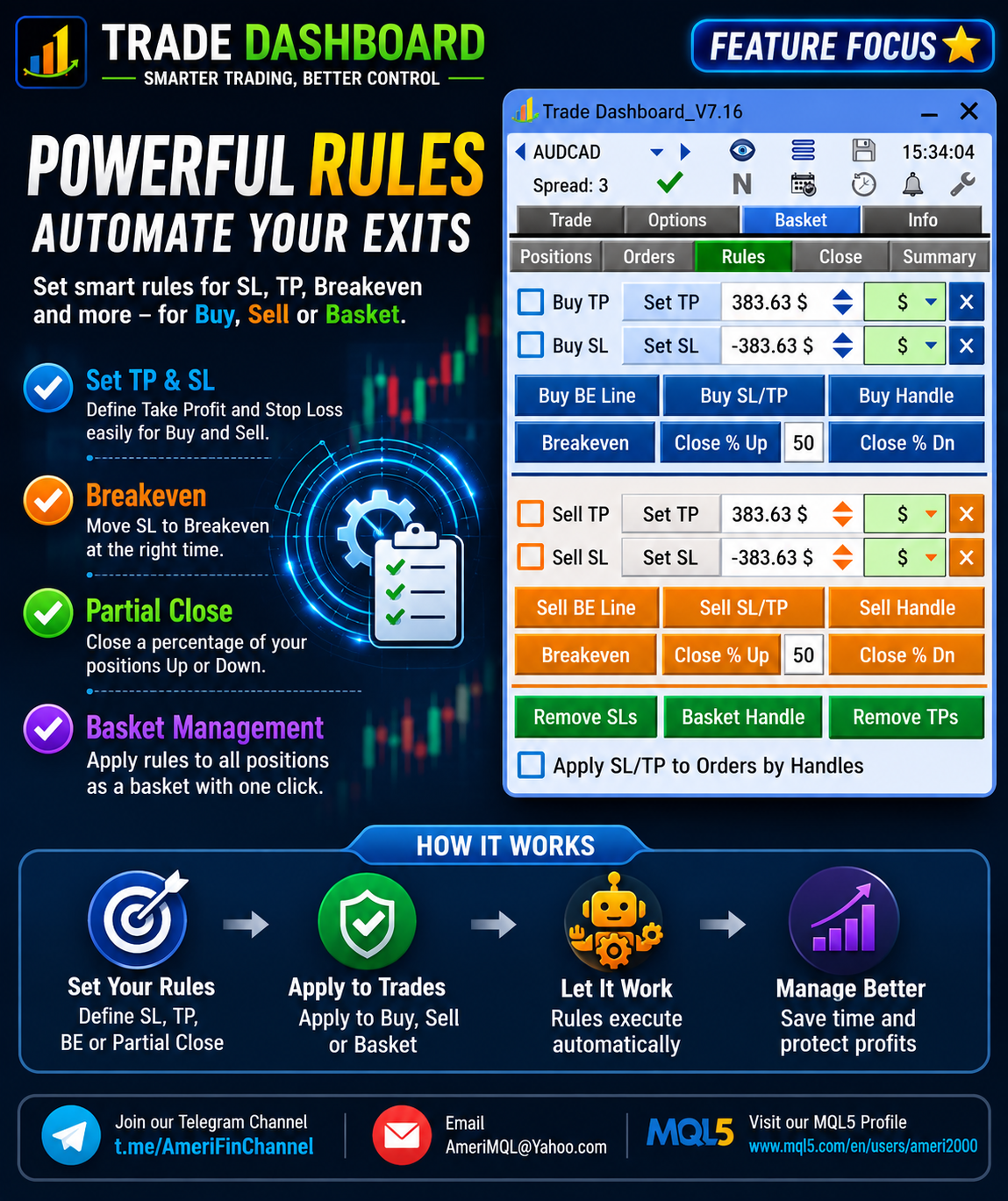
🔹 Auto SL/TP Improvements (Manual & EA Trades)

Added spread inclusion when setting SL/TP

Added option to set SL/TP only when the trade has no SL or TP

Added ability to set SL/TP using exact price

🔹 Margin Protection Improvements

Added Max Allowed Margin Per Trade option

Added insufficient margin red color indicator

Added insufficient margin warning message

🔹 Bug Fixes & Stability Improvements

Fixed default color loading issue

Fixed Night Fall theme issue on first load

Fixed PositionListEvent array out-of-range error in MT4

Fixed profit locking issue when Cover Commission is enabled

🔄 Update now and enjoy a more powerful and future-proof Trade Dashboard!
Fatemeh Ameri
Fatemeh Ameri
🔴 IMPORTANT – Save / Load System Update

📢 Important Notice – Settings Save/Load Improvement

In this update, users need to save their settings one last time.

From this version onward, your settings will be preserved automatically across future updates, and you will NOT need to save them again when updating Trade Dashboard.

This change significantly improves the update experience and prevents settings from being reset in future versions.

👉 Action required:
After updating, please save your settings once.
Fatemeh Ameri
Fatemeh Ameri
📢 Trade Dashboard – New Update Released! 🌙🚀

A new update is now available with a fresh theme and improved risk-management flexibility!

✨ What’s New:

🔹 Night Fall Theme Added
A brand-new dark theme for traders who prefer low-light and modern dark-mode visuals.

🔹 New Risk/Reward Commission Option
In Settings > Trade > Risk & Lotsize, a new option is added:
“Add Commission to Risk/Reward Values”

When enabled → commission is included in all R/R calculations across the dashboard.

When disabled → R/R values ignore commission.

(We also still have the previous option “Add Commission to Lot Size Calculation,” which adjusts the lot size to include commissions inside the risk amount.)

This gives you full control over how commissions affect both lot sizing and risk/reward calculations.

Update now and enjoy a more accurate, customizable trading workflow! 🎯
Fatemeh Ameri
Fatemeh Ameri
Update now and enjoy a more powerful and customizable trading workflow! 💪

If you want to receive more tips and updates, join the Telegram channel:
https://t.me/AmeriFinChannel
Fatemeh Ameri
Fatemeh Ameri
🔹 Improved Auto SL/TP for Manual & EA Trades
The old automatic “Set SL/TP for manual/EA trades” options are now split into separate, more flexible controls:

Set SL for Manual Trades

Set TP for Manual Trades

Set SL for Other EA Trades

Set TP for Other EA Trades

Now you can decide exactly what Trade Dashboard should control — SL only, TP only, or both — for manual trades or trades opened by other EAs.

@AmeriFinChannel
Fatemeh Ameri
Fatemeh Ameri
🔹 Basket > Position Tab Enhancements

Tap the Ticket column to switch between ticket number and symbol name.

Tap the Profit column to switch between profit amount and profit % based on balance.

@AmeriFinChannel
Fatemeh Ameri
Fatemeh Ameri
📢 Trade Dashboard – New Update Released! 🚀

A fresh update is ready with several improvements to make trade management faster and more flexible!

✨ What’s New:

🔹 Quick Symbol Navigation
New icons added to jump to the next or previous symbol instantly.

@AmeriFinChannel
Fatemeh Ameri
Fatemeh Ameri
📢 Trade Dashboard – New Update Released! 🚀

Two useful features have just been added to make order execution and chart management even easier:

✨ What’s New:

🔹 Show Ask/Bid Price on Buy/Sell Buttons
You can now enable an option to display the live Ask/Bid price directly on the Buy/Sell buttons — helping you execute trades with clearer price awareness.

🔹 Keep Buy/Sell Trade Lines After Entry
If enabled, your Buy/Sell trade lines will remain visible even after the position is opened.
This is perfect for traders who want to continue m
Fatemeh Ameri
Fatemeh Ameri
New Update Includes:

• Auto Even for Partial Close Distance
Automatically divides the TP distance evenly between your Partial TP levels.
(Example: 1 level = center of TP, 2 levels = placed at 33% intervals.)

• Auto Even for Partial Close Lot
Automatically distributes lot sizes evenly across all Partial Close levels.

• 8 Partial TP Levels Added
You can now set up to eight Take Profit stages for advanced scaling out.

• 8 Partial SL Levels Added
Up to eight Stop Loss stages for detailed risk-management setups.

• Load Settings Button (Options Tab)
Load your previously saved configuration for the selected tab only
(Partial Close / Breakeven / Trail).
Allows fast switching between different strategies.

• Apply Options Button (Options Tab)
Apply your new settings directly to:
– All positions,
– Only positions of the current chart symbol, or
– A single selected position.
Fatemeh Ameri
Fatemeh Ameri
For those who want to try Trade Dashboard on demo accounts, It is available here: https://www.mql5.com/en/blogs/post/756310
Fatemeh Ameri
Fatemeh Ameri
📢 Trade Dashboard – Major Update Released!

A brand-new version is ready! 🚀
This update brings full customization to your Trade Dashboard — now you have total control over the appearance and information of your trading tools.

✨ What’s New:

🎯 Trade Lines (Entry / TP / SL):

Set custom information text

Choose your own colors

Select your preferred line style (solid, dotted, dashed, etc.)

📊 Information Boxes:

Choose what info to display (Entry, TP, SL, Profit, etc.)

Customize box color, text color, and style

💼 Handles Customization:

Set color and style for Buy / Sell / Basket handles

⚖️ Breakeven Lines:

Customize color and style of Buy / Sell breakeven lines

This update gives you the freedom to make your Trade Dashboard look and feel exactly the way you want — stylish, clean, and fully personalized!

🔄 Update now and enjoy the most flexible version yet of Trade Dashboard!
Fatemeh Ameri
Fatemeh Ameri
📢 Trade Dashboard – New Update Released!

The new update is now available! 🚀
We’ve added a powerful new feature that lets users set Buy/Sell trading lines directly on the chart — giving you even more control and flexibility in how you manage your trades.

🎯 New Feature: Customizable Buy/Sell Trading Lines
Now you can choose between 4 display modes:
1️⃣ Normal – shows both box and text
2️⃣ Only Text – displays text without the box
3️⃣ Hide Box – hides the box, keeps the line
4️⃣ Hide Box and Line – keeps it clean and minimal

This update makes it easier to personalize your chart exactly the way you like while keeping everything clear and functional.

Update your Trade Dashboard now and enjoy a smoother, more flexible trading experience!
Fatemeh Ameri
Fatemeh Ameri
We’ve added a new handle to move pending orders directly from the information box!
Now you can easily drag your pending orders up or down without manually adjusting price levels — making order management smoother, faster, and more intuitive than ever.

✅ New Feature: Drag handle on info box for pending orders
⚙️ Benefit: Quick and precise repositioning of pending trades
💡 Tip: Just click and drag the handle to instantly adjust your order price!

Update your Trade Dashboard now and enjoy a more seamless trading experience.
Fatemeh Ameri
Fatemeh Ameri
🎉 New in Trade Dashboard:


Completely Redesigned Save Window: The save/load interface has been fully revamped for a smoother and more intuitive experience.

Save as Default for Each Symbol: Now you can save your preferred settings individually for every trading symbol—no more reapplying your favorite layout each time!


Update now to enjoy a faster, smarter workflow! 🚀