• 情報
4 年
経験
4
製品
801
デモバージョン
78
ジョブ
0
シグナル
0
購読者
Welcome to my page 👋

I’m a professional MQL developer and trading tools specialist focused on building high-performance, professional-grade solutions for serious traders.

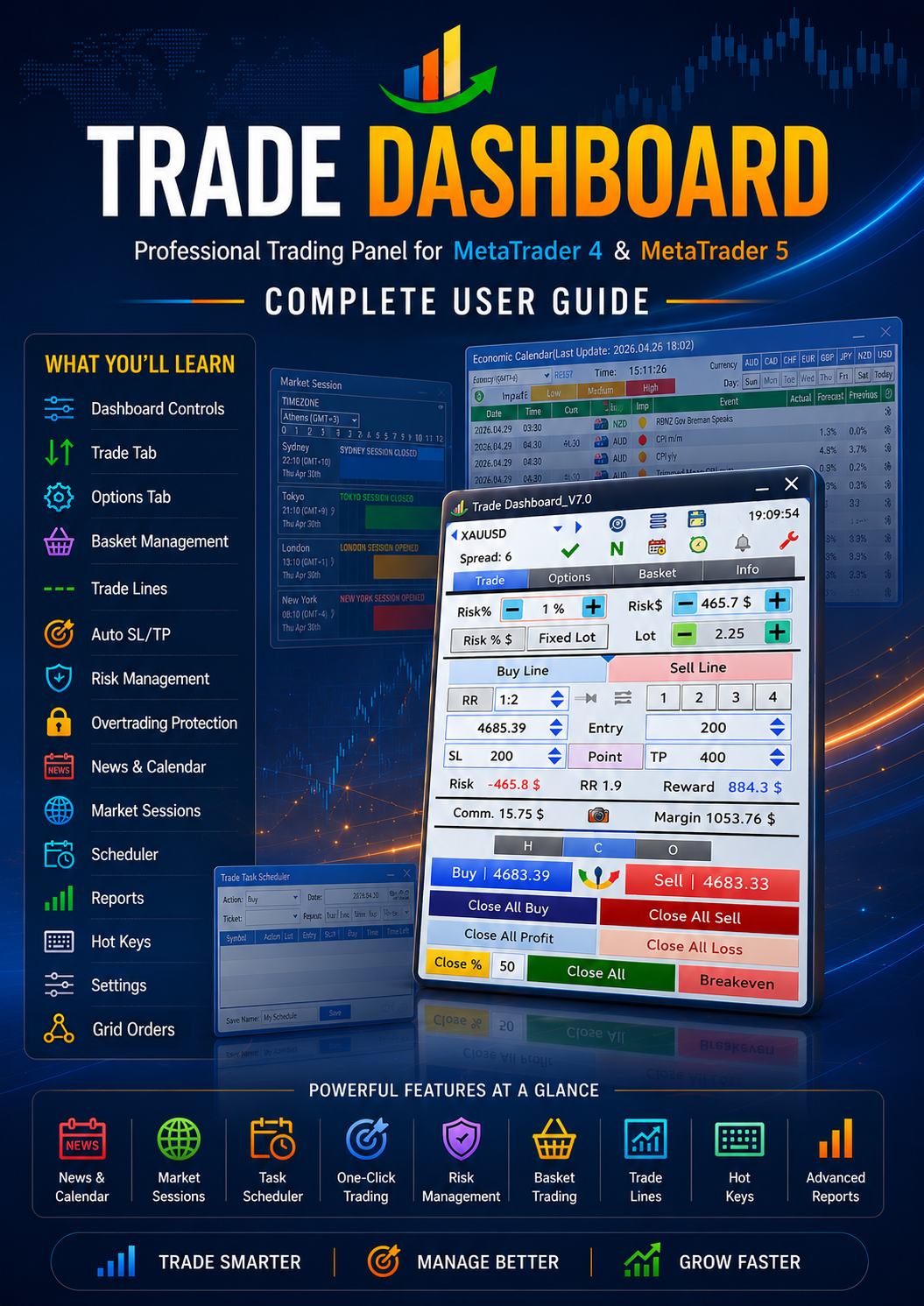
🔹 Creator of Trade Dashboard (MT4 & MT5) — a powerful all-in-one trading panel used by traders worldwide.
🔹 Specialized in advanced trading utilities, execution tools, and risk-management systems.
🔹 Strong background in trading logic, strategy implementation, and UI-optimized dashboards.

🧠 Expertise Includes

Professional trading panels & dashboards

Expert Advisors (EAs)

Trade management systems

Strategy automation

Performance optimization

Advanced UI systems for MT4/MT5

📌 My Products

Trade Dashboard MT4
https://www.mql5.com/en/market/product/74392

Trade Dashboard MT5
https://www.mql5.com/en/market/product/80097

📩 Contact:
Telegram → https://t.me/AmeriEAs
Fatemeh Ameri
Fatemeh Ameri
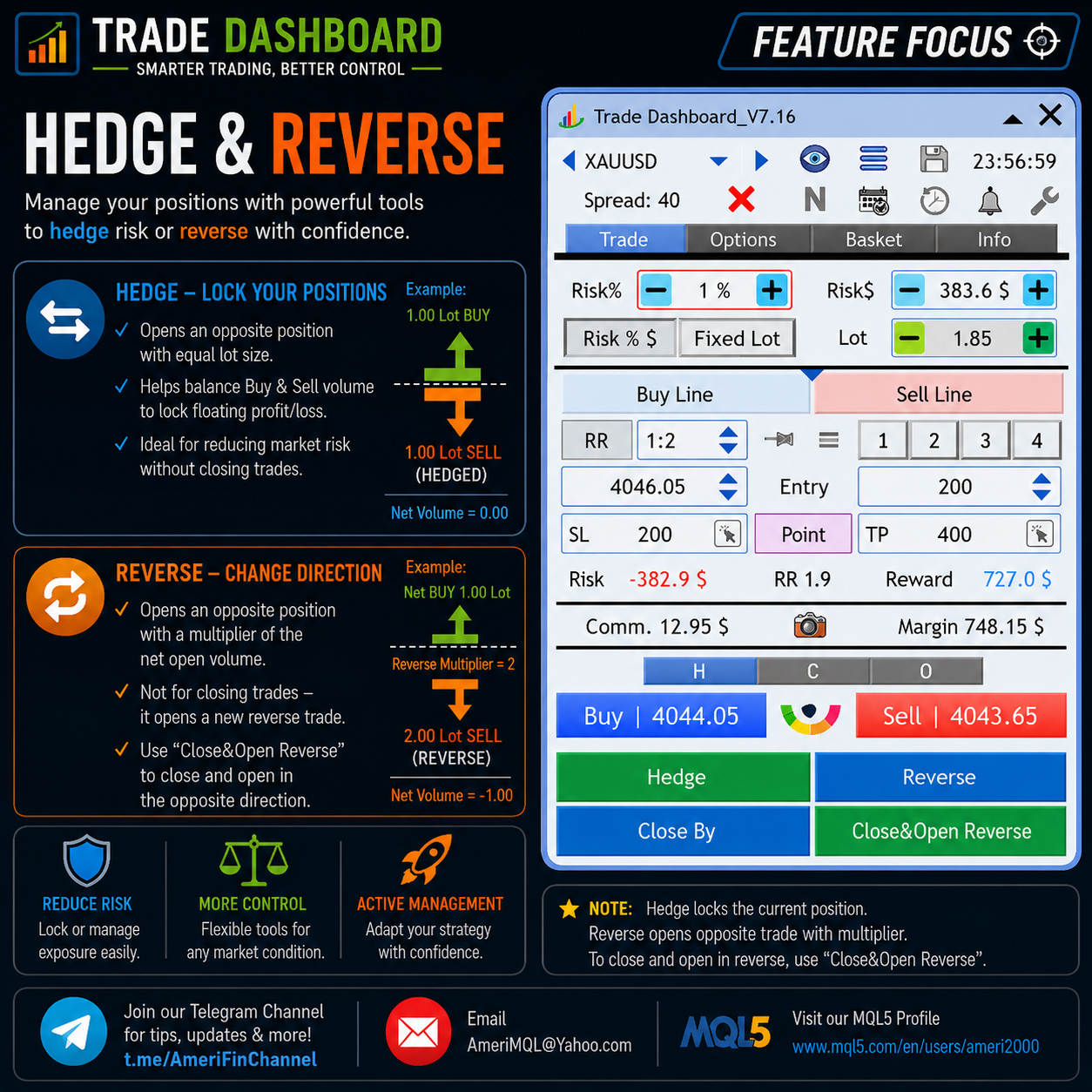
⚡ HEDGE & REVERSE — Trade Smarter with One Click.

Lock your floating profit with Hedge mode or instantly reverse your direction using customizable lot multipliers — all directly from the Trade Dashboard panel.

Designed for fast market reactions, flexible risk management, and advanced trade control.

📢 Join our Telegram channel for more updates, trading tips, and new features:
👉 https://t.me/AmeriFinChannel
Fatemeh Ameri
Fatemeh Ameri
🔥 PARTIAL CLOSE — Your Way, Your Control.

Close positions by percentage or fixed lot size with one click using Trade Dashboard.

📢 For more updates, trading tips, and new features:
👉 https://t.me/AmeriFinChannel
Fatemeh Ameri
Fatemeh Ameri
📢 **New Update Released – Faster SL/TP Mode Selection!** 🚀

💡 **Did you know…?**

You can now quickly switch SL/TP mode directly from the chart by clicking the new icon inside the SL/TP boxes.

Available modes:
🔹 Manual
🔹 ATR
🔹 Candle HH/LL

No need to open settings every time — changing SL/TP mode is now much faster and easier 👌

⚙️ ATR and Candle HH/LL properties can still be customized from:
**Settings > Auto SL/TP**

This update makes dynamic risk management smoother and more practical during fast market conditions.

Update now and try the new workflow 🚀

👉 https://t.me/AmeriFinChannel
Fatemeh Ameri
Fatemeh Ameri
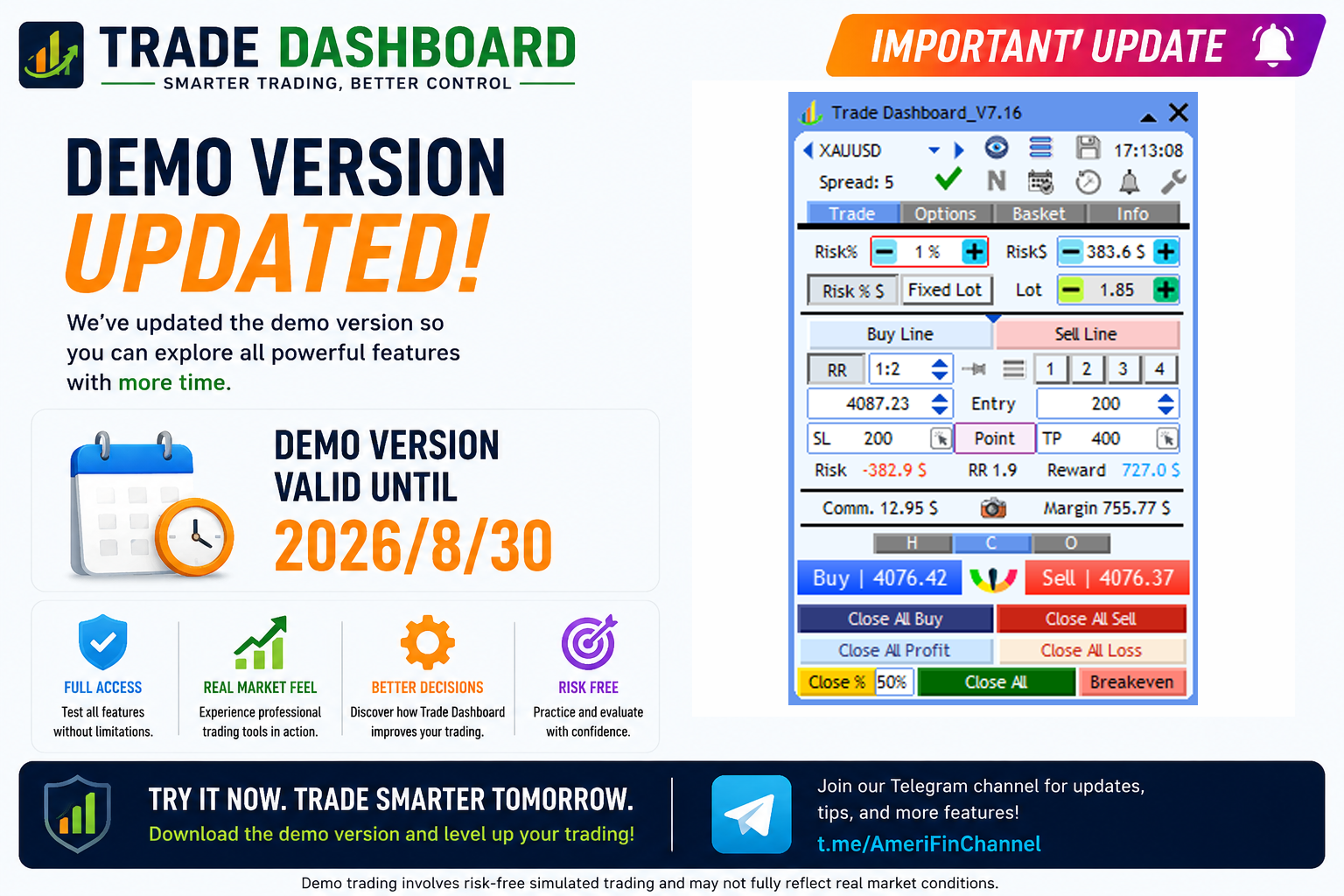
📢 **Demo Version Updated** 🚀

The new **Trade Dashboard demo version** is now updated and available until:
🗓 **2026.06.05**

✅ Fully up to date
✅ Includes the latest features and improvements
✅ Works on demo accounts with no functional limitations

Try the latest version before purchase 👌

🆓 Download Demo:
👉 https://www.mql5.com/en/blogs/post/756310

For updates and tips:
👉 https://t.me/AmeriFinChannel
Fatemeh Ameri
Fatemeh Ameri
🔥 Trade Dashboard — Spread Protection

Avoid bad entries and protect your account from high spreads automatically.

✅ Block trades when spread exceeds your limit
✅ Trade only in better market conditions
✅ Fully integrated into MT4 & MT5
✅ Fast, smart, and customizable

📩 Contact & Download:
Telegram: https://t.me/AmeriFinChannel

MQL5: https://www.mql5.com/en/users/ameri2000
Fatemeh Ameri
Fatemeh Ameri
How to use symbol switcher in Trade Dashboard.
Fatemeh Ameri
Fatemeh Ameri
How the trading buttons penel works?
Fatemeh Ameri
Fatemeh Ameri
How the RR button is linkes whith Buy/Sell line tool?
Fatemeh Ameri
Fatemeh Ameri
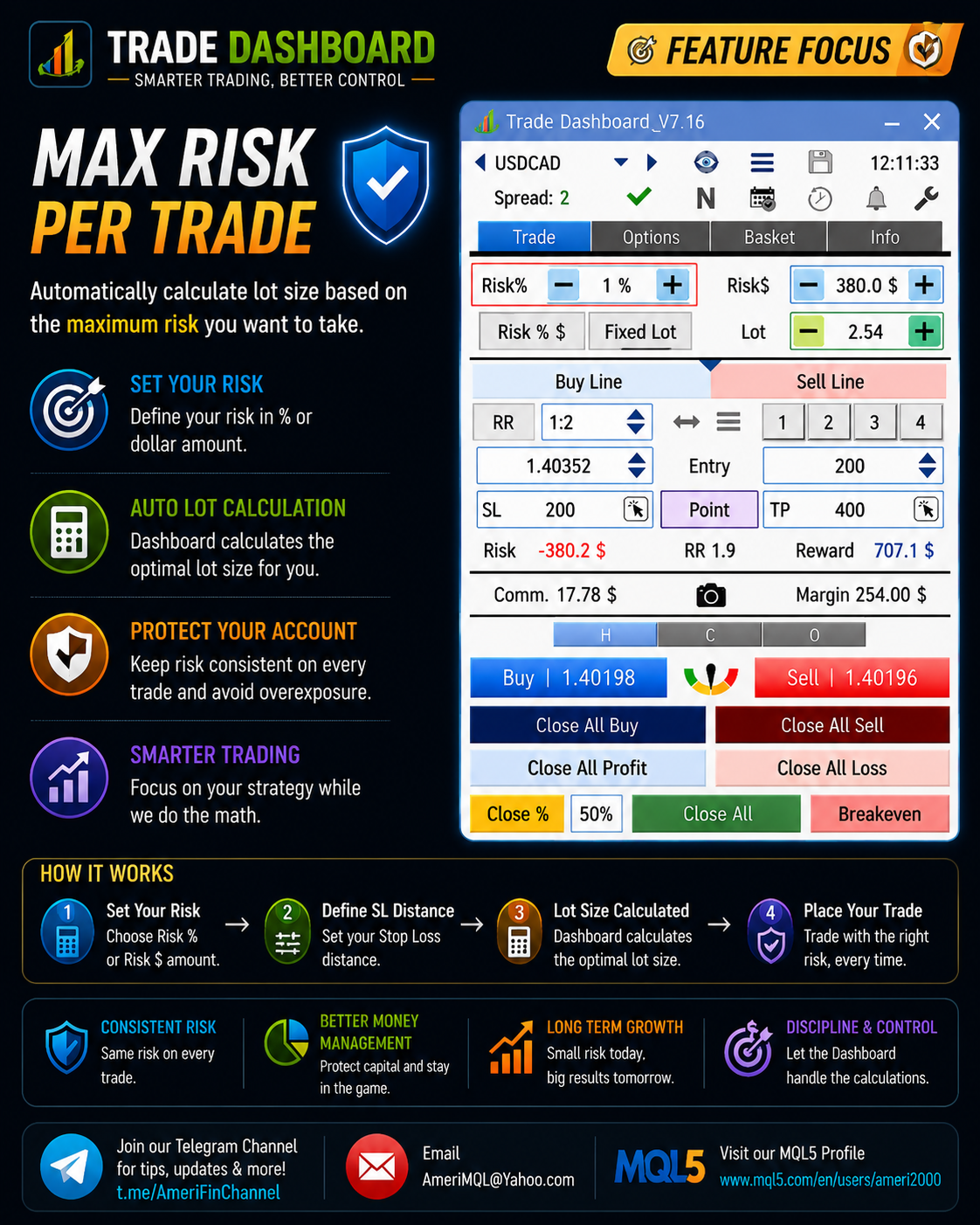
Advance Risk Management by Trade Dashboard
Fatemeh Ameri
Fatemeh Ameri
About the new two bars minimizer feature:
Fatemeh Ameri
Fatemeh Ameri
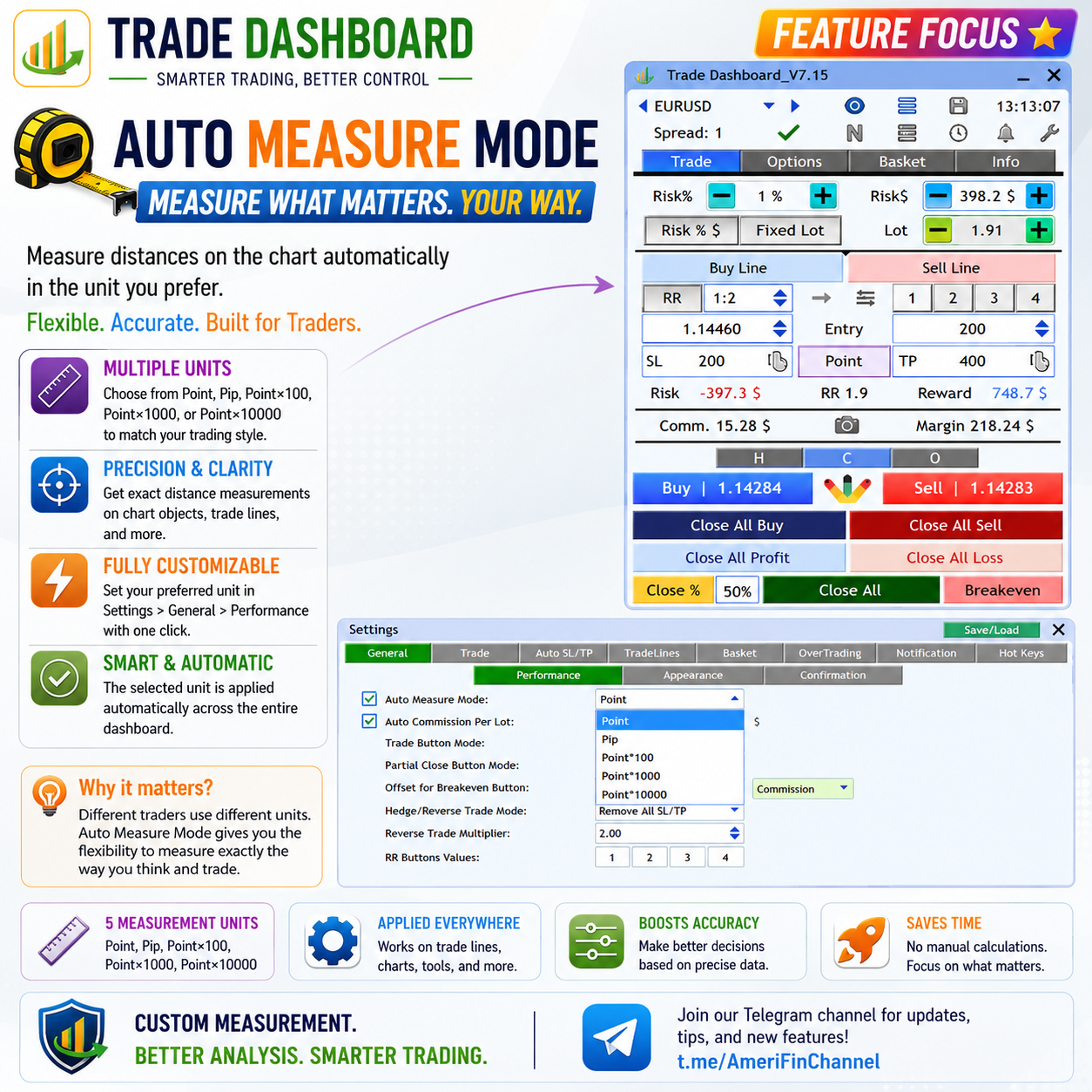
💡 Did you know…? (Breakeven Button Modes)

You can fully customize how the Breakeven button works in Trade Dashboard.

When you press the BE button, Trade Dashboard tries to move all existing trades to breakeven — but you can define how much extra offset or locked profit should be added.

⚙️ Go to:
Settings > General > Offset for Breakeven Button

Available modes:

🔹 Commission → covers commission fees at breakeven
🔹 Point → offset based on points
🔹 RR → offset based on Risk/Reward ratio
🔹 %TP → offset based on percentage of TP distance
🔹 $ → lock a fixed dollar amount after breakeven

This gives you full flexibility to match breakeven behavior to your strategy and risk management style 👌

For updates and tips:
👉 https://t.me/AmeriFinChannel
Fatemeh Ameri
Fatemeh Ameri
📢 Demo Version Updated 🚀

The new Trade Dashboard demo version is now fully updated and available until:
🗓 2025.05.25

✅ Includes the latest features and improvements
✅ Fully up to date
✅ No functional limitations on demo accounts

Try the newest version before purchase 👌

🆓 Download Demo:
👉 https://www.mql5.com/en/blogs/post/756310

For updates and tips:
👉 https://t.me/AmeriFinChannel
Fatemeh Ameri
Fatemeh Ameri
📢 New Notification Feature Added! 🚀

💡 Did you know…?

Trade Dashboard can now notify you when any “Close All” condition is triggered.

You can receive:
🔔 Sound alert
📱 Push notification to your phone
⚠️ Screen alert
📧 Email notification
📸 Automatic screenshot

This helps you stay informed whenever Trade Dashboard closes trades automatically due to basket profit/loss, equity limits, daily targets, or other Close All conditions.

⚙️ To enable it:
Go to Settings > Notification and check:
✔ “Reaching Close All Limit”

Stay informed even when you are away from your screen 👌

👉 https://t.me/AmeriFinChannel
Fatemeh Ameri
Fatemeh Ameri
📢 New Update Released – Trade Button Mode Added! 🚀

💡 Did you know…?

You can now choose which trading buttons are displayed in Trade Dashboard.

Go to:
⚙️ Settings > General > Performance > Trade Button Mode

Available modes:

Buy & Sell
Only Buy
Only Sell
🎯 Why this is useful

✔ Cleaner interface
✔ Faster execution
✔ Better focus on your strategy
✔ Helps avoid accidental opposite trades

For example, if your strategy only takes Buy trades, you can display only the Buy button and simplify your trading panel.

Update now and customize the panel based on your trading style 👌

For more tips and updates:
👉 https://t.me/AmeriFinChannel
Fatemeh Ameri
Fatemeh Ameri
📢 New Update Released – Smarter Trading Panel Control! 🚀

💡 Did you know…?

You can now switch between different trading button panels instantly using 3 small buttons above Buy/Sell:

🔘 H → Hedge & Reverse buttons
🔘 C → Close buttons
🔘 O → Order buttons (open/delete pending orders)

🎯 Why this is powerful

✔ Focus only on what you need
✔ Faster execution
✔ Cleaner interface

✨ Extra flexibility
You can turn OFF all three buttons → trading panel disappears → cleaner UI
You can save your preferred mode (H / C / O or none) so it loads exactly how you like every time

Update now and try it 👌

For more tips and upcoming features:
👉 https://t.me/AmeriFinChannel
Fatemeh Ameri
Fatemeh Ameri
We’re improving Trade Dashboard UI 👇
The current design uses a gauge-shaped button between Buy/Sell to switch between order types (market, pending, hedge, reverse).

We’re considering simplifying it with normal buttons.Your feedback matters 🙏
Which one do you prefer?

join our telegram channel and check your prefered option: https://t.me/AmeriFinChannel
Fatemeh Ameri
Fatemeh Ameri
📢 Demo Version Updated 🚀
The Trade Dashboard demo version has been updated and is now available until
🗓 2026.05.15

You can download and use the demo on any demo account with no functional limitations before purchasing the full version.
Try all features and explore the full power of Trade Dashboard risk-free 👌

🆓 Download Demo:
👉 https://www.mql5.com/en/blogs/post/756310

For updates and tips:
👉 https://t.me/AmeriFinChannel
Fatemeh Ameri
Fatemeh Ameri
💡 Did you know…? (Spread Multiplier for SL/TP)

You can add a multiple of the current spread to your Stop Loss and Take Profit automatically.

🔹 Why use it?
Sometimes you want to offset SL/TP by the spread (or even 2× spread) to get more accurate levels.

⚙️ How to set it

Go to: Settings > Trade > Spread & SL/TP
✔ Enable “Add Spread Multiplier”
✔ Set your desired multiplier (e.g., 1×, 2×)

🔄 What it does
Adds (Spread × Multiplier) to your SL/TP distance
Automatically recalculates lot size based on the new SL size

This helps you account for spread in your strategy and keeps your risk calculation precise.

For more tips and feature guides:
👉 https://t.me/AmeriFinChannel