Fatemeh Ameri / Perfil
- Información
|
4 años
experiencia
|
4
productos
|
776
versiones demo
|
|
78
trabajos
|
0
señales
|
0
suscriptores
|
Welcome to my page 👋
I’m a professional MQL developer and trading tools specialist focused on building high-performance, professional-grade solutions for serious traders.
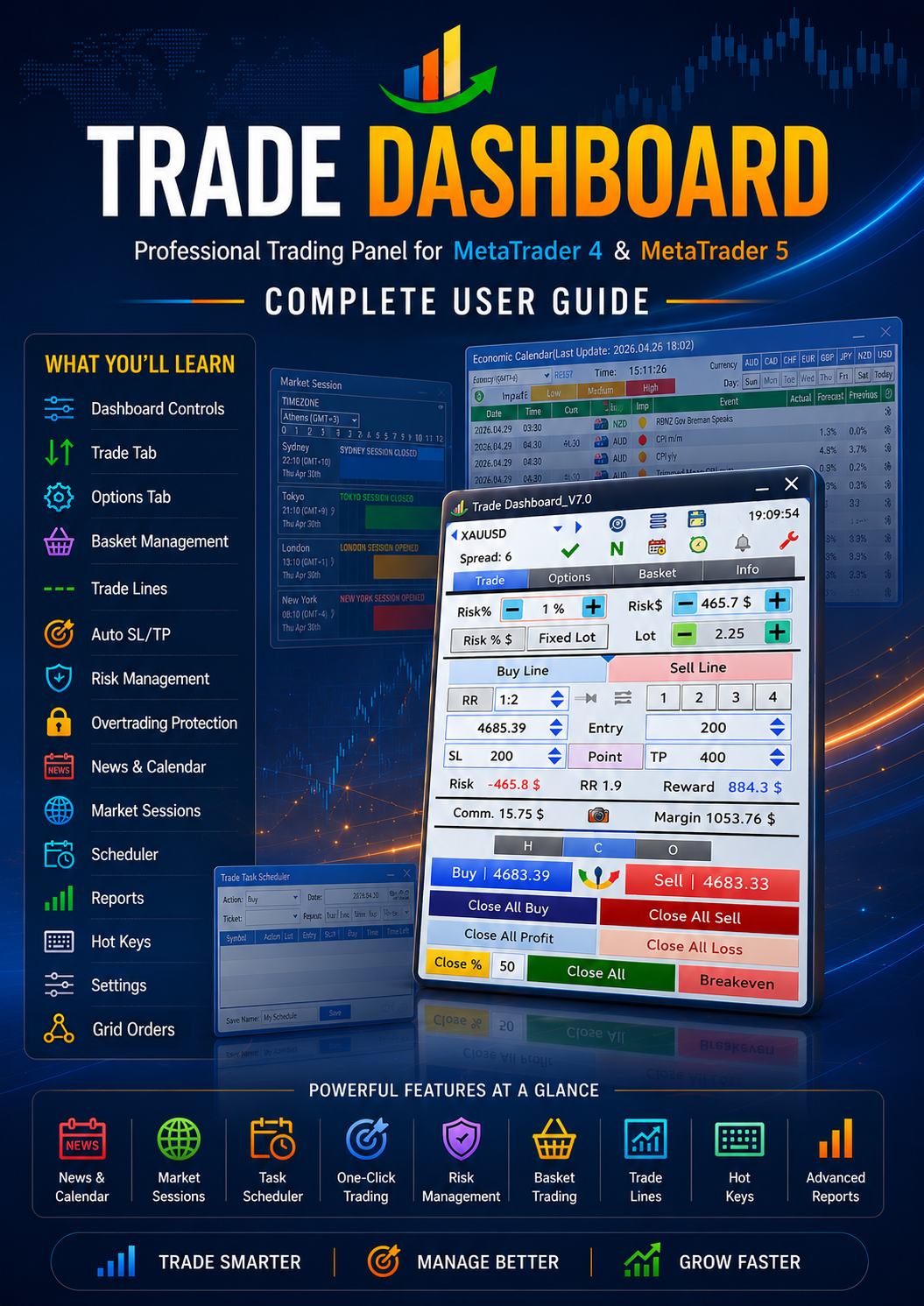
🔹 Creator of Trade Dashboard (MT4 & MT5) — a powerful all-in-one trading panel used by traders worldwide.
🔹 Specialized in advanced trading utilities, execution tools, and risk-management systems.
🔹 Strong background in trading logic, strategy implementation, and UI-optimized dashboards.
🧠 Expertise Includes
Professional trading panels & dashboards
Expert Advisors (EAs)
Trade management systems
Strategy automation
Performance optimization
Advanced UI systems for MT4/MT5
📌 My Products
Trade Dashboard MT4
https://www.mql5.com/en/market/product/74392
Trade Dashboard MT5
https://www.mql5.com/en/market/product/80097
📩 Contact:
Telegram → https://t.me/AmeriEAs
I’m a professional MQL developer and trading tools specialist focused on building high-performance, professional-grade solutions for serious traders.
🔹 Creator of Trade Dashboard (MT4 & MT5) — a powerful all-in-one trading panel used by traders worldwide.
🔹 Specialized in advanced trading utilities, execution tools, and risk-management systems.
🔹 Strong background in trading logic, strategy implementation, and UI-optimized dashboards.
🧠 Expertise Includes
Professional trading panels & dashboards
Expert Advisors (EAs)
Trade management systems
Strategy automation
Performance optimization
Advanced UI systems for MT4/MT5
📌 My Products
Trade Dashboard MT4
https://www.mql5.com/en/market/product/74392
Trade Dashboard MT5
https://www.mql5.com/en/market/product/80097
📩 Contact:
Telegram → https://t.me/AmeriEAs
Amigos
521
Solicitudes
Enviadas
Fatemeh Ameri
📢 New Update Released – Smarter Symbol Switching! 🚀
A new feature has been added to make your workflow faster and more flexible:
💡 Did you know…?
You can now enable “Load Symbol Default on Symbol Change”.
🔹 When this option is checked and you change the chart symbol:
Trade Dashboard checks for a saved Symbol Default setting for that symbol
If found → it loads automatically
If not → nothing changes
🎯 Why this is useful
You can now have different setups for each symbol (e.g., EURUSD, XAUUSD, BTCUSD), and switch between them instantly just by changing the chart symbol.
No need to manually load settings every time — everything becomes automatic and seamless.
Update now and enjoy a smarter, faster trading experience 👌
For more tips and updates:
👉 https://t.me/AmeriFinChannel
A new feature has been added to make your workflow faster and more flexible:
💡 Did you know…?
You can now enable “Load Symbol Default on Symbol Change”.
🔹 When this option is checked and you change the chart symbol:
Trade Dashboard checks for a saved Symbol Default setting for that symbol
If found → it loads automatically
If not → nothing changes
🎯 Why this is useful
You can now have different setups for each symbol (e.g., EURUSD, XAUUSD, BTCUSD), and switch between them instantly just by changing the chart symbol.
No need to manually load settings every time — everything becomes automatic and seamless.
Update now and enjoy a smarter, faster trading experience 👌
For more tips and updates:
👉 https://t.me/AmeriFinChannel
Fatemeh Ameri
📢 Limited Time Offer – Price Reduced! 💰
Good news! 🎉
The Trade Dashboard (MT5) price is now reduced from $60 to $50.
⏳ This is a limited-time offer, so don’t miss the chance to get it at a lower price.
Upgrade your trading with powerful tools at a better price 🚀
Trade Dashboard MT4
https://www.mql5.com/en/market/product/74392
Trade Dashboard MT5
https://www.mql5.com/en/market/product/80097
For updates and tips:
👉 https://t.me/AmeriFinChannel
Good news! 🎉
The Trade Dashboard (MT5) price is now reduced from $60 to $50.
⏳ This is a limited-time offer, so don’t miss the chance to get it at a lower price.
Upgrade your trading with powerful tools at a better price 🚀
Trade Dashboard MT4
https://www.mql5.com/en/market/product/74392
Trade Dashboard MT5
https://www.mql5.com/en/market/product/80097
For updates and tips:
👉 https://t.me/AmeriFinChannel
Fatemeh Ameri
💡 Did you know…?
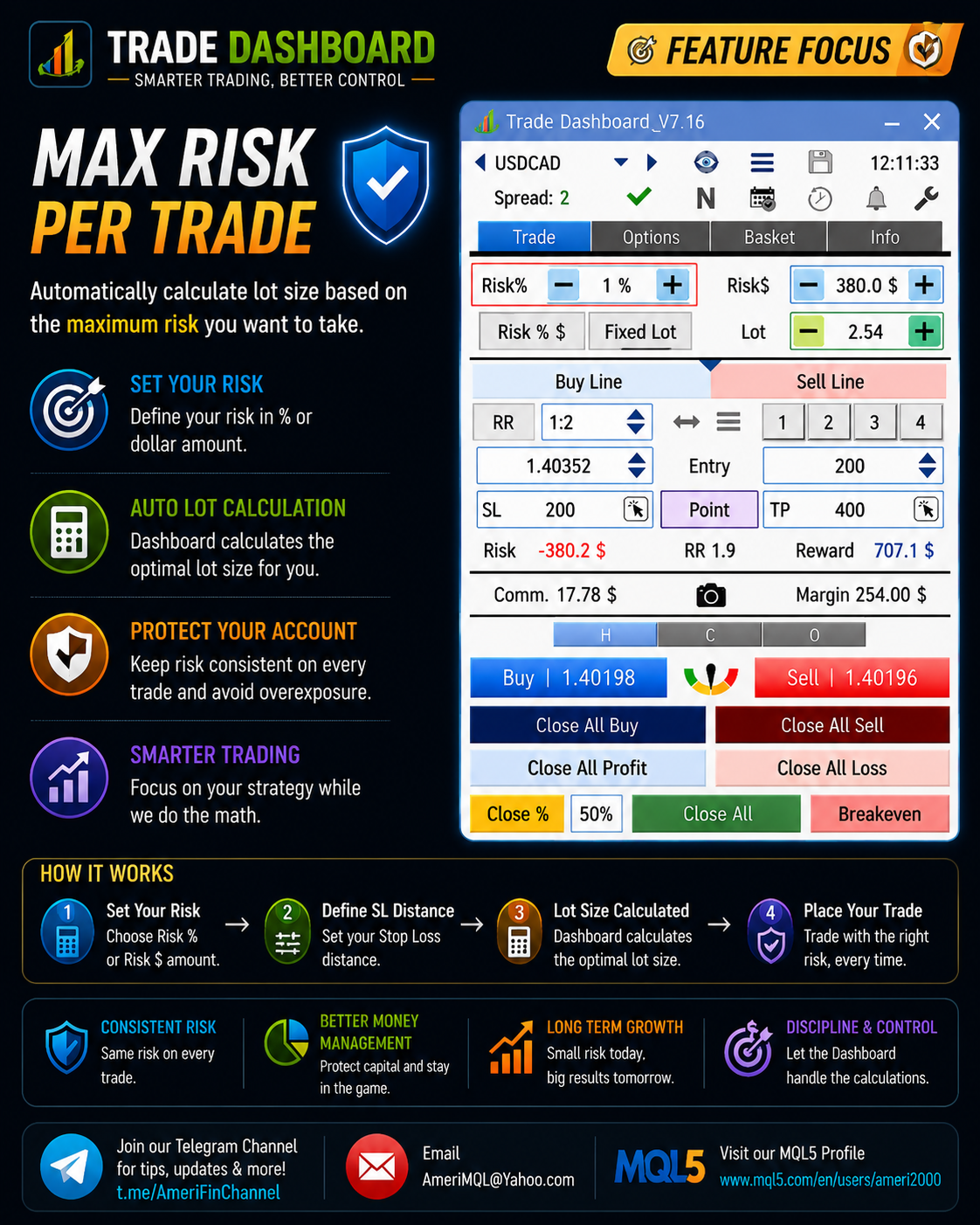
Trade Dashboard gives you powerful controls to limit your risk per trade and stay within strict rules—especially useful for prop firm trading.
🔹 You can limit risk based on:
Balance %
Fixed dollar amount
🔹 You can also limit trades based on required margin:
% of free margin
Fixed dollar amount
🔹 And even set a maximum lot size per trade
⚙️ How to set it:
Go to Settings > Trade > Risk & LotSize and configure your limits.
These controls help you avoid oversized positions, stay disciplined, and protect your account from accidental risk.
For more tips and feature guides:
👉 https://t.me/AmeriFinChannel
Trade Dashboard gives you powerful controls to limit your risk per trade and stay within strict rules—especially useful for prop firm trading.
🔹 You can limit risk based on:
Balance %
Fixed dollar amount
🔹 You can also limit trades based on required margin:
% of free margin
Fixed dollar amount
🔹 And even set a maximum lot size per trade
⚙️ How to set it:
Go to Settings > Trade > Risk & LotSize and configure your limits.
These controls help you avoid oversized positions, stay disciplined, and protect your account from accidental risk.
For more tips and feature guides:
👉 https://t.me/AmeriFinChannel
Fatemeh Ameri
📢 New Update Released + Limited Time Offer! 🚀
A new update of Trade Dashboard is now available — make sure to update your product to access the latest improvements.
🔥 Hotkeys System Upgraded
The Hotkeys tab has been significantly improved:
🔹 Added color indicators for better visibility
🔹 Added support for more hotkey actions
🆕 New hotkeys added:
Update SL
Update TP
Remove SL
Remove TP
This makes managing trades via keyboard faster, clearer, and more powerful than ever.
💰 Limited Time Price Reduction
To celebrate this update, the MT5 version price is reduced from $60 → $50
⏳ Limited offer (10 days only) — don’t miss it!
Update now and take advantage of both the new features and the discounted price 👌
For updates and tips:
👉 https://t.me/AmeriFinChannel
A new update of Trade Dashboard is now available — make sure to update your product to access the latest improvements.
🔥 Hotkeys System Upgraded
The Hotkeys tab has been significantly improved:
🔹 Added color indicators for better visibility
🔹 Added support for more hotkey actions
🆕 New hotkeys added:
Update SL
Update TP
Remove SL
Remove TP
This makes managing trades via keyboard faster, clearer, and more powerful than ever.
💰 Limited Time Price Reduction
To celebrate this update, the MT5 version price is reduced from $60 → $50
⏳ Limited offer (10 days only) — don’t miss it!
Update now and take advantage of both the new features and the discounted price 👌
For updates and tips:
👉 https://t.me/AmeriFinChannel
Fatemeh Ameri
💡 Did you know…?
Trade Dashboard gives you powerful options to close all trades automatically based on your trading goals.
🔹 You can close all trades based on:
Total profit/loss of current trades
Total today’s profit/loss (very useful for prop firm rules)
Equity level (also ideal for prop firm limits)
⚙️ Smart actions after closing
You can also define what happens after all trades are closed:
✔ Close all trades
✔ Delete all pending orders
✔ Stop trading for the rest of the day (prevents overtrading or revenge trading)
✔ Close other charts (which stops other EAs running on those charts)
Since Trade Dashboard can also take control of trades opened by other EAs, it can manage and close them as part of this process as well.
This gives you full control over your account risk, discipline, and automation.
For more tips and feature guides:
👉 https://t.me/AmeriFinChannel
Trade Dashboard gives you powerful options to close all trades automatically based on your trading goals.
🔹 You can close all trades based on:
Total profit/loss of current trades
Total today’s profit/loss (very useful for prop firm rules)
Equity level (also ideal for prop firm limits)
⚙️ Smart actions after closing
You can also define what happens after all trades are closed:
✔ Close all trades
✔ Delete all pending orders
✔ Stop trading for the rest of the day (prevents overtrading or revenge trading)
✔ Close other charts (which stops other EAs running on those charts)
Since Trade Dashboard can also take control of trades opened by other EAs, it can manage and close them as part of this process as well.
This gives you full control over your account risk, discipline, and automation.
For more tips and feature guides:
👉 https://t.me/AmeriFinChannel
Fatemeh Ameri
💡 Did you know…?
Trade Dashboard can take control of manual trades opened from MetaTrader desktop, mobile phone, tablet, or other devices.
Once manual trades are detected, Trade Dashboard can manage them automatically and apply advanced features such as:
🔹 Partial Close
🔹 Breakeven
🔹 Trailing Stop Loss
🔹 Close all trades at a target profit/loss
🔹 Close all trades at a specific equity value
🔹 And other basket management functions
⚙️ How to enable it
Go to: Settings > Basket
✔ Enable “Manage Manual Trades”
You can also choose to automatically set SL or TP for manual trades.
🔹 Extra smart option:
Set SL/TP only if the trade has no SL/TP already, so existing broker levels remain untouched.
This means you can open trades anywhere, and let Trade Dashboard handle the professional management for you.
For more tips and feature guides:
👉 https://t.me/AmeriFinChannel
Trade Dashboard can take control of manual trades opened from MetaTrader desktop, mobile phone, tablet, or other devices.
Once manual trades are detected, Trade Dashboard can manage them automatically and apply advanced features such as:
🔹 Partial Close
🔹 Breakeven
🔹 Trailing Stop Loss
🔹 Close all trades at a target profit/loss
🔹 Close all trades at a specific equity value
🔹 And other basket management functions
⚙️ How to enable it
Go to: Settings > Basket
✔ Enable “Manage Manual Trades”
You can also choose to automatically set SL or TP for manual trades.
🔹 Extra smart option:
Set SL/TP only if the trade has no SL/TP already, so existing broker levels remain untouched.
This means you can open trades anywhere, and let Trade Dashboard handle the professional management for you.
For more tips and feature guides:
👉 https://t.me/AmeriFinChannel
Fatemeh Ameri
🌍 **Update Announcement!**
In the latest version, **Market Sessions** have been updated to correctly reflect **summer time zones (DST)** ☀️🕒
✅ Session times are now aligned with daylight saving changes
✅ More accurate session tracking for your trading decisions
✅ No need for manual adjustments
Stay in sync with the markets and trade with confidence 📊🚀
In the latest version, **Market Sessions** have been updated to correctly reflect **summer time zones (DST)** ☀️🕒
✅ Session times are now aligned with daylight saving changes
✅ More accurate session tracking for your trading decisions
✅ No need for manual adjustments
Stay in sync with the markets and trade with confidence 📊🚀
Fatemeh Ameri
💡 **Did You Know?**
You can **limit the maximum risk per trade** and protect your account from overexposure!
⚙️ To enable:
Go to **Settings → Trade**
✔️ Check **"Max Allowed Risk Per Trade"**
💲 Choose how to define your limit:
* By **percentage (%)**
* Or fixed **amount ($)**
🎯 This feature ensures you never exceed your predefined risk, helping you stay disciplined and consistent in your trading.
Control your risk, control your results 📊🚀
You can **limit the maximum risk per trade** and protect your account from overexposure!
⚙️ To enable:
Go to **Settings → Trade**
✔️ Check **"Max Allowed Risk Per Trade"**
💲 Choose how to define your limit:
* By **percentage (%)**
* Or fixed **amount ($)**
🎯 This feature ensures you never exceed your predefined risk, helping you stay disciplined and consistent in your trading.
Control your risk, control your results 📊🚀
Fatemeh Ameri
🚀 **New Feature Announcement!**
Ever hit the **maximum lot size limit** on a symbol? Not anymore.
💡 Now you can automatically execute **larger positions than the symbol’s max lot size**!
⚙️ How it works:
Go to **Settings → Trades → Risk & Lot Size**
✔️ Enable **"Take Multiple Trades if Lotsize >> MaxLot"**
📌 What happens next?
If your desired lot size exceeds the symbol’s maximum, the system will **split it into multiple trades automatically**.
🔍 Example:
* Max lot size for BTCUSD = **10 lots**
* Your desired lot size = **25 lots**
✅ The system will execute:
* 2 trades of **10 lots**
* 1 trade of **5 lots**
🎯 Result: You get your full position size without manual calculation or multiple clicks.
Trade smarter, not harder 💪
Ever hit the **maximum lot size limit** on a symbol? Not anymore.
💡 Now you can automatically execute **larger positions than the symbol’s max lot size**!
⚙️ How it works:
Go to **Settings → Trades → Risk & Lot Size**
✔️ Enable **"Take Multiple Trades if Lotsize >> MaxLot"**
📌 What happens next?
If your desired lot size exceeds the symbol’s maximum, the system will **split it into multiple trades automatically**.
🔍 Example:
* Max lot size for BTCUSD = **10 lots**
* Your desired lot size = **25 lots**
✅ The system will execute:
* 2 trades of **10 lots**
* 1 trade of **5 lots**
🎯 Result: You get your full position size without manual calculation or multiple clicks.
Trade smarter, not harder 💪
Fatemeh Ameri
💡 **Did You Know?**
You can **split your lot size into multiple trades** for better execution and flexibility!
📌 For example:
Instead of placing **1.0 lot** in a single trade, you can split it into **5 × 0.2 lots**
⚙️ To enable this feature:
Go to **Settings → Trades → Risk & Lot Size**
✔️ Check **"Split LotSize into Multiple Trades"**
This helps with smoother entries, better order distribution, and more control over your trades 🎯
Give it a try and refine your trading strategy 🚀
You can **split your lot size into multiple trades** for better execution and flexibility!
📌 For example:
Instead of placing **1.0 lot** in a single trade, you can split it into **5 × 0.2 lots**
⚙️ To enable this feature:
Go to **Settings → Trades → Risk & Lot Size**
✔️ Check **"Split LotSize into Multiple Trades"**
This helps with smoother entries, better order distribution, and more control over your trades 🎯
Give it a try and refine your trading strategy 🚀
Fatemeh Ameri
💡 Did You Know?
You can open multiple trades with just one click using the trade buttons!
⚙️ To activate this feature:
Go to Settings → Trades → Risk & Lot Size
✔️ Enable "Take Multiple Trades With One Click"
🔢 Set the number of trades you want per click
This is perfect for scaling in faster and executing your strategy more efficiently ⚡
Try it out and upgrade your execution speed 🚀
You can open multiple trades with just one click using the trade buttons!
⚙️ To activate this feature:
Go to Settings → Trades → Risk & Lot Size
✔️ Enable "Take Multiple Trades With One Click"
🔢 Set the number of trades you want per click
This is perfect for scaling in faster and executing your strategy more efficiently ⚡
Try it out and upgrade your execution speed 🚀
Fatemeh Ameri
📢 **Demo Version Updated!**
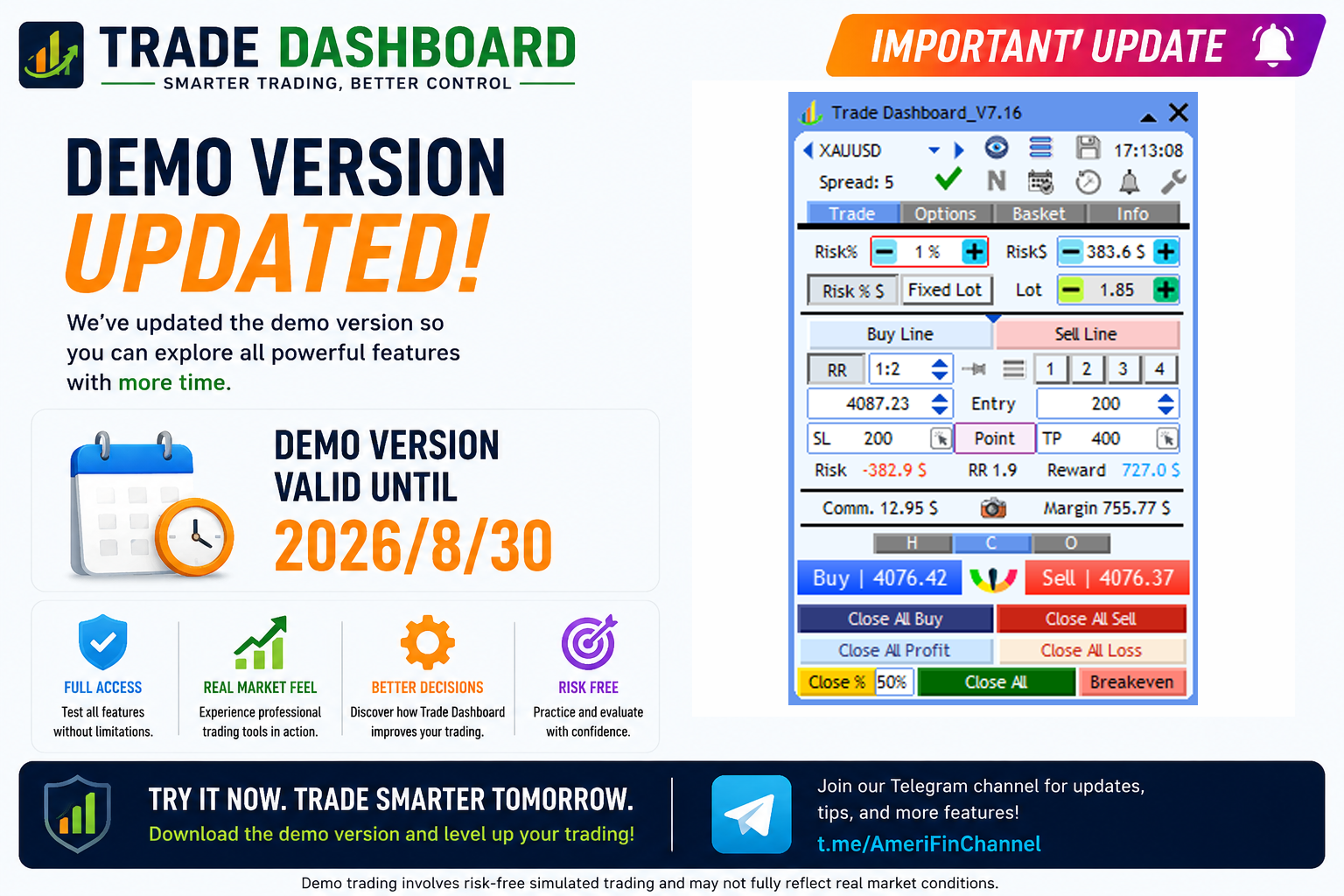
The demo version has been successfully updated and is now active until **April 15, 2026**.
Feel free to explore all features and test the latest improvements during this period.
Enjoy trading! 🚀
https://www.mql5.com/en/blogs/post/756310
The demo version has been successfully updated and is now active until **April 15, 2026**.
Feel free to explore all features and test the latest improvements during this period.
Enjoy trading! 🚀
https://www.mql5.com/en/blogs/post/756310
Fatemeh Ameri
🚀 New Update Released!
A new enhancement has been added to improve your trade management experience:
🔹 In the Small Modification Panel → Close Tab, you can now:
Set partial close by percentage (%)
Or define exact lot size to close
💾 These values can be:
Saved for later use
Loaded anytime
Even set as your default configuration
This makes managing partial closes faster, more consistent, and tailored to your trading style.
Update now and take full control of your exits 🎯
A new enhancement has been added to improve your trade management experience:
🔹 In the Small Modification Panel → Close Tab, you can now:
Set partial close by percentage (%)
Or define exact lot size to close
💾 These values can be:
Saved for later use
Loaded anytime
Even set as your default configuration
This makes managing partial closes faster, more consistent, and tailored to your trading style.
Update now and take full control of your exits 🎯
Fatemeh Ameri
📢 Update Notice – Trade Dashboard
The product has been successfully updated and extended until 2026.03.30 ✅
Make sure to update your Trade Dashboard to continue using all features without interruption.
🆓 Download Demo Version:
👉 https://www.mql5.com/en/blogs/post/756310
Stay up to date and enjoy the latest improvements 🚀
For updates and tips:
👉 https://t.me/AmeriFinChannel
The product has been successfully updated and extended until 2026.03.30 ✅
Make sure to update your Trade Dashboard to continue using all features without interruption.
🆓 Download Demo Version:
👉 https://www.mql5.com/en/blogs/post/756310
Stay up to date and enjoy the latest improvements 🚀
For updates and tips:
👉 https://t.me/AmeriFinChannel
Fatemeh Ameri
🚀 Trade Dashboard — New Version Released!
✨ What’s New?
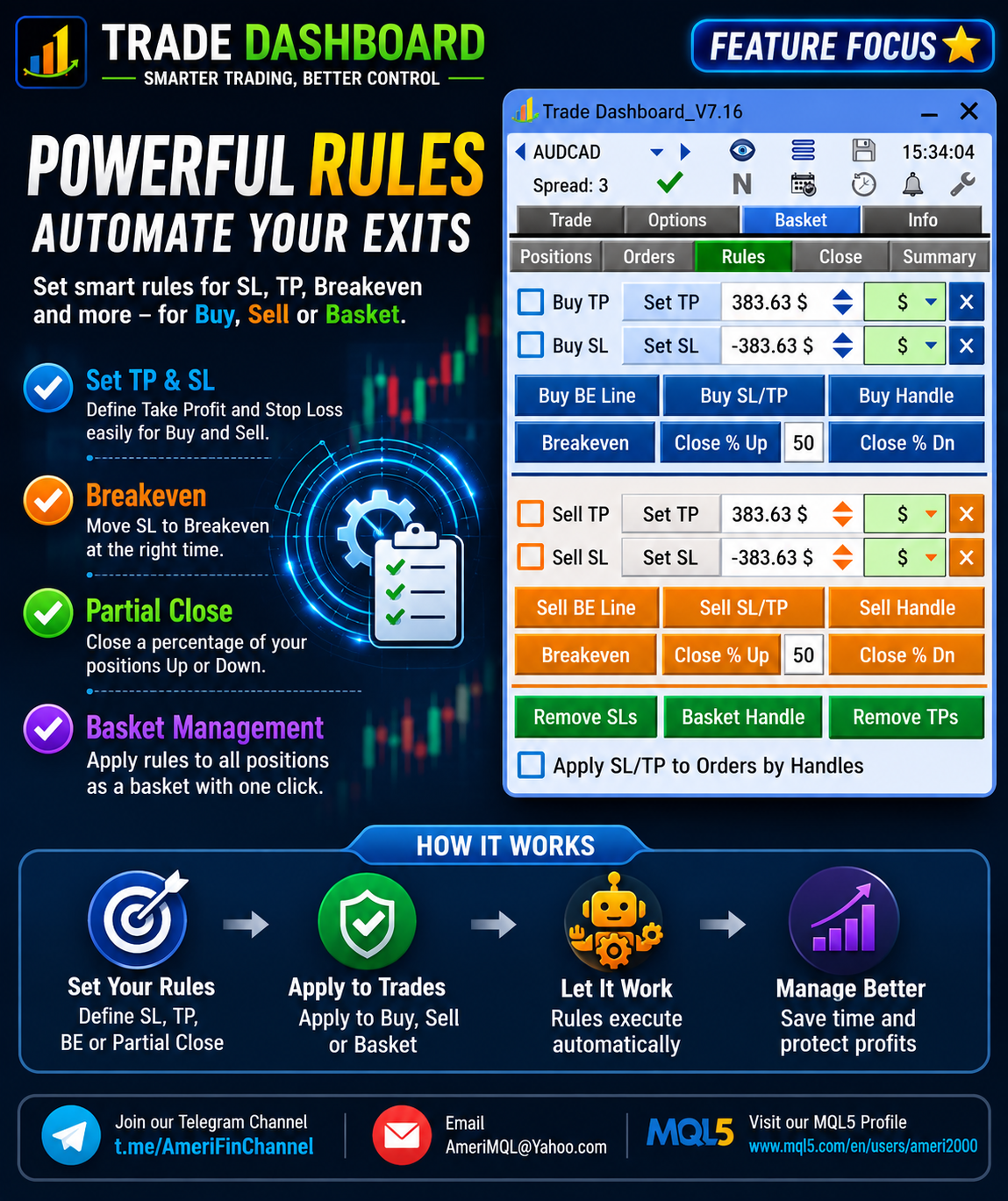
Option Added: Apply SL/TP to Orders by Handle
Now your chart handles are even more powerful:
🟢 Enhanced Handle Behavior
Buy / Sell / Basket Handles already let you drag to a price and set SL/TP for all positions.
With this new option enabled:
✔ Pending orders are included in profit/loss calculation shown on the handle label (assuming activation)
✔ Pressing Set updates SL/TP for both positions and pending orders
✔ Clicking Remove SLs or Remove TPs removes them from positions and orders simultaneously
🎯 Result:
One handle → Full control over positions + orders
Faster trade management, fewer steps, smarter execution.
Upgrade now and experience unified SL/TP control 🔥
✨ What’s New?
Option Added: Apply SL/TP to Orders by Handle
Now your chart handles are even more powerful:
🟢 Enhanced Handle Behavior
Buy / Sell / Basket Handles already let you drag to a price and set SL/TP for all positions.
With this new option enabled:
✔ Pending orders are included in profit/loss calculation shown on the handle label (assuming activation)
✔ Pressing Set updates SL/TP for both positions and pending orders
✔ Clicking Remove SLs or Remove TPs removes them from positions and orders simultaneously
🎯 Result:
One handle → Full control over positions + orders
Faster trade management, fewer steps, smarter execution.
Upgrade now and experience unified SL/TP control 🔥
Fatemeh Ameri
📢 Trade Dashboard Update — Watchlist Control Feature
Did you know that the Trade Dashboard symbol list can automatically sync with your MT5 Market Watch list?
✅ When Auto Watch List Detect is enabled
(Settings → General → Appearance)
➡️ The dashboard will automatically load the same symbols shown in your MT5 watchlist.
⚙️ When this option is disabled
➡️ You can manually choose exactly which pairs appear in the Trade Dashboard list.
This gives you full flexibility — automatic syncing for convenience, or manual selection for precision.
💡 Tip: Disable auto-detect if you trade only specific symbols and want a clean, focused dashboard.
Enjoy smarter control and cleaner workflows with Trade Dashboard 🚀
Did you know that the Trade Dashboard symbol list can automatically sync with your MT5 Market Watch list?
✅ When Auto Watch List Detect is enabled
(Settings → General → Appearance)
➡️ The dashboard will automatically load the same symbols shown in your MT5 watchlist.
⚙️ When this option is disabled
➡️ You can manually choose exactly which pairs appear in the Trade Dashboard list.
This gives you full flexibility — automatic syncing for convenience, or manual selection for precision.
💡 Tip: Disable auto-detect if you trade only specific symbols and want a clean, focused dashboard.
Enjoy smarter control and cleaner workflows with Trade Dashboard 🚀
Fatemeh Ameri
💡 Did you know…?
Trade Dashboard supports OCO and OCOT functions for pending orders — powerful tools for automated order control.
🔹 What are they?
OCO (Order Cancel Other Orders)
When a pending order with OCO enabled is triggered, all other pending orders are automatically deleted.
OCOT (Order Cancel Other Order Types)
When a pending order with OCOT enabled is triggered, it will delete only pending orders of different types (for example, Buy Stops cancel Sell Stops, but not other Buy Stops).
⚙️ Where to enable them
You can activate OCO/OCOT globally from:
Settings > Trade > Orders and Grid
Or apply it to a specific order only using the small modification panel of that trade, where you can turn OCO or OCOT on or off individually.
These features help you automate order logic, prevent conflicting trades, and manage complex strategies more safely and efficiently.
For more tips and feature guides:
👉 https://t.me/AmeriFinChannel
Trade Dashboard supports OCO and OCOT functions for pending orders — powerful tools for automated order control.
🔹 What are they?
OCO (Order Cancel Other Orders)
When a pending order with OCO enabled is triggered, all other pending orders are automatically deleted.
OCOT (Order Cancel Other Order Types)
When a pending order with OCOT enabled is triggered, it will delete only pending orders of different types (for example, Buy Stops cancel Sell Stops, but not other Buy Stops).
⚙️ Where to enable them
You can activate OCO/OCOT globally from:
Settings > Trade > Orders and Grid
Or apply it to a specific order only using the small modification panel of that trade, where you can turn OCO or OCOT on or off individually.
These features help you automate order logic, prevent conflicting trades, and manage complex strategies more safely and efficiently.
For more tips and feature guides:
👉 https://t.me/AmeriFinChannel
Fatemeh Ameri
💡 Did you know…?
You can place a grid of orders automatically using Trade Dashboard.
🔹 Go to Settings > Trade > Orders and Grid
🔹 Enable “Place Grid of Orders” and set the number of levels
You can customize:
Distance between orders
Distance multiplier
Lot size multiplier
📊 Unified SL/TP Option
If you enable Grid Unified SL/TP, all grid levels will share the same Stop Loss and Take Profit prices.
⚙️ How it works
After configuring the grid, whenever you place a pending order, Trade Dashboard will automatically place a full grid instead.
You’ll also see the button labels update to reflect this, for example:
Buy Limit → Buy Limit 5L
Sell Stop → Sell Stop 5L
This lets you deploy structured grid strategies instantly with just one click.
For more tips and advanced features:
👉 https://t.me/AmeriFinChannel
You can place a grid of orders automatically using Trade Dashboard.
🔹 Go to Settings > Trade > Orders and Grid
🔹 Enable “Place Grid of Orders” and set the number of levels
You can customize:
Distance between orders
Distance multiplier
Lot size multiplier
📊 Unified SL/TP Option
If you enable Grid Unified SL/TP, all grid levels will share the same Stop Loss and Take Profit prices.
⚙️ How it works
After configuring the grid, whenever you place a pending order, Trade Dashboard will automatically place a full grid instead.
You’ll also see the button labels update to reflect this, for example:
Buy Limit → Buy Limit 5L
Sell Stop → Sell Stop 5L
This lets you deploy structured grid strategies instantly with just one click.
For more tips and advanced features:
👉 https://t.me/AmeriFinChannel
Fatemeh Ameri
🔄 Example Strategy
You can let profits run while SL locks gains step-by-step:
Trail Start → 0.5R
Trail Stop → 1R
Trail Step → 0.5R
How it behaves:
At 0.5R profit → SL moves to –0.5R
At 1R profit → SL moves to BreakEven
At 1.5R profit → SL moves to +0.5R
And continues this logic as price moves
This setup lets you trade without a fixed TP, while still protecting profits dynamically.
Update your Trade Dashboard and try this powerful trade-management style 🚀
For more tips and advanced setups:
👉 https://t.me/AmeriFinChannel
You can let profits run while SL locks gains step-by-step:
Trail Start → 0.5R
Trail Stop → 1R
Trail Step → 0.5R
How it behaves:
At 0.5R profit → SL moves to –0.5R
At 1R profit → SL moves to BreakEven
At 1.5R profit → SL moves to +0.5R
And continues this logic as price moves
This setup lets you trade without a fixed TP, while still protecting profits dynamically.
Update your Trade Dashboard and try this powerful trade-management style 🚀
For more tips and advanced setups:
👉 https://t.me/AmeriFinChannel
Fatemeh Ameri
💡 Did you know…?
If you want to open a trade with Stop Loss but no Take Profit, simply:
1️⃣ Turn OFF the RR button
2️⃣ Set TP = 0
Now your trade will run without a fixed TP — perfect if you want profits to be managed by Trailing Stop instead.
For more tips and advanced setups:
👉 https://t.me/AmeriFinChannel
If you want to open a trade with Stop Loss but no Take Profit, simply:
1️⃣ Turn OFF the RR button
2️⃣ Set TP = 0
Now your trade will run without a fixed TP — perfect if you want profits to be managed by Trailing Stop instead.
For more tips and advanced setups:
👉 https://t.me/AmeriFinChannel
: